
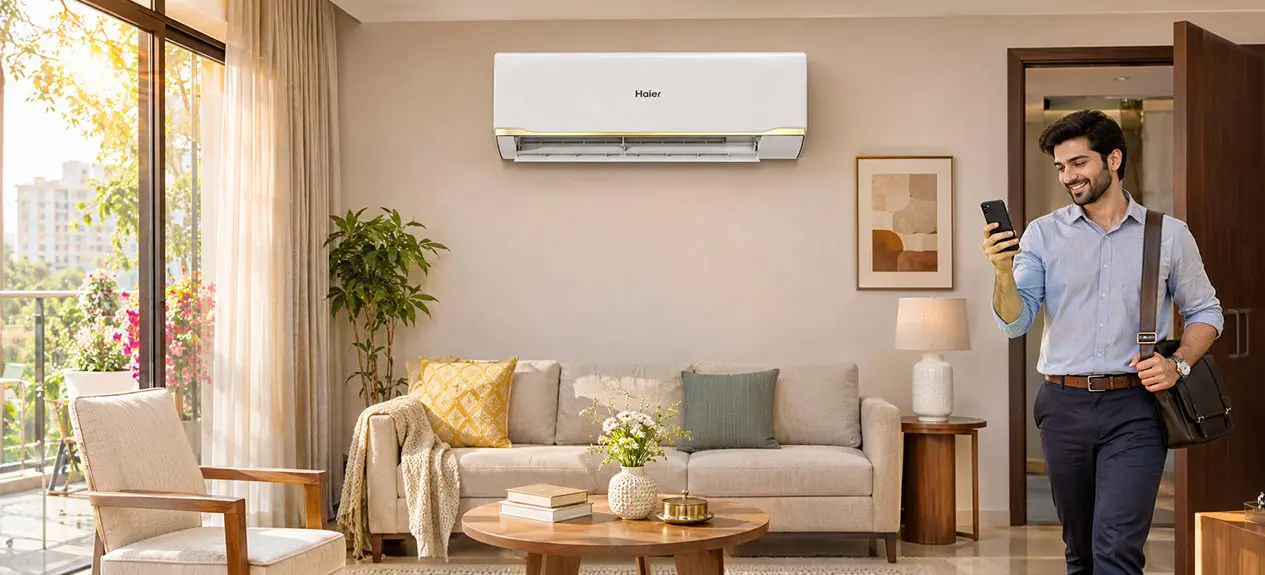

After a long day, especially in the summer, when you come home, you often walk into a room that feels warmer than the temperature outside. The heat builds up through the afternoon, and even after turning on the AC, it takes some time before the room feels comfortable.
This is where you might want to think about when your air conditioner runs. With changing work schedules, unpredictable travel times, and rising electricity costs, AC pre-cooling and scheduled cooling have become important features of modern households. What do they actually entail, and how do they fit into everyday cooling requirements?
To understand how AC manages indoor comfort, let’s take a deeper look at the function of pre-cooling.
What Is AC Pre-Cooling and How Does It Work?
AC pre-cooling is when you turn on an air conditioner before you enter a room so that it is more comfortable when you get there. The AC will kick on early instead of when you get home to cool down the house. This can be especially useful in summer, when rooms tend to hold heat for most of the day, and it’s harder to get the temperature down to a comfortable level right away.
The way AC pre-cooling works depends on what your air conditioner is capable of. The conventional models may have a built-in timer to switch on the cooling at a pre-set time, while the Wi-Fi-enabled ACs allow consumers to switch it on remotely through a smartphone app. Some smart ACs have smart features like location-based automation, which automatically starts cooling when the user is on the way home.
How Can You Schedule Your AC to Cool Before You Arrive?
If you schedule your AC, you can choose when you want it to start cooling based on when you expect to arrive. Most air conditioners with a built-in timer allow you to set the switch-on time or delay from the remote control. For example, you are able to set the AC to start a little before you usually get home at 7 PM. This is fine for households with a regular daily pattern, since the cooling schedule doesn’t need to be manually adjusted every day and the same schedule can be applied.
Wi-Fi-enabled air conditioners allow for more flexibility with smart AC scheduling through compatible mobile applications. Turn the AC on remotely, change the temperature, or update your schedule if your plans change. A few of the higher-end models also include geofencing, which utilises your phone’s location to start cooling when you enter a predetermined zone around your home.
What Are the Benefits of Pre-Cooling and Scheduled Cooling?
In addition to the convenience of daily use, pre-cooling and scheduled cooling AC can help you maintain a more comfortable indoor environment. The benefits are more apparent in the warmer months when the room temperature tends to rise throughout the day.
- Less heat build-up before you arrive. By starting the AC early, it can start to remove the heat that has built up in the room. This is especially useful in top-floor apartments and rooms facing the afternoon sun.
- More even cooling throughout your home. The pre-cooling allows time for the conditioned air to circulate through the space. This helps the major temperature differences between areas of the same room become less noticeable (Assuming the AC has enough cooling capacity).
- A cosy environment for kids and senior family members. Pre-cooling can be helpful if family members are especially sensitive to high indoor temperatures. It helps make the atmosphere more comfortable before they even walk into the room.”
- Less reliance on very low temperature settings. Sometimes when a room is hot, users try to make it cool faster by turning the thermostat down too low. Pre-cooling gives you more time to reach the desired temperature without having to set the thermostat unnecessarily low.
Pretty intrigued?
Read through Imagine Your Room Cooling Before You Even Arrive
How Can You Make AC Scheduling More Effective?
A good cooling program can help you stay at a comfortable temperature inside without having to run the AC any longer than necessary. Scheduling can be made more effective with a few simple adjustments, especially if your daily routine or cooling needs change.
- It takes time to cool your room down. The size of the room, the insulation and how much sunlight it gets can all affect how long it takes to cool. Pay attention to how long it takes your AC to cool your home to a comfortable temperature and use that to determine when to start cooling.
- Maintain proper temperature setting. A lot of homes will be comfortably cool with the thermostat set around 24-26°C. Do not set the temperature too low; it will not cool the room faster and will only increase electricity consumption unnecessarily.
- Check AC connectivity. Make sure you have a stable Wi-Fi connection and allow the smartphone the required permissions to schedule the smart AC. This is particularly the case for remote operation and location-based cooling features.
- Match cooling requirements to the mode of operation. If you would like to lower the temperature in the room, use the standard cooling mode. If your AC has Eco or AI-based cooling modes, then it can help in controlling compressor operation and electricity consumption.
How Haier ACs Make Pre-Cooling and Smart Scheduling Easier
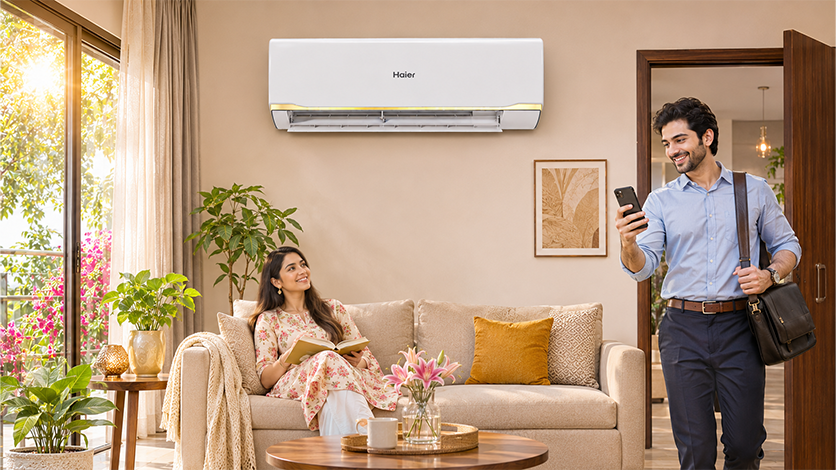
At Haier, we combine location-based automation, smartphone connectivity and intelligent temperature management to make everyday cooling more convenient. In the AI-enabled ACs of our choice, each tech plays a different role, prepping up your home before you arrive and maintaining comfortable temperatures throughout the day.
- AI Pre-Cooling cools down before you arrive home
Our AI-AtmoX Pre-Cooling technology uses geofencing to detect when you are on your way home. For supported models, you are able to configure the distance from 100 to 1,000 meters in our Hai Smart App. When you enter the chosen range, the AC automatically starts cooling, and when you leave it, the AC switches off.
- Hai Smart App allows you to control the cooling remotely
You can also control compatible ACs directly from your smartphone with our Hai Smart App. With our connected controls, you have more flexibility than a fixed timer. Switch the AC on before you leave work, adjust the temperature while travelling, or control supported smart features.
- AI Climate Control 2.0 learns your cooling requirements for the day
AI Climate Control 2.0 factors in indoor and outdoor conditions, preferred temperature settings and previous usage patterns to adjust cooling performance. Over time, the system learns your cooling patterns and responds to your changing needs, allowing you to keep indoor temperatures comfortable while minimising unnecessary cooling.
- These technologies are combined in our Desert Rose and Spartan AI ACs
Our Desert Rose Super Heavy Duty AI Smart AC features AI Pre-Cooling, AI Climate Control 2.0 and AI-AtmoX Power Manager for location-based cooling, personalised comfort and electricity monitoring. Likewise, our Spartan AI Smart Tower AC combines geofencing-enabled pre-cooling with smart climate management. With these technologies we hope to make cooling easier to manage around your daily routine and individual features are dependent on the selected model.
Conclusion
With Pre-cooling and scheduled cooling, you can control your AC as per your daily routine. The right setup can mean a comfortable room when you arrive, whether it’s via a timer, smartphone control or geofencing.
Shop our Haier air conditioners for connected cooling features that are perfect for your home.
Frequently Asked Questions
What is pre-cooling on an AC?
That’s the AC pre-cooling feature that allows an air conditioner to cool a room before you get there. This brings the indoor temperature closer to your desired setting ahead of time so you don’t have to wait as long for the room to reach a comfortable temperature.
Can you schedule an AC to turn on before you arrive?
Yes, many modern air conditioners allow you to schedule your cooling with built-in timers or smartphone apps. You are able to set the AC to turn on at a specific time, and some smart ones will turn on just as you get home, based on your location.
Does pre-cooling save electricity?
Pre-cooling does not necessarily lead to lower electricity consumption, as the AC will run for a longer time. But smart scheduling lets you avoid unnecessary cooling, because you only run when needed. The amount of electricity consumed will depend on the AC’s efficiency, the temperature settings and the duration of cooling.
How do I set an AC timer?
Press the timer button on your remote control and select the desired switch-on time or delay. The setting is in your model instructions. Some smart ACs let you create or edit schedules right from their mobile apps.
What is the smart AC?
A smart AC is an air conditioner with connected controls for easier cooling management. It can also offer Wi-Fi connectivity, smartphone control, and automatic temperature control and scheduling, depending on the model. Smarter models also use AI to react to the room conditions and the preferences of the user.
Can I control my AC from my phone?
Yes, Wi-Fi-enabled air conditioners can be controlled via compatible smartphone apps. Some Haier ACs, for example, support the Hai Smart App, with which users can switch their AC on or off, adjust temperature settings, and control supported smart cooling features remotely, if the necessary connectivity is available.