
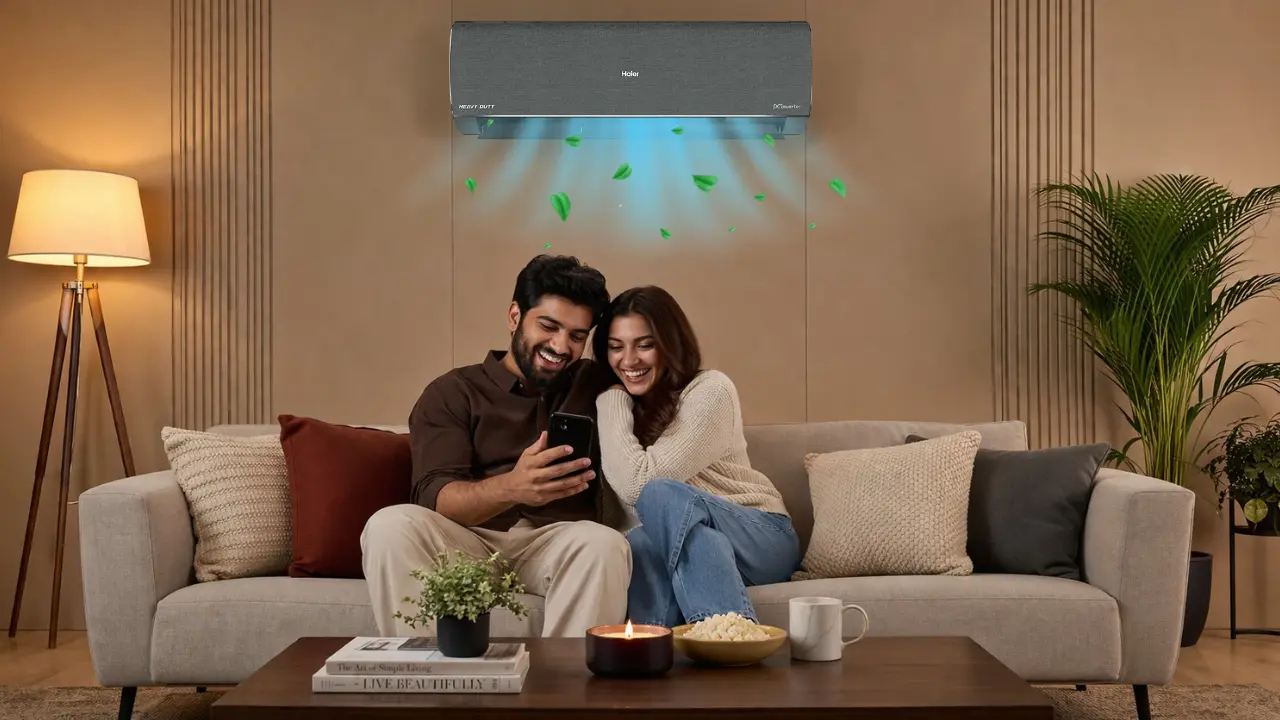

AI adjusts cooling based on room occupancy by detecting human presence, learning usage patterns, and dynamically controlling airflow and power.
It cools only when and where needed, reduces energy waste when spaces are empty, and delivers comfort automatically without constant manual input.
The moment you leave the room, what should your AC do?
Picture this.
It is 10:45 PM. The living room is finally quiet. The TV is off. Someone has walked into the bedroom. The AC in the living room continues to run. Cooling an empty space.
That is how most homes operate today.
Now imagine a different system.
The AC notices no one is in the room. It slows down. Then switches to energy-saving mode. If no one returns, it turns off.
No reminder. No remote. No second thought.
That is the shift AI brings to cooling.
Cooling is no longer reactive. It becomes aware.
What does “AI adjusting cooling based on room occupancy” really mean?
At its simplest, it means this:
- The AC knows if someone is in the room
- It understands how the room is being used
- It changes cooling automatically
But under the surface, a more interesting system is at work.
According to the AI Atmox system , modern AI-powered ACs combine human detection, environmental sensing, and behavioral learning to continuously optimize cooling.
Three layers that make it work
- Sensing the room
- Motion sensors detect human presence within a defined range, often up to 12 meters
- Temperature and humidity sensors track real-time conditions
- Some systems even map airflow patterns inside the room
- Understanding behavior
- Tracks when the AC is used
- Learns preferred temperatures and durations
- Builds a usage pattern over time
- Responding intelligently
- Adjusts cooling output
- Changes fan speed and direction
- Switches to energy-saving mode when needed
The AC stops being a machine. It becomes a system.
Why traditional cooling systems fall short
Most ACs today follow a simple rule.
Set temperature. Maintain temperature.
That is it.
They do not ask:
- Is anyone in the room?
- Is cooling needed right now?
- Can we reduce power without affecting comfort?
This creates three common problems:
| Problem | What Happens | Cost |
| Overcooling | AC keeps running even when room is empty | Higher electricity bills |
| Manual dependency | Constant remote adjustments needed | Friction in daily life |
| Uniform cooling | Entire room cooled equally | Energy waste |
Traditional ACs cool spaces. AI ACs understand spaces.
How AI human detection changes everything
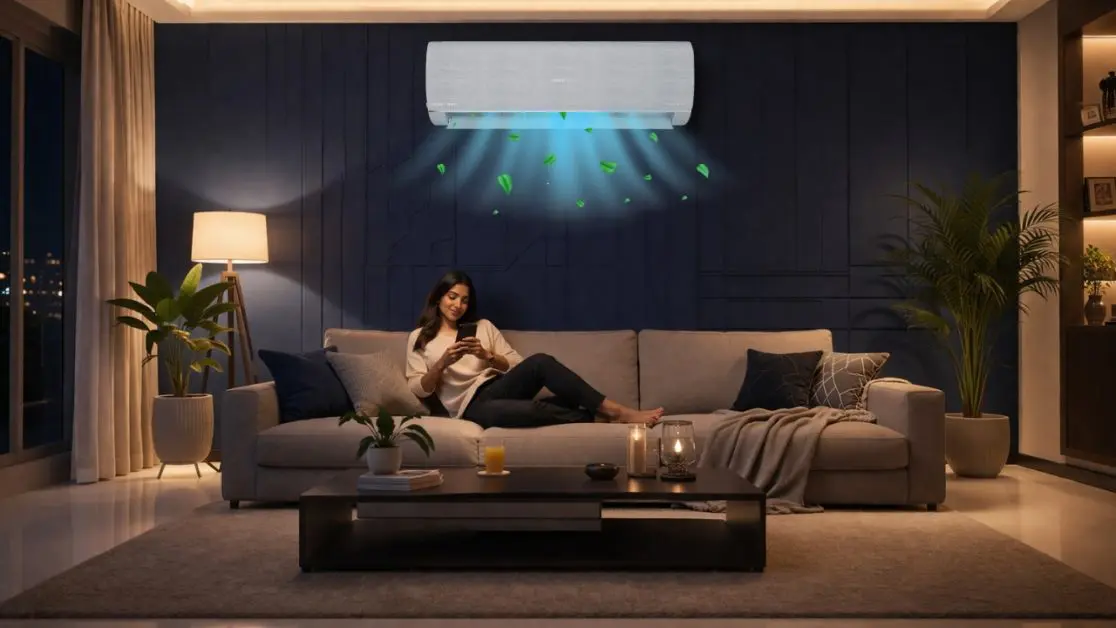
This is where occupancy-based cooling becomes powerful.
AI-powered systems use human detection to make real-time decisions.
What actually happens inside the system
- Sensors detect movement or presence
- If no activity is detected, cooling reduces automatically
- After a fixed period, the system may switch off completely
As explained in the AI Atmox framework , some systems:
- Shift to lower energy modes within minutes
- Turn off automatically after inactivity
- Resume optimal cooling when someone re-enters
The invisible benefit
You do nothing.
And yet:
- Electricity consumption drops
- Cooling feels more balanced
- The system works quietly in the background
The best technology removes decisions, not adds them.
Three ways AI adjusts cooling based on occupancy
Not all AI cooling systems work the same way. But most follow three core approaches.
One: Presence-based cooling
The AC reacts to whether someone is in the room.
- Detects movement
- Maintains cooling when occupied
- Reduces or stops cooling when empty
Best for: Living rooms, shared spaces
Benefit: Eliminates wasted cooling
Two: Pre-cooling occupancy cooling
The AC anticipates your arrival.
- Uses location or usage patterns
- Starts cooling before you enter
- Ensures instant comfort
As highlighted in AI Pre-Cooling systems :
- Geofencing can detect when you are near home
- Cooling begins automatically
- No waiting time after entry
Best for: Working professionals, daily routines
Benefit: Comfort without delay
Three: Targeted cooling based on position
The AC cools where people are sitting.
- Maps room layout
- Directs airflow to occupied zones
- Avoids cooling unused areas
From AI Target Cooling systems :
- Airflow focuses on specific seating zones
- Reduces energy waste
- Improves comfort precision
Best for: Large rooms, families
Benefit: Faster cooling with less energy
The real gain is not cooling. It is controlled.
Most people think this is about temperature.
It is not.
It is about control over energy, comfort, and time.
What you gain with occupancy-based cooling
- Energy savings
AI Eco 2.0 modes adjust power levels dynamically based on room conditions - Lower electricity bills
Systems monitor usage and optimize consumption automatically - Less manual effort
No constant temperature adjustments - Consistent comfort
No sudden overcooling or uneven airflow
A simple comparison
| Factor | Traditional AC | AI Occupancy-Based AC |
| Energy usage | Constant | Adaptive |
| User effort | High | Minimal |
| Cooling style | Uniform | Personalized |
| Efficiency | Fixed | Dynamic |
Efficiency is no longer a setting. It becomes behavior.
Where this matters most in Indian homes
This is not just about technology. It is about context.
Indian homes are dynamic.
- Rooms are used differently throughout the day
- Families move between spaces constantly
- Weather shifts rapidly between seasons
Real-life scenarios
1. The evening family shift
The living room cools during TV time. Turns efficient once everyone moves to bedrooms.
2. The work-from-home routine
Cooling follows your presence, not your schedule.
3. The afternoon empty home
AC does not run unnecessarily when no one is around.
4. The late-night sleep cycle
Cooling reduces gradually as the room stabilizes.
Smart cooling fits Indian living patterns because it adapts, not dictates.
The hidden system: learning, not just reacting
The most powerful part of AI cooling is not detection.
It is learning.
According to AI Climate Control systems :
- The AC tracks usage duration
- Observes preferred settings
- Builds a personalized consumption model
Over time, the system knows:
- When you usually switch on the AC
- How long you use it
- What temperature feels comfortable
It stops waiting for instructions. It starts anticipating needs.
What should you look for in an AI cooling system?
If occupancy-based cooling matters, not all systems are equal.
Key features that actually make a difference
- AI Human Detection
Detects presence and adjusts automatically - AI Eco 2.0 Mode
Optimizes power consumption dynamically - AI Target Cooling
Focuses airflow where needed - AI Pre-Cooling
Prepares the room before arrival - Electricity monitoring 2.0
Tracks and visualizes energy usage
These are not features.
They are parts of a system.
So what changes when cooling starts thinking?
A small shift happens.
You stop interacting with the AC.
And the AC starts interacting with your life.
No reminders.
No adjustments.
No second guessing.
Just consistent comfort.
The bigger idea: homes that respond, not wait
This is not just about air conditioners.
It is about how homes are evolving.
From:
- Manual control
To - Intelligent response
From:
- Static settings
To - Adaptive systems
From:
- Devices
To - ecosystems
The future of homes is not smart because it connects. It is smart because it understands.
The one insight that stays
Cooling used to be about lowering temperature.
Now it is about understanding presence.
And once a system understands presence, everything else becomes simpler.
Less waste.
Less effort.
More comfort.
That is the quiet upgrade most homes do not realize they need.
Until they experience it.
Frequently Asked Questions
Do I really need an AI AC, or is my current one good enough?
If you’re okay manually adjusting settings and paying for unused cooling, your current AC works. But AI ACs remove effort and reduce waste automatically.
Why do I keep adjusting my AC temperature at night?
Because traditional ACs don’t adapt. They maintain one setting even as your comfort needs change.
Is AI cooling just a luxury feature or actually useful?
It’s practical. It reduces energy bills, eliminates manual control, and improves comfort consistency.
Does AI cooling make the room cool slower to save energy?
No. It balances both fast cooling when needed and reduced power when possible.
What is targeted cooling and does it really make a difference?
It directs airflow toward occupied areas, cooling faster while using less energy.
Will some parts of the room feel warmer with AI cooling?
Slightly, if those areas are unused but that’s intentional to save energy.
How does an AI AC know I’m in the room?
Through motion sensors, heat detection, and sometimes presence mapping.
What is pre-cooling and how does it work?
It starts cooling before you arrive using location data or learned routines.
Does the AC really learn my habits over time?
Yes. It tracks usage patterns, preferred temperatures, and timings.
Can I still control everything manually?
Absolutely. AI enhances control, it doesn’t remove it.