
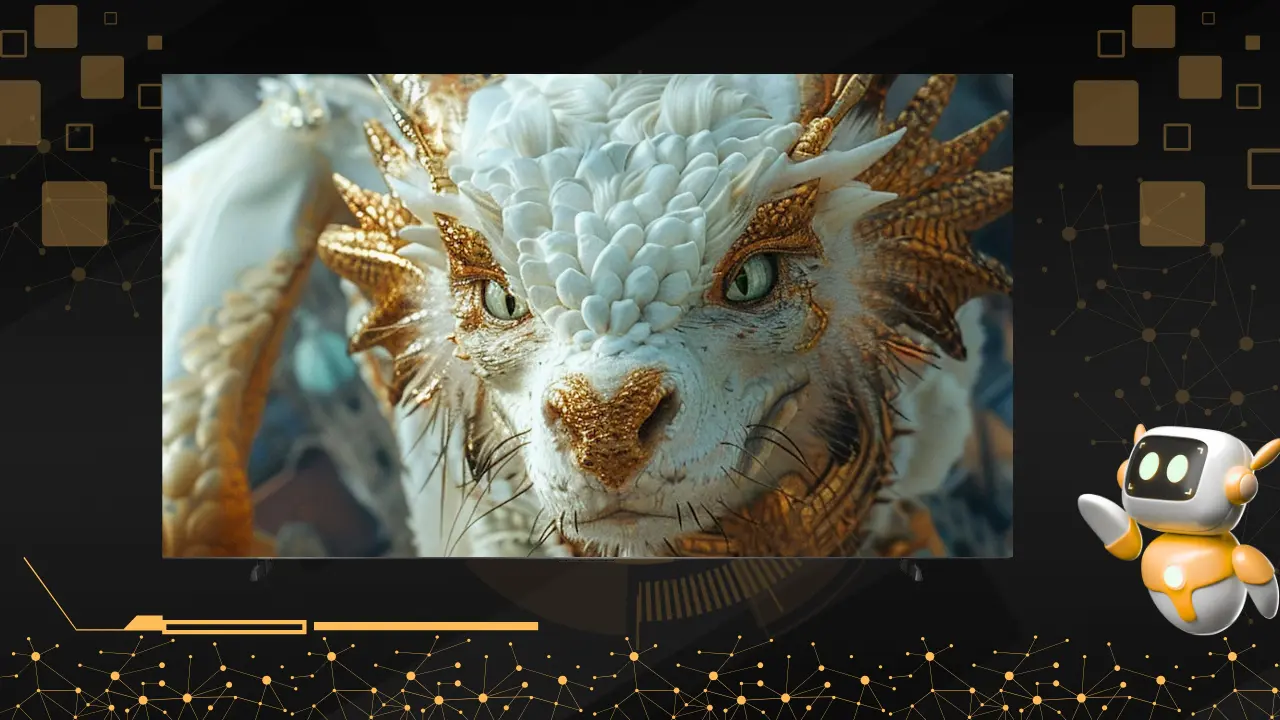

AI upscaling uses intelligent algorithms to analyse every frame, understand what should be visible, and rebuild missing detail so lower-resolution content looks sharper, clearer, and more natural on large modern TVs.
It does not stretch pixels. It reconstructs intent.
That single shift quietly changes how we experience screens at home.
The moment you realise the screen is not the problem
It happens on an ordinary evening.
You play an old cricket highlight.
A comfort-movie your parents have watched for years.
A YouTube video recorded long before 4K became normal.
On a big screen, something feels off.
Faces lack definition.
Text looks soft.
Motion does not fully hold together.
Nothing is broken.
The screen has simply outgrown the content.
This is the real reason AI upscaling exists.
Why lower-resolution content struggles on today’s TVs
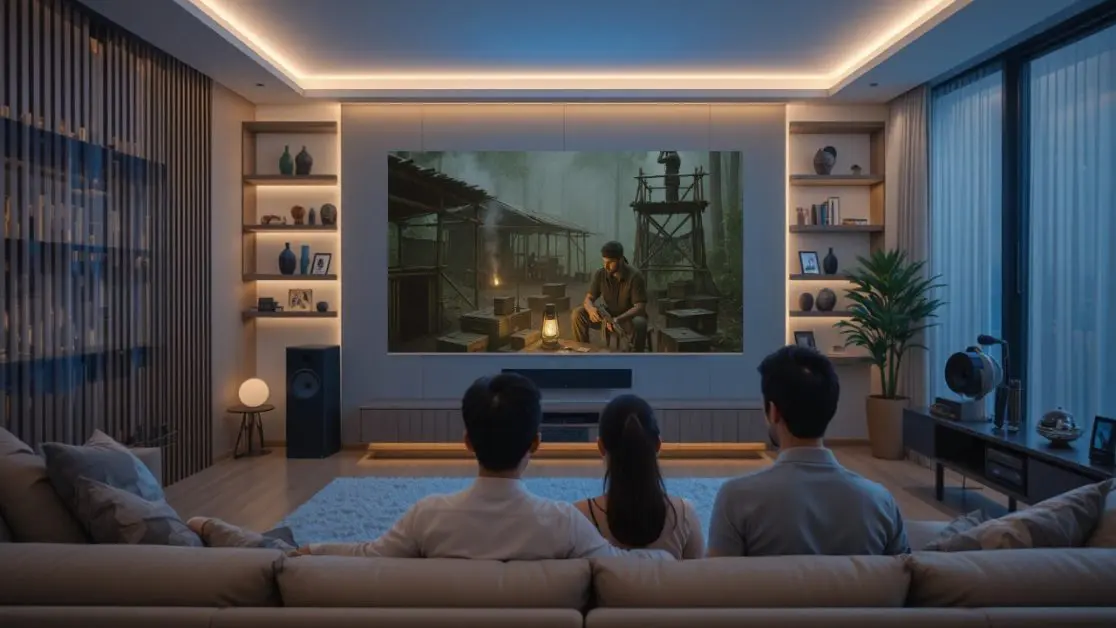
Most everyday content is still not native 4K.
- Cable TV feeds remain HD or lower
- Older OTT shows were mastered years ago
- Home videos vary wildly in quality
- Live sports are compressed to travel faster
When this content hits a large display, the TV must decide how to fill the extra space.
One option is simple scaling.
Fast, basic, and visibly soft.
The other option is AI upscaling.
Slower, smarter, and far more natural.
The difference is immediately visible.
What AI upscaling actually does behind the scenes
AI upscaling is not a visual filter.
It is a decision-making system.
Instead of asking, “How do I stretch this image?” it asks a better question.
What should this scene look like if it had more information?
To answer that, the system works in real time:
- It recognises what is on screen
Faces, text, grass, skin tones, fast motion, shadows. - It references learned visual patterns
Millions of examples teach the system how real-world detail behaves. - It reconstructs missing detail
Edges, depth, and texture are rebuilt intelligently, not randomly.
The result is clarity without harshness.
An everyday analogy that explains it simply
Imagine enlarging a small passport photo.
A photocopier makes it blurry.
An experienced artist redraws it with better proportions and detail.
AI upscaling behaves like that artist.
The pixels stay limited.
The understanding does not.
Where AI upscaling makes the biggest difference at home
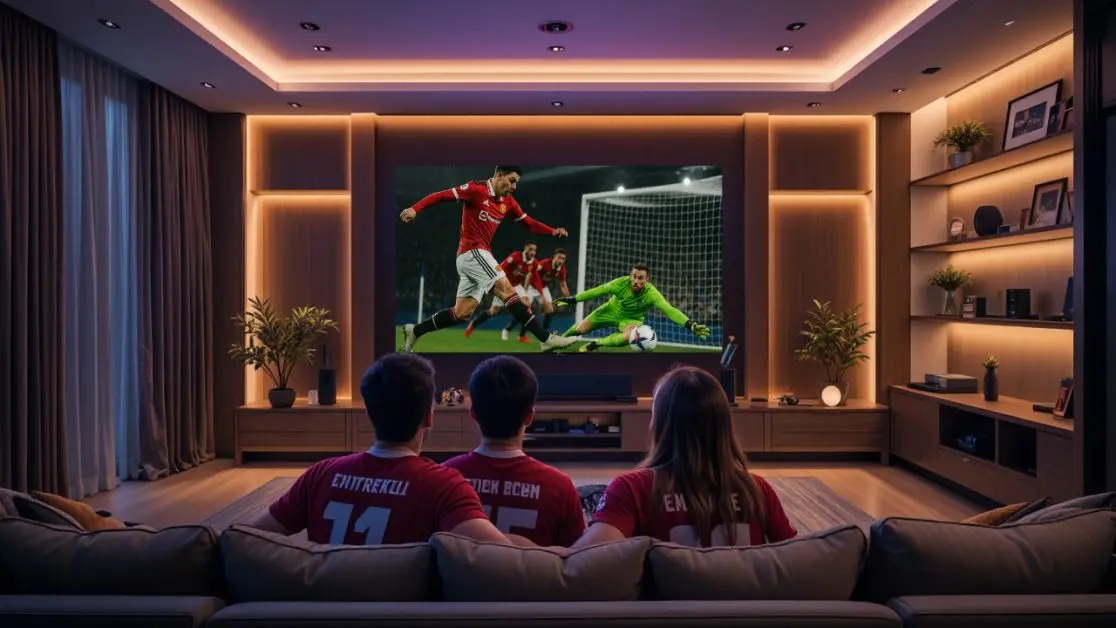
1. Live sports and match replays
Cricket exposes weak video instantly.
Fast ball movement.
Wide stadium shots.
Constant camera panning.
AI upscaling improves:
- Ball visibility during fast deliveries
- Texture on the pitch and field
- Stability during rapid camera movement
On large screens, this difference matters.
2. Older movies and TV shows
Classic content was never designed for today’s display sizes.
AI upscaling helps by:
- Cleaning edges without erasing character
- Improving facial detail naturally
- Balancing contrast in darker scenes
Parents often notice this before anyone else.
They may not know why it looks better.
They just feel it.
3. YouTube and everyday streaming
Most online videos are heavily compressed.
AI upscaling reduces:
- Blocky backgrounds
- Soft text in explainers
- Visual noise during fast cuts
This is why casual content suddenly feels comfortable on a big TV.
Why the AI system matters more than raw specifications
Not all AI upscaling works the same way.
Some TVs apply one generic enhancement across everything.
Better systems adapt scene by scene.
Advanced setups combine:
- Scene detection
- Motion tracking
- Depth enhancement
- Colour optimisation
This is where integrated AI platforms stand out.
For example, the Haier S90 QLED 254cm (100) Google TV AI Center Max uses a dedicated AI Ultra Sense Processor that analyses visuals frame by frame, applying AI super-resolution, AI motion control, AI depth enhancement, and AI colour tuning as one connected system rather than isolated features.
The insight is simple.
Upscaling works best when it understands context, not just pixels.
Costs and benefits of AI upscaling in real homes
The benefits
- Makes older content feel future-ready
- Reduces dependence on only 4K-native content
- Improves comfort on very large screens
- Extends the value of existing subscriptions
The trade-offs
- Requires stronger processing power
- Needs careful tuning to avoid over-sharpening
- Demands smarter calibration across content types
Good systems disappear into the background.
Bad ones constantly remind you they are working.
Why this matters especially in Indian households
Indian viewing habits are layered.
Old movies and new releases share the same screen.
Live sports sit beside family dramas.
Cable TV and OTT coexist.
AI upscaling respects this mix.
It does not force you to replace everything else.
It adapts to what you already watch.
That is the kind of technology that fits real homes.
The larger lesson AI upscaling quietly teaches
Constraints create intelligence.
Screens evolved faster than content quality.
Instead of waiting for the world to catch up, engineers taught TVs to adapt.
The best systems do not demand perfection upstream.
They improve outcomes downstream.
AI upscaling is not about resolution numbers.
It is about respecting attention.
How to judge AI upscaling without technical jargon
When you evaluate a TV, ask human questions:
- Do older shows feel comfortable to watch?
- Do faces look natural, not overly sharp?
- Does motion stay stable during sports?
- Do dark scenes keep their detail?
If the answer is yes, the AI system is doing its job.
Quietly.
One final thought
Big screens reveal everything.
AI upscaling decides whether that truth feels harsh or human.
When done right, it allows every kind of content to belong on a modern display. Old, new, polished, imperfect.
That is when a TV stops feeling like a specification sheet and starts feeling like part of the home.
Frequently Asked Questions
Does AI upscaling just stretch pixels?
No. Simple scaling stretches pixels. AI upscaling analyses scenes, recognises objects (faces, text, motion), and reconstructs what should be there.
Is AI upscaling a filter that sharpens everything?
Good systems don’t apply blanket sharpening. They enhance selectively, edges, depth, and textures, without making faces or motion look artificial.
Does AI upscaling really help during live sports?
Yes, especially with motion tracking, depth enhancement, and stabilisation. It improves ball visibility, pitch texture, and camera smoothness.
Why do my parents say old movies “feel better” on some TVs?
AI upscaling cleans edges, improves facial clarity, and balances contrast without erasing the original character of classic films.
Will AI upscaling ruin the cinematic look of old content?
Poor systems can. Well-tuned AI preserves grain, avoids harsh sharpening, and keeps skin tones natural.
Do all TVs with “AI upscaling” perform the same?
No. Some apply a single enhancement globally. Advanced systems adapt scene by scene using multiple AI models working together.
Can you give a real example of this approach?
TVs like the Haier S90 QLED 254 cm (100) Google TV use a dedicated AI processor that analyses each frame holistically rather than stacking isolated features.