
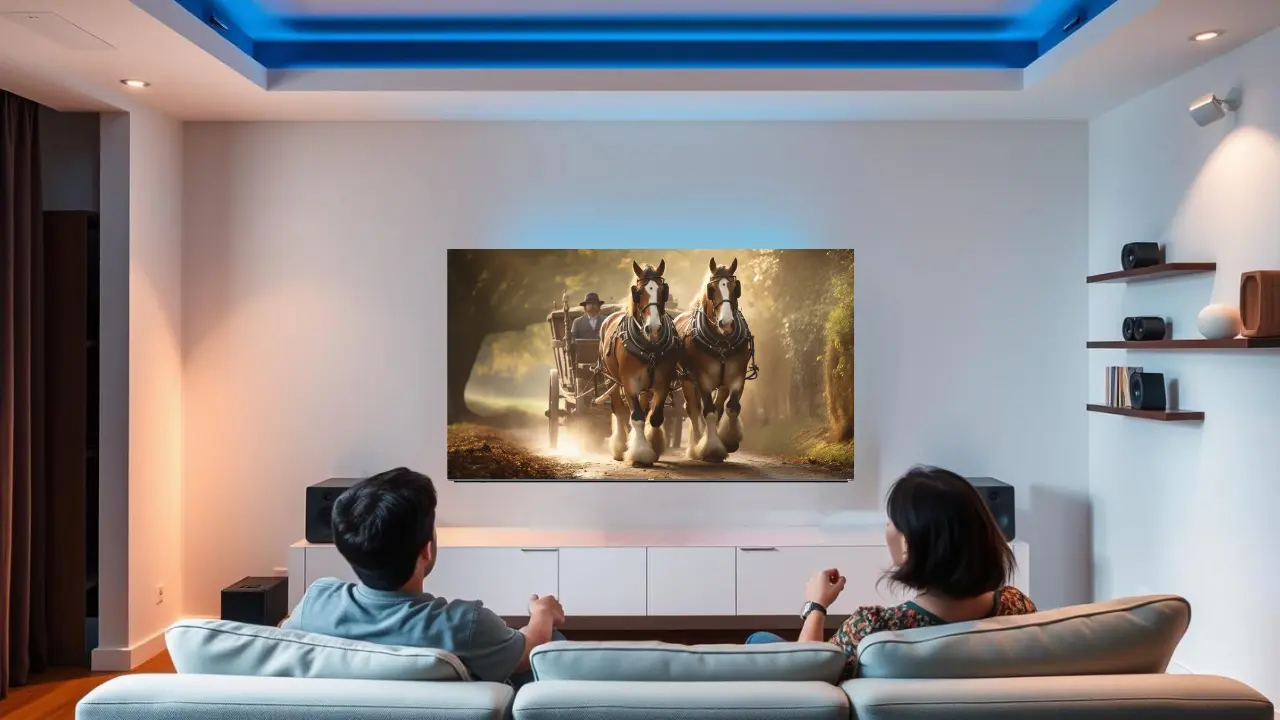

Your monsoon movie nights just got a more fun way to enjoy them
Thunders roar from outside and raw mud scent fills the air. You’ve made yourself a hot cup of Chai and maybe even some leftovers samosas. As you get comfortable on your sofa, you play that one movie which you have been wanting to watch forever. Five minutes in, you’re adjusting the brightness or fumbling with the volume.
If this scenario sounds like a struggle during rainy evenings, then rest assured, you are not alone.
It’s relaxing to embrace the thunder while watching movies. That feeling is what we tend to forget as Indians which adds towards our cinematic heavens filled with dew and magic on screen right for this season .
Why monsoon TV watching is so tricky and so rewarding
Rainy weather changes everything. Light levels drop. Sounds get muffled. Thunder makes dialogues harder to hear. Even the way your walls reflect light affects your viewing.
So the same TV settings that worked on a bright summer afternoon? Useless during monsoon.
But here’s the good news. If you tweak a few settings and understand what your TV is actually capable of, you’ll turn every rainy evening into a cinematic experience that feels tailor-made.
Especially if you’re using a Mini LED TV with smart features.
Step 1: Use the mode your TV was actually built for

Most people leave their TV in “Standard” or “Vivid” mode. But those modes are made for showroom lights, not cozy monsoon evenings.
For movie nights when it’s raining and thundering outside, switch to something like:
- Cinema Mode
- Filmmaker Mode
- Movie Mode
Why this matters: These modes adjust the colour temperature, contrast, and brightness to show movies as they were meant to be seen without over-sharpening or blowing out the colours.
If you’re using a Mini LED TV, you’re in luck. The built-in Dolby Vision mode works beautifully with rain-lit rooms. It highlights details in dark scenes, shows deeper blacks, and makes even candlelight look real.
So whether it’s a quiet love story or a moody crime thriller, the rain outside won’t ruin the depth of the scenes inside your screen.
Step 2: Don’t overdo brightness it’s not what you think
This is a common mistake. People crank up brightness thinking it’ll help. What actually helps is raising the backlight slightly while keeping brightness moderate.
Here’s what you can try:
- Brightness: 45 to 55
- Backlight / Panel Light: 70 to 80
- Contrast: 85 to 90
- Gamma: Set to 2.2 for most living rooms
Mini LED range with 180 to 360 dimming zones does something clever here. It adjusts the brightness across different parts of the screen in real time. So even if the movie jumps from a candle-lit room to a lightning-lit sky, the transition feels natural.
That’s the kind of smoothness you want when watching something like The Family Man or a moody Malayalam thriller during rain.
Step 3: That motion blur isn’t your eyes it’s your TV
Ever noticed how during action scenes or panning shots, things feel too jittery or weirdly smooth?
That’s your motion settings doing their thing. Most TVs have something called MEMC or motion interpolation. It’s what makes high-speed visuals look smoother.
But during monsoon, this needs balance.
Here’s what works:
- Turn on Motion Smoothing
- Set it to Low or Medium
- Avoid High it makes everything look like a reality show
Mini LED TVs have MEMC 60 Hz and DLG 120 Hz depending on the model. That means your action scenes will stay crisp without looking fake. Especially helpful when watching fast-paced thrillers or sports during unpredictable power lighting.
Step 4: Let the sound match the mood
Now, let’s talk about sound. This is where the monsoon causes real trouble. Thunder outside. Rain hitting windows. Dogs barking in the distance. All that can easily drown your movie’s audio.
So first ditch the default sound mode.
Choose something like:
- Cinema Audio Mode
- Clear Voice / Dialogue Enhancer: ON
- Surround Sound: ON
Haier’s Mini LED TVs come with Sound by KEF and Dolby Atmos. That’s a game changer.
What it means in simple terms:
- You’ll hear rain falling all around you, not just from the front
- Dialogues become clearer even in scenes with heavy background scores
- The 50W 2.1 channel system ensures the bass is deep, but never muddy
So that whisper in a horror movie? It won’t get lost in real thunder outside.
Step 5: Auto brightness is secretly ruining your experience
Here’s a setting that sneaks in and messes up everything.
Most TVs come with Eco Mode, Power Saving, or Ambient Sensor features. These change your screen’s brightness based on the room light. Which sounds helpful, until monsoon clouds keep confusing your TV.
One second your screen looks fine, the next it’s too dark or too bright.
What to do:
- Go to Picture Settings
- Switch off anything that says “Auto” or “Eco”
- Set your own preferred brightness and stick to it
Lock it once and let your chai cool down in peace.
Step 6: Warm up the colours for cozy monsoon feels
When it’s grey and cloudy outside, you don’t want your TV showing cold, blue-toned colours. It makes everything feel harsh and unnatural.
So go to:
- Colour Temperature Settings
- Choose “Warm 1” or “Warm 2”
This tiny change makes everything feel softer. Skin tones look real. Candlelight scenes glow. Even rainy scenes on screen feel more comforting than depressing.
Pro tip: This setting works brilliantly with South Indian dramas and romantic films.
Step 7: Fix the room, not just the TV
This might sound odd, but the room you’re watching in matters as much as your settings.
Here’s how to set the mood:
- Keep one warm lamp on in the background
- Use heavy curtains to block flashing lightning
- If you have a white wall behind your TV, stick a warm LED strip behind the screen for ambient glow
This setup helps your eyes adjust naturally. No more sudden eye strain when scenes change from bright to dark.
Step 8: Use your voice. Literally

Monsoon is a time for pakoras, not remote hunts.
All Haier Mini LED TVs come with Hands-Free Voice Control. That means:
- You can ask Google to play a movie
- Adjust volume while carrying snacks
- Switch settings without pressing a single button
Just say “Hey Google, change picture mode to Cinema” or “Play Mirzapur on Prime Video.”
That’s it. Your TV listens.
Step 9: Don’t ignore audio delay or sync issues
Rain can mess with your Wi-Fi. Your streaming might buffer. But sometimes the audio goes out of sync too.
Here’s how to fix it:
- In Audio Settings, look for “AV Sync” or “Lip Sync”
- Adjust the slider slightly until voices match lip movements
This is one of those small tricks that makes a huge difference when watching dialogue-heavy shows.
Which TV size is perfect for the monsoon mood?
Depends on how and where you watch.
| Screen Size | Perfect For | Model |
| 65 inch | Bedrooms and compact living spaces | Haier H65M80FUX |
| 75 inch | Medium-sized family rooms | Haier H75M80FUX |
| 85 inch | Full-blown home theatre vibes | Haier H85M80FUX |
Every model includes:
- Mini LED tech for better light control
- Dolby Vision + HDR10
- Sound by KEF + Dolby Atmos
- Google TV and hands-free control
- Solar remote and eco-friendly standby
So whether you’re bingeing a crime series at midnight or watching rain-themed films like Barfi or Wake Up Sid, the vibe stays uninterrupted.
Final touch: Make the monsoon your co-watcher, not a distraction
The idea is simple. You shouldn’t have to fight the weather to enjoy your entertainment.
With the right settings and a smart TV that knows how to handle contrast, depth, and audio balance, the thunder outside starts to feel like part of the background score. The rain becomes a soft partner in your evening plan, not a reason to give up on your favourite scenes.
Binge better this monsoon with Haier Mini LED TVs
If you’re looking for a TV that understands Indian monsoons as well as you do, take a look at Haier’s Mini LED range. Whether it’s the compact 65-inch or the giant 85-inch screen, each model is built for immersive rainy-day viewing.
- Vibrant colours, deep blacks, and wide viewing angles
- Sound by KEF that brings out every dialogue
- Dolby Vision for rain-kissed realism
- Motion clarity without the weird soap-opera effect
- Smart control that doesn’t need a remote
Ready to turn this monsoon into your best movie season yet?
Explore the Haier Mini LED TV range at Haier India and let your screen rise to the occasion even when the clouds fall.