


Motion sensor display panels activate automatically when you approach, lighting up controls only when needed.
They reduce touch, conserve energy, and make everyday appliance use feel intuitive. In busy Indian homes where hands are often wet, occupied, or rushed, this small design shift quietly transforms daily life.
It sounds like a tiny upgrade.
It is not.
Why should you have to wake a screen that already knows you’re there?
It is late evening.
The kitchen lights are dim. You walk toward your refrigerator for water. Traditionally, you tap the panel. Wait for it to glow. Then adjust.
Now imagine this instead.
As you step closer, the display lights up automatically.
No tapping.
No smudges.
No delay.
This is what a motion sensor display panel does. It removes a micro-step.
And micro-steps, repeated daily, shape comfort.
Convenience is not about drama. It is about rhythm.
What Is a Motion Sensor Display Panel in Simple Terms?
A motion sensor display panel uses a proximity sensor to detect when someone comes near. When you approach within roughly one metre, the display activates automatically. When you walk away, it turns off.
In the Haier 630L Black Glass 4-Door Lumiere Refrigerator HRB-700KGU1, this motion sensor feature activates the colorful dynamic display when you approach within one metre .
That small response signals something bigger.
The appliance adapts first.
How It Works
- A built-in proximity sensor tracks movement.
- The display remains off to conserve energy.
- As you approach, the panel lights up.
- When you leave, it switches off automatically.
No unnecessary glow.
No wasted power.
No extra effort.
Why This Feature Feels Bigger Than It Looks
Motion sensor display panels are not flashy features. They are friction removers.
Let us break it down with real scenarios.
1. Wet Hands During Cooking
You are rinsing spinach. Your hands are damp. You want to check temperature settings.
With motion activation, the panel lights up before you even touch it. Less unnecessary contact. Cleaner surface.
2. Night-Time Kitchen Runs
It is 2 am. You want chilled water.
An always-on bright panel feels harsh in darkness. A motion-based display activates only when needed, aligning with energy-saving intent and thoughtful design .
Comfort is often about light control.
3. Children at Home
Kids love tapping screens.
A display that activates intentionally, rather than glowing constantly, subtly reduces random interaction.
Design influences behaviour.
That is the hidden system.
Energy Efficiency: The Invisible Advantage
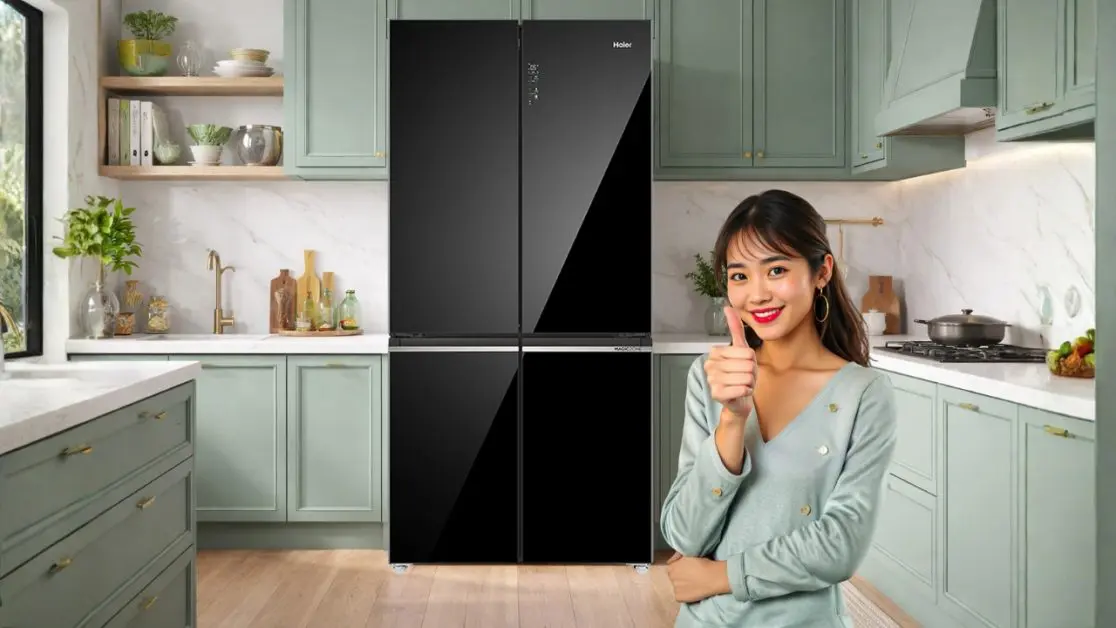
A constantly lit panel consumes standby energy. It may be small, but over years, it adds up.
The Haier 630L Black Glass 4-Door Lumiere Refrigerator HRB-700KGU1 combines motion sensor activation with Smart Sense AI that adjusts temperature based on usage patterns .
Layer that with its inverter compressor and efficient cooling system, and the pattern becomes clear.
Cost and Benefit Snapshot
| Feature | Upfront Cost | Long-Term Benefit |
| Motion Sensor Display | Minimal hardware addition | Reduced standby display consumption |
| Inverter Compressor | Higher initial investment | Lower electricity bills over time |
| Smart Sense AI | Advanced integration | Temperature optimisation based on use |
According to the Bureau of Energy Efficiency, inverter-based appliances can reduce energy consumption significantly over conventional systems.
One percent efficiency daily becomes meaningful over ten years.
Smart design compounds.
Touchless Living Is the Direction, Not the Trend
Airports use motion sensors for lighting. Offices use proximity-based systems for hygiene.
Homes are following the same path.
Motion sensor display panels reduce unnecessary contact while keeping interaction seamless.
When paired with ABT Pro Technology that removes up to 99.99 percent of bacteria and viruses, the message becomes layered.
Safety is not a single feature.
It is a system.
Aesthetic Intelligence: Beauty When It Sleeps
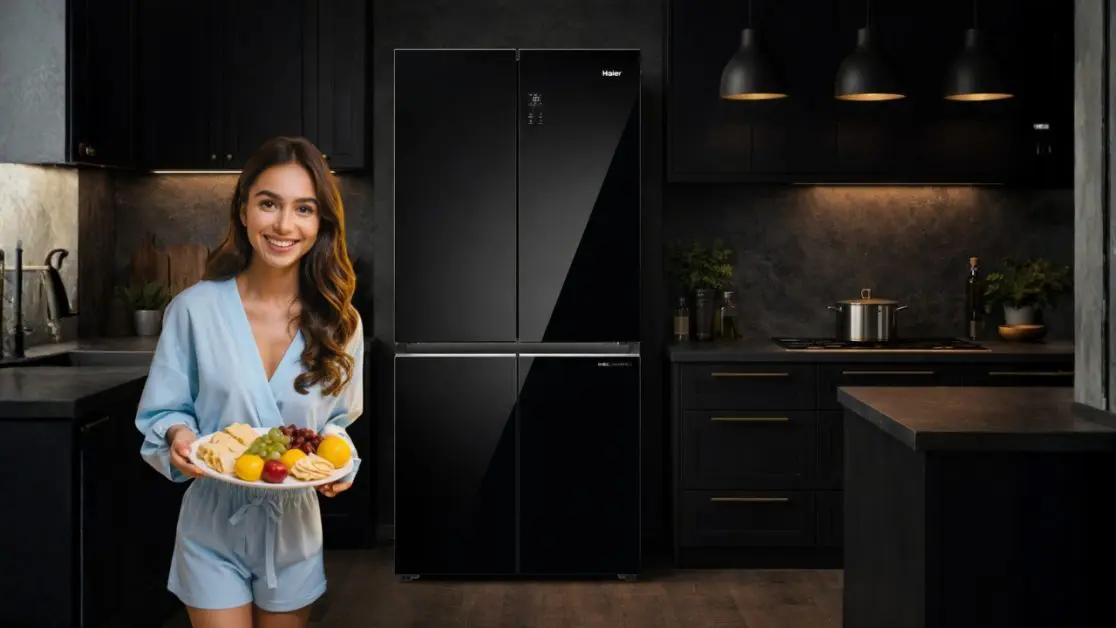
Modern Indian kitchens lean towards clean finishes. Matte surfaces. Glass accents. Warm lighting.
The premium black glass finish of the Haier 630L Black Glass 4-Door Lumiere Refrigerator HRB-700KGU1 reinforces a sleek visual language .
A constantly glowing panel disrupts that minimalism.
A motion-activated display respects it.
When inactive, the refrigerator looks seamless.
When active, it feels responsive.
Elegance is restraint.
Where Motion Meets Smart Connectivity
Convenience does not stop at proximity.
The Haier 630L Black Glass 4-Door Lumiere Refrigerator HRB-700KGU1 supports Smart Connectivity through the Haismart App, enabling remote control and smart food management .
Now combine that with motion activation.
You approach. The display lights up.
You adjust My Zone settings for fruits, beverages, or cheese .
Later, you monitor everything remotely.
Three Layers of Interaction
1. Proximity Interaction
The motion sensor activates the display instantly.
2. Manual Interaction
Adjust temperature zones directly.
3. Remote Interaction
Control through the Haismart App.
Each layer reduces friction.
Each layer increases autonomy.
Is This Just a Premium Extra?
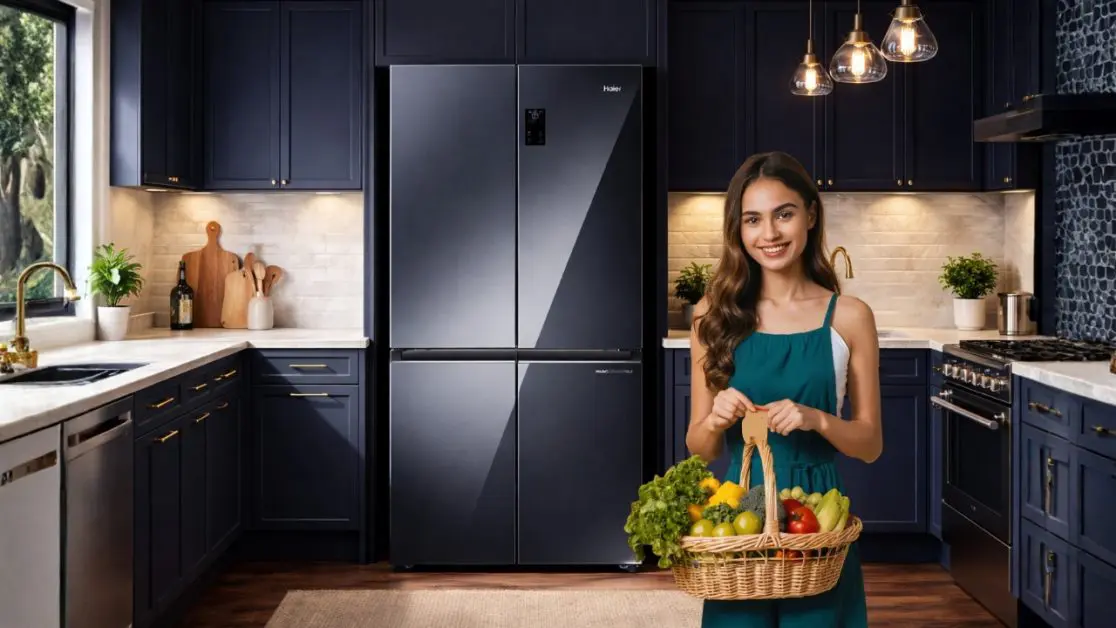
It is tempting to call motion sensor display panels a luxury add-on.
But consider this.
- Urban Indian kitchens average under 100 square feet.
- Large families interact with appliances multiple times daily.
- The Lumiere model offers 528L fresh food capacity and 102L freezer space .
More capacity means more interaction.
More interaction means responsiveness matters more.
Convenience scales with usage.
What This Signals About the Future of Appliances
We are shifting from reactive tools to responsive systems.
Earlier:
You press. It reacts.
Now:
You approach. It anticipates.
Motion sensor display panels reflect that transition.
From control to intuition.
From effort to ease.
The best technology does not ask for attention. It waits. Then responds.
In Indian homes juggling work calls, school schedules, festive hosting, and late-night cravings, that quiet responsiveness becomes deeply practical.
And practicality builds trust.
Because the future of home appliances is not about more buttons.
It is about fewer unnecessary ones.
The Haier 630L Black Glass 4-Door Lumiere Refrigerator HRB-700KGU1 embodies that philosophy through motion-sensing display intelligence, smart connectivity, AI-driven energy optimisation, and thoughtful design.
Small detail.
Big convenience.
And once you experience it, going back feels inconvenient.
Frequently Asked Questions
Is a motion sensor display panel actually useful in my daily routine, or is it just a premium gimmick?
It feels small, but it removes repeated micro-steps. No tapping. No waiting. No unnecessary screen glow. In homes where the fridge is accessed 15–25 times a day, that friction removal adds up.
Will I really notice the difference compared to a normal touch panel?
Yes, especially at night or when your hands are wet. The screen activates as you approach. That subtle responsiveness changes how “effortless” the appliance feels.
Is the motion sensor feature worth paying extra for?
On its own, it’s a small hardware addition. But combined with inverter cooling and AI temperature optimisation (like in the Haier 630L Black Glass 4-Door Lumiere Refrigerator HRB-700KGU1), it contributes to long-term comfort and energy efficiency.
If my kitchen is small, does this feature matter more or less?
More. In compact kitchens (under 100 sq ft), visual clutter and constant lighting feel harsher. A display that sleeps until needed keeps the space calm.
I cook daily. My hands are often wet. Will this reduce fingerprint marks?
Yes. Since the display lights up before contact, you reduce unnecessary touching. Fewer smudges. Cleaner surface.
Does motion activation actually make my kitchen more hygienic?
Indirectly, yes. Less contact = fewer surface transfers. When paired with antibacterial systems like ABT Pro technology, hygiene becomes layered rather than dependent on one feature.
Will kids keep triggering the display constantly?
It activates only within close proximity (around one metre). It’s responsive, not overly sensitive. It reduces random tapping compared to always-on displays.
Does a motion sensor display save electricity, or is the difference negligible?
An always-on panel consumes standby energy continuously. A motion-based display consumes power only when needed. Small daily savings compound over years.