
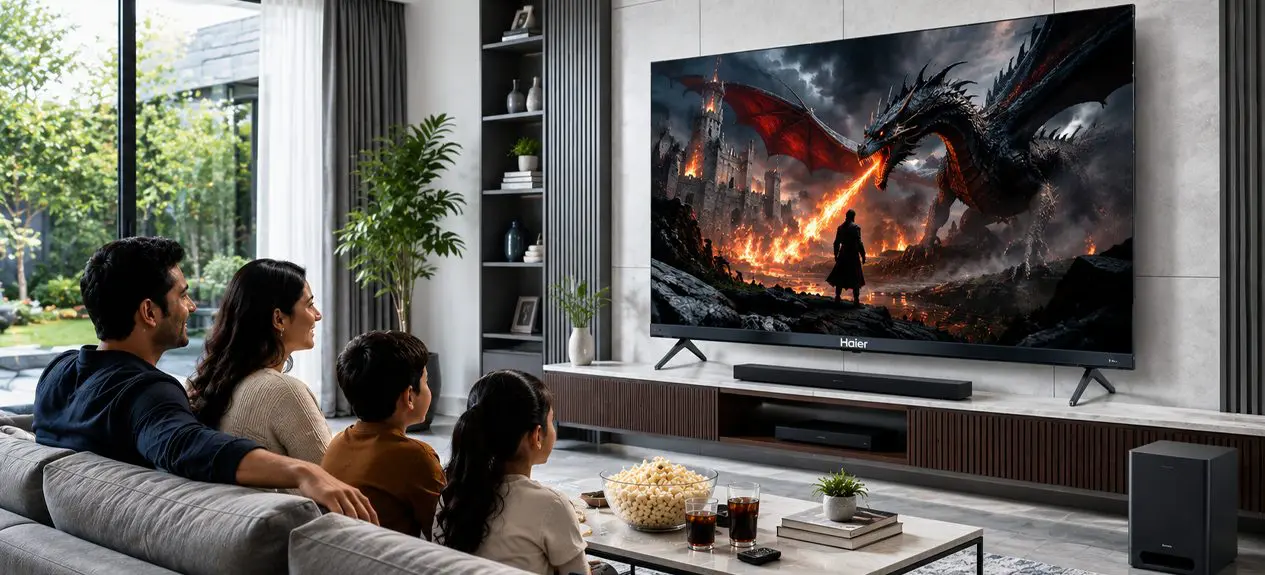

A great TV entertainment setup is never just about the television. It is the room around it, the way sound fills the space, how light hits the screen, and how the size fits the seating. Buy the right TV and place it wrong, and the picture quality barely matters. This guide walks through how to build a TV room setup that actually works, room by room, decision by decision.
What Is a Home Entertainment Setup?
A home entertainment setup is the combination of screen, sound, lighting, and layout that together decide how a room feels to watch in, not just what appears on the display. A television alone is a piece of hardware. A setup is what turns that hardware into an experience worth sitting down for. At Haier, we design our TVs with this larger picture in mind, building features that work with the room, not just the screen.
Getting Your TV Placement Right
Placement decides more of the viewing experience than most buyers expect. A few fundamentals to get right before anything else:
- Mount or place the screen at eye level when seated, not above a fireplace or shelf where necks crave upward
- Keep the screen out of direct line with windows or bright light sources to avoid glare
- Leave enough clearance around the unit for ventilation, especially on larger panels
- Position seating at the recommended distance for the screen size, not just wherever the sofa already sits
| Viewing Distance | Recommended Screen Size |
| Under 5 feet | 32 to 40 inches |
| 5 to 8 feet | 43 to 55 inches |
| 8 to 10 feet | 55 to 65 inches |
| 10 feet and above | 75 inches and above |
Choosing the Right Screen Size for Your Room
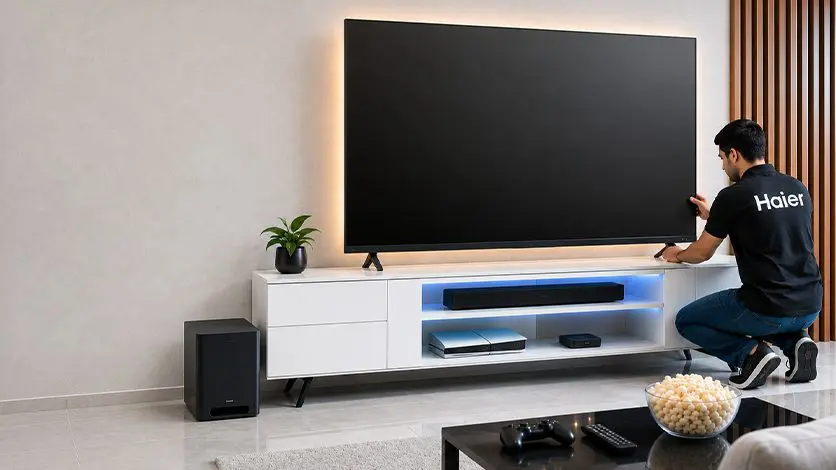
Screen size is where most TV room setup decisions go wrong. Too large in a small room and the eye strains at close range. Too small in an open living room and the far end of the sofa loses all detail. The right size depends on the room, not on what looks impressive in the store.
- For a bedroom or study, a compact 4K screen keeps things simple without overwhelming the space. A well-built 4K UHD screen with MEMC* fits this use case well, delivering smaller-room comfort without compromising on Google TV’s smart interface.
- For a mid-size living room where the whole household gathers, our 4K Ultra HD or QLED range both scale comfortably to typical seating distances, with QLED adding colour depth and Dolby Vision-Atmos support.
- For a larger living room or a dedicated entertainment space, screen size and picture technology both step up. A Mini LED screen with KEF-tuned audio brings sharper brightness and richer sound to a room built around real viewing distance.
- For a flagship home theatre room, our top-tier QLED and Mini LED models both push toward a genuinely cinematic TV viewing experience, with 2200 nits* peak brightness and AI processing handling scene-by-scene picture tuning.
| *MEMC (Motion Estimation, Motion Compensation) is a processing technology that inserts extra frames between the original ones, reducing motion blur during fast scenes like sports or action sequences.*nits measure screen brightness; higher nits mean a clearer picture in sunlit or brightly lit rooms |
Want to see what a genuine step up into dedicated home theatre territory looks like?
Read this blog: Premium Viewing & Home Theatre
Do You Need a Separate Sound System?
Not always, and that depends entirely on the built-in speaker configuration. Here is how Haier‘s speaker tiers map to different needs:
| Speaker Configuration | Best Suited For |
| 2.0Ch Speaker | Casual, everyday viewing in smaller rooms |
| 2.1Ch Speaker with Subwoofer | Movies and shows where bass depth matters |
| 6.2.2Ch Speaker (Sound by KEF) | Large-room, theatre-style immersive audio |
Dolby Atmos, where supported, adds spatial audio that places sound around the room rather than just in front of it, turning ordinary movie nights into something closer to a cinema. For most mid-size living rooms, a 2.1Ch setup with subwoofer covers the gap comfortably without needing an external soundbar.
Lighting and Glare Control
Screen technology can only do so much if the room fights against it. A few things worth checking:
- TÜV Low Blue Light certification reduces eye strain during longer viewing sessions
- Low-Reflection Screen technology cuts glare and mirror-like effects in bright rooms
- AI Ambient Sense automatically raises or lowers brightness and colour temperature based on the room’s lighting, so the picture stays consistent whether it is daytime or a dark evening
Building the Full Setup: A Step-by-Step Checklist
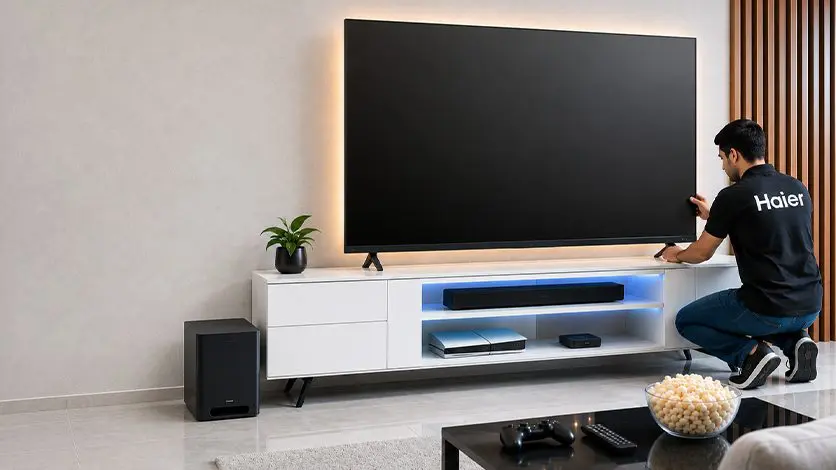
- Choose the room and the exact wall, keeping windows and light sources in mind
- Match screen size to actual seating distance, not the largest size the budget allows
- Decide whether built-in audio is enough, or if the room needs a 6.2.2Ch setup for real depth
- Address lighting and glare before the TV goes up, not after
- Connect smart features like Google TV, Haicast, and Haismart so every device in the room works together as one system
Comparison Table: Haier TV Series by Entertainment Priority
| Series | Screen Sizes | Best For |
| A9UG / K85 4K UHD | 43″ to 75″ | Bedrooms, studies, budget-conscious setups |
| P7 Pro QLED | 43″ to 85″ | Mid-size living rooms wanting colour depth and Dolby Vision-Atmos |
| M80F Mini LED | 55″ to 85″ | Larger rooms prioritising brightness and KEF-tuned sound |
| S90 QLED / M96 Mini LED | 85″ to 100″ | Dedicated home theatre spaces and flagship setups |
Screen sizes have shifted dramatically over the past decade, from compact bedroom sets to genuinely cinematic living rooms.
Read this blog: Evolution of TV Sizes Over the Years: From Compact Screens to Cinematic Living Rooms
Explore the Full Range Online
Every model in this guide, along with the rest of the lineup, is available to browse as a smart TV online through our official store. Comparing specifications side by side before deciding is far easier when done online than walking a showroom floor, and buying smart TV online also means direct access to current offers and full warranty details upfront.
Conclusion
A better home entertainment experience is built, not bought in a single purchase. Getting the TV room setup right means placement at the correct height and distance, a screen size matched to the room rather than the biggest one available, sound that fills the space appropriately, and lighting that works with the screen instead of against it. Get these four right, and the TV viewing experience holds up every single evening, not just on the day it was unboxed.
FAQs
How do I choose the right TV for my home entertainment setup?
Match screen size to your actual seating distance, then decide on sound needs and picture technology, since these three factors matter more for a good TV entertainment setup than any single specification on the box.
What TV size is best for my living room?
For most living rooms with seating 8 to 10 feet away, a 55 to 65-inch screen is the right fit. Larger rooms with seating further back suit 75 inches and above.
What should I consider before buying a new TV?
Room size and viewing distance, sound requirements, lighting and glare in the room, and how long the TV needs to stay relevant, since resolution and refresh rate both affect that.
Is a Smart TV better than a regular TV?
Yes, a Smart TV built on Google TV or a similar platform runs streaming apps natively, gets ongoing software updates, and often includes AI-driven picture and sound tuning that a regular TV cannot offer.
Which TV resolution is best for movies and sports?
4K UHD is best for both. It handles fast-moving sports action and cinematic detail in movies noticeably better than Full HD, especially on larger screens.