
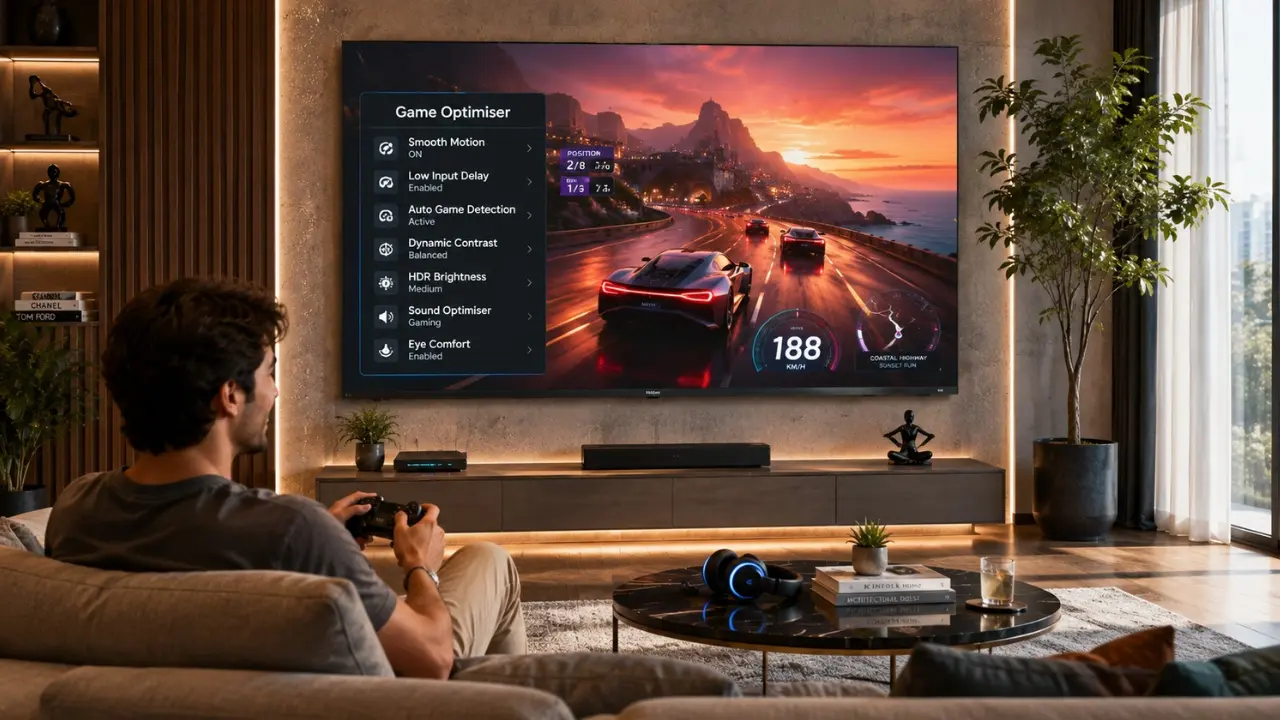

There comes a point in almost every gaming session when someone says, “The game looks better on my friend’s TV.” Strange, isn’t it? You both own the same console. You’re playing the same title. Same graphics mode. Yet one screen somehow feels smoother, brighter and well, more alive.
Here’s the thing, most casual gamers spend thousands on a good television but never spend five minutes adjusting the settings.
That’s okay, and that’s just the way it is.
Televisions are often delivered with preprogrammed picture modes that are intended for the show floor instead of the house. They are designed for showroom use, not while you’re watching the final of FIFA at 10pm or the Grand National at 11pm.
The good news? It’s not necessary to be a professional gamer, or know all the nuances of the displays, to get a better gaming experience. Certain settings can vastly alter the appearance and experience of your favorite games.
Why TV Settings Matter More Than Most Casual Gamers Think
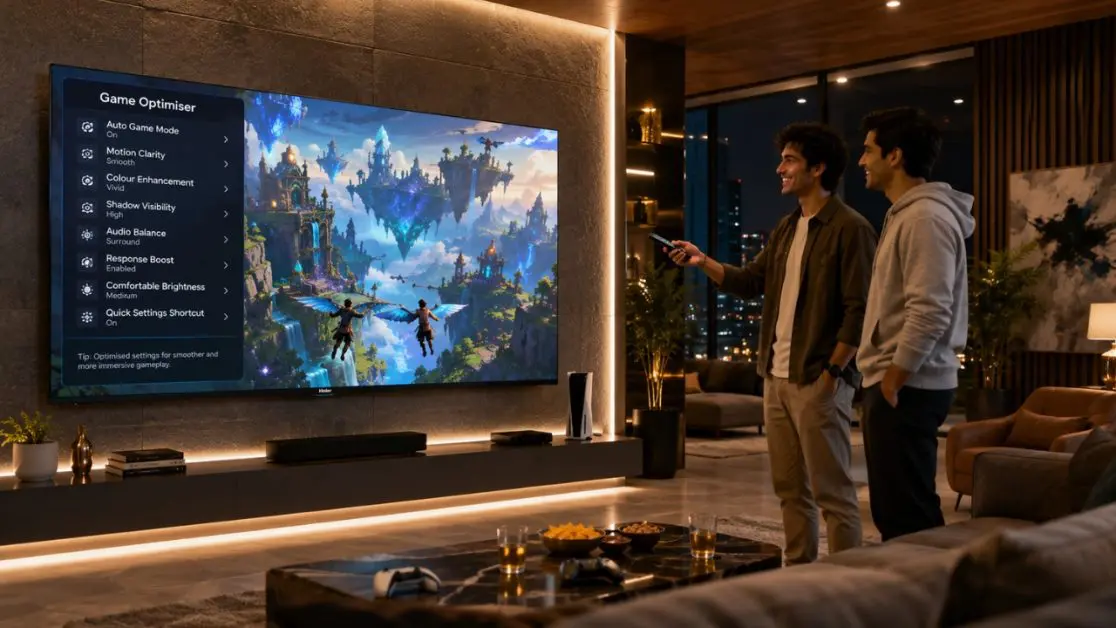
Not everyone streams tournaments or competes online.
Some people simply enjoy:
- Weekend cricket games on a console
- Racing games after work
- Family multiplayer evenings
- Adventure games during holidays
- Relaxed open-world exploration
That’s exactly where proper TV optimisation helps.
Instead of chasing every technical specification, focus on making gameplay feel responsive, colours appear natural and motion remain smooth.
A few thoughtful adjustments often create a noticeably better experience than constantly tweaking console settings.
Before You Change Anything
Don’t start changing every option randomly.
Begin with this simple checklist.
| Setting | Recommended Action | Why It Helps |
| Picture Mode | Switch to Game Mode | Reduces processing delay |
| Motion Processing | Lower or disable excessive smoothing | Prevents unnatural movement |
| Brightness | Adjust according to room lighting | Better visibility |
| Sharpness | Keep moderate | Avoids artificial edges |
| HDR | Enable when supported | Improves contrast and highlights |
Once these basics are sorted, everything else becomes much easier.
1. Turn On Game Mode First
If there’s one setting every casual gamer should know, it’s this.
Game Mode isn’t about making graphics prettier.
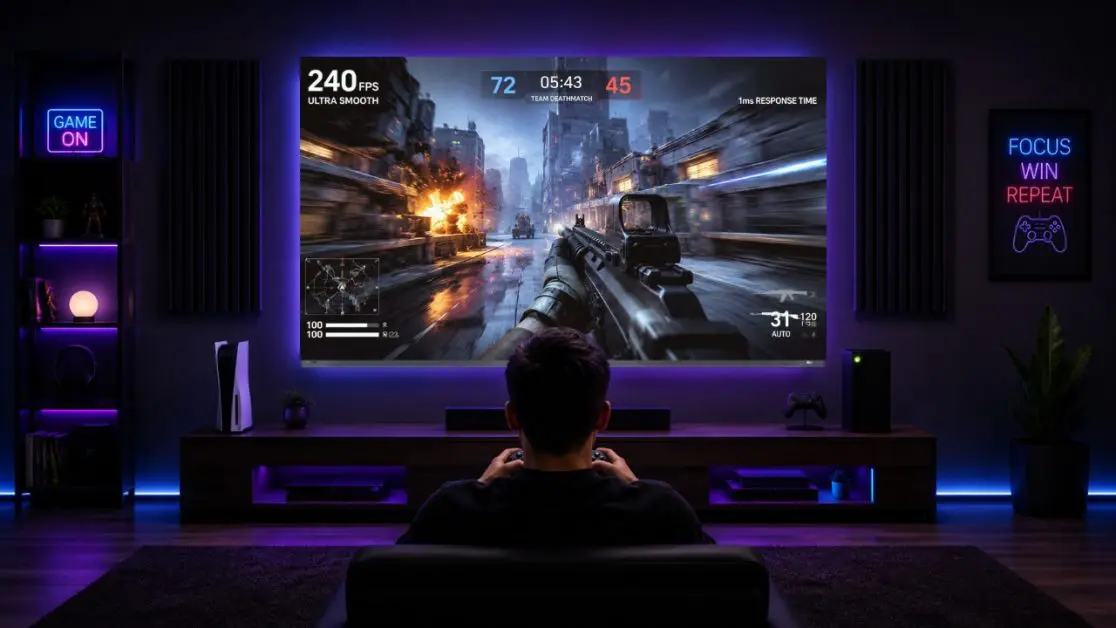
It reduces unnecessary image processing inside the TV so commands from your controller appear on screen more quickly. The difference may be small on paper, but during racing games, football matches or action titles, controls feel more immediate.
You’ll notice:
- Faster button response
- Less input delay
- More natural gameplay
- Better control during quick movements
Many modern TVs include a dedicated Game Mode designed specifically for this purpose.
The Haier New M70 Series Mini LED AI Smart Google TV also includes Game Mode, alongside gaming-focused technologies such as Gaming 120Hz support, VRR and ALLM to create a smoother gaming experience. These features are part of the television’s gaming capabilities provided by Haier.
2. Adjust Brightness According to Your Room
One mistake almost everyone makes
Leaving brightness untouched.
A TV placed near a large window during the afternoon needs different settings than one used in a dim bedroom at night.
Rather than chasing the brightest image possible, aim for balanced visibility.
During daytime
- Slightly increase brightness
- Leave HDR enabled if supported
- Reduce reflections wherever possible
During night gaming
- Lower brightness slightly
- Avoid overly harsh whites
- Make dark scenes easier on the eyes
Balanced brightness often reveals more detail than simply increasing everything to maximum.
3. Don’t Ignore HDR Settings
HDR isn’t just another acronym manufacturers like to mention.
When supported by both your console and television, High Dynamic Range can improve:
- Shadow details
- Bright highlights
- Colour transitions
- Overall depth
Instead of flat-looking environments, games appear richer and more dimensional.
The Haier M70 Series supports HDR10+ along with Dolby Vision, helping enhance contrast scene by scene while delivering more immersive visuals across compatible content. AI Picture Quality further adjusts brightness, contrast, colour and clarity automatically depending on what you’re watching or playing.
4. Keep Motion Looking Natural
Ever noticed games looking oddly smooth
Almost like a daytime television serial?
That’s usually because motion enhancement has been pushed too aggressively.
While motion technologies have their place, excessive smoothing can create an artificial look during gameplay.
Instead:
- Choose Game Mode
- Use balanced motion settings
- Let the console handle much of the rendering
For action-heavy titles, smoother motion certainly helps but natural movement usually feels more comfortable over long gaming sessions.
The Haier M70 Series combines MEMC technology with Gaming 120Hz, helping reduce motion blur during fast-moving scenes while keeping gameplay fluid.
Small Changes, Big Difference
Here’s an easy comparison many casual gamers can relate to.
| Without Optimised Settings | With Optimised Settings |
| Slight controller delay | Faster response |
| Overly bright highlights | Balanced contrast |
| Motion blur in fast scenes | Smoother movement |
| Colours appear flat | Richer and more natural visuals |
| Gaming feels ordinary | More immersive gameplay |
Notice something?
None of these improvements require buying a new console.
Often, they’re simply hidden inside your TV settings.
5. Fine-Tune Colour Instead of Over-Saturating It
It’s tempting to crank the colour slider all the way up. Bright reds, glowing greens and electric blues certainly grab attention for a few minutes.
Then fatigue sets in.
Games begin looking less realistic, skin tones become exaggerated and landscapes lose their natural depth.
A better approach is to let your television reproduce colours as accurately as possible.
The Haier M70 Series is designed with Wide Colour Gamut technology and covers 93% of the cinema-grade DCI-P3 colour space, helping deliver richer yet more natural colour reproduction. Combined with AI Colour optimisation, supported content appears vibrant without looking overly processed.
6. Don’t Underestimate Good Audio
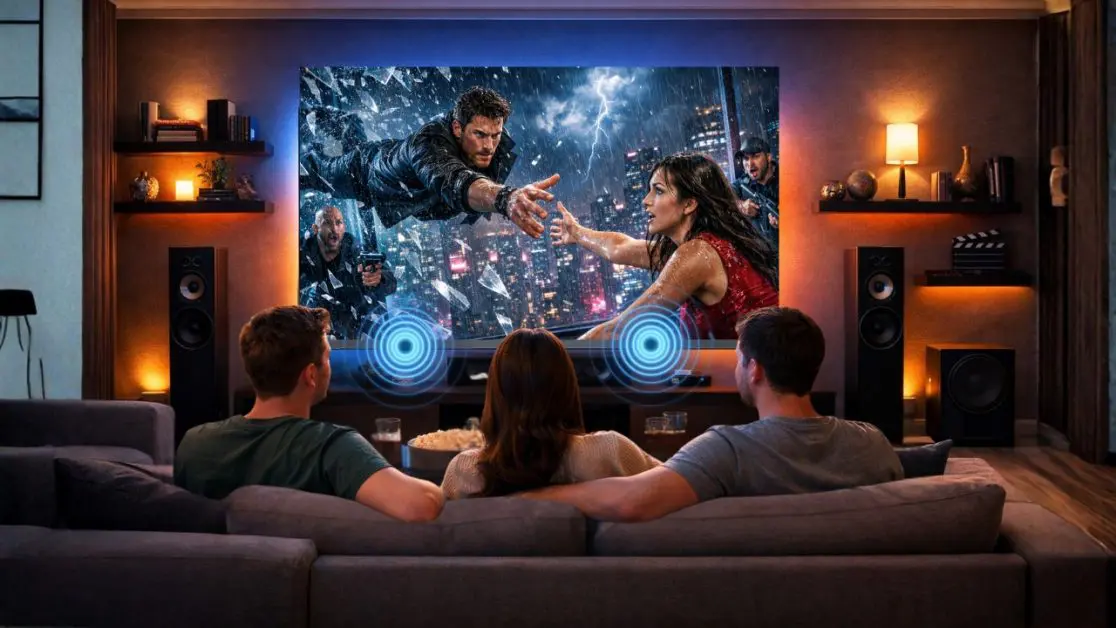
Let’s be honest. Picture quality usually gets all the attention.
But gaming isn’t just about what you see.
The footsteps behind you.
The roar of an engine.
The subtle background soundtrack during exploration.
The crowd cheering in a football stadium.
These little audio details make games feel believable.
Rather than increasing volume to maximum, focus on balanced sound settings.
A good television should separate dialogue, background music and effects clearly instead of mixing everything together.
The Haier New M70 Series comes equipped with a 50W speaker system, a 2.1 Channel setup with an inbuilt subwoofer, Dolby Atmos, and Total Sonics audio processing to deliver fuller sound with deeper bass and better clarity for supported content.
7. If Your TV Supports VRR and ALLM, Leave Them Enabled
These names sound technical.
Thankfully, using them isn’t.
VRR (Variable Refresh Rate)
VRR helps reduce:
- Screen tearing
- Stuttering
- Inconsistent motion
For casual gamers, this means smoother gameplay during scenes where the frame rate changes.
ALLM (Auto Low Latency Mode)
ALLM automatically switches the TV into its gaming mode when a compatible console is detected.
No digging through menus.
No remembering settings every weekend.
Just switch on the console and start playing.
The Haier M70 Series supports both VRR and ALLM, making gameplay smoother while automatically activating low-latency performance on compatible gaming devices.
AI Picture Optimisation Does More Than You Might Expect
Not every game looks the same.
Some are colourful and bright.
Others are dark, cinematic and packed with shadows.
Manually adjusting the picture setting each time is very tedious.
That is where the optimisation provided by AI is really helpful.
The Haier M70 series is built with the intelligence of the AI Picture Quality, which can automatically adjust brightness, contrast, colour and clarity according to the content that is displayed. The TV doesn’t use a one-size-fits-all picture mode, but continually adjusts the viewing experience as it goes along.
This can lead to more convenient and hassle-free adjustments and a consistent entertainment experience for those who watch a variety of content from games to movies and OTT streaming throughout the day.
A Quick Checklist Before You Start Your Next Gaming Session
Here’s a simple routine worth following.
| Setting | Recommended Choice |
| Picture Mode | Game Mode |
| HDR | Enabled (if supported) |
| Motion | Balanced |
| Brightness | Match room lighting |
| VRR | Enabled |
| ALLM | Enabled |
| Audio | Dolby Atmos / 2.1 Channel when available |
| Sharpness | Moderate |
| Voice Control | Optional for quick navigation |
These settings won’t magically improve your gaming skills but they can certainly help your television perform closer to its potential.
Gaming Isn’t the Only Thing This TV Does Well
One moment you’re playing cricket with friends.
Half an hour later, someone wants to stream a movie.
Then another family member asks for YouTube.
That’s how televisions are actually used in Indian homes.
The Haier New M70 Series is designed to move effortlessly between different forms of entertainment.
Some of its notable everyday features include:
- Google TV with Gemini integration
- Hands-Free Voice Control
- Chromecast Built-in
- Bluetooth 5.1 connectivity
- Google Play Store access
- AI-powered picture optimisation
- Dolby Vision and Dolby Atmos support
- Slim, modern bezel-less design
It becomes a complete entertainment hub rather than a television dedicated only to gaming.
Why the Haier New M70 Series Is Worth Considering for Casual Gamers
A gaming TV’s selection is not always one that demands the most cutting-edge specs.
For many households, the best TV must be able to game, stream, watch sports, entertain the family and be used throughout the day.
Features that will assist in this balanced experience have been combined into the Haier New M70 Series Mini LED AI Smart Google TV. The series comes in two variants, Mini LED or QLED, and has AI Picture Quality, HDR10+, Dolby Vision, Gaming 120Hz support, MEMC, VRR, ALLM, Dolby Atmos, a 2.1 Channel speaker system with an inbuilt subwoofer, Google TV with Gemini, Chromecast Built-in and Hands-Free Voice Control. This is what Haier official specs state for these capabilities.
The TV isn’t just for sports fans and movie buffs, it’s for those who want to explores the open world, play with friends or simply watch their favourite web series after work, and as long as their needs change, they will adjust accordingly.
Make Every Gaming Session Feel Better
Games should be fun and enjoyable.
It shouldn’t be the act of scouring menus for a while, and then asking yourself if you picked the right one.
Beginning with the basics Game Mode, balanced brightness, HDR, natural colours and smooth motion. In many cases, it can be a simple tweak that can make a significant difference without requiring you to change your console or purchase additional accessories.
For those aiming to upgrade their entertainment system, the Haier New M70 Series Mini LED AI Smart Google TV brings in a blend of smart features and intuitive picture optimisation, immersive audio, gaming capabilities and smart connectivity that seamlessly integrates into contemporary Indian homes.It’s built not just for gaming, but for every kind of entertainment your family enjoys.
Frequently Asked Questions
1. What is the best TV picture mode for casual gaming?
Game Mode is generally the best starting point. It reduces unnecessary image processing and helps improve controller responsiveness during gameplay.
2. Should HDR be turned on while gaming?
Yes, if both your console and TV support HDR-compatible gaming. It can improve contrast, highlight details and overall visual depth in supported games.
3. Does VRR make a noticeable difference for casual gamers?
VRR helps minimise screen tearing and stuttering, making gameplay appear smoother, especially in fast-moving scenes.
4. Why is Game Mode important on a smart TV?
Game Mode reduces input lag by limiting certain image processing functions, helping actions on the controller appear more quickly on screen.
5. Is sound quality important for casual gaming?
Absolutely. Clear dialogue, directional effects and balanced bass make games more immersive, even for players who only game occasionally.
6. Which Haier TV is suitable for gaming and everyday entertainment?
The Haier New M70 Series Mini LED AI Smart Google TV combines AI Picture Quality, Gaming 120Hz support, VRR, ALLM, Dolby Vision, Dolby Atmos, Google TV with Gemini and a 2.1 Channel speaker system with an inbuilt subwoofer, making it suitable for gaming as well as movies, sports and OTT entertainment.