
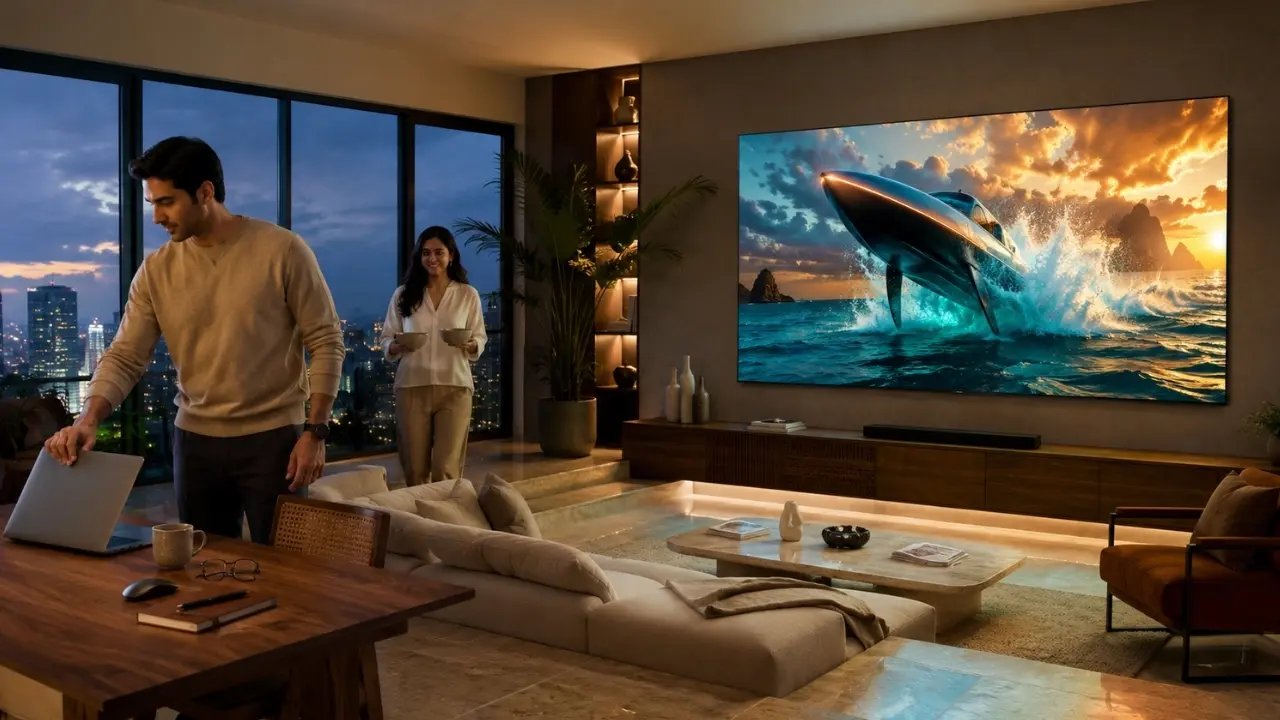

The TV is displaying a presentation from a laptop at 4:45 pm. By 8.30 the same screen may be showing a film or the next cricket match that everyone at home is waiting for or the latest episode everyone is waiting for.
It reflects a great deal on the change of Indian living rooms.
Hybrid working has both expanded the use of the home and put people on their guard as to what their screens can achieve. A smart TV is not an alternative to a laptop or dedicated monitor for a smart TV for hybrid and relaxation work. Instead, the correct television can function as an effective bigger display, when needed, and switch back to what it’s best at when it’s time for leisure.
That distinction matters. A TV that can do both tasks requires much more than a big TV screen. How practical the experience feels is on account of connectivity, casting, picture quality, sound and ease of the smart interface.
First Things First: A Smart TV Is Not Your Office Computer
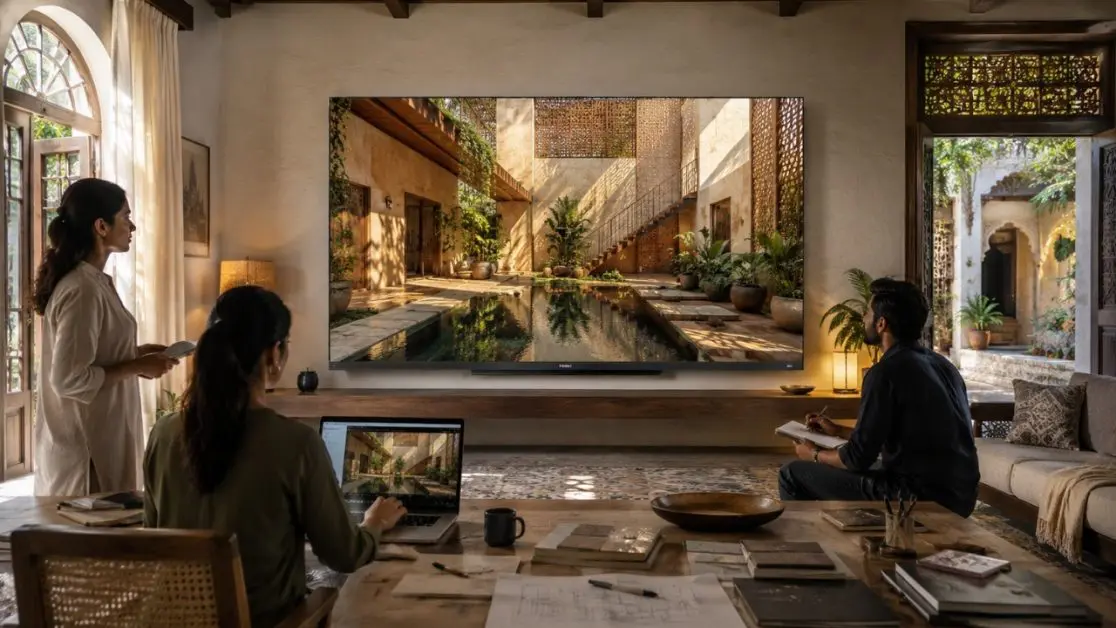
There is a temptation to treat a large smart TV as a giant desktop monitor. For most people, that is not the ideal way to use it.
A more realistic hybrid setup keeps the laptop as the primary work device and uses the television selectively. Think team presentations, reviewing a visual deck with colleagues at home, displaying reference material or putting content on a larger screen when several people need to see it.
This approach makes sense because it plays to the strengths of both devices.
Your laptop handles detailed, close-up work. The television provides scale.
And after office hours? No rearranging the room. The same display is ready for streaming, sports, gaming or a family movie night.
What Actually Makes a Smart TV Useful During Hybrid Work?
Ignore the longest specification list for a moment. For work-related use, a few practical capabilities deserve greater attention.
1. Easy Casting Can Be Surprisingly Useful
Sometimes, the simplest feature becomes the one you use most.
A presentation is open on your laptop or compatible device, but everyone is crowded around a small display. Putting appropriate content onto a larger television can make group viewing far more comfortable.
This is where casting support becomes relevant.
The Haier New M70 Series MiniLED 189 cm (75) AI Smart Google TV with Gemini , HDR10+ , 2.1 Ch with Subwoofer , Gaming 120Hz (75M70UHMINI LED) includes Chromecast Built-in. Haier describes the feature as allowing content such as movies, music, photos and apps to be cast from a smartphone to the television.
For a hybrid household, that kind of device-to-TV flexibility can extend beyond entertainment. Compatible content that needs to be viewed collectively can move to the bigger screen without turning the living room into a permanent office.
2. Screen Size Becomes Functional, Not Merely Cinematic
A 189 cm (75) television sounds immediately appealing for movies. Yet screen real estate has another benefit: visibility from farther away.
Charts, visual references and presentations can be easier for several people in a room to view on a large display.
For particularly spacious rooms, Haier also offers the Haier New M70 Series Mini LED 215 cm (85) AI Smart Google TV with Gemini , HDR10+ , 2.1 Ch with Subwoofer , Gaming 120Hz (85M70UHMINI LED). Its specifications list a 3840 × 2160 resolution and a 178/178 viewing angle.
The point is not simply “bigger is better”. Viewing distance and room dimensions still matter. Choose a screen that feels proportionate to the space.
Then the Laptop Closes – and Picture Quality Takes Over
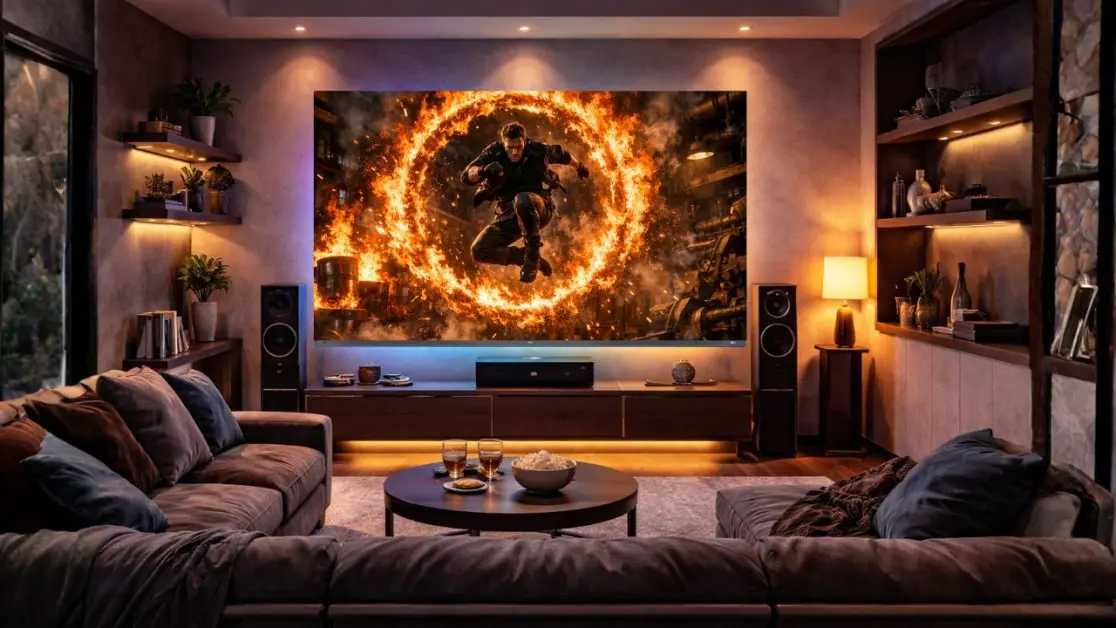
Here is where the buying priorities change completely.
A work presentation may benefit from size and clarity, but Saturday-night entertainment asks far more from the panel: convincing blacks, bright highlights, rich colours, smooth movement and detailed HDR reproduction.
The M70 Series is built around Mini LED display technology. On the 189 cm (75) model, intelligent dimming is designed to provide precise light control for stronger contrast, brighter highlights and deeper blacks. AI Picture Quality also adjusts brightness, contrast, colour and clarity according to content.
For viewers, the technical terminology translates into fairly practical questions:
- Can a dark movie scene retain visible detail?
- Do colourful animated films look rich rather than washed out?
- Does fast movement remain clear during sports and action?
- Can different types of content look good without constant manual adjustment?
Those are more meaningful questions than chasing specifications for their own sake.
The M70’s Entertainment Side Is Where Things Get Serious
Once work is done, the Haier M70 Series has considerably more to offer.
Mini LED and HDR10+
HDR10+ dynamically enhances contrast and detail scene by scene, while the display’s wider colour capabilities are designed for vibrant and naturally rich visuals. The product information also specifies 93% coverage of the DCI-P3 colour space.
For OTT viewing, this combination is particularly relevant when compatible high-quality content is available.
Dolby Vision and Dolby Atmos
Visual quality is only half the experience.
The M70 Series supports Dolby Vision and Dolby Atmos. Haier also equips the featured models with a 50W audio output and 2.1-channel system with an inbuilt subwoofer, designed to add greater depth and bass to entertainment.
That becomes useful when the workday ends and the living room changes character. Dialogue, background scores and action sequences all depend on sound just as much as picture.
What About the 6 pm Gaming Break?
Perhaps “break” is being generous. Sometimes the controller stays out considerably longer.
For households where the television is also connected to a compatible gaming system, the M70 Series includes Gaming 120Hz, Game Mode and gaming-oriented functionality designed to deliver smoother, more responsive gameplay. The product material also highlights VRR and ALLM features.
MEMC, meanwhile, is intended to reduce blur and judder during fast-moving scenes. That has relevance beyond games; sports and action-heavy entertainment can benefit from smoother motion too.
This is where a genuinely multi-purpose television starts to make sense. Work may occupy part of the day, but the screen does not have to be chosen primarily around work.
A Better Hybrid TV Checklist
Before choosing a smart TV for a work-and-entertainment household, consider the way it will actually be used.
For occasional work support:
- Look for convenient casting options.
- Prioritise clear 4K visuals for large-screen viewing.
- Check whether the screen size suits both viewing distance and room dimensions.
- Keep detailed productivity work on a proper desk setup rather than relying on the TV for prolonged close-up use.
For relaxation:
- Consider display technology and HDR capability.
- Look beyond screen size to contrast and colour reproduction.
- Pay attention to built-in audio if you do not plan to add an external sound system immediately.
- Consider motion and gaming capabilities if sport or console gaming matters at home.
For everyday convenience:
- A familiar smart-TV ecosystem can make content discovery easier.
- Voice control reduces dependence on the remote for compatible commands.
- Adequate onboard memory helps support apps and entertainment services.
The M70 models, for example, use Google TV and provide hands-free voice control along with 2GB RAM and 32GB storage.
Why Haier M70 Fits the Work-to-Weekend Idea
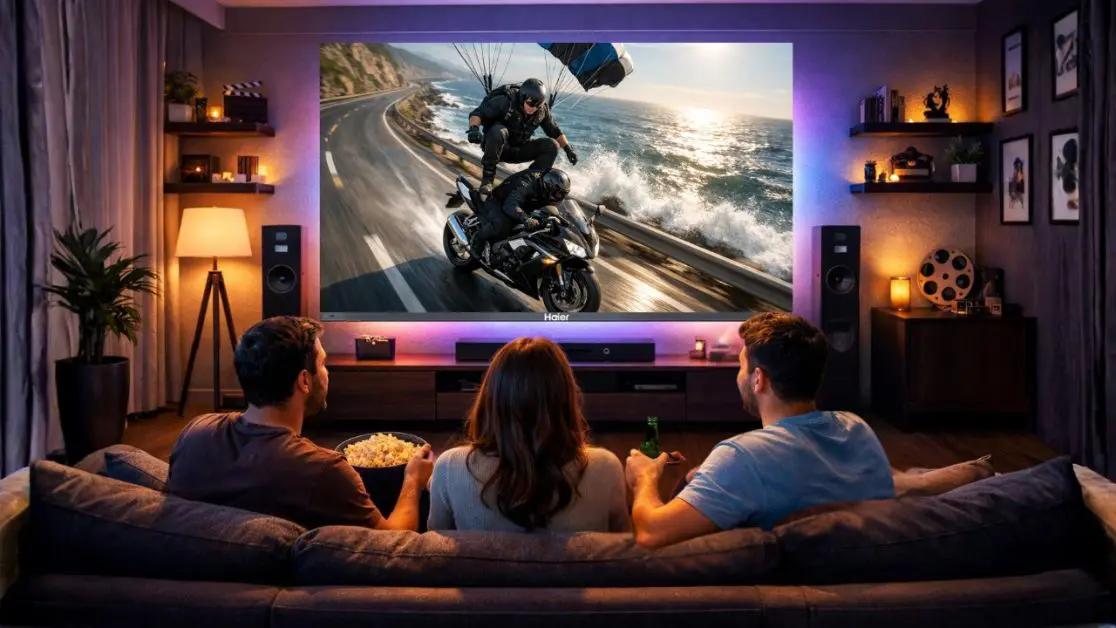
There is a sensible way to evaluate the Haier New M70 Series MiniLED AI Smart Google TV: do not buy it because you expect a television to become a full workstation.
Consider it because the same premium display that occasionally supports a larger-screen hybrid workflow can transform once the working day is finished.
The 189 cm (75) and 215 cm (85) M70 options bring together large-format 4K viewing, Mini LED technology, AI-assisted picture optimisation, HDR10+, Dolby Vision and Atmos, a 50W 2.1-channel audio system with an inbuilt subwoofer, Google TV, casting functionality and gaming-oriented features.
For an Indian household where the living room has to wear several hats, that versatility has real value.
When the Same Room Has More Than One Job
Hybrid living is not really about turning every home appliance into office equipment. It is about making spaces adapt without compromising what they are meant to be.
A smart TV can help with a presentation at one moment and become the centre of a family movie night a few hours later. It can display shared content, stream entertainment, handle a gaming session and then sit quietly until somebody says what they want to watch next.
Haier’s M70 Series fits naturally into that kind of home. Work when the larger screen is useful. Entertainment when the day is done.
Same screen. A completely different mood.
Frequently Asked Questions
1. Can a smart TV be useful for hybrid work?
Yes. A smart TV can serve as a larger secondary display for compatible content, presentations and group viewing. Features such as Chromecast Built-in can also make it easier to move supported content from another device onto the television.
2. Is the Haier M70 Series suitable for both work and entertainment?
The Haier M70 Series combines features useful for a multi-purpose home setup, including Google TV, Chromecast Built-in, hands-free voice control, 4K resolution and large-screen options. For entertainment, it adds Mini LED technology, HDR10+, Dolby Vision and Dolby Atmos.
3. Which Haier M70 screen sizes are available in the featured models?
The featured M70 Series models include 189 cm (75) and 215 cm (85) screen options. The right choice depends on the size of the room and viewing distance.
4. Does the Haier M70 Series support gaming?
Yes. The featured M70 models include Gaming 120Hz and Game Mode. The product material also highlights VRR and ALLM functionality for compatible gaming scenarios.
5. What audio features does the Haier M70 Series offer?
The featured models provide 50W audio output, a 2.1-channel system with an inbuilt subwoofer, and Dolby Atmos support, making the television suitable for movies, shows, sports and other home entertainment.
6. Does the Haier M70 Series support voice control?
Yes. The M70 Series features hands-free voice control, allowing users to perform supported TV functions through voice commands without relying entirely on the remote.