
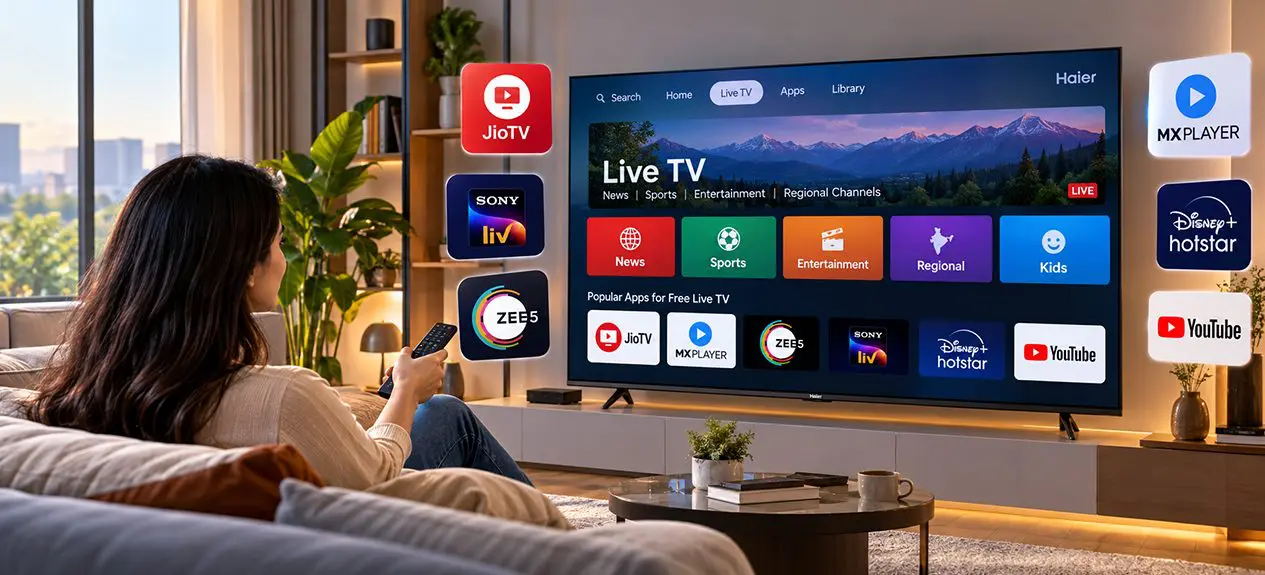

Cable and DTH aren’t the only way to watch television anymore. If you already own a smart TV, there’s a fair chance you can pull together a daily viewing lineup of news, sports highlights, regional shows, and general entertainment without paying for a subscription at all.
Free live TV streaming has grown quickly in India over the last few years, and most Google TV, Android TV, WebOS, and Fire TV platforms now support several apps that make it possible. The catch is that the setup isn’t always obvious, and quality varies a lot between apps.
This guide walks through the main options for free TV channels on smart TVs in India, which apps to trust, how to set them up, whether Wi-Fi is essential, and how to tell legitimate services from sketchy ones.
Can You Watch Free Live TV on a Smart TV?
Yes, and often more easily than most people expect. Modern smart TVs usually come with at least a few free live streaming apps preloaded, and more can be added from the app store in under a minute.
What “free” actually means, though, varies by app:
- Ad-supported: the app itself is free; you watch ads between programmes or as banners
- Freemium: a limited set of channels or shows is free; the rest sits behind a paywall
- Free-to-air: open broadcasts that need no subscription and no account
Between these three, the average Indian household can put together a workable viewing schedule without paying for anything, though don’t expect every premium channel or league to be included.
How to Get Free Live TV Channels
There are three broad routes to watch free TV channels on a smart TV. Most homes end up mixing the first two, while a small share still relies on the third for the days when the internet decides to sulk.
Free Live TV Apps Built Into Smart TVs
Many smart TVs come with free live TV apps built into the home screen. On Google TV and Android TV, the Live tab usually pulls in free channels from the manufacturer or partner platforms.
Common free or free-tier apps available in India:
- JioCinema: free tier with news, entertainment, and some sports
- Sony LIV: free tier covering news and select shows
- MX Player: free entertainment library plus some live channels
- YouTube: live news, cricket highlights, and a wide spread of regional channels
- Disney+ Hotstar: limited free content on the ad-supported tier
Availability varies by TV platform, so what appears on Google TV won’t always match what’s available on Fire TV or a Samsung Tizen setup.
Free Streaming and FAST Channel Apps
FAST (Free Ad-Supported Streaming TV) channels are the newest entrants in this space. They run much like traditional linear TV: a channel guide, scheduled programmes, ad breaks, but stream over the internet at no cost.
Popular FAST platforms with content available in India:
- Samsung TV Plus: built into Samsung smart TVs
- LG Channels: built into LG WebOS TVs
- Google TV Free Channels: available on Google TV models
- Amazon Freevee: available in select regions on Fire TV
For most viewers, a good free TV streaming app setup ends up being one or two FAST platforms paired with JioCinema or YouTube for topical viewing.
Watching Free Live TV Without Cable or a Set-Top Box
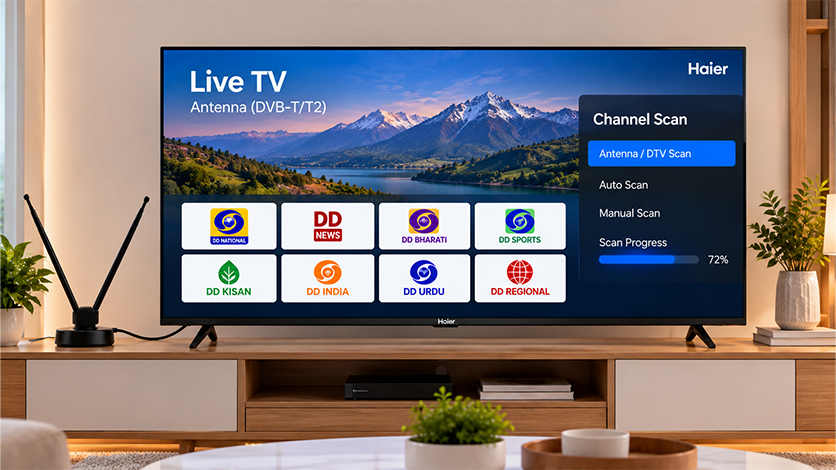
You don’t need cable or a DTH set-top box to get live TV on a smart TV in 2026. The two workable routes are streaming over Wi-Fi and receiving free-to-air broadcasts over a plain antenna.
Using an Antenna for Free-to-Air Channels
An old-fashioned antenna still works, and it’s the simplest way to get free channels for smart TV viewing during a Wi-Fi outage. Doordarshan operates a free-to-air service that carries national, regional, and news channels; a basic indoor antenna is usually enough in urban areas, though outdoor antennas do better on the outskirts.
You’ll need a TV with a built-in DVB tuner, which most smart TVs sold in India include. Once the antenna is plugged in, run the channel scan from the TV’s settings menu to pick up whatever free-to-air channels are available in your area.
How to Set Up Live TV Apps Step by Step
Getting the best app for live TV set up working on a Google TV or Android TV takes only a few minutes. The steps are broadly the same across platforms:
- Connect your smart TV to Wi-Fi
- Open the app store: Google Play on Google TV, LG Content Store on WebOS, Samsung Smart Hub on Tizen
- Search for the app you want (JioCinema, Sony LIV, YouTube, and so on)
- Install it, then launch and sign in if the app asks for an account
- Browse the Live or Channels section inside the app
- For FAST platforms already built in, just open the Live tab on your home screen
Most apps let you favourite channels or build a watchlist, which cuts down the hunt on the second visit.
Do You Need Wi-Fi for Free Live TV?
For streaming apps, yes, a working Wi-Fi connection is what makes how to watch live TV for free on these platforms possible in the first place. Standard-definition streams need about 3 Mbps; HD needs closer to 5 Mbps; a 4K stream benefits from 25 Mbps or more.
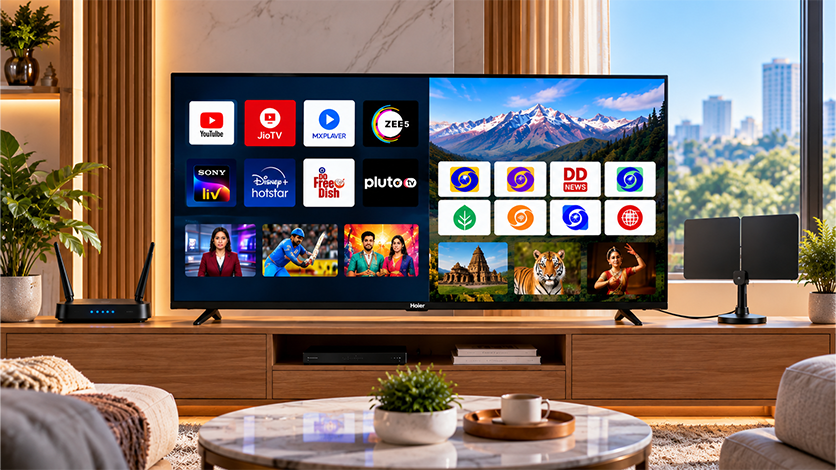
For free-to-air antenna reception, no. Once the antenna is connected and channels are scanned, the TV pulls broadcasts straight out of the air no Wi-Fi, no broadband, no monthly bill. This is what makes antennas a genuinely useful backup for cricket days and news events when the internet gets flaky.
Explore Haier’s Google TV lineup in India for models with a built-in DVB tuner alongside full Google TV support.
Are Free Live TV Apps Legal and Safe?
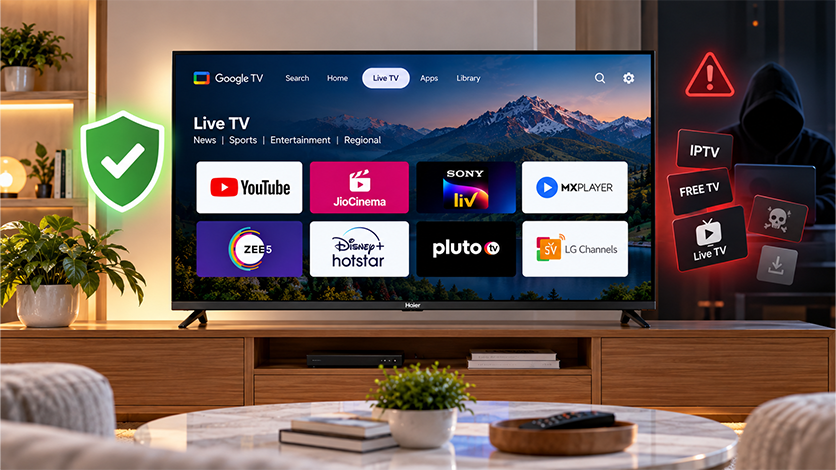
The line between legitimate free apps and unofficial ones is worth knowing before you install anything. Legitimate apps like JioCinema, Sony LIV, YouTube, MX Player, and the FAST platforms from major TV brands are all licensed to stream what they show. They earn their money through ads or optional paid tiers, which is precisely why the free content is available at all.
Unofficial or “free IPTV” apps that promise hundreds of paid channels for nothing are a different story. Many stream copyrighted content without permission, some carry malware, and a few will quietly harvest your account or payment details in the background. As a rule of thumb: if an app isn’t on your smart TV’s official app store, treat it with real caution.
Conclusion
Free live TV on a smart TV in India isn’t a fringe thing anymore. Between JioCinema, YouTube, FAST channels, and good old Doordarshan, most households can put together a workable daily lineup without ever opening their wallet for a subscription.
The trade-off is that you’ll deal with more ads, and you won’t get every premium channel or sports league. But if what you actually watch overlaps with what these platforms carry (news, cricket highlights, regional entertainment, general drama), there’s rarely a reason to keep paying for cable out of pure habit.
FAQs
How do I get free live TV?
Install apps like JioCinema, Sony LIV, MX Player, or YouTube from your smart TV’s app store, or use the built-in FAST channels on Samsung, LG, and Google TV platforms. An antenna also works for Doordarshan’s free-to-air channels.
Which app gives free live TV?
JioCinema, Sony LIV, YouTube, MX Player, and Hotstar’s free tier all offer live or scheduled content in India. Samsung TV Plus, LG Channels, and Google TV Free Channels add more FAST options on those platform
Can I watch live TV for free without cable?
Yes. Streaming apps over Wi-Fi cover most of it, and a plain antenna picks up Doordarshan’s free-to-air channels without any subscription or set-top box.
Do I need Wi-Fi to watch free live TV?
For streaming apps, yes. For free-to-air antenna reception, no; the TV pulls broadcasts straight from the antenna and needs no internet connection.
How do I get live TV on an Android TV?
Open the Google Play Store on your TV, install apps like JioCinema, Sony LIV, or YouTube, and browse the Live section inside each. Google TV’s own Live tab also aggregates free channels from partner platforms.
Can I watch free channels without a set-top box?
Yes. Free streaming apps and FAST channels work directly on any Wi-Fi-enabled smart TV. An antenna plus a TV with a built-in DVB tuner covers free-to-air reception without any set-top box at all.