
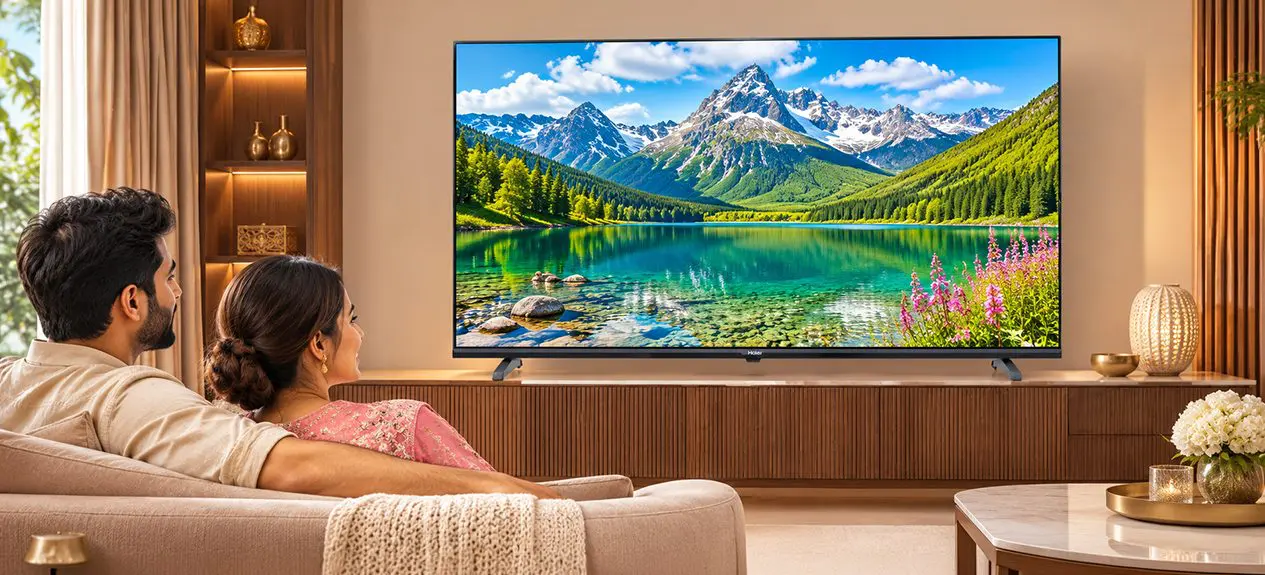

A 4K label tells you how many pixels a TV has. It says little about how well the TV puts them to use.
So, what is 4k resolution? It’s the number of pixels on the screen, and a 4K TV has roughly four times as many as a Full HD one. On a 43-inch or larger screen, that shows up as cleaner faces, sharper text and finer textures.
This guide explains how 4K differs from QLED and OLED, when the upgrade pays off, and what you need at home to get the full benefit.]
What Does 4K Resolution Actually Mean?
Resolution is the number of pixels on the screen. Pixels are the tiny dots that make up the picture. More pixels mean finer detail.
A 4K screen measures 3840 x 2160 pixels. That’s roughly 8.3 million pixels.
4K vs Full HD vs HD
Here’s how the common resolutions compare. The 4K vs Full HD question comes down to this gap.
| Resolution | Pixels | Total pixels | Typical use |
| HD Ready | 1366 x 768 | About 1 million | 32-inch TVs |
| Full HD | 1920 x 1080 | About 2.1 million | 32 to 43-inch TVs |
| 4K UHD | 3840 x 2160 | About 8.3 million | 43-inch and larger |
So is 4K better than Full HD? Yes. A 4K screen has four times the pixels of Full HD. Whether you notice the difference depends on screen size and how far you sit. More on that shortly.
4K and Ultra HD (UHD): Same Thing?
For TVs, yes. “4K”, “Ultra HD”, and “4K UHD” refer to the same 3840 x 2160 screen. Strictly speaking, “4K” also refers to a slightly wider cinema format. On a TV label, the terms mean the same thing.
4K Is a Resolution, Not a Panel Type
This is where many buyers get stuck. 4K describes how many pixels the screen has. It does not tell you what technology lights those pixels. That is the job of the panel type, such as LED, QLED or OLED.
4K vs QLED vs OLED (Clearing the Confusion)
Think of it in two layers. Resolution is the number of pixels. Panel type is how those pixels are lit.
- 4K: the pixel count
- QLED: an LED-backlit panel with a quantum-dot layer for richer colour and brightness
- OLED: self-lit pixels that can switch off for true blacks
So which is better, 4K or QLED or OLED? They aren’t rivals. Most QLED and OLED TVs are also 4K. Choose your panel type based on your room’s lighting, then check that it’s 4K.
Read more: Comparing Different TV Display Technologies: LCD, LED, OLED, and QLED
Choose your panel type based on your room’s lighting. Then check that it’s 4K.
Why Upgrade to a 4K TV?
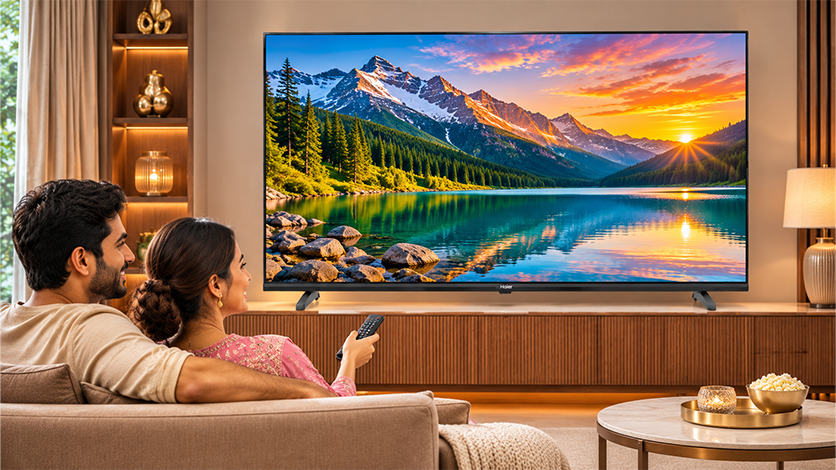
The 4K TV benefits show up in everyday viewing. Three matter most.
Sharper, More Detailed Picture
Faces, text and fine textures look cleaner, and detail holds up on a big screen. A 4K panel also lets you sit closer before individual pixels become visible. That makes a large screen feel more immersive, even in a modest room.
Better HDR and Colour
Most 4K TVs support HDR. HDR widens the gap between bright and dark areas, so scenes look more lifelike. HDR is a separate feature from resolution, so check it on the spec sheet. Colour quality also depends on the panel.
Colour quality also depends on the panel. That’s why people ask whether QLED is better than 4K. A QLED TV is usually a 4K TV with a quantum-dot layer added, so it offers 4K detail plus richer colour.
Future-Proof Content and Streaming
Streaming apps, consoles and Blu-ray discs now often default to 4K. A 4K TV is ready for that content. If you buy Full HD today, you may want to upgrade sooner.
Does Screen Size Matter for 4K?
Yes. Screen size and seating distance decide how much of the extra detail you can see. On a small screen, the added pixels are hard to tell apart from a normal seat. On a larger screen, the picture fills more of your view, so the extra detail is easier to see.
- 43-inch and above: 4K pays off, especially for streaming
- 50 to 55-inch: the extra detail is easy to see, so 4K is the better choice over Full HD
- 65-inch and above: 4K is a clear win
Is 4K Worth It on Smaller TVs?
At 43 inches, 4K is usually worth it, particularly if you stream. At 32 inches, it isn’t.
Is there a 32-inch 4K TV? A few exist, but at normal viewing distance the screen is too small to show the benefit. Haier’s 32-inch range is HD Ready or Full HD, and its 4K models start at 43 inches.
What You Need to Enjoy 4K
A 4K TV only shows its best with 4K content. Think of it like a sharp lens. It needs a sharp subject.
4K Content, Streaming and Connections
- 4K content: look for the 4K label on streaming apps, Blu-ray discs and console games
- Internet speed: around 25 Mbps is a common recommendation for steady 4K streaming
- HDMI cable and ports: use a High Speed HDMI cable (HDMI 2.0 or higher) on a port that supports 4K
- Upscaling: your TV can stretch HD and cable channels to fit the screen. The result looks cleaner but not truly 4K.
If you mostly watch cable, the screen will look good but not dramatically sharper. Streaming is where 4K shines. For more TV buying guides, you can browse the Haier blog.
Read more: Understanding Haier’s 4K UHD TVs vs. Standard HD
Is a 4K TV Worth It in 2026?
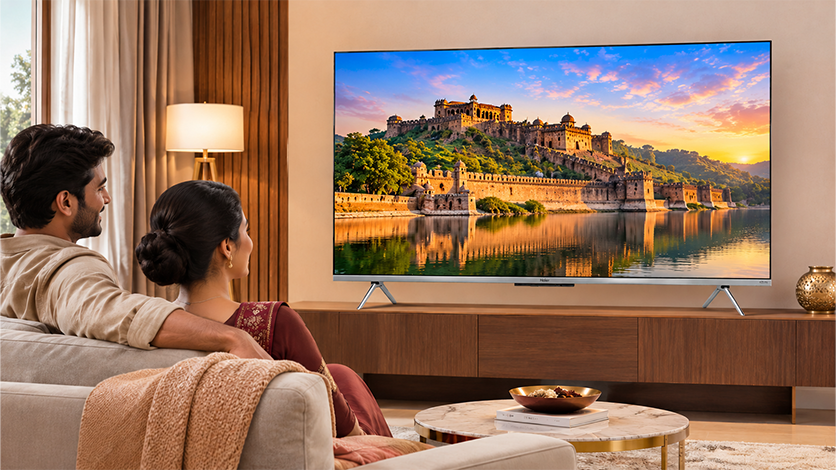
For most homes, yes. At 43 inches and above, 4K is now the standard. The price gap with Full HD has narrowed, and most new content is made for it.
Haier’s 4K UHD range covers five sizes, from 43 to 75 inches. Every model runs Google TV.
| Size | Models | Features |
| 43-inch | A9UG, P7GT, K85G | A9UG adds MEMC, P7GT adds hands-free voice control, K85G adds Google Assistant |
| 50-inch | P7GT, K85, K85G | Hands-free voice control (P7GT) or Google Assistant (K85, K85G) |
| 55-inch | P7GT, K85, K85G | Hands-free voice control (P7GT) or Google Assistant (K85, K85G) |
| 65-inch | P7GT, K85G | Hands-free voice control (P7GT) or Google Assistant (K85G) |
| 75-inch | K85, K85G | HDR10, Dolby Audio and MEMC |
Most models carry a three-year warranty (1 year standard plus 2 years extended comprehensive). The A9UG carries a one-year standard warranty. Price bands are indicative, so check each product page for current offers.
If you mostly watch cable and are buying a small screen, Full HD may be enough. If you stream, play games or want a bigger screen, 4K is the better choice. Match the resolution to your room and how you watch, and you’ll enjoy it for years.
Conclusion
4K is now the standard for TVs of 43 inches and above. It gives you sharper detail, a better fit for streaming and consoles, and a TV that stays current as content moves to 4K.
Pair the resolution with the right panel for your room, and match the screen size to your seating distance. If you mostly watch cable on a small screen, Full HD may be enough. For everything else, 4K is the better choice.
FAQs
What is 4K resolution on a TV?
It means the screen has 3840 x 2160 pixels, about 8.3 million in total. That’s four times the pixels of Full HD, so the picture is sharper and more detailed.
What does 4K UHD mean?
4K UHD stands for 4K Ultra HD. It’s the 3840 x 2160 resolution used on TVs. The terms 4K, UHD and 4K UHD all describe the same screen.
Is 4K the same as Ultra HD?
On a TV, yes. Strictly speaking, “4K” also names a slightly wider cinema format. TV makers use 4K and Ultra HD to mean the same thing.
What is the difference between 4K and QLED or OLED?
4K is the resolution, meaning the number of pixels. QLED and OLED are panel types that decide how the pixels are lit. Most QLED and OLED TVs are also 4K.
Are 4K TVs really worth it?
For screens of 43 inches and above, yes. 4K gives a sharper picture, and most streaming content is made for it. Cable-only viewers will notice less.
Is 4K worth it on a 43-inch TV?
Yes, especially if you stream. At 43 inches, you start to see the extra detail, and the price gap with Full HD has narrowed.