
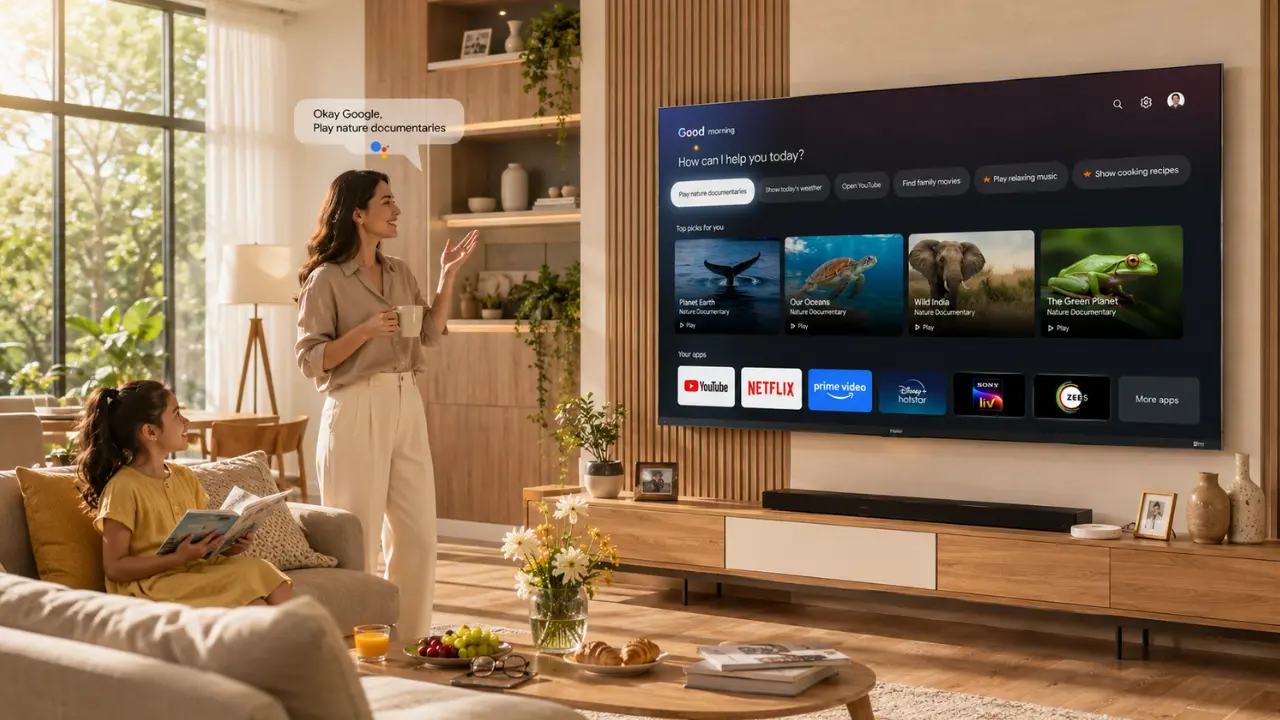

You know what’s oddly satisfying?
Walking into the living room with your hands full of snacks and simply saying, “Play the latest cricket highlights” instead of hunting for the remote between sofa cushions.
That’s the thing about voice search. Most people buy a smart TV because it supports voice commands and then use barely 20% of what it can actually do.
The irony? The feature that saves the most time often becomes the most ignored.
If you’ve been using your television only for opening Netflix or YouTube with your voice, you’re leaving a lot on the table.
Let’s change that.
Voice Search Has Changed More Than We Realise
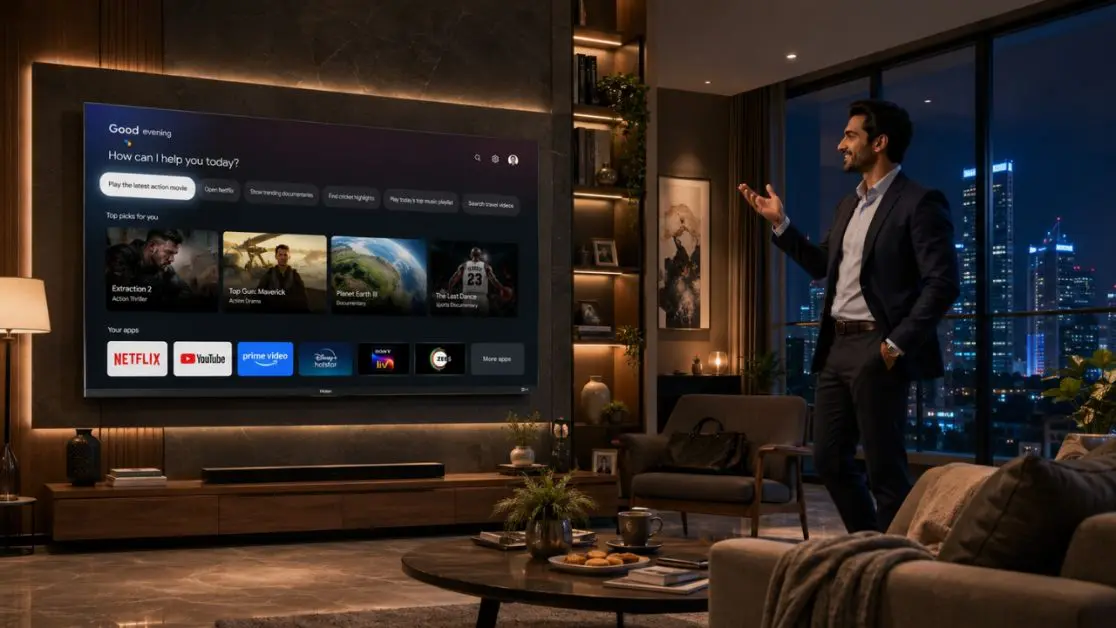
Not very long ago, searching for a movie meant typing every single letter using a TV remote.
Painful.
Today, AI-powered voice search understands natural conversations. You don’t always have to remember exact titles or spell complicated actor names.
Instead of saying:
“Open YouTube”
You can simply ask:
- “Show me easy paneer recipes.”
- “Play relaxing rain sounds.”
- “Find action movies in Hindi.”
- “Open today’s technology news.”
- “Show 4K nature documentaries.”
It feels less like operating a television and more like talking to someone who understands what you’re looking for.
That’s where modern AI-enabled televisions are quietly changing everyday entertainment.
Why Voice Search Is Becoming the Preferred Way to Navigate Smart TVs
Typing with a remote still works.
But let’s be honest
Nobody enjoys pressing arrow keys thirty times just to search for one movie.
Voice search removes that friction.
Here’s what makes it genuinely useful
- Faster content discovery
- Reduced typing effort
- Better accessibility for elderly family members
- Easier navigation for children
- Hands-free convenience while cooking, eating or multitasking
- Quick access to apps, settings and smart home controls (where supported)
It’s one of those features you don’t think about initially but once you start using it regularly, going back feels unnecessarily slow.
Speak Naturally Don’t Overthink It
A common mistake?
People believe they need to speak like robots.
You don’t.
Modern AI voice assistants are designed to understand conversational language.
Instead of saying:
“YouTube Bollywood songs.”
Try saying:
- “Play old Kishore Kumar songs.”
- “Find funny stand-up comedy.”
- “Show today’s weather.”
- “Play family movies.”
- “Open live cricket.”
Natural speech usually produces better results because AI understands context better than before.
Sometimes even casual phrases work surprisingly well.
Simple Voice Commands You Can Start Using Today
Instead of limiting voice search to streaming apps, explore what your TV can actually do.
| Everyday Need | Voice Command Example |
| Entertainment | Play comedy movies |
| Sports | Show live cricket scores |
| Music | Play romantic songs |
| Kids | Open cartoons |
| Learning | Show science documentaries |
| Fitness | Play home workout videos |
| News | Open business news |
| Cooking | Find dosa recipes |
| Relaxation | Play ocean sounds |
| Gaming | Open Game Mode (if supported) |
Small changes.
Big convenience.
Voice Search Works Best When You Know What You Want
Sometimes people say,
“Play something.”
That’s a bit like walking into a library and saying, “Give me a book.”
Instead, be slightly more specific.
Examples include:
- Comedy movies under two hours
- Latest Tamil action films
- Nature documentaries in 4K
- Kids educational videos
- IPL match highlights
- Travel shows
- Space documentaries
- Bollywood classics
The clearer your request, the better the recommendation engine performs.
Don’t Forget You Can Control the TV Too
Voice search isn’t only about finding content.
Many smart TVs now allow voice-based control for everyday functions.
Depending on the supported ecosystem and TV capabilities, you may be able to:
- Increase or decrease volume
- Open applications
- Change picture modes
- Search settings
- Switch HDMI inputs
- Launch Google TV
- Pause or resume playback
- Search across multiple streaming platforms
This saves surprising amounts of time over weeks and months.
Voice Search Becomes Even Better with AI
Here’s where things get interesting.
Modern premium televisions don’t simply recognise words.
They analyse intent.
For example:
If someone says,
“I want something exciting.”
AI may recommend action films.
Say,
“I’m watching with family.”
Recommendations may shift towards family-friendly content.
That intelligent understanding is gradually becoming one of the biggest advantages of AI-powered televisions.
Tips That Improve Voice Recognition Accuracy
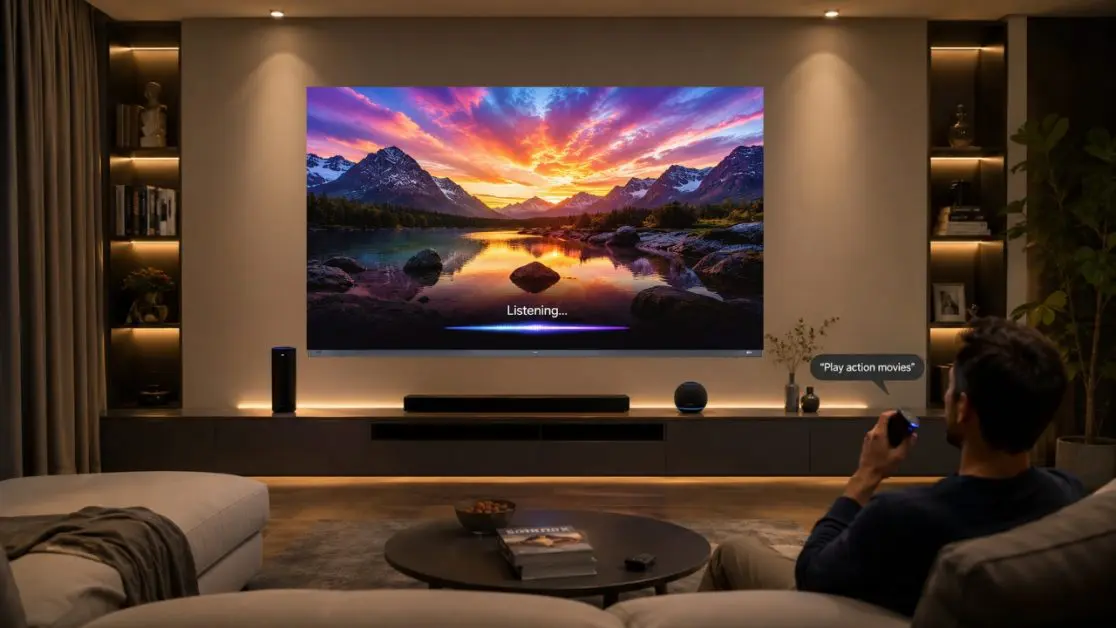
A few small habits make a noticeable difference.
Speak at a normal pace
No need to shout.
No need to speak unnaturally slowly.
Just talk.
Reduce background noise
Heavy mixer grinders and pressure cookers aren’t exactly ideal conversation partners.
A quieter room improves recognition.
Keep your internet stable
Many voice services rely on cloud processing.
Stable connectivity generally delivers faster responses.
Update your TV regularly
Software updates often improve:
- Voice recognition
- AI recommendations
- App compatibility
- Assistant responsiveness
Skipping updates means missing improvements that happen behind the scenes.
Common Mistakes Smart TV Owners Make
It happens more often than you’d expect.
Using only app names
Instead of:
“Netflix”
Try:
“Play thriller movies on Netflix.”
Speaking incomplete commands
Instead of:
“Movie”
Say:
“Show Hindi mystery movies.”
Ignoring profile personalisation
Personalised recommendations improve over time when family members use their own viewing profiles where available.
Forgetting regional languages
Many modern smart TV platforms continue expanding multilingual support.
If available on your device, explore supported Indian languages to make voice interaction even more natural.
What Makes Voice Search Better on Premium Smart TVs?
Not every television processes voice requests equally.
The experience depends on hardware, software and AI processing capabilities.
Premium models generally deliver:
- Faster response times
- Better microphone recognition
- Smarter recommendation engines
- Improved natural language understanding
- Better app integration
- Smoother navigation
The difference becomes obvious after everyday use.
Experience AI-Powered Voice Search with Haier’s Premium Smart TV
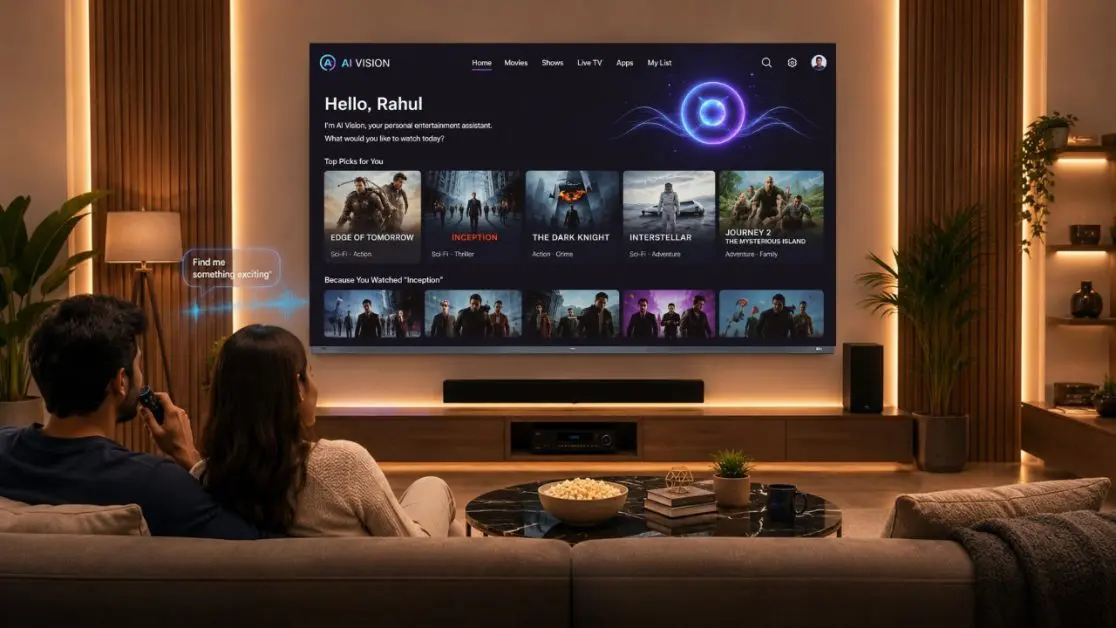
A smart television should do more than respond to commands.
It should understand your viewing habits, optimise picture quality, improve sound, simplify navigation and make everyday entertainment feel effortless.
That’s where the Haier New M96 Series 254 cm (100) QD-Mini LED AI Smart Google TV (H100M96FUX) stands apart. It brings together an AI-powered entertainment ecosystem with features designed to make voice interaction smoother and smarter.
Some of its standout capabilities include:
- Hands-Free Voice Control, allowing users to operate the TV, search for content and control compatible smart home devices without reaching for the remote.
- Google TV, which offers personalised content recommendations based on viewing preferences.
- AI Ultra Sense Processor, co-developed with MediaTek, enabling real-time scene recognition and AI-driven optimisation for colour, contrast, motion and depth.
- 144Hz Refresh Rate for smoother sports and gaming.
- Dolby Vision IQ with HDR10+ for picture optimisation according to ambient lighting.
- Sound by KEF, along with Dolby Atmos, creating an immersive audio experience.
- A Solar Remote, offering an eco-conscious alternative for everyday use. These features are listed in the product specifications and feature overview.
Rather than treating voice search as a standalone feature, the television combines AI processing, Google TV and hands-free interaction into a unified experience that feels intuitive throughout the day.
Small Habits That Make a Big Difference
If you’re just getting started, keep these in mind:
- Use complete conversational phrases.
- Explore voice search beyond movies.
- Keep your software updated.
- Make use of personalised recommendations.
- Learn a few everyday commands and use them consistently.
- Experiment you’ll probably discover features you didn’t know existed.
Sometimes the smartest feature in your living room isn’t the display.
It’s the way you interact with it.
Why It Matters
Voice search isn’t about replacing the remote. It’s about reducing effort.
When AI understands what you’re asking, finds relevant content quickly and lets you navigate naturally, entertainment becomes smoother for everyone at home from children searching for cartoons to grandparents looking for devotional programmes and gamers jumping into their favourite titles.
If you’re planning to upgrade your entertainment setup, exploring AI-powered televisions like the Haier New M96 Series 254 cm (100) QD-Mini LED AI Smart Google TV (H100M96FUX) can make voice interaction feel far more intuitive. With Hands-Free Voice Control, Google TV,and the AI Ultra Sense Processor working together, it offers a connected viewing experience that goes well beyond simple voice commands.
Frequently Asked Questions
1. Does voice search work without using the remote?
On supported televisions with Hands-Free Voice Control, you can operate the TV using voice commands without picking up the remote. The Haier New M96 Series H100M96FUX includes this feature.
2. Can I search across multiple streaming platforms using voice?
Google TV can help discover content across supported streaming services, making it easier to find movies, shows and videos without manually opening every app.
3. Is voice search useful for older family members?
Yes. Voice commands reduce the need to navigate complex menus, making content discovery much easier for users who prefer speaking over typing.
4. Does voice search only work for movies?
No. You can search for music, recipes, news, sports updates, educational videos, weather information, apps and much more, depending on available services.
5. What improves voice search accuracy?
Speaking naturally, maintaining a stable internet connection, reducing background noise and keeping the TV software updated all help deliver better results.
6. Which Haier TV supports Hands-Free Voice Control?
The Haier New M96 Series 254 cm (100) QD-Mini LED AI Smart Google TV (H100M96FUX) includes Hands-Free Voice Control, Google TV and AI Ultra Sense Processor for a more intelligent entertainment experience.