
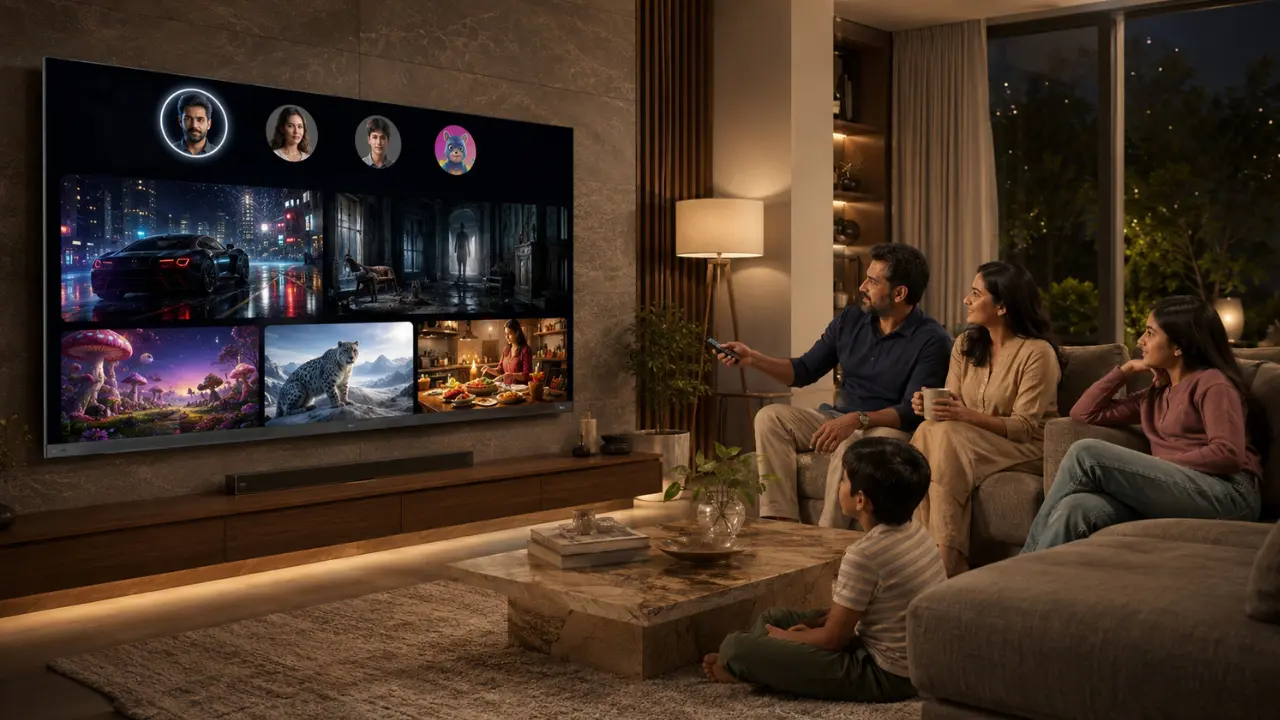

There’s usually one person in every family who knows every password.
Another who forgets them all.
Someone insists on watching crime thrillers, the kids somehow end up on cartoons every evening, grandparents prefer devotional channels, and then someone changes the profile picture just for fun. Before long, recommendations became a strange mix of animated movies, cricket highlights, stand-up comedy and Korean dramas. Sound familiar?
That’s the reality of modern streaming. A subscription is frequently used by a whole household. It saves money, but can make it unnecessarily messy when everyone watches it the same way.
The good news? It doesn’t have to be like that.
With a little planning and the right Smart TV, each family member can have their own personal entertainment without competing for their favourites. There’s more to improved organisation than convenience: it will help you find better content, safeguard younger viewers and ensure the streaming experience remains simple.
Why Family Streaming Accounts Need Better Organisation
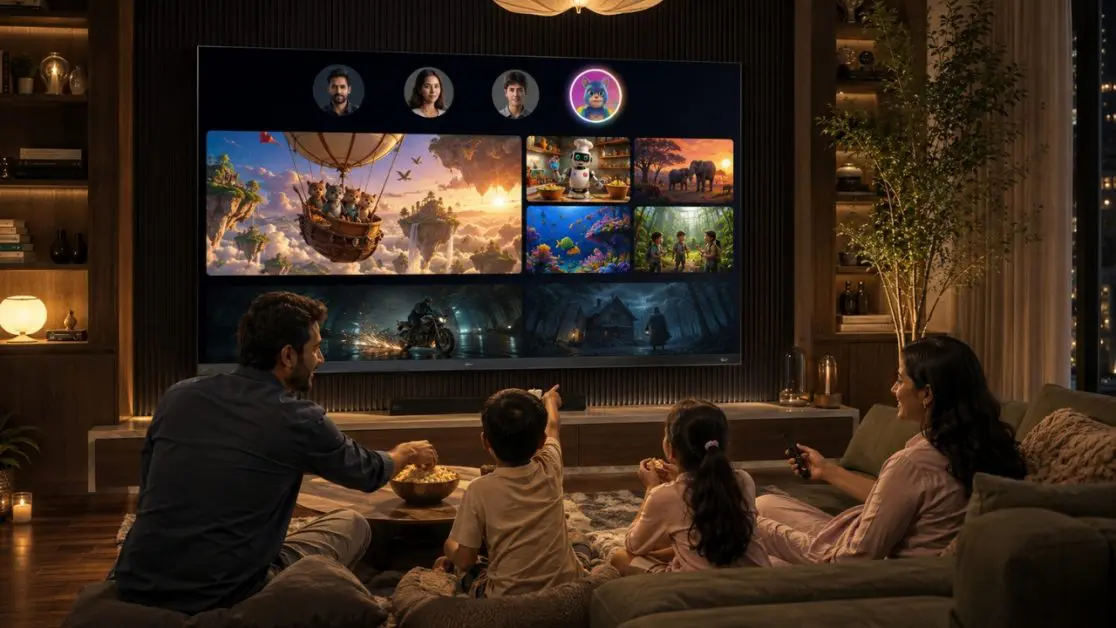
Streaming services today are built around personalisation.
Every movie you finish, every series you abandon halfway, every documentary you replay all of it teaches the platform what to recommend next.
Now imagine five completely different people using one profile.
The algorithm gets confused.
Instead of understanding your viewing habits, it starts guessing. The result? Recommendations that rarely feel relevant.
Creating a little structure inside your streaming accounts solves several everyday problems.
A well-managed family account helps you:
- Keep personalised recommendations for every family member
- Separate children’s content from adult viewing
- Resume shows exactly where each person left them
- Avoid accidental purchases or unwanted content
- Make content discovery much faster
It may seem like a small adjustment today, but over months of streaming, it makes an enormous difference.
Every Family Member Deserves Their Own Profile
One profile for everyone? Probably the biggest mistake households make.
Almost every major streaming platform allows multiple user profiles, yet many families never bother setting them up.
It takes only a few minutes.
After that, everyone gets their own viewing history, watchlist and personalized recommendations.
Consider a typical Indian household:
Parents
- Business news
- Web series
- Documentaries
Teenagers
- Gaming content
- Anime
- Action films
Children
- Animated movies
- Educational programmes
- Kids’ entertainment
Grandparents
- Classic cinema
- Devotional content
- Family dramas
Keeping these separate makes every login feel personalised instead of random.
Don’t Ignore Kids Profiles
Children explore technology faster than adults expect.
Sometimes a little too fast.
A dedicated Kids Profile isn’t only about cartoons. It helps create a viewing environment that’s appropriate for younger audiences without constant supervision.
Benefits include:
- Age-appropriate recommendations
- Restricted content visibility
- Simpler navigation
- Fewer accidental clicks
- Better parental confidence
It also prevents children’s viewing history from influencing recommendations for everyone else.
Build Individual Watchlists Instead of Sharing One
We’ve all done it.
Someone added fifteen movies.
Someone else removes three.
Nobody remembers which film was meant for whom.
Separate watchlists eliminate that confusion completely.
Each family member can:
- Save films to watch later
- Bookmark unfinished series
- Organise favourite genres
- Discover recommendations independently
The result feels less like sharing one television and more like everyone having their own entertainment space.
Spend Five Minutes Cleaning Up Every Few Months
Streaming libraries keep growing.
So do watchlists.
Eventually they become digital cupboards filled with things nobody plans to watch anymore.
Every few months, spend a little time reviewing:
- Finished series
- Old watchlists
- Inactive profiles
- Downloaded offline content
- Subscription preferences
Small maintenance keeps everything organised and easier to navigate.
Make Voice Search Part of Everyday Streaming
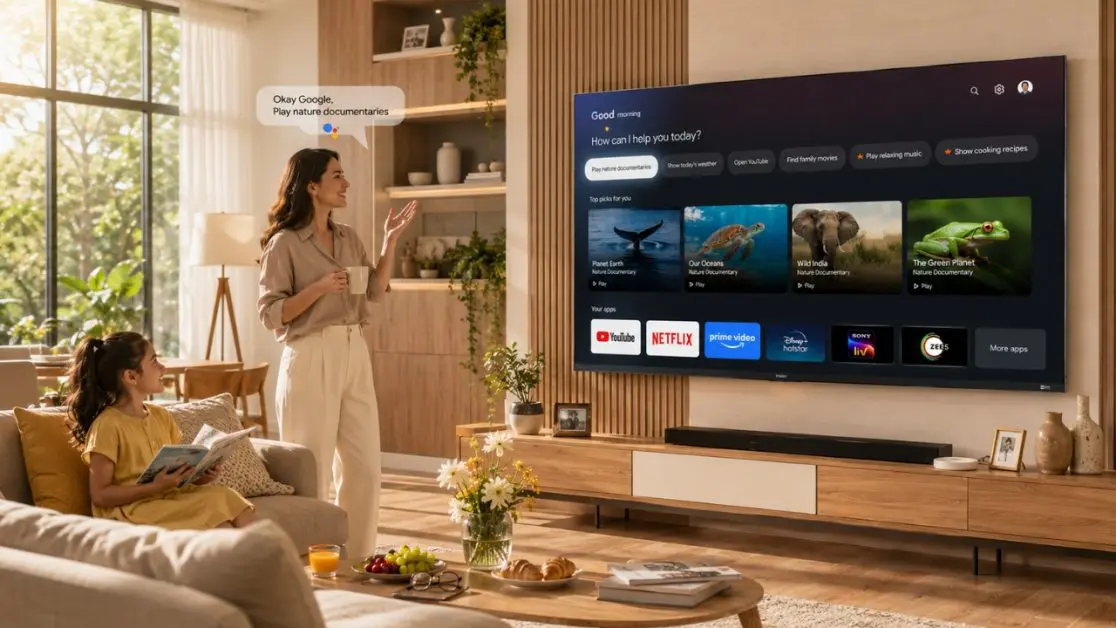
Typing with a TV remote
Let’s be honest.
Nobody enjoys it.
Searching letter by letter becomes frustrating surprisingly quickly, especially when multiple family members are looking for different content.
That’s where voice search changes the experience completely.
Instead of navigating endless menus, simply ask for:
- Favourite actors
- Movie genres
- Languages
- Sports events
- Children’s content
- Recently released shows
For families with children or elderly users, voice control also removes much of the complexity associated with Smart TVs.
When Smart Entertainment Meets Smart Hardware
Good streaming habits certainly improve the experience.
But eventually, the television itself becomes just as important.
No matter how organised your streaming accounts are, outdated hardware can still result in slow navigation, delayed responses or inconsistent picture quality.
That’s where premium Smart TVs begin making a noticeable difference.
The Haier H100M96FUX QD-Mini LED AI Smart Google TV is designed for the families that stream every day, uniting intelligent software with high-quality hardware for a seamless entertainment experience. It has been developed using Google TV and arranges movies, video shows and applications in a custom interface and gives tailored suggestions as indicated by individual inclinations. It also features Hands-Free Voice Control, allowing each family member to use the device to search the content, launch apps, or control compatible smart home devices without even twisting the remote control.
In addition to convenience, the TV is equipped with AI Ultra sense Processor that automatically adjusts the picture, sound, gaming and entertainment settings in real time.Whether someone is watching animated content, live cricket or a blockbuster film, the TV continuously adjusts visual performance to enhance clarity, colour, contrast and depth for different types of content.
Create a Few Simple Family Streaming Rules
Every family has its own way of using the television. Some people binge-watch on weekends, while others only switch it on after dinner. A few simple ground rules can prevent plenty of unnecessary frustration.
Consider discussing things like:
Viewing habits
- Finish a series before starting another.
- Avoid deleting someone else’s watch history.
- Respect individual profiles.
- Keep watchlists organised.
Account security
- Don’t share passwords outside the household.
- Enable account security features where available.
- Review logged-in devices occasionally.
These aren’t strict rules. Think of them as good digital housekeeping.
Check Your Streaming Quality Settings
Many people blame their internet connection when the video buffer or picture quality suddenly drops.
Sometimes, that’s true.
Sometimes, the streaming settings simply need adjusting.
Different streaming services offer different quality options depending on:
- Internet speed
- Subscription plan
- Device capability
- Network congestion
If your home has multiple users streaming simultaneously, balancing quality settings can help maintain a smoother experience without affecting everyone else’s viewing.
A Better Viewing Experience Isn’t Just About the Content
Here’s something people often overlook.
Streaming platforms continue improving their recommendations every day, but the television still decides how those recommendations actually look and sound inside your living room.
The difference becomes obvious during family movie nights.
Bright animated films should feel vibrant.
Fast-moving sports should remain smooth.
Dialogue shouldn’t disappear beneath background music.
Dark scenes shouldn’t force everyone to close the curtains just to understand what’s happening.
That is where display technology starts making a real difference.
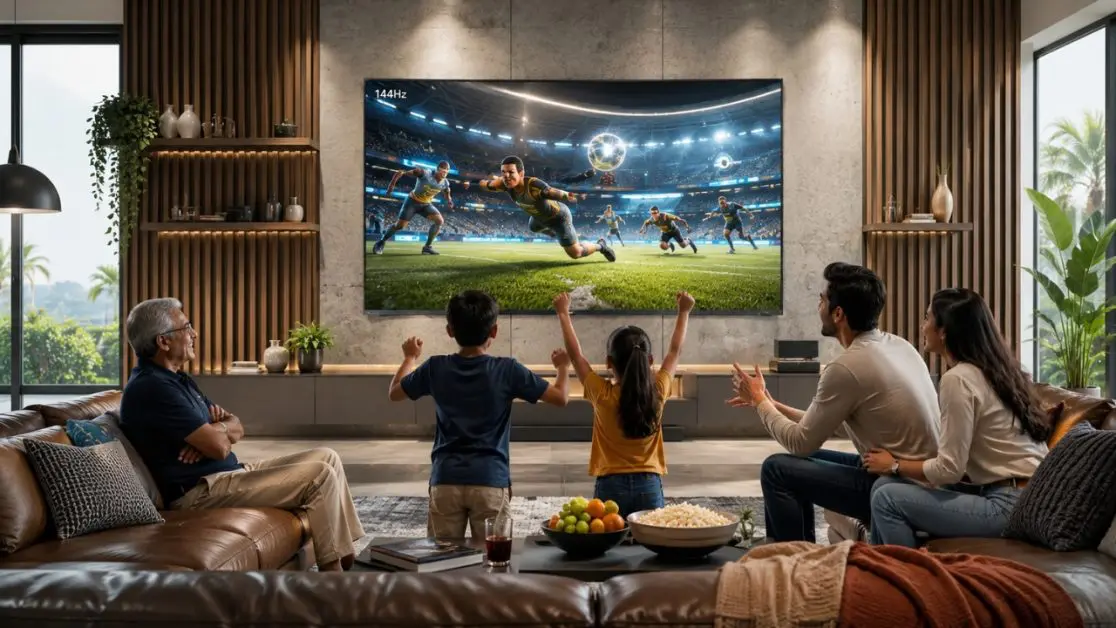
The Haier H100M96FUX QD-Mini LED AI Smart Google TV combines intelligent entertainment features with premium visual performance to elevate shared viewing experiences. Its 144Hz refresh rate helps deliver smoother motion for fast-paced sports and action sequences, while Dolby Vision IQ automatically adjusts picture quality according to the ambient lighting in your room. Combined with HDR10+, scenes benefit from dynamic brightness, improved contrast and richer colour reproduction without requiring constant manual adjustments.
Audio matters just as much in a family environment. The television integrates Sound by KEF, Dolby Atmos, and a 6.2.2-channel speaker system, creating immersive sound that allows dialogue, background effects and music to remain balanced across different genres of content. Whether the family is watching a sports final, a concert or an action film, everyone enjoys a more engaging entertainment experience.
Small Changes That Make Streaming Simpler
You don’t need expensive subscriptions or dozens of streaming services to improve entertainment at home.
Often, it’s the smaller habits that have the biggest impact.
A quick checklist
- Create separate profiles for everyone.
- Use Kids Profiles wherever available.
- Keep individual watchlists.
- Review account security every few months.
- Organise apps based on daily usage.
- Use voice search instead of typing.
- Maintain a stable internet connection.
- Update your Smart TV software whenever new versions are available.
Individually, these seem minor.
Together, they create a noticeably smoother streaming experience.
Why the Right Smart TV Completes the Experience
Streaming today is no longer limited to watching a movie after work.
A single television often serves many roles throughout the day.
Morning news.
Children’s learning videos.
Afternoon cartoons.
Weekend cricket.
Family movie nights.
Late-night documentaries.
The television has quietly become the entertainment hub of the modern Indian home.
That’s why choosing a Smart TV isn’t simply about screen size anymore. It should also be intelligent enough to recognise different content, simplify navigation and provide an experience that feels effortless for everyone using it.
With Google TV, personalised content recommendations, Hands-Free Voice Control, the intelligent capabilities of picture optimisation powered by the AI Ultra Sense Processor, the Haier H100M96FUX QD-Mini LED AI Smart Google TV is designed to support how families stream today. Features such as AMD FreeSync Premium Pro, Google TV, and seamless connectivity through Wi-Fi, Bluetooth and casting further make it suitable for households where entertainment preferences vary throughout the day.
When thoughtful streaming habits meet a television engineered for smarter entertainment, every member of the family enjoys a more personalised, organised and enjoyable viewing experience.
Frequently Asked Questions
1. Why should every family member have a separate streaming profile?
Separate profiles maintain individual watch history, personalised recommendations and watchlists, while preventing one person’s viewing habits from influencing another’s suggestions.
2. Is a Kids Profile necessary if parents supervise television viewing?
Yes. Kids Profiles provide an additional layer of content filtering and age-appropriate recommendations, making everyday viewing safer and easier to manage.
3. How does voice search improve the Smart TV experience?
Voice search allows users to quickly find movies, shows, actors or genres without typing using the remote, making navigation faster for both children and older family members.
4. What makes the Haier H100M96FUX suitable for family entertainment?
The TV combines Google TV, Hands-Free Voice Control, AI Ultra Sense Processor, Dolby Vision IQ, HDR10+, a 144Hz refresh rate and immersive audio technologies like Sound by KEF and Dolby Atmos to deliver a premium entertainment experience for different types of viewers.
5. How often should families review their streaming accounts?
A quick review every few months is good practice. It helps remove unused watchlists, check logged-in devices, organise profiles and keep the overall streaming experience smooth and secure.