
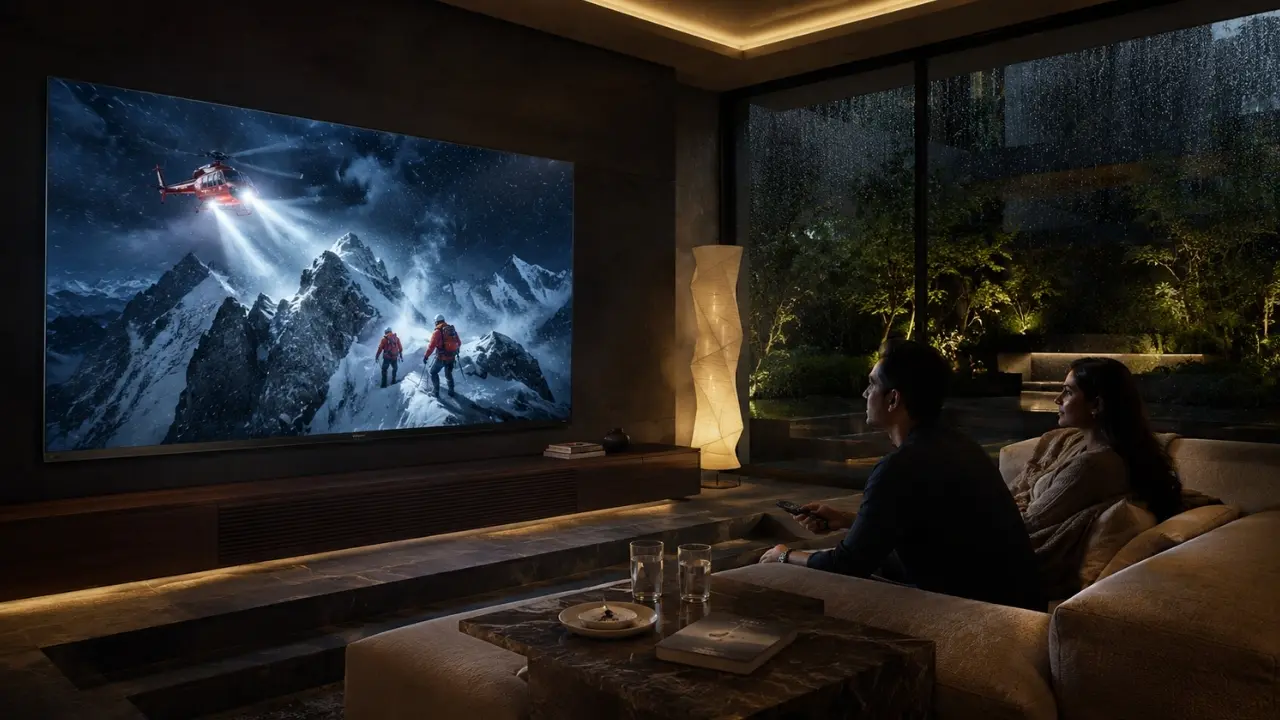

You settle in after dinner, open your favourite OTT app, start a film everybody has been talking about and the picture somehow feels wrong.
Faces look excessively bright. A night scene appears grey rather than genuinely dark. Fast movement gets a little messy. Worse, you begin wondering whether the streaming quality itself is poor.
Not necessarily.
The television may simply be using a picture setting that does not suit what you are watching.
Modern smart TVs give viewers considerably more control over image presentation than older televisions did. Used sensibly, settings related to picture mode, brightness, HDR and ambient viewing conditions can help you get much closer to the experience the content was designed to deliver.
And no, you do not need to spend half an evening buried inside menus.
Start With the Setting Most People Ignore: Picture Mode
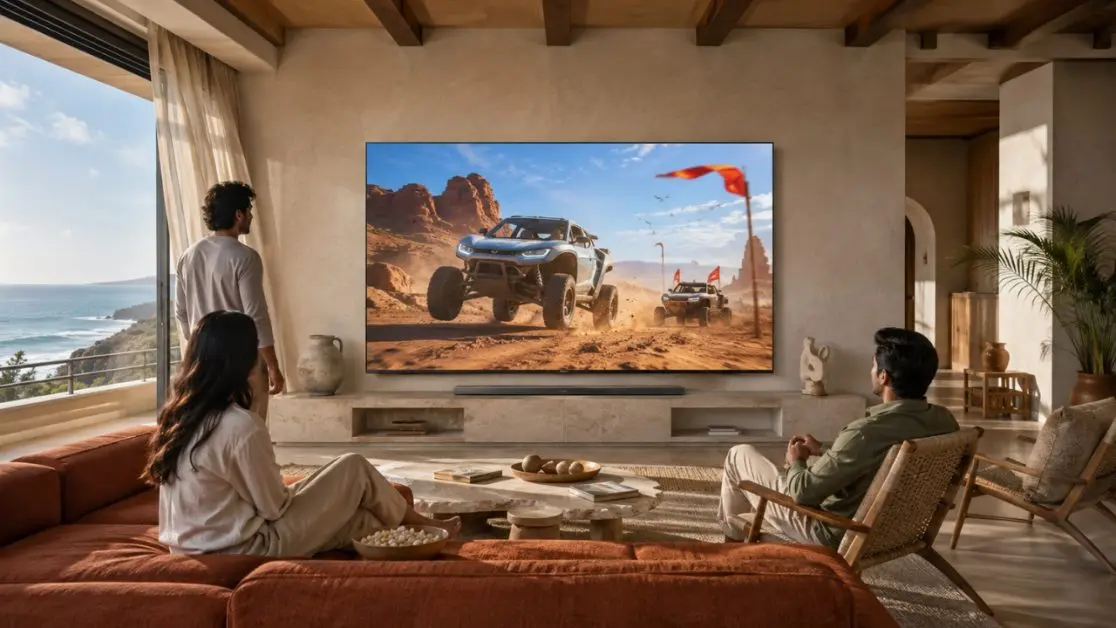
A picture mode is essentially a group of display adjustments created for a particular kind of viewing.
The Haier M92 QD-Mini LED AI Smart Google TV Series and Haier M96 QD-Mini LED AI Smart Google TV Series, for example, offer picture modes including User, Dolby Vision, Standard, Vivid, Sport, Movie, Game and Energy Saving.
That choice matters.
Watching a film in a highly intensified mode can make colours look punchier, but it may not necessarily produce the most natural cinematic presentation. Similarly, a movie focused setting may not be your preferred choice for a daytime cricket match.
A practical starting point is:
- Movie mode: Try it for films, dramas and cinematic OTT series.
- Standard mode: A sensible everyday option for mixed viewing.
- Sport mode: Worth exploring when watching fast sporting action.
- Dolby Vision mode: Relevant when compatible Dolby Vision content is being viewed.
- Vivid mode: Useful when you genuinely prefer a brighter, more intensified image.
- User mode: Best when you want greater personal control over the picture.
- Energy Saving mode: Designed with power saving in mind rather than simply maximising visual impact.
There is no universal “best” mode. Your room, content and personal preference all matter.
Before Changing Ten Settings, Look at Your Room
This sounds almost too obvious, but it makes a surprisingly large difference.
A television being watched at 2 pm beside a bright balcony window is operating in a very different environment from the same screen during a late-night film.
If the screen looks too dark during the afternoon, simply copying somebody else’s online picture settings may make matters worse.
This is where intelligent light-aware display technologies become genuinely useful.
Let the TV Respond to Changing Light
The Haier M92 and M96 Series feature AI Ambient Sense, designed to adjust brightness and colour temperature according to the surrounding environment.
So instead of treating a brightly lit living room and a darkened bedroom as identical viewing conditions, the display can respond to the environment.
The same principle also appears in Dolby Vision IQ, which adapts supported Dolby Vision viewing according to room lighting.
For Indian homes, this is especially practical. Living rooms often shift from strong daylight to tube lights, lamps and near-darkness over the course of a single day.
A television capable of accounting for that change can take some of the guesswork out of repeated manual adjustment.
HDR Content Needs the Right Display Treatment
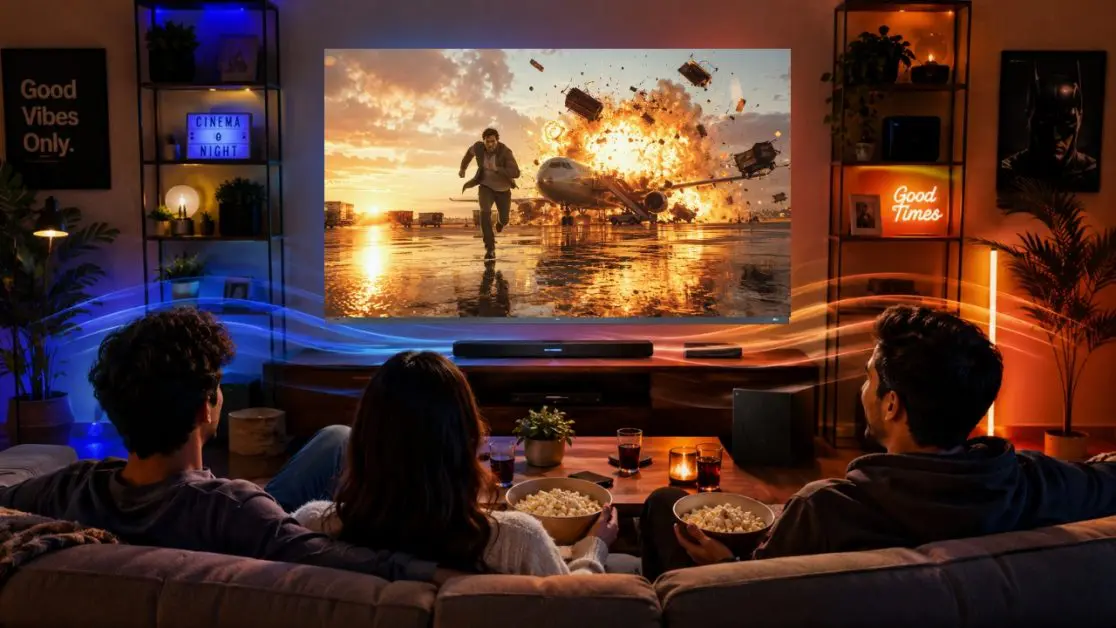
HDR is one of those terms that appears everywhere on television boxes, yet its real value is easiest to understand in actual scenes.
Think of:
- sunlight reflecting from water,
- flames against a dark background,
- street lights in a night sequence,
- bright clouds above shadowed buildings,
- jewellery, metallic objects or small highlights inside darker scenes.
A capable HDR display tries to retain both the bright highlight and surrounding detail rather than allowing everything to collapse into one flat image.
The Haier M92 Series combines Dolby Vision IQ and HDR10+, while its QD-Mini LED display uses controlled dimming to deliver brighter highlights alongside deeper dark areas. The 164 cm (65) M92 offers 448 dimming zones, while the 189 cm (75) model increases that figure to 576 zones.
Move to the Haier New M96 Series 254 cm (100) QD-Mini LED AI Smart Google TV (H100M96FUX) and the scale increases substantially, with 2160 dimming zones and up to 2100+ nits peak brightness specified for the model.
In plain English? Bright parts of an HDR scene have room to shine while darker regions can retain greater visual separation.
That is exactly the sort of capability premium OTT movies and series can benefit from.
Do Not Automatically Max Out Brightness
Brighter is not always better.
A very bright picture can look impressive in a showroom or sunlit room, but viewing the same intensity late at night may feel tiring and can wash away the mood of darker content.
Instead, judge brightness against your environment.
Try this simple approach:
- Put on content you know well.
- Choose an appropriate picture mode first.
- Observe bright areas and dark areas separately.
- Adjust only when the picture genuinely appears uncomfortable or unclear.
- Recheck the image under your normal room lighting.
Small changes are usually more useful than aggressively pushing every control towards maximum.
Leave Colour Alone Unless Something Actually Looks Wrong
Another common habit is increasing colour intensity because “more colour” seems like better picture quality.
It is not quite that simple.
Push saturation too far and skin tones can start looking artificial, greenery becomes unusually intense and carefully graded movie scenes lose subtlety.
Haier’s AI Ultra Sense Processor is designed to recognise scenes and intelligently tune elements including colour, contrast, depth and motion. AI-Color Boost Pro also dynamically adjusts colour saturation.
That makes a sensible case for first seeing what the television’s processing can do before manually overcorrecting everything.
Sometimes the best adjustment is the one you decide not to make.
Motion Settings: Match Them to What You Watch
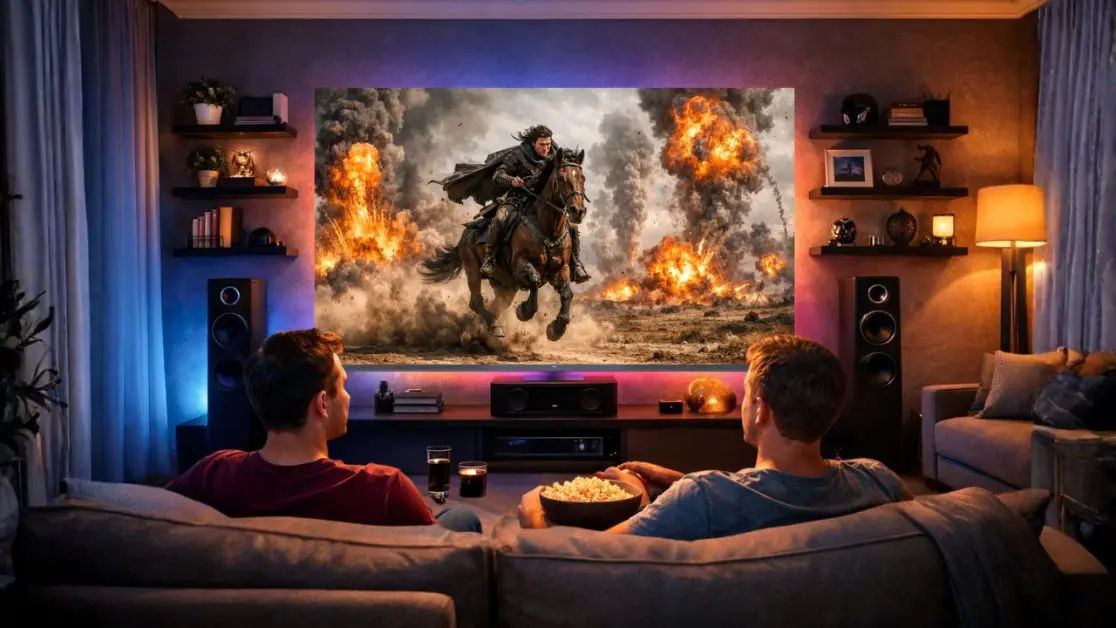
Picture quality is not only about colour and contrast. Motion matters enormously, particularly once the camera starts moving.
Sports, action films and rapidly panning scenes are much more demanding than a relatively static conversation between two characters.
The Haier M92 and M96 Series support a 144Hz refresh rate and include motion technology designed to improve movement presentation.
For viewers switching between OTT cinema, live sport and gaming, that versatility matters because those forms of entertainment do not place identical demands on a display.
A useful rule: do not judge motion settings using a paused frame. Watch an actual moving sequence.
Football, racing, action scenes and sweeping landscape shots reveal far more.
What About Streaming Quality Itself?
TV settings cannot create detail that never reached the television in the first place.
If an OTT stream temporarily drops in quality because of network conditions, changing colour or sharpness will not restore the missing information.
Before blaming the television, check whether:
- the streaming app is playing the expected content quality,
- your internet connection is stable,
- another device is consuming substantial bandwidth,
- the issue appears across different programmes or only one title.
This distinction matters. Good picture tuning improves what the screen receives; it cannot replace a heavily compressed or reduced-resolution source.
The 60-Second OTT Picture Check
Before your next movie night, run through this instead of endlessly tweaking menus:
- Choose a picture mode that matches the content.
- Allow ambient-light features to work where appropriate.
- Use Dolby Vision when supported content activates the relevant experience.
- Avoid excessive brightness in dark rooms.
- Do not oversaturate colours just to make the image look “punchier”.
- Judge motion while something is actually moving.
- Check streaming quality before assuming the display is the problem.
Simple. And usually far more effective than random adjustment.
Why Haier’s QD-Mini LED TVs Fit Premium OTT Viewing
Better OTT viewing starts with sensible settings, but the underlying television still determines how much those settings have to work with.
That is where Haier’s latest QD-Mini LED televisions become interesting.
For buyers wanting a premium large-screen setup, the Haier New M92 Series 164 cm (65) QD-Mini LED AI Smart Google TV (H65M92FUX) and Haier New M92 Series 189 cm (75) QD-Mini LED Smart AI Google TV (H75M92FUX) combine QD-Mini LED display technology with AI Ultra Sense processing, Dolby Vision IQ, HDR10+, AI Ambient Sense and Google TV.
For homes looking to go considerably bigger, the Haier New M96 Series 254 cm (100) QD-Mini LED AI Smart Google TV (H100M96FUX) takes the proposition into true big-screen territory. Alongside its 100-inch display, it offers 2160 dimming zones, high HDR10+ brightness, Dolby Vision IQ and AI-assisted picture processing.
Google TV also brings personalised recommendations and streaming content together, making these televisions naturally suited to households where OTT platforms form a large part of everyday entertainment.
One Good Setting Is Not the Goal
The best-looking television is not necessarily the one with every enhancement pushed to maximum.
It is the one that responds well when the content changes.
A colourful weekend film, a dark crime thriller, a Sunday afternoon match and an HDR blockbuster can all ask something different from the same display. Choosing the right picture mode, respecting room lighting and allowing intelligent processing to do its job can dramatically change how polished that experience feels.
With the M92 and M96 QD-Mini LED ranges, Haier India approaches that challenge by combining display hardware with AI-led picture optimisation rather than leaving viewers to manually fight every scene.
And once those settings are right, there is really only one thing left to do.
Stop adjusting the TV and watch the film.
Frequently Asked Questions
1. Which picture mode is best for watching OTT movies?
Movie mode is a useful starting point for films and cinematic series because it is intended for movie-style viewing. On compatible content, Dolby Vision can also provide an optimised HDR experience. The Haier M92 and M96 Series include multiple picture modes, allowing viewers to select one according to the content and their preferences.
2. Does increasing TV brightness improve OTT picture quality?
Not always. Excessive brightness can make darker scenes appear less natural, particularly when watching at night. The ideal brightness depends on the room. Haier’s M92 and M96 Series feature AI Ambient Sense, which is designed to adjust brightness and colour temperature according to surrounding lighting conditions.
3. What does Dolby Vision IQ do on a smart TV?
Dolby Vision IQ adapts compatible Dolby Vision visuals according to the lighting conditions in the room. This can help maintain an appropriate picture whether you are streaming during a bright afternoon or watching a film in a darker room.
4. Can TV settings improve a low-quality OTT stream?
Settings can optimise how the received picture is displayed, but they cannot recreate information missing from a low-quality source. If an OTT programme suddenly looks soft or pixelated, it is worth checking the streaming quality and internet connection before changing several TV settings.
5. Should I increase colour and sharpness for a better OTT picture?
Not automatically. Pushing these controls too far can make faces, textures and colours appear unnatural. The Haier M92 and M96 Series feature the AI Ultra Sense Processor, which intelligently tunes picture elements such as colour, contrast, depth and motion, so it is worth assessing the default processing before making aggressive manual adjustments.
6. Which Haier TVs are suitable for premium OTT viewing?
The Haier New M92 Series 164 cm (65) QD-Mini LED AI Smart Google TV (H65M92FUX), Haier New M92 Series 189 cm (75) QD-Mini LED Smart AI Google TV (H75M92FUX) and Haier New M96 Series 254 cm (100) QD-Mini LED AI Smart Google TV (H100M96FUX) are designed with features relevant to premium streaming, including QD-Mini LED display technology, AI picture processing, Dolby Vision IQ, HDR10+ and Google TV.