
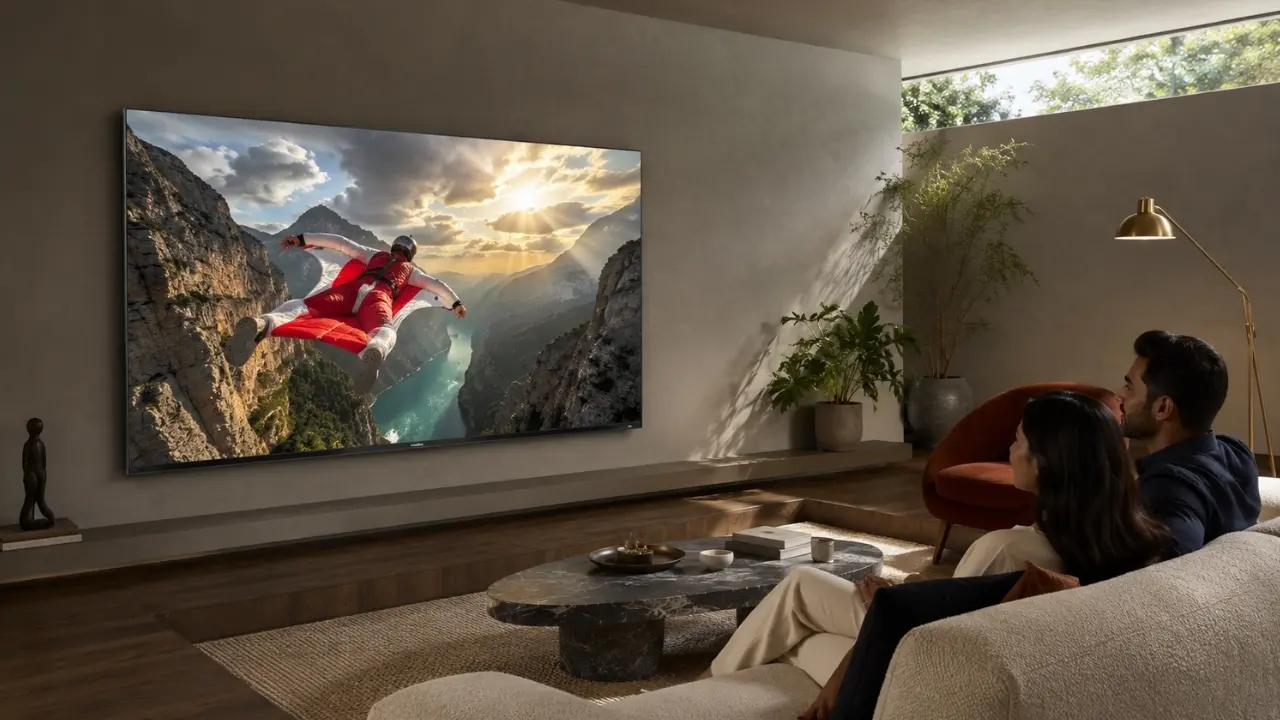

The TV may be doing its job perfectly, yet the picture can still feel slightly off.
Blacks do not seem quite as deep. Bright scenes appear harsher than expected. Colours look wonderfully rich at night but somehow different on a sunny afternoon. The instinctive response is usually to open the picture settings and start changing brightness, contrast or colour temperature.
But the television may not be the problem at all.
The wall behind it and, more broadly, the colours used across the room can influence how our eyes perceive the picture. That becomes particularly relevant when building a living room around a large premium display rather than simply finding an empty wall for a TV.
Your Wall Does Not Change the Pixels. Your Eyes Do.
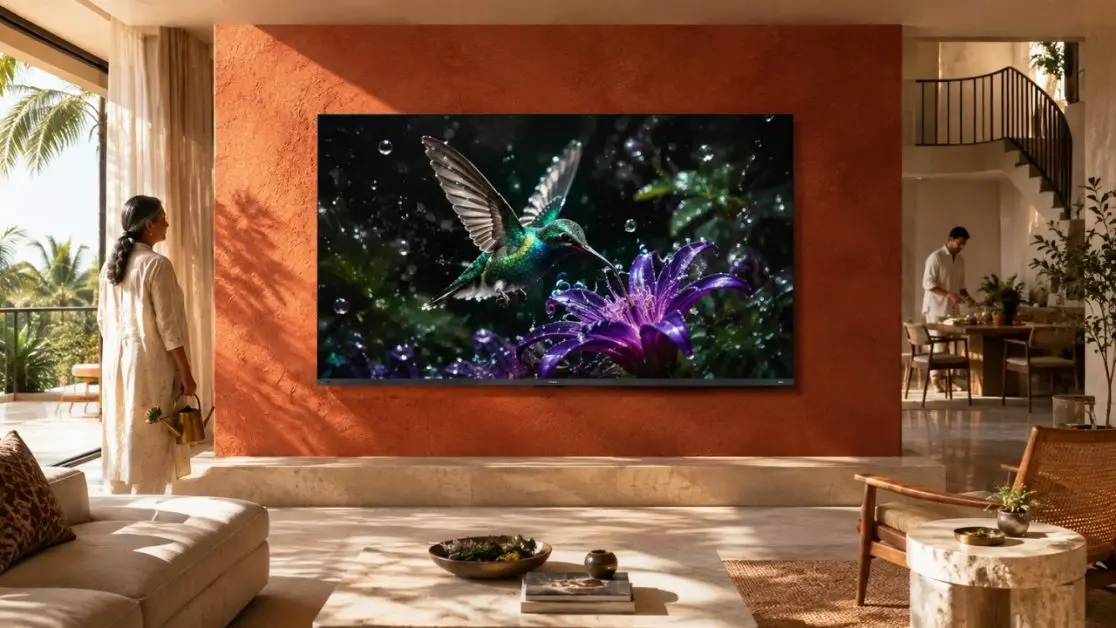
A wall colour cannot technically rewrite the image being produced by a television. What it can change is the visual environment surrounding that image.
Our eyes constantly compare brightness and colour with whatever sits nearby. Put the same screen against a very bright wall and then against a subdued neutral wall, and the display can appear different even when every TV setting remains untouched.
There are two things happening here.
First, surrounding colours affect perceived contrast. Second, room lighting can bounce off painted surfaces and influence the overall viewing environment.
That is why thinking about TV picture quality should go beyond specifications alone. The room matters too.
White, Grey or Dark? Each Creates a Different Viewing Experience
There is no single compulsory “TV wall colour”. That would be oversimplifying it. Still, some shades are easier to work with than others.
Bright White Walls
White remains extremely common in Indian homes for good reason. It makes rooms feel open and works with almost every décor style.
For daytime television viewing, that may be perfectly comfortable. Once the room becomes darker, though, a large bright wall surrounding the television can create a strong visual contrast with dark movie scenes. If lamps or other light sources illuminate the wall, the effect becomes more noticeable.
This does not mean white walls are bad for televisions.
Rather, lighting needs a little more thought. Avoid positioning intense lamps where they create distracting brightness immediately around or opposite the display.
Neutral Grey Walls
Grey is popular in contemporary entertainment spaces because it sits quietly in the background.
A restrained grey does not compete heavily with the colours appearing on screen, making it a sensible choice for viewers who want the television to become the room’s visual focus.
There is another practical advantage: neutral surroundings make it easier for your eyes to judge the image without a strongly coloured reference beside it.
The key word, however, is neutral. A grey carrying a strong blue, green or purple undertone may behave differently under warm household lighting.
Darker Feature Walls
Charcoal, muted navy and other deep shades can look striking behind a large television.
They reduce the obvious brightness difference between the black television frame and the surrounding wall and can create a more cinema-inspired atmosphere, especially during evening viewing.
Dark does not automatically mean better, though.
In a compact room with limited daylight, very dark paint can make the entire space feel smaller. The objective is to complement the television, not turn the living room into a cave.
Strong Wall Colours Need More Care
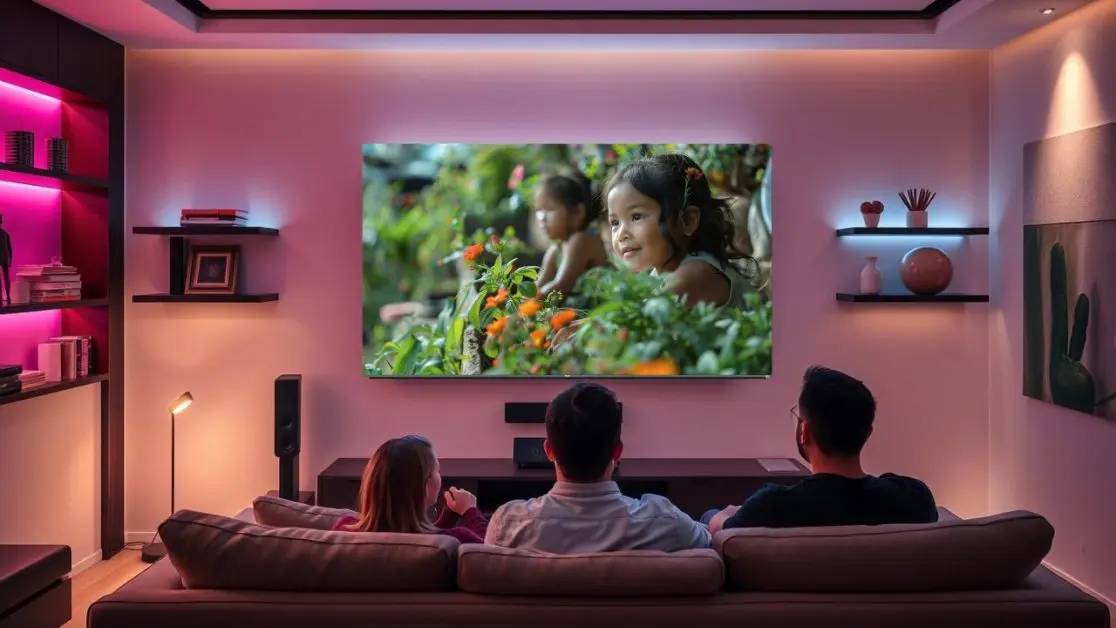
Now consider a bright red, orange, green or electric-blue feature wall.
Visually? Bold.
For colour-critical viewing? It’s a little complicated.
Because our visual system adapts to surrounding colour, a strongly saturated wall can subtly influence how colours on the television are perceived. The screen itself has not suddenly become inaccurate; the surrounding reference has changed.
If picture quality is a priority, a useful rule of thumb is:
- Prefer neutral or relatively subdued shades immediately behind the television.
- Keep extremely saturated colours farther away from the screen where possible.
- Consider how the paint looks under both daylight and artificial lighting.
- Avoid glossy finishes around the TV if they produce distracting reflected light.
- Judge the finished room from the sofa rather than standing directly beside the screen.
That last point sounds obvious, but it is often overlooked.
Paint Finish Matters Almost as Much as Paint Colour
Two walls painted the same shade can behave surprisingly differently.
Why? Finish.
A glossy surface reflects considerably more visible light than a subdued matte surface. Put such a wall opposite windows, ceiling lights or decorative lamps and those reflections can become part of the viewing experience whether you invited them or not.
For a television-focused wall, a low-sheen or matte-looking treatment can therefore be easier on the eyes than an aggressively reflective surface.
The same principle applies beyond paint. Polished marble, glossy cabinetry, mirrors and glass surfaces can all introduce reflected light around a TV.
So when planning the space, ask a better question than “Which colour looks good?”
Ask: “What will this surface do with light at 2 pm and again at 10 pm?”
That is a far more useful test.
The Biggest Culprit May Actually Be Opposite the TV
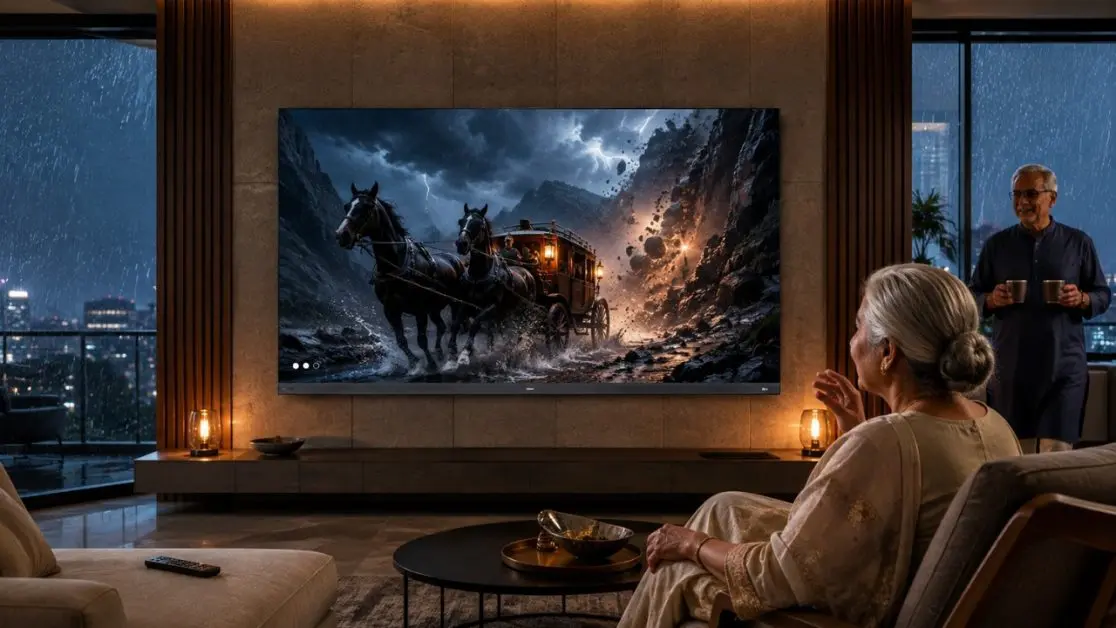
A beautifully chosen feature wall cannot rescue poor TV placement.
Imagine a large window directly opposite the screen. Afternoon sunlight enters the room, hits the television and suddenly the darkest sequence in a thriller becomes an exercise in spotting your own reflection.
Curtains, blinds and sensible screen positioning can sometimes improve everyday viewing more than repeatedly changing picture settings.
For Indian living rooms, where the same space may host bright daytime family viewing and dim late-night streaming, consider:
During the day: control strong direct sunlight where practical.
During the evening: avoid glaring lights immediately beside or opposite the television.
For movies: use comfortable, controlled ambient illumination rather than necessarily watching in complete darkness.
For everyday viewing: choose picture settings according to the actual room instead of selecting maximum brightness simply because it looks impressive initially.
Where the Haier M70 Series Fits Into the Picture
Once the room is doing its part, the display technology gets a better opportunity to do its own.
For a large-screen entertainment setup, Haier India offers the Haier New M70 Series MiniLED 189 cm (75) AI Smart Google TV with Gemini , HDR10+ , 2.1 Ch with Subwoofer , Gaming 120Hz (75M70UHMINI LED). An even larger 215 cm (85) M70 Series option is also available.
The connection to room design is particularly relevant here. The 189 cm (75) M70 uses Mini LED technology with intelligent dimming designed to provide precise light control, stronger contrast, vivid highlights and deeper blacks. AI Picture Quality adjusts brightness, contrast, colour and clarity according to content, while HDR10+ works scene by scene to enhance contrast and detail.
Colour reproduction receives similar attention. The M70 supports a Wide Colour Gamut and 93% DCI-P3 coverage, alongside Dolby Vision. For fast-moving entertainment, MEMC is designed to reduce blur and judder, while Gaming 120Hz targets smoother gameplay.
That combination makes the surrounding room worth getting right. A premium picture system should not have to compete unnecessarily with glare, harsh reflected light or an overly distracting backdrop.
And the experience does not stop at the picture. The M70 also includes a 50W audio output, 2.1-channel configuration with an inbuilt subwoofer, Dolby Atmos, Google TV, hands-free voice control, 2GB RAM and 32GB storage.
In other words, the television can become the entertainment centre of the room rather than merely another object mounted on its wall.
A Quick Room Check Before Your Next Movie Night
Before touching advanced picture controls, spend five minutes looking around the room.
- Is direct sunlight reaching the screen?
- Is a bright lamp reflected in the panel?
- Does the wall behind the television feel visually overpowering?
- Are glossy surfaces creating unnecessary reflections?
- Does the picture look substantially different during daytime and evening viewing?
- Have you selected a picture mode appropriate to what you are actually watching?
Sometimes, a small change to the room solves what looked like a television problem.
Build the Room Around the Experience
Wall colour will never replace good display technology, and display technology cannot completely ignore its surroundings. The strongest home-viewing setup comes from getting both sides right.
Neutral and subdued wall colours are generally easier companions for a television, while sensible control of daylight and reflections can help the picture remain visually comfortable across different viewing conditions.
For households planning a large-screen entertainment space, the Haier M70 Series MiniLED TV brings technologies such as AI Picture Quality, HDR10+, Wide Colour Gamut, Dolby Vision, MEMC and Mini LED light control into that equation. Set it against a thoughtfully designed room, sit back at a comfortable distance and allow the screen not the wall behind it to command the attention.
Frequently Asked Questions
1. Does wall colour really affect TV picture quality?
Wall colour does not alter the pixels produced by the TV, but it can influence how your eyes perceive brightness, contrast and colour. Strong surrounding colours and reflected light can make the same picture appear slightly different.
2. What is the best wall colour behind a TV?
Neutral shades such as grey, charcoal and other subdued colours generally work well because they create a less distracting background. The right choice should also consider the room’s natural and artificial lighting.
3. Are white walls bad for watching TV?
No. White walls can work perfectly well, particularly in bright living rooms. However, they reflect more visible light than darker surfaces, so controlling lamps and daylight can improve evening viewing.
4. Should the wall behind a TV be matte or glossy?
A matte or low-sheen finish is usually more suitable for a TV-focused wall because it can reduce distracting reflections. Glossy surfaces may reflect windows, lamps and other light sources more noticeably.
5. Can room lighting affect picture quality more than wall colour?
It certainly can. Direct sunlight, bright lamps and reflections can noticeably affect perceived contrast and dark-scene visibility. Managing these light sources should therefore be part of setting up a television room.