
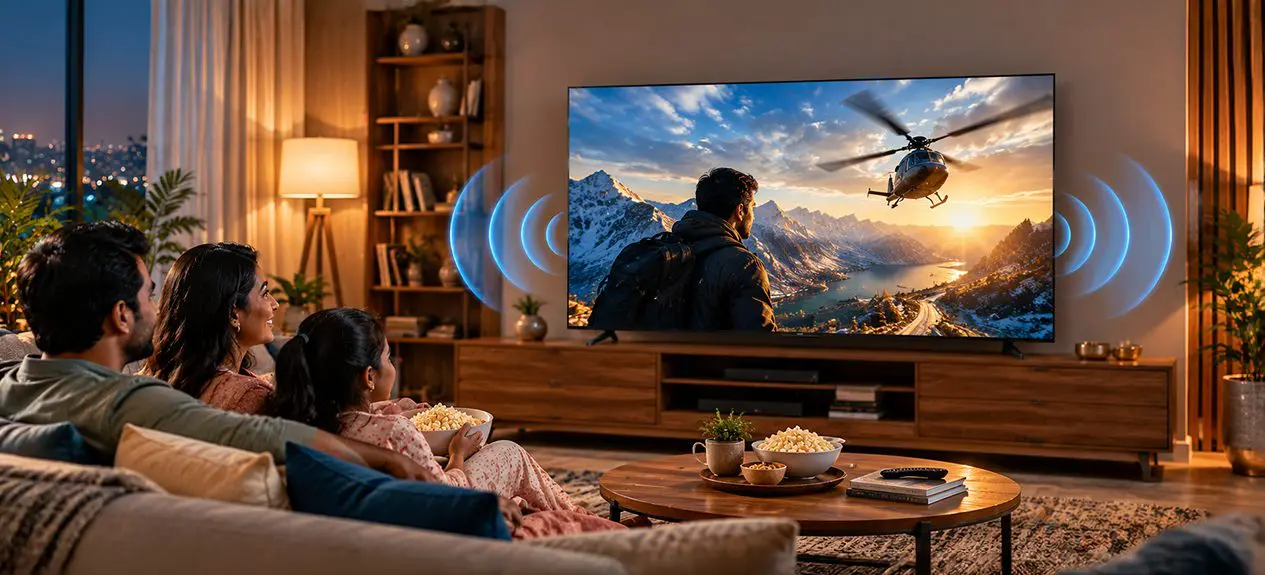

A TV can deliver a sharp 4K picture and still have you reaching for the volume button just to catch what someone said. More often than not, this comes down to the built-in speakers, which simply don’t have the room to produce the depth and clarity you’d get from a home theatre setup.
The TV’s sound quality is about much more than just volume. Speaker wattage, audio technologies, supported sound formats, and other factors contribute to how it sounds. In this article about TV sound, you will learn about these and other characteristics to help you buy a TV for your room.
How TV Speakers Work
Most TVs use their built-in speakers along the bottom edge or on the back of the screen. Their size and placement change how the sound travels around your room. Down-firing speakers direct audio towards the surface below the TV, while front-firing ones send it more directly towards the viewer.
Slim TV designs run into a problem here too; there’s less room for speaker drivers and the acoustic chambers behind them. This makes deep bass harder to reproduce, even if dialogue and everyday sounds still come through clearly.
This doesn’t mean every TV needs an external sound system bolted on. For news, daily soaps, and casual viewing, the built-in speakers are often enough. But if you’re regularly watching action films, concerts, or sports, a stronger audio setup changes the experience.
What TV Speaker Wattage Really Tells You
TV speaker wattage indicates the speakers’ rated power output, usually written out in watts (W). You may see specifications like 20W, 30W, or 50W listed on a television’s product page.
Higher wattage provides greater headroom for higher volume levels, but doesn’t necessarily ensure better sound quality. This depends on the speaker design, sound tuning, the acoustics of your room, and the television’s sound processing at various frequencies.
Watts vs Actual Loudness and Clarity
A 30W television can sound clearer than a higher-wattage model if its speakers are better designed and tuned. And a large room may need more output than a compact bedroom would ever call for.
When comparing TVs, consider these points:
- Total output: Check the combined audio output rather than assuming each speaker alone delivers the advertised wattage.
- Clarity: You shouldn’t have to raise the volume just to follow what someone’s saying.
- Bass response: A fuller low end brings more depth to films and music, though built-in speakers do have their limits here.
- Room size: Bigger rooms and open-plan spaces tend to require more output than smaller spaces.
Which Watt Speaker is Best for TV?
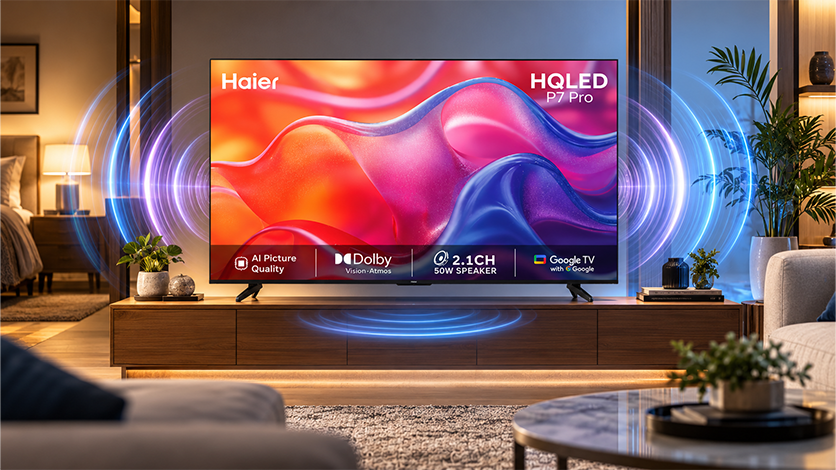
There’s no single wattage that works for every home, but 20W can be limiting if you want fuller sound. A 30W speaker system is a basic starting point, while 50W is worth prioritising for a more powerful audio experience, depending on the speaker design and room size.
Haier offers a range of audio configurations across its TVs. Our Q7 Pro models come with 30W audio, while the 65-inch Q7 Pro steps up to a 50W 2.1-channel system with a built-in subwoofer. It’s a good illustration of why comparing both output and speaker configuration matters.
Audio Modes and Technologies
TV audio modes adjust how sound is processed for different types of content. Depending on the model, you may find Standard, Cinema, Music, Sports, Game, and Dialogue modes.
Standard mode handles everyday viewing well, while Cinema mode tends to create a fuller, more immersive experience. Music mode usually brings out instruments and vocals, and Sports mode pushes commentary and crowd noise forward. Try a few settings to see what sounds natural in your room.
1. Dolby Atmos, Total Sonic, and Surround Modes
Dolby Atmos is an audio format built to create a more three-dimensional sound experience. Paired with compatible content and equipment, it can make effects feel noticeably more spacious and immersive than conventional stereo ever manages.
Total Sonic is our sound technology designed to deliver a fuller, more balanced audio experience from the TV’s built-in speakers. Depending on the model, it can help make dialogue, music and sound effects clearer and more engaging without requiring a separate sound system.
A TV with Dolby Atmos and Total Sonic audio can be a useful choice for streaming films and shows, but make sure the entire setup supports it. The content, the TV, and any connected soundbar must support the relevant format for you to benefit from it.
2. Dialogue / Clear-Voice Modes
If background music hinders conversation, switch to dialogue mode or clear voice mode. Such modes tune speech sounds, making them audible without turning up the volume.
They’re particularly useful for news, dramas, and late-night viewing when you’d rather keep the volume down but still catch every word.
Do You Need a Soundbar or External Speakers?
Built-in speakers can make a noticeable difference to your viewing experience, especially when they deliver fuller sound, clear dialogue and enough bass for movies and live sports. With Haier TVs featuring a 50W 2.1-channel speaker system, you can enjoy powerful audio with added bass without necessarily needing to buy a separate soundbar.
A 2.0-channel system delivers left and right stereo sound, while a 2.1-channel setup adds a dedicated bass channel for a richer, more impactful experience. This can make movie soundtracks, action scenes, and stadium atmospheres feel more engaging.
In the soundbar vs TV speakers debate, an additional soundbar is not always necessary. A Haier TV with a built-in 50W 2.1-channel speaker system can offer a complete audio experience on its own, helping you save both space and the cost of extra equipment.
Connecting Speakers (HDMI ARC, Optical, Bluetooth)
Before choosing external audio equipment, check which connections your TV supports.
- HDMI ARC/eARC: Sends audio from the TV to a compatible soundbar or receiver. eARC handles higher-bandwidth audio formats, including compatible lossless formats and Dolby Atmos setups.
- Optical audio: Gives you a reliable wired digital connection, though it supports fewer formats than eARC.
- Bluetooth: Convenient for compatible wireless speakers or headphones, but latency can cause sound and picture to fall out of sync.
Can I Just Plug Speakers into My TV?
Yes, you can plug external speakers directly into your TV, as long as both ends support the same connection type. Powered speakers can connect directly to a supported audio output, while passive speakers need an amplifier or receiver in between. If it’s a soundbar you’re looking for, HDMI ARC/eARC is usually the simplest route when both devices support it.
What to Look for When Buying
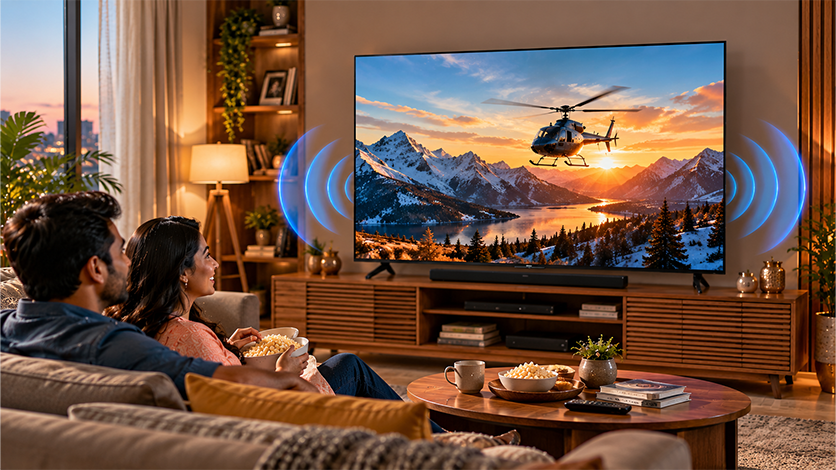
When deciding how to choose TV speakers, start with how you watch rather than chasing the biggest number on the specification sheet.
- Room and screen size: Match the audio output to your space and where you’ll be sitting.
- Speaker configuration: Look for a dedicated subwoofer or a 2.1-channel setup if fuller bass matters to you.
- Audio formats: Dolby Atmos adds real immersion, but only when the content and equipment on both ends actually support it.
- Voice clarity: Look for dialogue enhancement and automatic volume control.
- Connectivity: HDMI ARC/eARC, optical output, and Bluetooth each get you there in a different way.
- Listening experience: If you can, listen to the TV with dialogue, music, and an action scene before deciding.
Haier’s TV lineup spans Dolby Atmos support, a range of power outputs, and upgraded speaker configurations. Comparing specs across individual models is really what helps you land on the right balance of sound, picture quality, and connectivity for your home.
Read more to understand TV sound quality, explore TV speaker wattage and audio modes, and learn how to choose the right speakers for your home, including the benefits of Dolby Atmos and soundbars.
Conclusion
Good TV sound was never just about turning up the volume. It comes down to hearing dialogue clearly, getting fuller audio out of films, and finding the right balance for your room. Before you settle on a TV, skip past the wattage number and actually compare the speaker setup, TV audio modes, and connectivity each model brings to the table.
If a home entertainment upgrade is on your mind, take a look at Haier’s range of Smart TVs and weigh up the sound features, picture technologies, and connectivity on offer across models. It’ll help you land on a television that makes everyday viewing enjoyable, whether that’s catching up on daily shows, watching a big match, or settling in for movie night.
FAQs
Which is the best speaker for a TV?
The best speaker depends on your room and viewing habits. A soundbar is a convenient upgrade, while a 2.1-channel system adds deeper bass for films and music.
Can I just plug speakers into my TV?
Yes, if the TV and speakers have compatible connections. Powered speakers can connect directly, while passive speakers need an amplifier or receiver.
How do I choose speakers for a TV?
Consider your room size, sound clarity, bass needs, audio formats, and connectivity. Look for features such as dialogue enhancement and HDMI ARC/eARC if you plan to add a soundbar.
Which wattage speaker is best for a TV?
A 20W system may suit a smaller room, while 30W to 50W can work well for many living rooms. Speaker design and room size matter as much as wattage.
How do I connect external speakers to my TV?
Connect compatible speakers using HDMI ARC/eARC, optical audio or Bluetooth. Passive speakers require a separate amplifier or receiver.