
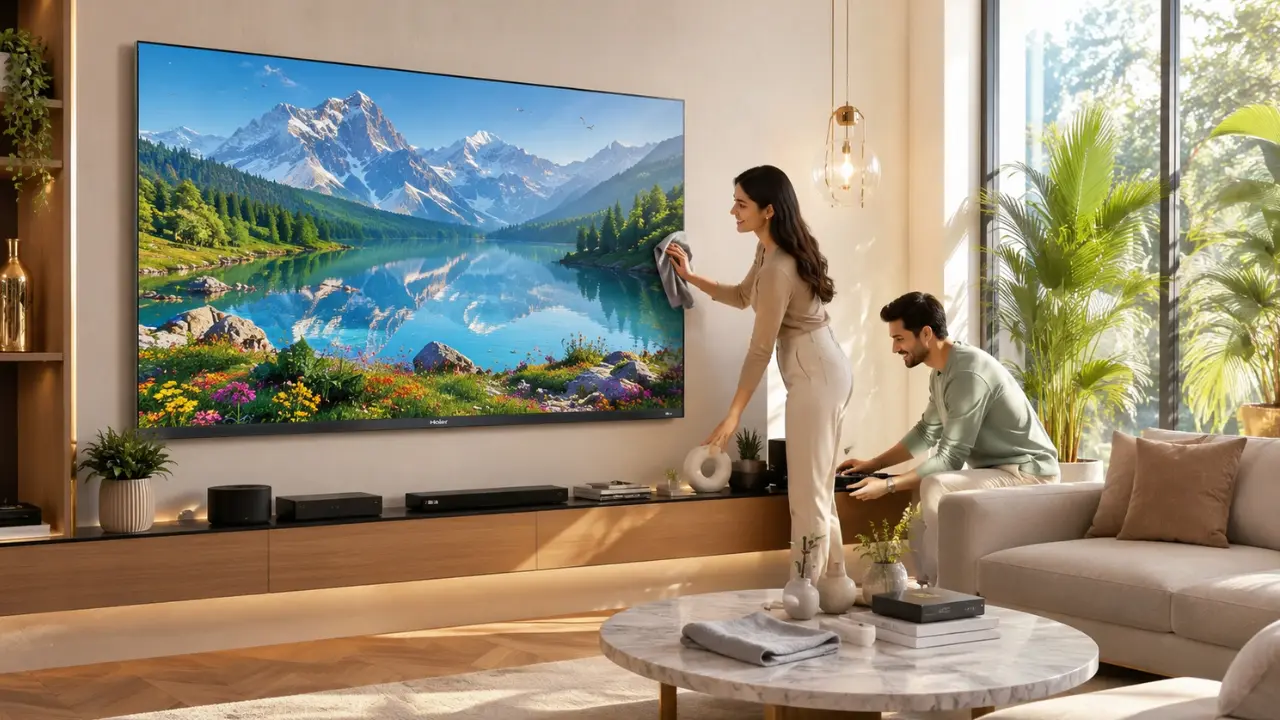

You notice it one day.
Not while watching a blockbuster or cheering during a cricket match. It’s usually when the TV is switched off. A thin layer of dust. A couple of fingerprints near the corner. Maybe a tiny scratch that wasn’t there before or perhaps it was, and you simply never noticed.
Funny how that happens.
A television is often the centrepiece of an Indian living room, yet it rarely gets the same care as a sofa, dining table or even a refrigerator. Most people remember to clean the screen every now and then, but keeping a TV looking as premium as the day it arrived involves much more than wiping away dust.
The good news? None of it is difficult.
A handful of smart habits can preserve the appearance, picture quality and overall viewing experience for years.
Your TV Ages Every Day Even When You’re Not Watching It
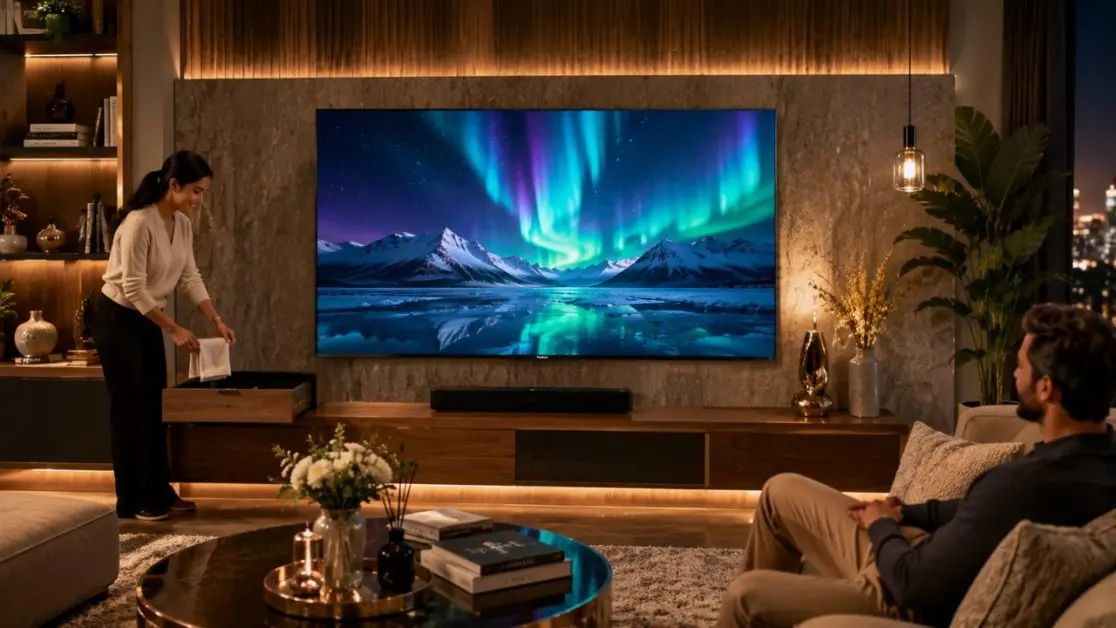
A television isn’t exposed only during movie nights.
Throughout the day, it quietly deals with:
- Airborne dust settling on the display
- Humidity during monsoon months
- Heat from nearby windows
- Fingerprints from curious children
- Oil particles from open kitchens
- Power fluctuations in some areas
- Constant plugging and unplugging of external devices
Each of these may seem insignificant on its own. Together, though, they slowly affect how fresh your television looks.
That’s why preventive care almost always works better than trying to restore a neglected screen.
The Small Habits That Make the Biggest Difference
People often assume TV maintenance is technical.
It really isn’t.
Most long-lasting televisions simply belong to households where a few basic routines have become second nature.
Keep Dust Under Control
Dust may look harmless, but over time it settles around:
- Speaker grills
- Ventilation openings
- HDMI ports
- USB ports
- Display bezels
- TV stand
Cleaning these areas gently every week prevents build-up that can eventually become difficult to remove.
A dry microfibre cloth is usually all that’s needed for routine cleaning.
Never Spray Cleaner Directly on the Screen
This is one of the most common mistakes.
Instead:
- Turn the television off.
- Allow the screen to cool.
- Spray a small amount of screen-safe cleaner onto the cloth not the display.
- Wipe gently in straight motions.
Aggressive rubbing rarely removes marks faster. It usually creates streaks instead.
Avoid Unnecessary Touching
Let’s be honest.
Many of us instinctively point at something on the screen.
Children do it all the time.
Repeated touching leaves:
- Fingerprints
- Skin oils
- Smudges
- Tiny surface abrasions over long periods
If possible, use the remote or voice commands rather than interacting physically with the display.
TV Care Checklist
| Habit | Why It Matters |
| Dust weekly | Prevents dirt accumulation around vents and bezels |
| Use a microfibre cloth | Reduces the chance of scratches |
| Keep liquids away | Protects sensitive electronics |
| Avoid direct sunlight | Helps maintain display performance |
| Leave ventilation space | Supports better heat dissipation |
| Organise cables | Prevents accidental pulling and connector damage |
Placement Matters More Than People Think
Where your television sits plays a surprisingly large role in how well it ages.
Before mounting or placing a TV, consider:
Distance from Windows
Constant exposure to direct sunlight may:
- Make cleaning more frequent
- Increase heat on the panel
- Affect comfortable viewing during daytime
Choosing a shaded wall generally creates a better long-term setup.
Keep Space Around the TV
Modern televisions generate heat during operation.
Blocking rear or side ventilation with decorative panels, books or furniture can reduce airflow.
Leaving adequate breathing room allows the television to perform efficiently over extended periods.
Stable Furniture Makes a Difference
A wobbling TV unit may not seem serious initially.
Over months or years small vibrations from doors closing, furniture movement or accidental bumps can place unnecessary stress on connections and accessories.
A solid, level surface always helps.
Protect the Display by Choosing Premium Technology
Maintenance certainly matters.
But durability also begins with the television itself.
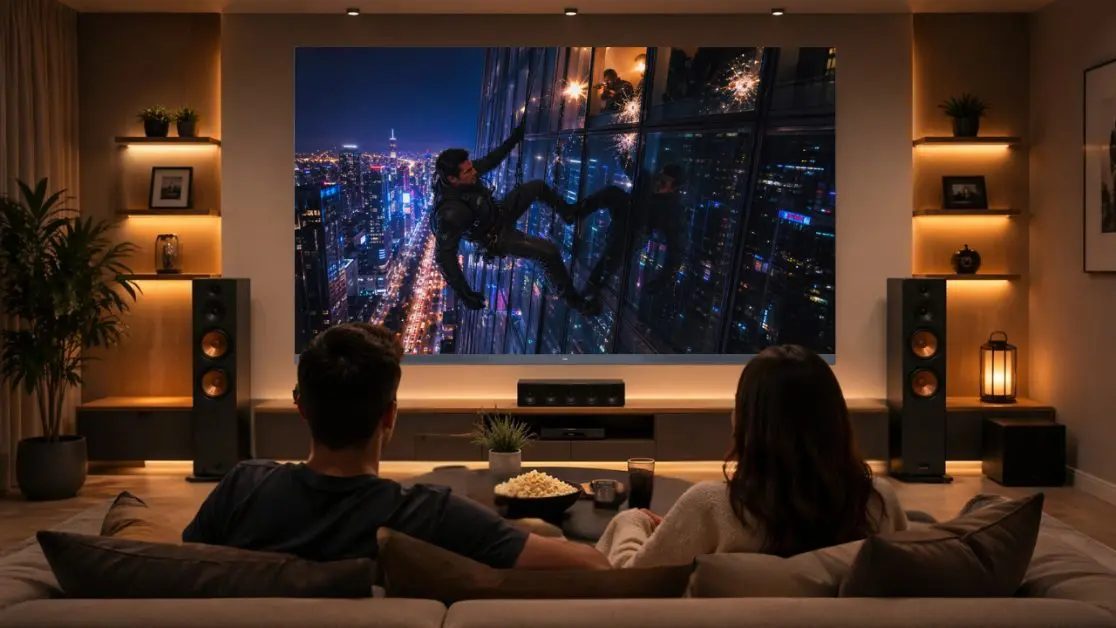
With high quality panels and intelligent picture optimisation, thoughtful design and quality engineering, staying “just purchased” for years becomes much easier with a TV.
Available in 140 cm (55), 165 cm (65) and 194 cm (77) screen sizes, Haier’s C90 OLED Google TV Series is for those who seek the best of both picture quality and craftsmanship. This series is enhanced by an OLED display that offers bright colors, deep blacks, and wide viewing angles, along with Dolby Vision IQ’s automatic tuning of picture quality to ambient light levels to ensure always lifelike visuals. It also features Google TV, Dolby Atmos, 2.1 Channel 50W speakers, MEMC 120Hz, AMD FreeSync Premium, Hands-Free Voice Control, and a Solar Remote, ensuring an enjoyable entertainment experience long after installation.
Yes, of course, looks are important as well.
It is also designed to be minimalistic and sleek, which means that it will seamlessly fit into the modern Indian lifestyle, making it easier to maintain the entertainment area without having to deal with excess clutter.
Pay Attention to Accessories Too
Oddly enough, the television isn’t always the first thing to show wear.
Accessories often give away the age of the setup.
Take a few minutes every month to:
- Clean the remote
- Replace weak batteries promptly
- Organise HDMI cables
- Remove dust around connected devices
- Keep gaming consoles properly ventilated
A tidy entertainment corner usually stays functional and attractive for much longer.
Seasonal Care Tips for Indian Homes
India’s weather isn’t the same throughout the year and your television experiences those changes too.
A little seasonal attention can go a long way in preserving both appearance and performance.
During Summer
Higher room temperatures can increase heat around electronic devices.
A few simple habits help:
- Avoid placing decorative items directly on top of the TV.
- Ensure proper airflow around the rear panel.
- Keep curtains partially closed if the screen faces direct afternoon sunlight.
- Switch off the TV completely when it won’t be used for long hours.
During the Monsoon
Humidity often causes dust to stick more firmly to surfaces.
During this season:
- Clean the display a little more frequently.
- Keep windows closed during heavy rain if moisture reaches the entertainment area.
- Ensure cables remain dry and neatly organised.
During Festivals and Deep Cleaning
Many Indian households move furniture during festive cleaning.
Before shifting the TV:
- Disconnect all cables carefully.
- Lift it properly instead of dragging it.
- Avoid placing the screen directly on the floor.
- Reconnect ports gently rather than forcing connectors into place.
Sometimes it’s these once-a-year moments that accidentally cause the biggest cosmetic damage.
A Few Common Mistakes That Shorten a TV’s Premium Look
It’s rarely one major incident.
Instead, small habits repeated over months gradually affect the television’s appearance.
Here’s what to avoid:
Using Household Cleaning Chemicals
Glass cleaners, furniture polish and kitchen sprays are not designed for television displays.
They may leave streaks or damage specialised screen coatings over time.
Leaving the Screen Exposed All Day
If your television sits opposite a bright window, constant sunlight can make dust more noticeable and affect viewing comfort.
A simple curtain during peak daylight hours can make a surprising difference.
Ignoring Cable Management
Messy cables don’t just look untidy.
They also increase the chance of:
- Accidental pulling
- Loose HDMI connections
- Bent ports
- Strain on mounted televisions
Using basic cable organisers keeps the entire entertainment area looking organised.
Forgetting Software Updates
Modern smart televisions improve through software updates.
Keeping your TV updated can provide:
- Better system stability
- Improved app compatibility
- Enhanced smart features
- Security improvements
With Google TV integration, supported software enhancements help keep the experience current alongside the premium hardware.
Why Premium TVs Often Stay Impressive for Longer
There’s another side to this discussion.
Maintenance matters but the quality of the television itself matters just as much.
Premium televisions are typically built with greater attention to display technology, picture processing, sound engineering and overall design. When these elements work together, the viewing experience remains enjoyable for years instead of feeling outdated after a short period.
Here’s what contributes to long-term satisfaction:
| Feature | Everyday Benefit |
| OLED display | Deep blacks, vibrant colours and wide viewing angles for consistently immersive viewing |
| Dolby Vision IQ | Picture adjusts according to surrounding light for better visual balance |
| Google TV | Personalised recommendations and access to thousands of entertainment apps |
| MEMC 120Hz | Smoother motion during sports, action films and gaming |
| Dolby Atmos with 2.1 Channel 50W speakers | Rich, immersive audio without relying solely on external speakers |
| Hands-Free Voice Control | Convenient operation without always reaching for the remote |
| Solar Remote | Rechargeable through light, reducing dependence on disposable batteries |
The Haier C90 OLED Google TV Series includes these features, and they are all worth considering for the home that desires to own a television that can provide premium entertainment and satisfaction. The series comes in 140 cm (55), 165 cm (65) and 194 cm (77) screen sizes, ensuring families can select the most appropriate size for their homes.
Looking After Your Entertainment Investment
Many families don’t purchase a television each year.
This is why it’s worth taking a bit of care.
These factors help to maintain the look and work of the software over time: Regular cleaning, careful placement, careful handling and keeping software updated. These chores don’t require any special skills, just a few routine tasks that will become part of your household routine.
When upgrading, it could make sense for years to come to choose a television that offers the best picture technology available, along with the intelligence for years to come. Google TV, Dolby Vision IQ, Dolby Atmos, MEMC 120Hz, AMD FreeSync Premium, Hands-Free Voice Control and a minimalist design make the Haier C09 OLED Google TV Series a collection of top-of-the-range entertainment technology in a sleek package designed to fit contemporary Indian homes.
When your television continues to look as impressive as the day it was installed, every movie night, cricket final and weekend binge session simply feels that little bit more special.
Frequently Asked Questions
1. How often should I clean my TV screen?
A light dusting with a microfibre cloth once a week is generally sufficient. Clean the screen more thoroughly only when fingerprints or visible smudges appear.
2. Can I use regular glass cleaner on my television?
It’s better not to. Household glass cleaners may not be suitable for television screens. Use a screen-safe cleaning solution applied to a microfibre cloth rather than spraying directly onto the display.
3. Does direct sunlight affect a TV?
Prolonged exposure to direct sunlight can make viewing less comfortable and may lead to increased heat around the television. Positioning the TV away from direct sunlight is generally recommended.
4. Why is ventilation important for a smart TV?
Adequate airflow helps the television dissipate heat during operation. Avoid blocking the ventilation areas with furniture or decorative items.
5. Do software updates help keep a smart TV performing well?
Yes. Installing available software updates can improve stability, compatibility with apps and the overall smart TV experience.
6. Which Haier TV is suitable for those looking for a premium entertainment experience?
The Haier C90 OLED Google TV Series, available in 140 cm (55), 165 cm (65) and 194 cm (77) screen sizes, offers OLED display technology, Google TV, Dolby Vision IQ, Dolby Atmos, MEMC 120Hz, AMD FreeSync Premium, Hands-Free Voice Control and a Solar Remote, making it a feature-rich option for premium home entertainment.