
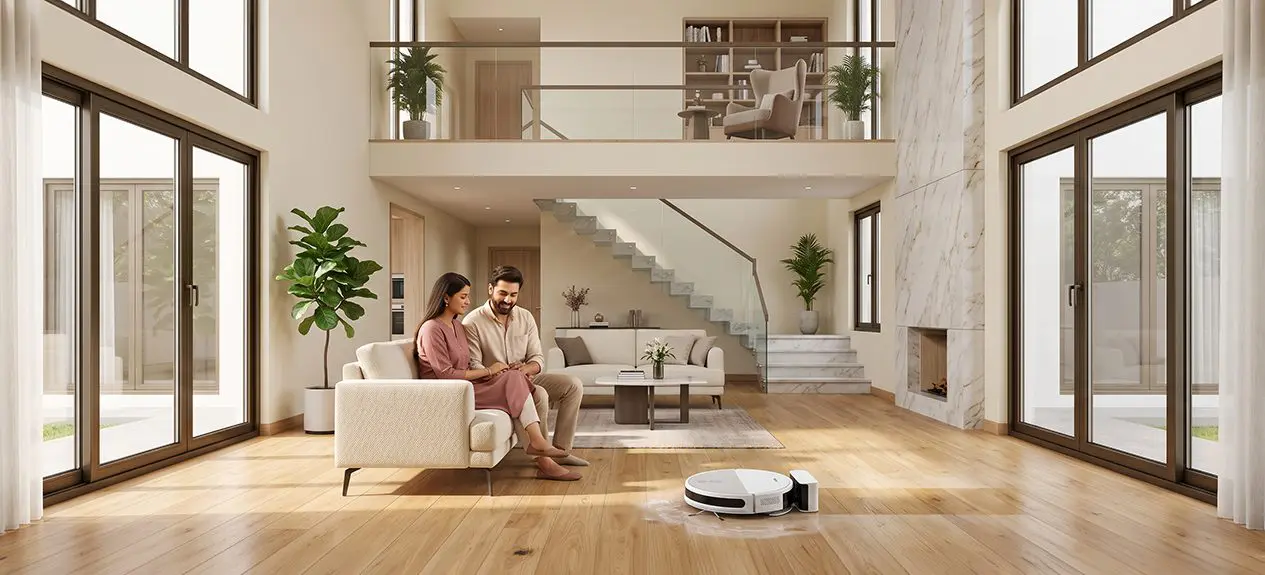

It can be hard to keep your multi-storey home clean. It can be hard for you to move your cleaning equipment on different floors. However, a robot vacuum cleaner can help you simplify this process. It has intelligent navigation and different cleaning modes.
If you own a multi-floor robot vacuum, you can clean different floors of your home with a quick setup. In this guide, we’ll explain how to use a robot vacuum effectively in a multi-storey home and share practical tips to get the best cleaning performance.
Can Robot Vacuums Work in Multi-Storey Homes?
Yes, a lot of modern robot vacuum cleaners have different maps that can be used to clean multiple floors. This feature can help your vacuum robot to save the layout of multiple floors.
This means that you don’t have to create a new map every time for cleaning each floor. Your vacuum robot can access the saved maps and clean your house more efficiently.
Haier robot vacuum cleaners come with 5 maps memory, which can make cleaning your multi-storey home easier.
Choose a Robot Vacuum with Multi-Floor Mapping
You should choose a robot vacuum cleaner that can support multiple map memories. This can help your vacuum robot to clean different floors more efficiently.
- It can help you to save customised room layouts
- You can also set a cleaning schedule for each floor
- You can create no-go zones using this function
- You can personalize your cleaning preferences
This feature can help if you have a duplex or a multi-storey villa.
Map Each Floor Separately
You should make sure that your robot vacuum cleaner scans each floor separately for accurate navigation and cleaning.
- You should fully charge the robot.
- Then, you should place it on the floor you want to map.
- Then, map the floor using your robot vacuum cleaner’s app
- Do not interrupt your vacuum robot while it’s scanning.
- You should then save the map before going to the next floor.
You should repeat these steps on every floor and ensure you save each floor’s map.
Move the Robot Between Floors
Your robot vacuum cleaner cannot move to the next floor on it’s on. You should carry your robot to the next floor you want to clean.
- You should place it in an open area.
- Then, you should start the cleaning session through the app.
Your robot would be able to recognize the map of the floor it’s on if it has automatic floor detection.
Set Up Cleaning Zones for Each Floor
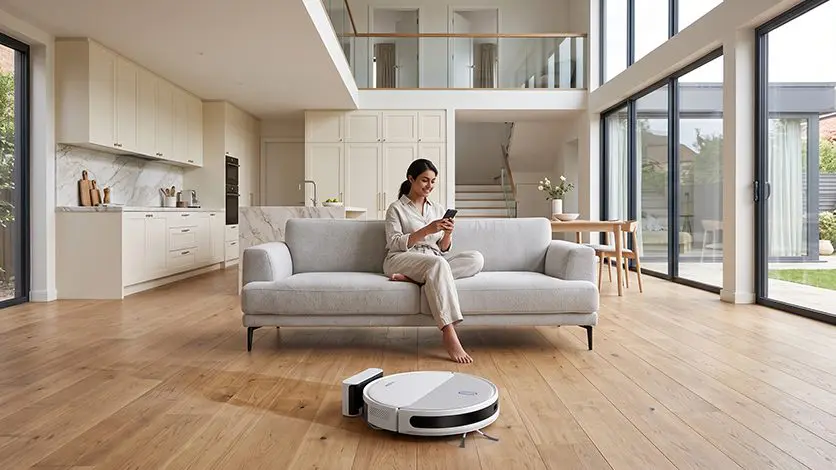
Every floor in your home might have different cleaning requirements. You should choose the cleaning modes for each floor accordingly. A modern multi floor vacuum can help you to customise cleaning preferences for each floor.
- You can divide rooms
- You can name individual areas
- You can prioritize areas that get dirty often
- You can also choose between different suction levels
This can help to make your cleaning process more convenient and conserve the energy of your robot vacuum cleaner.
Make the Most of Vacuum and Mop Functions
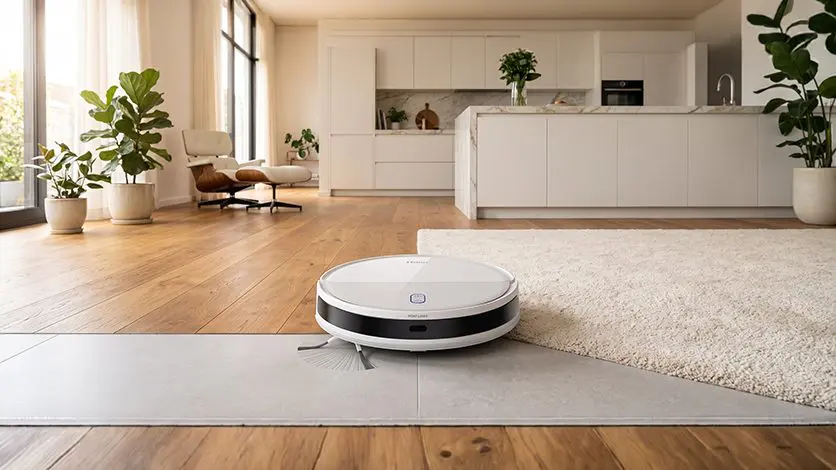
You can customize the robot vacuum cleaner’s cleaning mode depending on the type of floor in your house.
- You can use the vacuum and mop together for hardwood floors.
- You can use the mop mode for tile floors.
- You can use the vacuum function for carpeted flooring.
You should adjust the cleaning modes of your vacuum robot depending on the flooring.
Ensure Safe Navigation
You should ensure you remove any loose wires and pick up small toys before you start the cleaning process.
- You should remove any lightweight objects.
- Make sure you secure any long curtains in your home.
- You should ensure that the access to other rooms you want to clean is not blocked.
Robot vacuum cleaners today have cliff detection, which helps them avoid falling off the stairs while cleaning.
Keep Maps Updated
You should ensure you update the map saved in your robot vacuum cleaner if you change the position of your furniture regularly.
- You can edit the existing maps.
- You can create new room divisions.
- You can rename rooms.
- You can refresh the navigation data.
Maintenance Is Just as Important
You should maintain your self floor cleaner regularly to make sure that it operates efficiently.
- You should empty the dustbin regularly.
- You should clean the brushes often.
- You should also wash your filters as recommended.
- Make sure that you wipe your robot vacuum cleaner’s sensors with a soft cloth
- Clean the mop pad after each mopping cycle.
Tips for Better Multi-Storey Cleaning
To maximise the performance of your multi-floor robot vacuum, follow these simple tips:
- Map each floor separately before regular use.
- Keep pathways free from clutter.
- Use cleaning schedules for each room.
- Create customised no-go zones.
- Update maps after major furniture changes.
- Clean sensors and brushes regularly.
- Keep the battery charged.
This can make your robot vacuum cleaner work better.
Conclusion
Your robot vacuum cleaner can help you clean different floors with ease and can save you time. You should use the multi-map memory feature for different floors. This can ensure that each floor is cleaned efficiently.
Our robot vacuum cleaners are designed to make sure that your cleaning process is smoother and consumes less time. They come with features such as laser navigation and 5 map memory. This can help to map different floors in your home and clean them more efficiently.
FAQs
Can a robot vacuum clean multiple floors?
Yes, your robot vacuum can clean multiple floors with the help of multi-map memory.
Do you need to create a separate map for each floor?
Yes, you need to create a separate map for each floor to use the robot vacuum cleaner.
Can a robot vacuum automatically recognize which floor it’s on?
Yes. A lot of robot vacuum cleaners today come with floor recognition and can automatically recognize which floor it is on.
Can a robot vacuum climb stairs by itself?
No. A robot vacuum cleaner can’t climb stairs by itself. You would have to carry it on different floors.
Should you buy one robot vacuum or one for each floor?
You should only buy one robot vacuum cleaner. It can be used on multiple floors.