
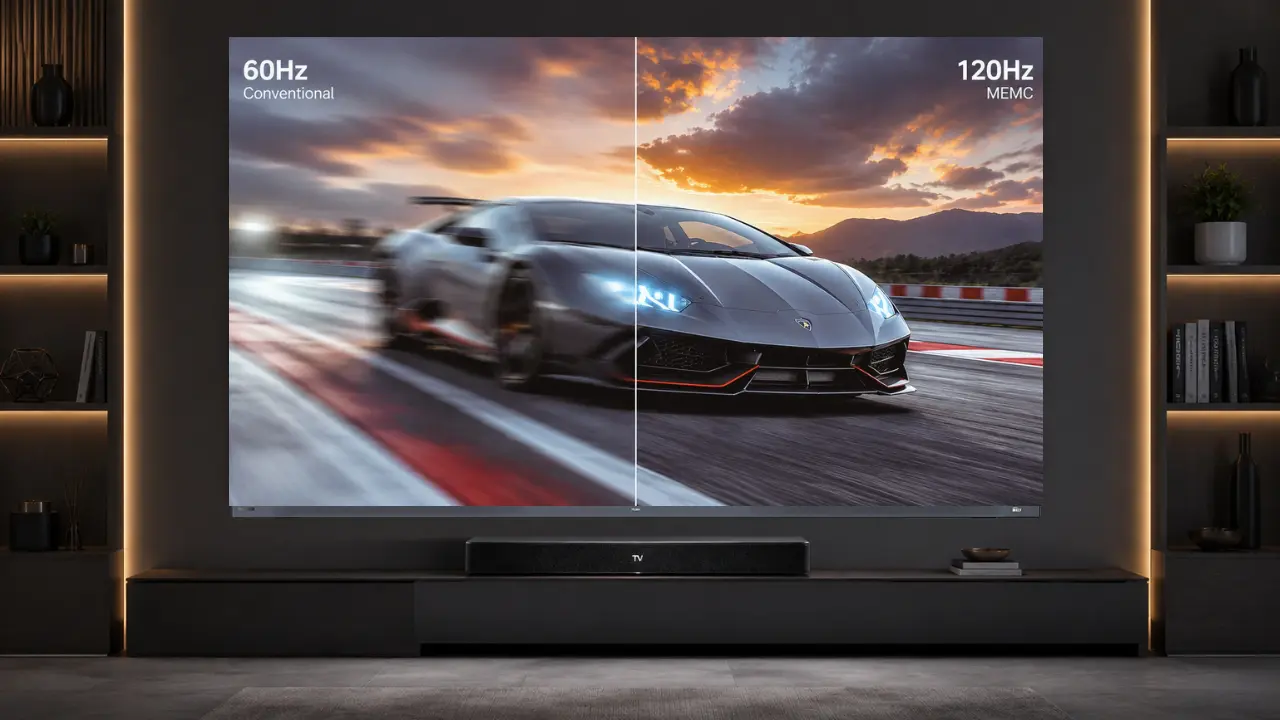

A smoother TV experience is not created by one feature alone. MEMC and native refresh rate solve two different problems.
One improves how motion looks using software processing. The other determines how many times the panel physically refreshes every second. Understanding the difference changes how you buy a TV, especially for sports, gaming, and OTT viewing.
A television today does far more than display content.
It manages motion.
And motion is where most buying confusion begins.
Walk into any electronics store during IPL season and you will hear terms flying everywhere:
- 60Hz
- 120Hz
- MEMC
- DLG
- VRR
- Motion smoothing
Most buyers nod politely. Few actually understand what changes on the screen.
That confusion matters because modern entertainment is built around movement.
Cricket balls travel at 140 km/h. Formula 1 cameras pan rapidly. Action movies cut scenes every few seconds. Gaming consoles render worlds in real time.
A TV that handles motion badly feels tiring.
A TV that handles motion well disappears completely.
That is the hidden goal of great technology.
The best systems feel invisible.
What Is Native Refresh Rate?
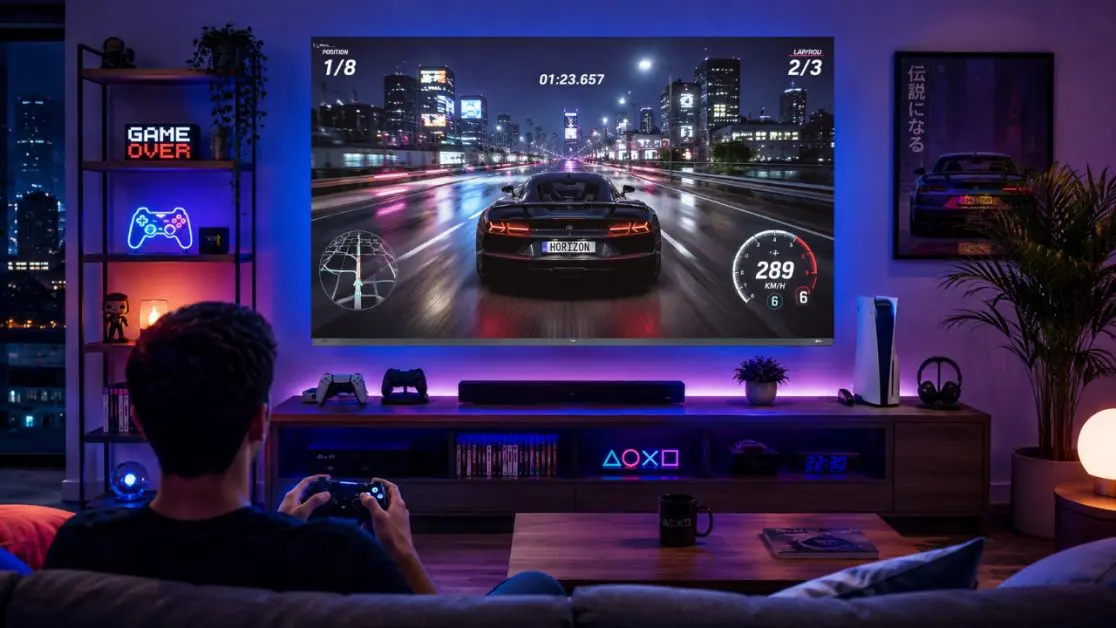
Native refresh rate refers to how many times a TV panel physically refreshes the image every second.
It is measured in Hertz (Hz).
Simple.
- 60Hz = the screen refreshes 60 times per second
- 120Hz = the screen refreshes 120 times per second
Think of it like flipping pages in a notebook.
The faster you flip, the smoother the animation looks.
Why native refresh rate matters
Native refresh rate affects:
- Motion clarity
- Gaming responsiveness
- Camera pan smoothness
- Sports viewing quality
- Input lag perception
This becomes noticeable during fast scenes.
A football pass across the field.
A racing game corner turn.
A quick action sequence on Netflix.
Lower refresh rates can create:
- Judder
- Motion blur
- Choppy movement
- Smearing during fast pans
Higher refresh rates reduce that friction.
Not perfectly.
But meaningfully.
The hidden misunderstanding
Most people assume the refresh rate alone defines smoothness.
It does not.
Because the content itself is inconsistent.
Movies often run at 24fps.
Broadcast TV may run at 30fps.
Sports streams vary.
Games fluctuate constantly.
This is where MEMC enters the picture.
What Is MEMC Technology?
MEMC stands for:
- Motion Estimation
- Motion Compensation
Instead of physically refreshing the panel faster, MEMC creates additional frames between existing frames.
It predicts movement.
Then inserts artificial frames to make motion appear smoother.
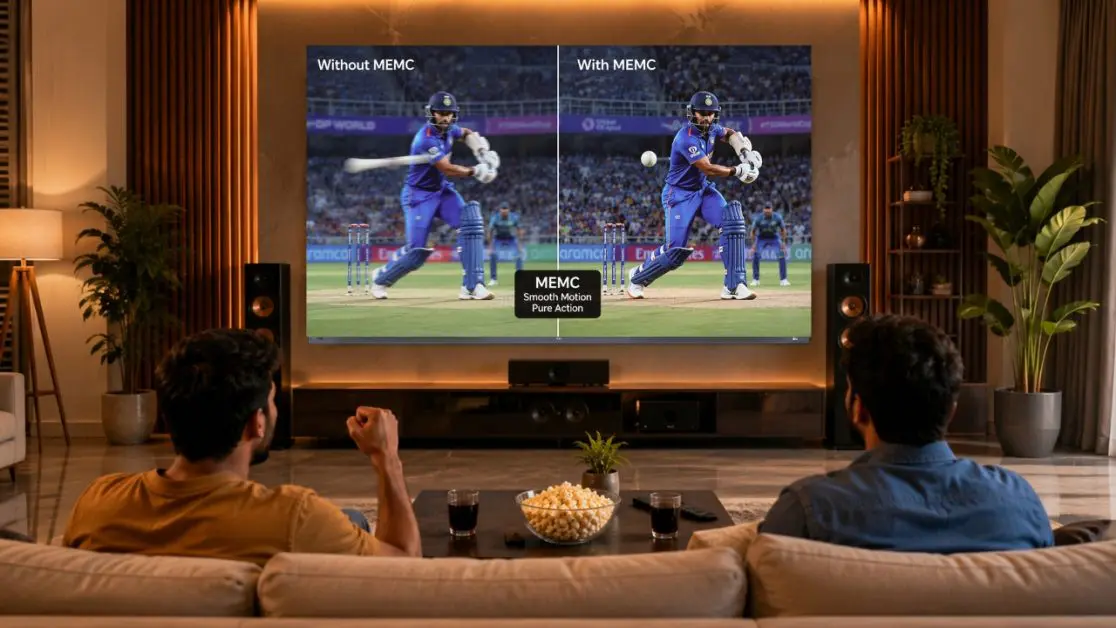
Imagine a cricket shot.
One frame shows the bat swinging.
The next frame shows the ball already flying.
MEMC calculates what likely happened between those moments and creates intermediate motion frames.
The result feels smoother.
Sometimes dramatically smoother.
MEMC is software intelligence
Native refresh rate is hardware.
MEMC is processing intelligence.
That distinction changes everything.
A TV with MEMC can make 24fps or 30fps content appear smoother even on a 60Hz panel.
This is especially useful for:
- Sports broadcasts
- Fast-action films
- Streaming apps
- Live TV
- Casual gaming
The Haier M80F Mini LED 165cm (65) Google TV Sound By KEF (H65M80FUX) includes MEMC technology specifically designed to reduce motion blur during fast-moving content.
And that matters because Indian viewing habits are heavily motion-driven.
Cricket alone exposes weak motion handling faster than almost anything else.
MEMC vs Native Refresh Rate: The Real Difference
Most buyers compare these technologies incorrectly.
They assume one replaces the other.
It does not work that way.
Here is the simpler framework.
Native Refresh Rate Controls Physical Capability
This is the panel’s actual hardware speed.
Benefits include:
- Cleaner gaming responsiveness
- Better motion precision
- Lower perceived blur
- More natural fast movement
- Improved competitive gaming
Costs include:
- Higher manufacturing expense
- Premium pricing
- More demanding processing
MEMC Controls Perceived Smoothness
This is software enhancement.
Benefits include:
- Smoother OTT viewing
- Better sports motion
- Reduced stutter
- Cleaner camera pans
- Improved everyday viewing comfort
Limitations include:
- Can occasionally look artificial
- Some viewers dislike the “soap opera effect”
- Depends heavily on processing quality
One is physical performance.
The other is perceptual enhancement.
That distinction changes how you evaluate TVs.
Why Sports Viewing Exposes Weak TVs Instantly
Sports are motion stress tests.
A slow emotional drama can hide motion flaws for hours.
An IPL match cannot.
Here is why.
Sports combine:
- Rapid camera movement
- Fast object tracking
- Bright stadium lighting
- Crowd movement
- Instant scene transitions
Weak motion systems collapse under that pressure.
This is why technologies like DLG 120Hz become relevant in real homes, not just specification sheets.
The Haier M80F Mini LED 189cm (75) Google TV Sound By KEF (H75M80FUX) features DLG 120Hz support for smoother fast-paced viewing experiences.
The psychology of smoothness
Humans notice bad motion faster than bad resolution.
That surprises many buyers.
A slightly lower-resolution image with smooth motion often feels better than ultra-sharp visuals with stutter.
Because the brain processes movement emotionally.
Smooth motion feels premium.
Jerky motion feels cheap.
Even when viewers cannot technically explain why.
Gaming Changes The Conversation Completely
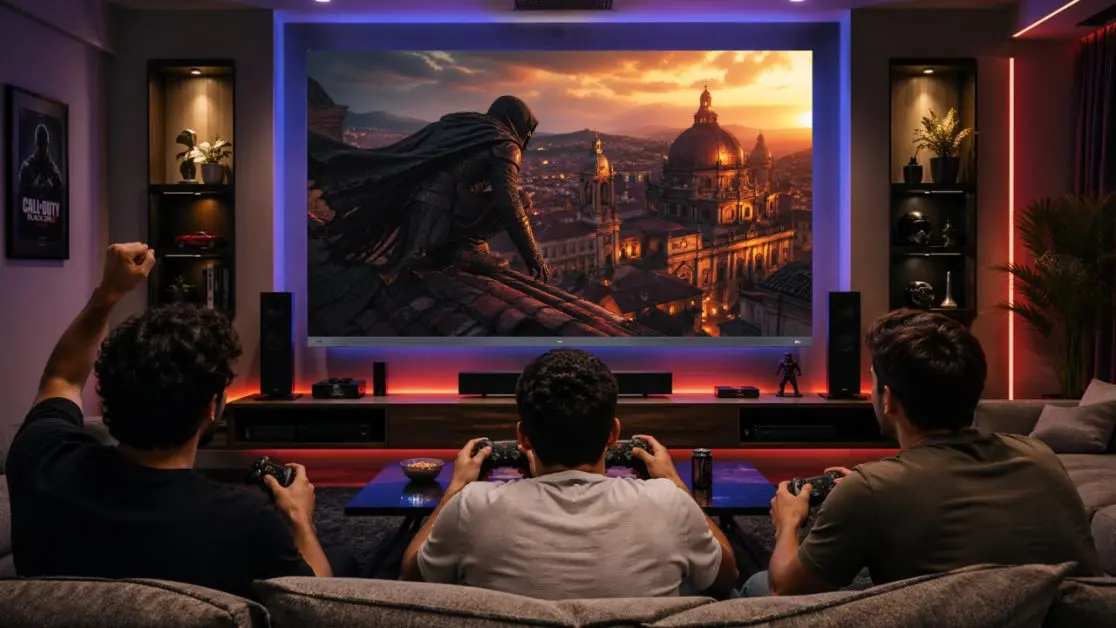
Gaming introduces another layer.
Interactivity.
Movies are passive.
Gaming is responsive.
The TV now reacts to your actions in real time.
That changes what matters.
For casual gamers
MEMC helps.
Story-based games, sports games, racing titles, and console gaming benefit from smoother perceived motion.
For competitive gamers
Native refresh rate matters more.
Especially:
- 120Hz panels
- VRR support
- ALLM features
- Lower latency systems
The Haier M80F Mini LED 215cm (85) Google TV Sound By KEF (H85M80FUX) includes VRR and ALLM support designed for smoother gaming responsiveness.
The important insight is this:
Smooth-looking gaming and responsive gaming are related, but not identical.
Many consumers accidentally optimize for the wrong thing.
One Option Is Cinematic Viewing. Another Is Competitive Performance.
Different households need different motion systems.
That is the part internet comparisons rarely explain properly.
One option is cinematic entertainment
Priorities:
- OTT streaming
- Family movie nights
- Dolby Vision content
- Rich colour depth
- Motion enhancement
MEMC becomes highly useful here.
Especially combined with technologies like Dolby Vision and Mini LED.
The Haier M80F Mini LED 140cm (55) Google TV Sound By KEF (H55M80FUX) combines MEMC with Dolby Vision, HDR10, and Mini LED display technology for immersive home entertainment.
The second option is sports-first viewing
Priorities:
- Cricket
- Football
- Formula 1
- Fast camera pans
- Motion clarity
Both refresh rate and MEMC matter.
This is where motion optimization becomes visible instantly.
The third option is gaming-first usage
Priorities:
- Input responsiveness
- Variable refresh rate
- Low latency
- Frame synchronization
Native refresh rate becomes more important here.
Especially for PlayStation 5 or Xbox Series X users.
Different use cases.
Different systems.
A TV should match behaviour, not just specifications.
The Soap Opera Effect Nobody Explains Properly
Some people dislike MEMC immediately.
Others love it.
Why?
Because MEMC can create what viewers call the “soap opera effect.”
Films start looking hyper-smooth.
Almost too realistic.
Cinematic texture disappears.
Some viewers feel it ruins movies.
Others think it looks modern and immersive.
Neither side is wrong.
This is a taste preference disguised as a technical debate.
The better insight is this:
A good television gives you control.
You should be able to adjust motion smoothing levels depending on what you are watching.
Sports and gaming may benefit from higher smoothing.
Films may feel better with reduced processing.
Good technology adapts.
It does not force one experience.
Why Mini LED TVs Make Motion More Noticeable
Better display technology exposes weak motion faster.
That sounds backwards.
But it is true.
Mini LED displays deliver:
- Higher brightness
- Better contrast
- Sharper detail
- Deeper blacks
The Haier M80F Mini LED 165cm (65) Google TV Sound By KEF (H65M80FUX) offers up to 800 nits brightness along with local dimming zones for improved visual depth and contrast.
Sharper visuals make blur easier to notice.
Which means motion handling becomes even more important on premium TVs.
This is why brands increasingly combine:
- Mini LED
- MEMC
- DLG 120Hz
- Dolby Vision
- Gaming optimisation
The ecosystem matters more than isolated features.
What Most Buyers Actually Need
Not everyone needs a 120Hz native panel.
That is the honest truth.
Many households mainly watch:
- OTT apps
- YouTube
- IPL matches
- News
- Weekend movies
For these users, strong MEMC implementation on a good 60Hz panel often delivers an excellent experience.
Especially when paired with:
- Dolby Vision
- Quality audio
- Good processing
- Mini LED contrast
The Haier M80F Mini LED Google TV lineup combines MEMC, Dolby Atmos, KEF-tuned sound, Google TV integration, and Mini LED visuals into one entertainment ecosystem built for modern Indian homes.
Technology works best when it quietly supports habits people already have.
That is the real benchmark.
The Bigger Lesson Hidden Inside TV Technology
MEMC vs native refresh rate is not really a TV debate.
It is a systems-thinking lesson.
People often compare isolated specifications while ignoring the experience those systems create together.
Television is not one feature.
It is motion handling.
Brightness.
Audio.
Gaming response.
Streaming fluidity.
Daily usability.
Modern homes do not experience technology feature-by-feature.
They experience it emotionally.
The final over.
The family movie night.
The late-night gaming session after work.
That is what motion technology is actually serving.
And the best TVs understand something important:
Technology becomes valuable the moment people stop noticing the technology itself.
That is when immersion begins.
Frequently Asked Questions
What is the difference between MEMC and native refresh rate?
Native refresh rate refers to how many times the TV panel physically refreshes every second (e.g., 60Hz or 120Hz). MEMC (Motion Estimation, Motion Compensation) is software that creates additional frames between existing frames to make motion appear smoother.
Think of it this way:
Native refresh rate = hardware capability
MEMC = software enhancement
Both improve motion, but they work differently.
Is MEMC the same as a 120Hz panel?
No. MEMC cannot turn a 60Hz panel into a true 120Hz panel.
A 120Hz panel physically refreshes 120 times per second. MEMC predicts motion and inserts artificial frames to create the impression of smoother movement.
A TV can have:
60Hz + MEMC
120Hz without MEMC
120Hz + MEMC
The third option usually delivers the smoothest motion experience.
Why does cricket look blurry on some TVs?
Cricket is one of the toughest motion tests for a TV.
Fast-moving balls, rapid camera pans, crowd movement, and bright stadium lighting expose weaknesses in motion processing. TVs with poor refresh rates or weak MEMC processing often show:
Motion blur
Smearing
Judder
Choppy movement
Will MEMC improve IPL and football viewing?
Yes. MEMC is particularly effective for sports because it smooths motion between frames and reduces visible stutter during camera pans and fast action.
Many viewers notice the improvement immediately during:
IPL matches
Football
Formula 1
Tennis
Basketball
Why do sports often look smoother in stores than at home?
Retail TVs usually have motion smoothing settings turned up aggressively. This can make sports look exceptionally smooth.
At home, motion settings may be set lower by default, so you may need to adjust MEMC or motion enhancement settings manually.