
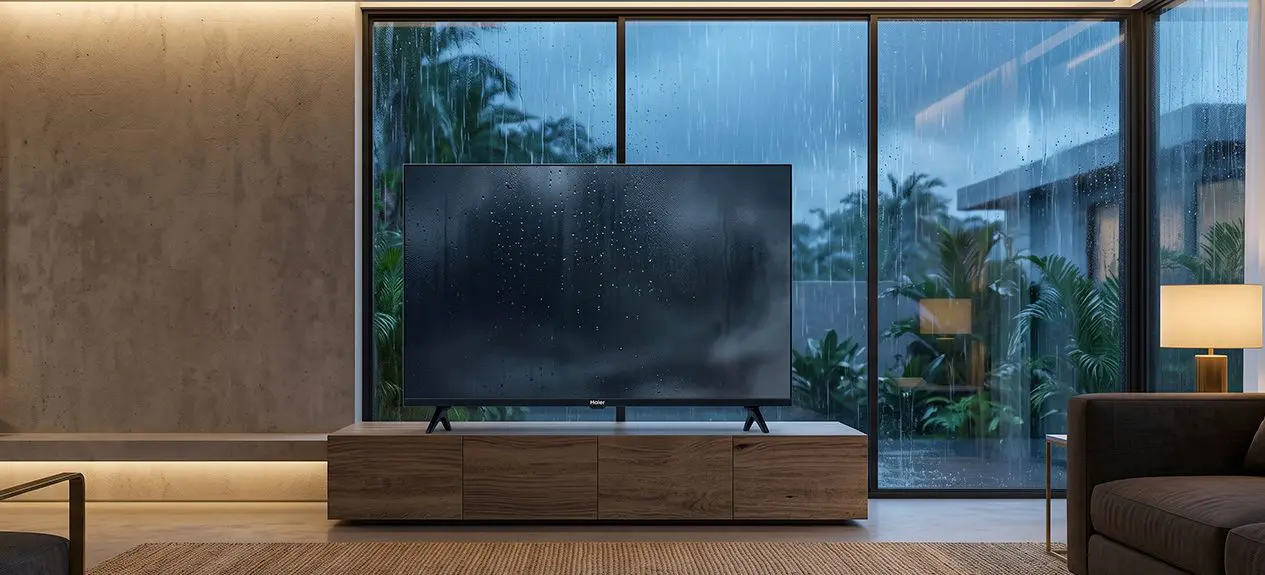

The monsoon brings cooler evenings and much-needed rain, but it also brings something your television does not handle well: moisture. A room can feel perfectly comfortable while humidity builds up around electronics. You may notice moisture on TV screens, tiny water droplets, or even a hazy layer that looks like fog on the TV screen.
Seeing condensation does not always mean your television is damaged. In many cases, it happens because warm, humid air comes into contact with a cooler surface. The important part is knowing what to do next and how to reduce the chances of it happening again.
These simple rainy-season TV care tips can help you deal with condensation safely and keep your television in better +condition through humid weather.
Why Does Moisture Appear on a TV Screen?
Condensation forms when the temperature of the TV’s surface and the air around it are out of sync: warm, humid air meeting a cooler surface is usually all it takes. During the monsoon, warm air carries a lot more moisture. When that humid air runs into a cooler TV screen, the moisture turns into tiny droplets right there on the surface.
You may notice LED TV water droplets after a particularly humid night, following heavy rain, or when the TV has been moved between rooms with different temperatures.
Moisture can also become a concern if the television is positioned:
- Near an open window during rain
- Against a damp wall
- In a poorly ventilated room
- Close to a kitchen or other humid area
- In a room where air conditioning causes significant temperature changes
A little surface condensation is a different situation from water actually getting inside the television. The second one calls for a lot more caution.
How to Remove Moisture from a TV Screen Safely
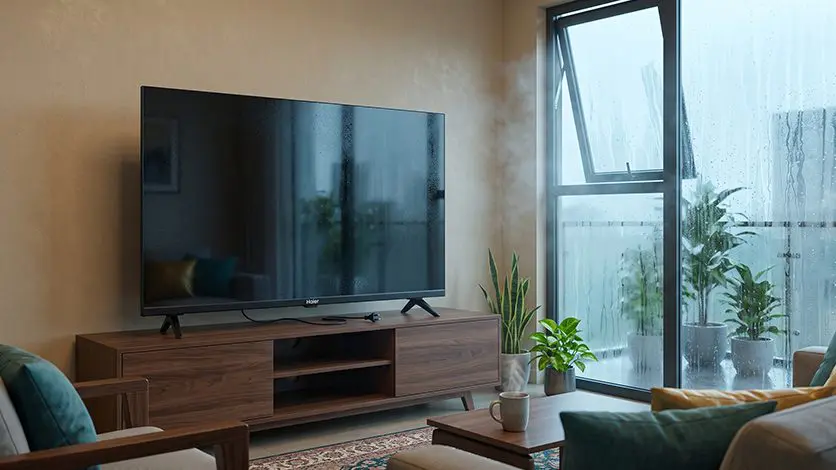
If you spot moisture on your TV screen, resist the urge to switch it straight on or wipe it down aggressively.
Start by turning the television off and disconnecting it from the power supply. If there is visible water near the edges, ports, cables, or rear panel, avoid touching those areas unnecessarily.
To remove moisture from a TV screen safely:
- Switch off and unplug the TV.
- Move it away from the source of moisture if the area itself is damp.
- Allow the screen and surrounding area to dry naturally.
- Keep the room reasonably ventilated.
- Do not use a hairdryer, heater, iron, or other direct heat source.
- Do not spray cleaning liquid directly onto the screen.
- Wait until there is no visible condensation before reconnecting the television.
If moisture appears to have entered the television, or the screen develops unusual lines, flickering, colour changes, or fails to switch on normally after drying, professional inspection is safer than attempting to open the TV yourself.
What If You See Fog on the TV Screen?
A misty appearance can sometimes be mistaken for a dirty screen. If the fog on the TV screen appears underneath the surface rather than on the outside, it may be condensation within the display assembly.
In that case, wiping the screen won’t actually help, since the moisture isn’t sitting on the outer surface to begin with.
Switch the television off, disconnect the power, and let it dry naturally. Avoid repeatedly turning it on to check whether the fog has disappeared. If the condensation remains or picture quality changes, contact an authorised service professional.
The same approach applies to visible droplets. LED TV water droplets should never be treated as something that can simply be wiped away while the TV remains powered.
How to Protect TV from Humidity
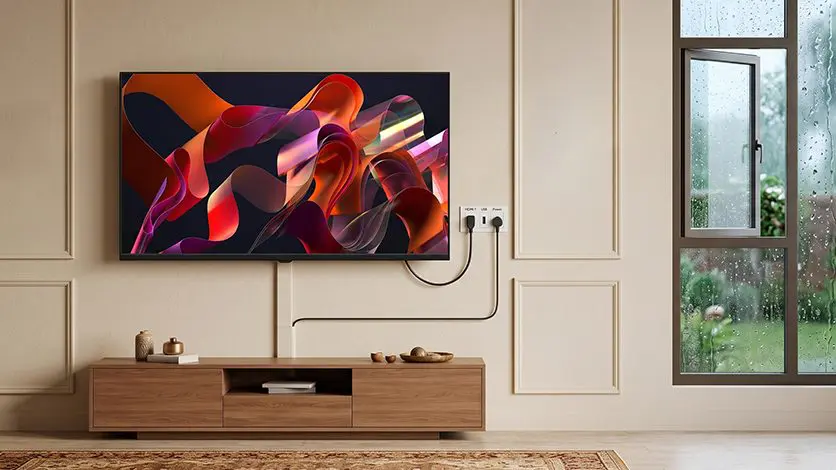
Prevention becomes particularly useful during the rainy season. You don’t need to completely change your home setup, but a few small adjustments can reduce exposure to excess moisture.
1. Keep the TV Away from Damp Areas
Avoid placing the television against a wall that shows any sign of dampness. Leave a bit of space behind the TV too, so air can actually move around instead of moisture getting trapped back there.
2. Improve Air Circulation
A closed room holds onto humid air longer than most people realise. Opening windows where possible, running a fan, or adjusting the air conditioning can help keep the indoor environment more stable, and stop condensation from becoming a recurring problem.
3. Keep Windows and Doors in Mind
If rain can enter through an open window, keep the television away from that path. Even occasional splashes can become a problem when they reach power connections or ventilation openings.
4. Don’t Cover a Damp TV
It seems like the protective thing to do, but covering a television that still has condensation on it traps the moisture against the surface. Let it dry out naturally first, then cover it if needed.
5. Keep Cables and Ports Dry
The screen isn’t the only part worth protecting. HDMI, USB, power connections, and other ports should stay away from areas where water or condensation can collect.
Smart TV Placement for Humid Weather
Where your television is placed can make a bigger difference during humid weather than you might expect.
A dry, well-ventilated wall is preferable to a damp corner. Keep the TV away from direct airflow from humidifiers, kitchens, balconies exposed to rain, and areas where condensation regularly forms.
These humid weather TV protection measures are useful regardless of whether you own an entry-level LED TV or a larger smart TV. Haier’s television range includes different screen sizes and display technologies for bedrooms, living rooms and larger entertainment spaces, so choosing the right location remains an important part of everyday TV care.
Explore the Haier Television range to find a model suited to your viewing space.
Add an Extra Layer of Protection
Keeping humidity in check helps, but it’s worth thinking a step further. An extended warranty can cover eligible repairs or component issues once the standard warranty runs out, which means one unexpected fault doesn’t turn into an unexpected bill.
For a television that is likely to stay in your home for several years, that extra protection can be worth considering, especially when an unexpected repair could mean a larger expense.
Want to know whether an extended warranty is worth it for your TV?
Read more: The Pros and Cons of Extended Warranties for TVs
When Should You Get the TV Checked?
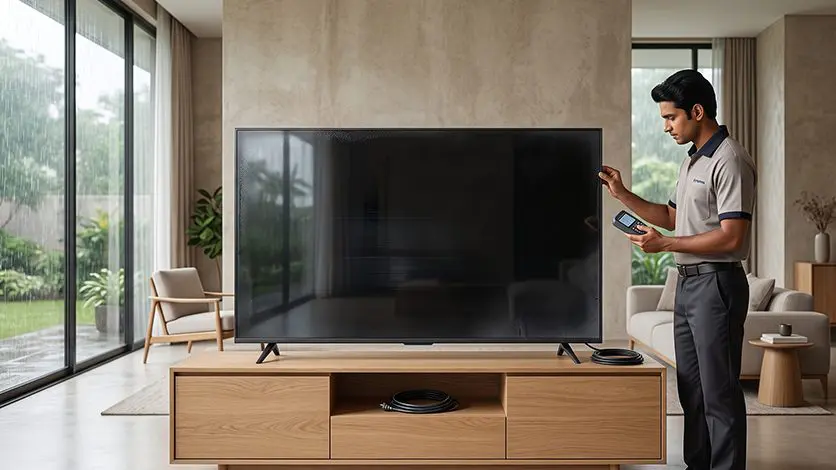
Not every instance of condensation means your TV needs servicing. Surface moisture that clears up once the TV’s been switched off and given time to dry usually doesn’t cause any lasting damage.
However, professional help is advisable if you notice:
- Moisture inside the display
- Persistent fogging
- Flickering or unusual lines
- Changes in colour or brightness
- Unusual sounds or smells
- The TV failing to power on normally
If the television has been exposed to significant water, don’t keep testing it. Disconnect the power and arrange for an authorised technician to inspect it.
A Little Care Goes a Long Way During Monsoon
Rainy weather doesn’t mean your television needs to be kept switched off all season. The key is controlling its exposure to moisture and acting carefully when condensation appears.
Keep the TV away from damp walls and direct rain, make sure air can circulate, and never switch on a visibly wet television. If you do spot moisture on your TV screen, letting it dry naturally is a lot safer than reaching for direct heat or trying to clean inside the display yourself.
With a few sensible rainy season TV care tips, your entertainment setup can stay ready for movie nights, sports, and everyday viewing even when humidity levels outside are high.
FAQs
What is the safest way to remove external moisture from a TV screen surface?
Turn off and unplug the TV, then gently wipe the screen with a clean, dry, soft microfibre cloth. Avoid spraying water or cleaner directly onto the screen
How can I safely reduce humidity around my television during humid weather?
Improve airflow with ventilation, a fan or air conditioning, and keep the TV away from damp walls, windows and areas prone to condensation.
How are Haier Smart TVs engineered to withstand high humidity and seasonal moisture changes in India?
Haier Smart TVs are designed for everyday Indian conditions, with durable construction and components built for reliable performance. However, keeping the TV away from direct moisture and excessive humidity is still important.
Can using a hair dryer help clear moisture trapped inside a TV screen?
No, avoid using a hair dryer, as direct heat can damage the screen or internal components. If moisture appears trapped inside, unplug the TV and allow it to dry naturally or seek professional service.