
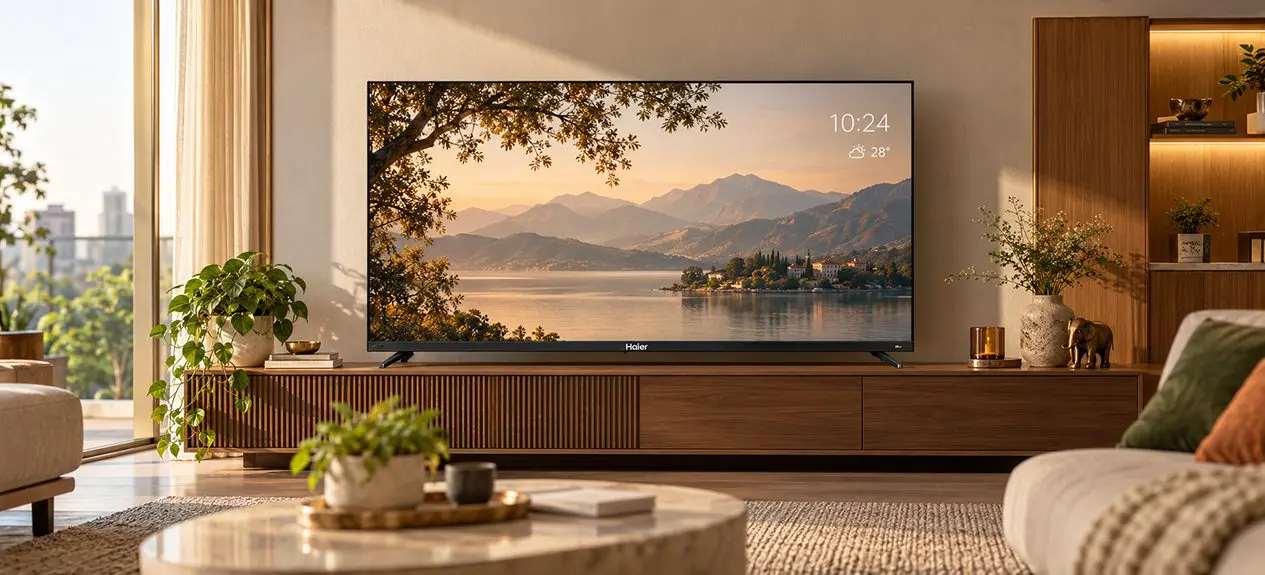

A TV is switched on far more often than most people realise. A big black screen sitting in the living room isn’t always the nicest sight.
That’s the thinking behind ambient mode smart TV features. Instead of going dark, the screen can show photos, artwork, the time, or the weather while you’re not watching anything.
This guide explains how the feature works, how it differs from art mode, what it means for power use, and how to set it up. It also covers which TVs offer it.
What Is Ambient Mode?
It’s a feature on Google TV that fills the screen with useful or pleasant content when you aren’t watching a show. After a short period of inactivity, the TV switches from the home screen to a slow display of images and information.
Think of it as a smarter TV screensaver mode. A normal screensaver only protects the screen. Ambient Mode also gives you something worth looking at, such as a photo album, a piece of art, or the time and weather.
How Ambient Mode Works
The TV isn’t fully off when Ambient Mode runs. The display stays lit, usually at a reduced brightness, while the software cycles through the content you’ve chosen. Pressing a button on the remote brings you straight back to the home screen.
Displaying Art, Photos, Clock and Info
Typical options include:
- Photos: albums from your Google Photos account
- Art: curated artwork collections
- Clock and weather: the time and local conditions at a glance
- Smart home info: extra details on supported setups
This is also the honest answer to whether a TV can display art when off. It looks off, but the screen is in a low-activity state. A full power-off turns the display dark.
Ambient Mode vs Art Mode
The ambient mode vs art mode comparison causes plenty of confusion because the two look similar. The difference lies in how each is built. Ambient Mode is a software feature that comes with the Google TV platform. An Art Mode TV is usually a lifestyle model designed to look like framed artwork, often with extras such as a matte screen finish or sensors.
| Feature | Ambient Mode | Art Mode |
| What it is | Software feature on Google TV | Dedicated feature on selected lifestyle TVs |
| Content | Your photos, curated art, clock, weather | Usually a curated art library |
| Hardware extras | Not required | May include a matte display or sensors |
| Availability | Models running Google TV | Limited to specific models |
| Main purpose | Make idle time useful and pleasant | Make the TV look like wall art |
When to Use Ambient Mode
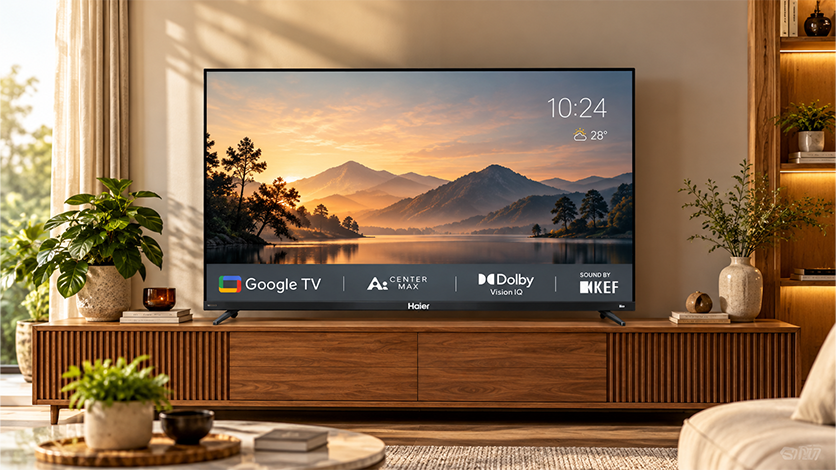
Ambient Mode suits spaces where the TV stays visible for long stretches. A decorative TV mode works well in:
- Living rooms: a family photo slideshow can replace a dark screen
- Home offices: a clock and weather panel is handy between meetings
- Entry areas and shared spaces: artwork adds a finished look
It isn’t ideal for a bedroom at night, because even a dimmed screen gives off light.
Power Use and Screen Wear
Ambient Mode generally draws less power than playing video, but more than true standby. Exact use depends on the model and the brightness setting. Lowering brightness and setting a sensible timeout both help.
Screen wear depends on the panel. Images in Ambient Mode keep changing, which reduces the risk of a static picture staying put. If the TV has an OLED panel, avoid leaving one image on screen for very long periods.
For general care tips, the Haier blog covers practical advice worth reading.
How to Turn On and Customise Ambient Mode
Steps can vary slightly by model and software version, but the process usually looks like this:
- Press the Settings button on the remote
- Open System
- Select Ambient mode
- Choose your content source, such as Google Photos or art collections
- Pick which extras to show, such as the clock or weather
- Set how long the TV waits before Ambient Mode begins
Adjust brightness here as well, especially for evening use.
Which TVs Offer Ambient / Art Mode?
Ambient Mode comes with Google TV, so TVs running that platform are the ones to look at. Availability can still depend on the model and software version, so check the product page before you buy. A dedicated Art Mode is a different thing and is usually limited to a small set of lifestyle-focused models.
Explore the Haier Google TV lineup in India to compare models running Google TV across sizes.
Conclusion
Ambient Mode turns idle screen time into something useful or pleasant. It’s a handy touch for living rooms, home offices and shared spaces, and it’s easy to set up.
Keep brightness sensible, choose content you enjoy, and treat Art Mode as a separate, more specialised feature. That’s usually enough to get the most from a screen that’s often on display.
FAQs
What is Ambient Mode on a smart TV?
Ambient Mode is a Google TV feature that shows photos, art, the clock and weather when you aren’t watching anything. It starts after a short period of inactivity.
Can a TV display art or photos when switched off?
Not when it’s fully off. Ambient Mode keeps the screen lit in a low-activity state. A complete power-off turns the display dark.
What is the difference between Ambient Mode and Art Mode?
Ambient Mode is a software feature on Google TV. Art Mode is usually a dedicated feature on selected lifestyle TVs, designed to make the screen look like framed artwork.
Does Ambient Mode use a lot of power?
It generally uses less power than video playback but more than standby. Lower brightness and a sensible timeout help reduce it.
How do I turn on Ambient Mode?
Open Settings, go to System, and select Ambient mode. Choose your content, pick what to display, and set the start time. Menu names may vary by model.