
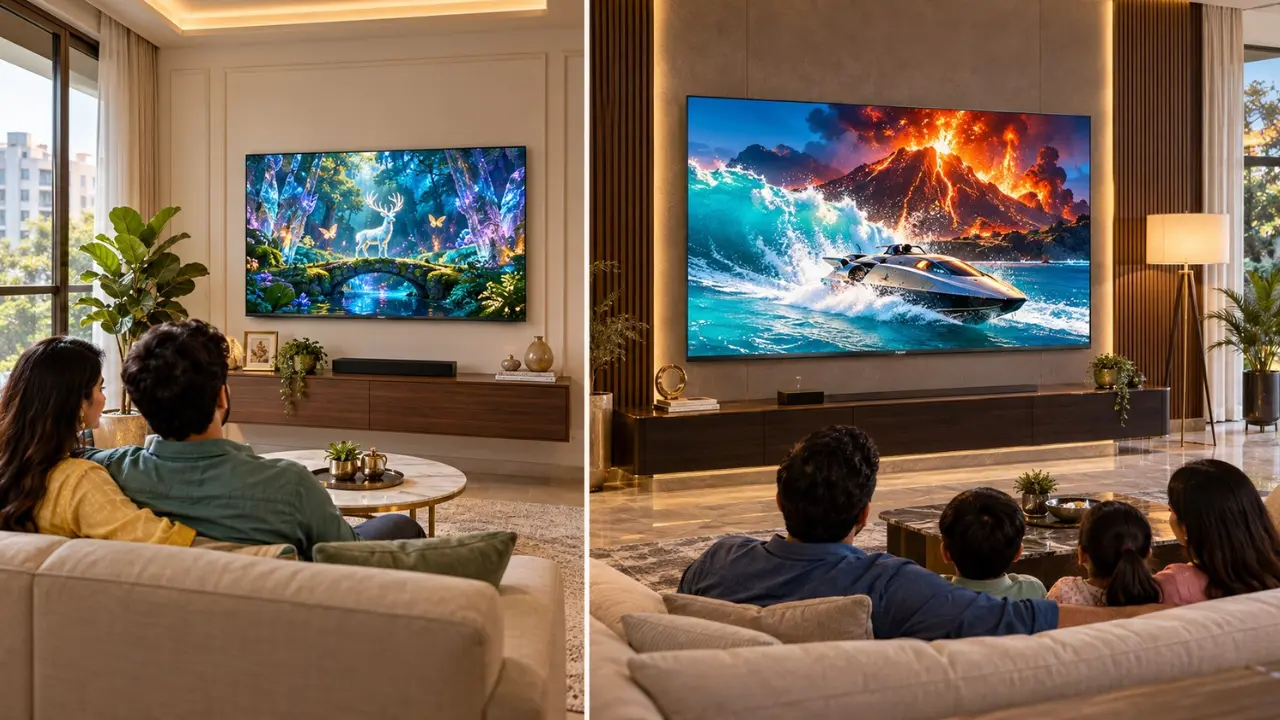

You are seated on your sofa, watching the last over of an IPL match. The bowler then runs into the batsman who takes a wide swing and the ball moves towards the boundary. Now picture yourself seeing that moment on a screen that’s like having a front row seat in the stadium.
This is what an extended TV can provide to your home.
However, when deciding on a 55 vs 65 inch TV, it doesn’t necessarily mean the bigger the TV, the better. The TV is a larger 65″ screen, but will you have enough room from which to watch it? Will it fit on the wall? But does the additional investment pay off?
These questions are more important than the screen size on the box for Indian households looking to improve their entertainment system.
Let’s determine which TV to put in the living room.
How Many Times Larger Is a 65″ TV Than a 55″ TV?
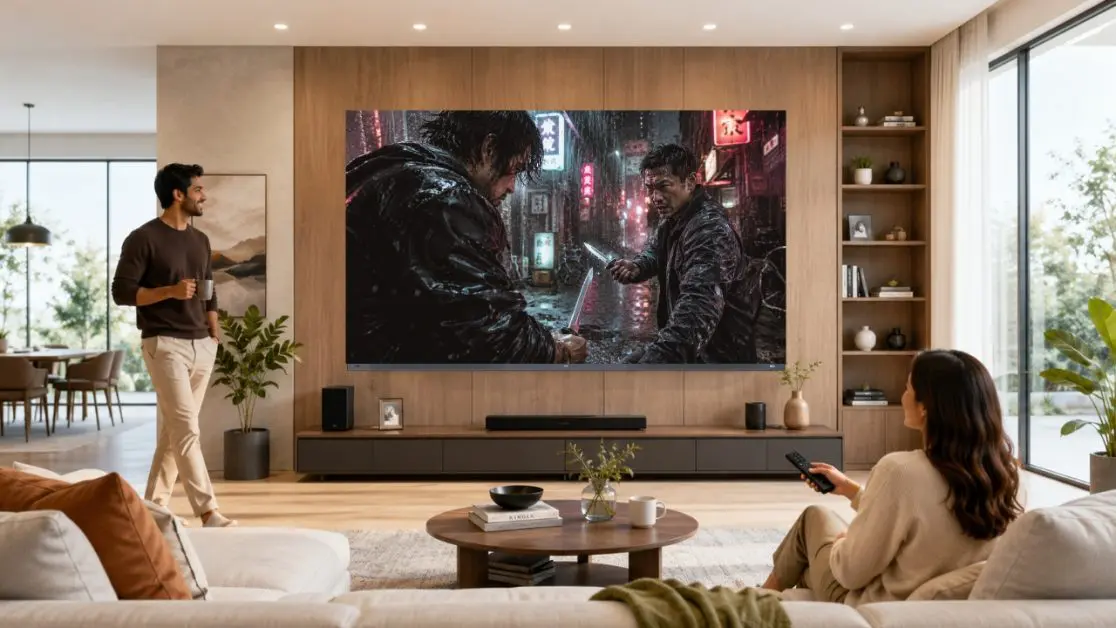
Ten inches doesn’t seem like a long distance. Those extra inches, however, do make a difference on a television.
The size of the TV is determined by the diagonal from one corner to the opposite corner. They do not refer to the width of the TV.
If you have a standard 16:9 display:
| Measurement | 55-Inch TV | 65-Inch TV |
| Screen diagonal | 139.7 cm | 165.1 cm |
| Approximate screen width | 121.8 cm | 143.9 cm |
| Approximate screen height | 68.5 cm | 80.9 cm |
| Relative screen area | 100% | 140% |
| Typical suitability | Small to medium size living rooms | Medium to large sized living rooms |
The key number in this instance is 40% more screen area.
If the TVs have the same aspect ratio, a 65″ TV provides about 40% more viewing area than a 55” TV.
That extra room is more noticeable when watching movies, sports or playing games.
But larger screens take up more space, too. An impressive looking TV in the showroom can be more imposing in a smaller living space once it’s installed.
What Is the Best Viewing Distance for a 55 vs 65 Inch TV?
Measure the distance from the sofa to the TV before you compare the technology or smart features.
Not the length of the whole of the room. The actual distance from your usual seating position to the screen.
These are helpful points to take off the ground if you are using a modern 4K TV:
| TV Size | Approximate Viewing Distance | Viewing Experience |
| 55 inches | 1.7–2.3 metres | Comfortable everyday viewing |
| 65 inches | 2.0–2.7 metres | More immersive viewing |
Suggested guidance and not rules. The optimum distance is also determined by personal comfort, eyesight, content resolution and viewing preferences.
At What Point Does a 55″ TV Become More of a Necessity Than a Luxury?
Imagine that your sofa is 1.8 metres away from the entertainment wall.
Even a 55-inch TV screen will give you a large screen without you feeling overwhelmed. You can watch movies, news channels and follow subtitles without having to keep changing your gaze on the screen.
A 55″ option may be a good fit for a family that:
- There is not a lot of wall space in the living room.
- The seating area is fairly close to the TV.
- The TV is placed by the wall along with shelves or decoration pieces.
- Mostly family members watch serials, news and general entertainment.
- Purchase is affected by budget.
The 65 Inch TV – When to Consider?
Now picture a bigger living room and the sofa in the middle of the room about 2.5 metres away from the screen.
This makes a 65-inch television screen all the more appealing.
Cinema scenes appear bigger and larger sporting action bigger from the same seat.
If you are a regular user of high-definition movies, live cricket and console games, it’s definitely worth paying attention to it.
Does Larger TV Necessarily Mean Better Picture Quality?
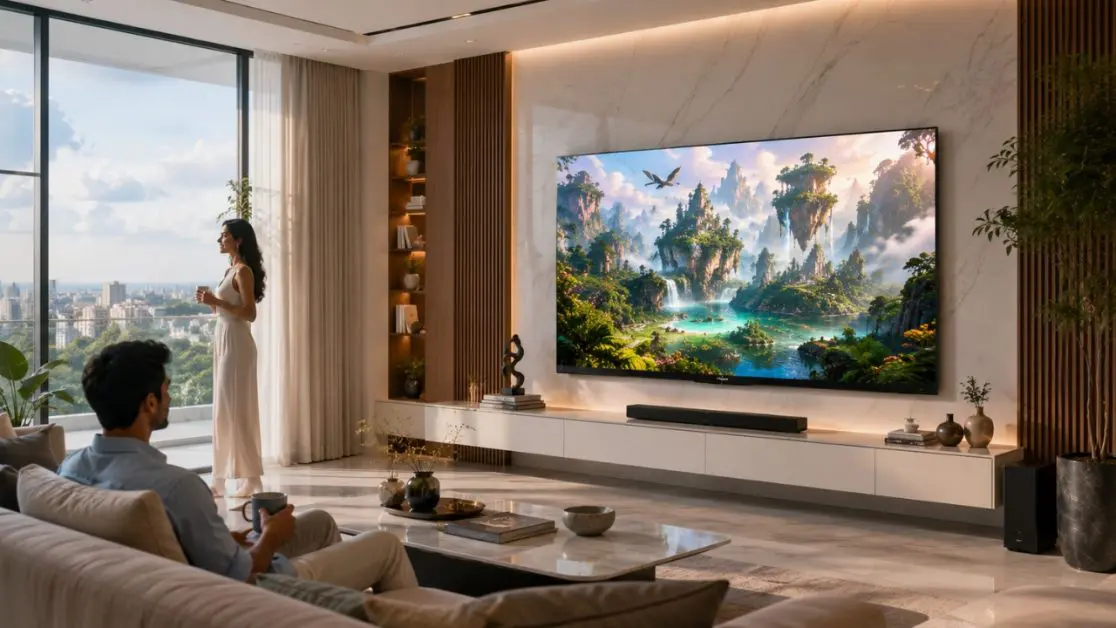
No. There are two aspects to take into consideration: size of the screen and picture quality.
A standard 65″ TV set may not appear to be as spectacular as a more sophisticated 55″ set.
It is the display technology used by the screen that is important.
4K Resolution and Pixel Density
The resolution of a 4K Ultra HD television is 3840 × 2160 pixels.
If both televisions have the same resolution, that means they will have the same number of pixels. The difference lies in the distribution of those pixels.
The closer the pixels are together, the smaller they appear on a 55″ tv. They are positioned farther apart on a 65” TV.
They can provide detailed images at suitable viewing distances. But this lower-resolution material might show its shortcomings more clearly on the big screen.
Colour Reproduction, QLED Technology.
QLED televisions use nano crystal to improve colour reproduction.
For instance, Haier’s S800 QLED Series features 4K resolution, QLED display technology, Dolby Vision and Micro Dimming in both 55-inch and 65-inch models.
This way, buyers can still enjoy these fundamental picture technologies, while choosing their preferred screen size.
The big issue is whether it will be worth using the bigger screen in your living room.
What Haier 55-Inch TV to Buy?
Don’t have to sacrifice entertainment features for a 55″ screen.
Haier India has models for all types of viewing, including regular streaming and gaming.
Haier New P7 Pro HQLED 55-Inch Google TV (55P7 Pro)
Haier New P7 Pro 55-inch HQLED Google TV offers 4K Ultra HD resolution and features advanced technologies designed to enhance picture quality, colour reproduction and entertainment convenience.
Its features include:
- HQLED Display: Uses Haier’s QLED technology to deliver richer colours, enhanced brightness and lifelike picture quality.
- AI Picture Quality: Intelligently optimizes brightness, contrast, colour and clarity in real time.
- Dolby Vision and HDR10+: Enhances contrast, colour and picture details for a more realistic viewing experience.
- 50W 2.1-Channel Sound with Built-in Subwoofer: Provides powerful audio with deep bass for an immersive entertainment experience.
- Google TV with Gemini: Offers personalized content recommendations, smart entertainment features and access to apps.
- Hands-Free Voice Control: Allows users to control the TV using voice commands without reaching for the remote.
- Gaming 120Hz and MEMC: Provides smoother motion and reduced blur for fast-moving scenes and supported gaming content.
- 2GB RAM and 32GB Storage: Supports smooth multitasking and provides space for apps, games and entertainment.
- 93% DCI-P3 Wide Colour Gamut: Reproduces a broad spectrum of colours for vibrant, lifelike visuals.
This model offers a strong combination of picture quality, powerful audio and smart features, making it suitable for families who enjoy movies, streaming, everyday television viewing and gaming. Its built-in subwoofer, AI picture enhancements and Google TV with Gemini provide a versatile home entertainment experience.
Haier S80G QLED 55-Inch Google TV (H55S80GUX)
Enjoy gaming alongside your regular entertainment?
The Haier S80G 55-inch QLED Google TV is worth considering for users looking for a television that combines smart entertainment with gaming features.
It features 4K Ultra HD QLED technology, HDR/HLG support, Dolby Audio, Google TV and Variable Refresh Rate (VRR).
The DLG 120Hz technology is designed to deliver smoother motion and reduce blur in fast-paced content, such as sports and action scenes. However, the specifications list a native refresh rate of 60Hz, so DLG 120Hz should not be mistaken for a native 120Hz 4K panel.
Additional features include Google Assistant voice control, 2GB RAM, 32GB storage and built-in Chromecast for convenient streaming and content sharing.
This model is a practical option for users who want a 55-inch 4K QLED television for gaming, streaming and everyday viewing, with smart features and motion-enhancement technology in one package.
Should a 65-Inch Haier TV Be Bought?
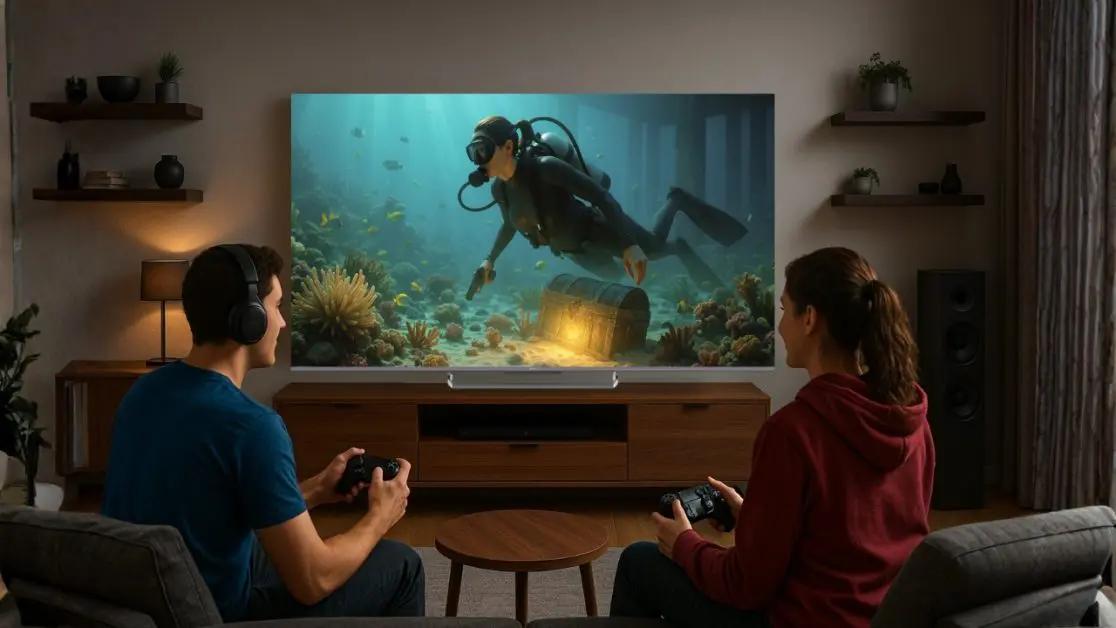
A 65”TV in the living room can help make entertainment much more interactive if your space allows.
If you’re looking for QLED picture quality, then it’s worth considering the Haier 75-inch 1080p QLED TV. If you’re looking for Mini LED TV technology, then you can consider the Haier 75-inch 60Hz Mini LED TV.
Haier S800 QLED 65-Inch Google TV (65S800QT)
The Haier S800 QLED 65-inch Google TV is the same concept as the 55-inch S800, but with a larger screen.
You get:
- The picture quality is 4K QLED.
- Dolby Vision and Dolby Atmos.
- Micro Dimming technology.
- Google TV using voice control (hands-free).
- MEMC motion processing.
- DLG 120Hz support.
Think about a family sitting around watching an action movie together on a Saturday night. The big screen makes it much more engaging, as everyone can see more of the picture.
Considering the fact that both sizes of S800 have a number of common technologies, the choice is mostly between room size, preferred viewing angle and budget.
Haier M70 Series 65-Inch Mini LED Google TV (65M70UHMINI)
If buyers are looking for a more sophisticated and feature-packed 65-inch TV, they can opt for the Haier M70 Series Mini LED Google TV.
This model not only includes a Mini LED display but also AI picture optimisation.
It boasts of the following standout attributes:
- Mini LED technology: This is to enhance the brightness and contrast control.
- AI Picture Quality: Modifies the attributes of the picture based on its content.
- Dolby Vision and HDR10+: Play HDR-compatible content for enhanced HDR viewing.
- 50W 2.1 channel audio: Built-in subwoofer for more audio power.
- Google TV with Gemini: brings artificial intelligence capabilities to entertainment.
- MEMC and Gaming 120Hz: Enables smooth motion in relevant viewing and gaming situations.
The M70 is more interesting to those who prefer the bigger screen and the enhanced picture processing and built-in audio system.
A 60Hz refresh rate is listed in its technical specifications, but it is best for the user to verify that the game modes are supported rather than assuming it’s 4K 120Hz.
So Before Installing a 65-Inch TV, What Are the Things You Should Check?
Another practical consideration people don’t always think of is the television fitting the entertainment wall, not the room.
Take the Haier S800 series as an example.
The width of the 55″ model is about 122.6″ (without stand) and the 65″ model is about 144.6″.
This is almost 22cm more width.
Before installation, check:
- Space around the television: Make sure there is enough wall space.
- Positioning the screen: The centre of the screen should be approximately at eye level when seated.
- TV Cabinets: Ensure the stand and cabinet are suitable for the chosen TV model.
- Power and cable access: Make plans for power and cable connections before wall mounting.
- Reflections on the screen: If possible, don’t face the strong sunlight.
- Wall-mount compatibility: Make sure the model is compatible with wall mounting and has a sufficient wall strength.
Just a little planning can save you from a clumsy installation later.
Should You Spend More on Screen Size or Better Display Technology?
The choice here is going to get interesting!
If you’re considering buying a 65-inch QLED TV or a smaller TV that has different premium features for the picture, you might want to consider a 60-inch TV.If you’re thinking about buying a 65-inch QLED TV or a smaller TV with different premium features for the picture, then consider getting a 60-inch TV.
Which should you prioritise?
Consider your TV viewing habits.
If you’re watching mainly films and cricket from a relatively far distance from the TV set, extra screen space might make the difference more apparent.
If your usual movie is darker, HDR or scenes requiring more attention and contrast performance should be taken into greater consideration.
As for games, size is not the only criterion to consider when choosing a TV. Verify refresh rate, VRR support, and input compatibility and support with your console.
The ideal TV is the one that fits the two of you viewing habits and size.
Make Your Living Room Entertainment Worth Looking Forward To
If you have a fixed budget, you can make your living room entertainment center even worth looking forward to.
A television is supposed to look at home in your living area and should provide the viewing experience you have in mind when you turn it on each time.
If you have a smaller screen, Haier’s 55-inch S800 and S80 QLED Google TVs provide 4K entertainment, but with smart functionality.
The 65-inch S800 QLED gives the user extra screen space and the M70 Series Mini LED is another choice for customers who want state-of-the-art picture processing and enhanced built-in audio.
Discover how far Haier TVs go and contrast the models that work for your living room, viewing preferences and budget.
The decision to get a 55 vs 65 inch TV isn’t just about buying a bigger screen. It’s all about getting the right one at the right time, for the times that families are spending together.
Frequently Asked Questions
Is a 65-inch TV too big for a normal Indian living room?
Not necessarily. A 65-inch television can work well in many medium-sized living rooms, provided the viewing distance and available wall space are suitable. Measure your seating distance before deciding.
Is 55 inches enough for a living room?
Yes. A 55-inch 4K television can provide an enjoyable viewing experience in compact and medium-sized living rooms, particularly where seating is relatively close.
How much bigger is a 65-inch TV than a 55-inch TV?
A 65-inch TV has approximately 40% more screen area than a 55-inch television with the same 16:9 aspect ratio.
Is a 65-inch TV better for watching cricket?
A 65-inch television can make players and on-screen action appear larger, particularly when viewed from farther away. Motion handling, broadcast quality and picture processing also matter.
Should I buy a 55-inch or 65-inch 4K TV?
Choose a 55-inch TV when space, viewing distance or budget favours a smaller display. Consider a 65-inch model when you have sufficient room and want a more immersive entertainment experience.