
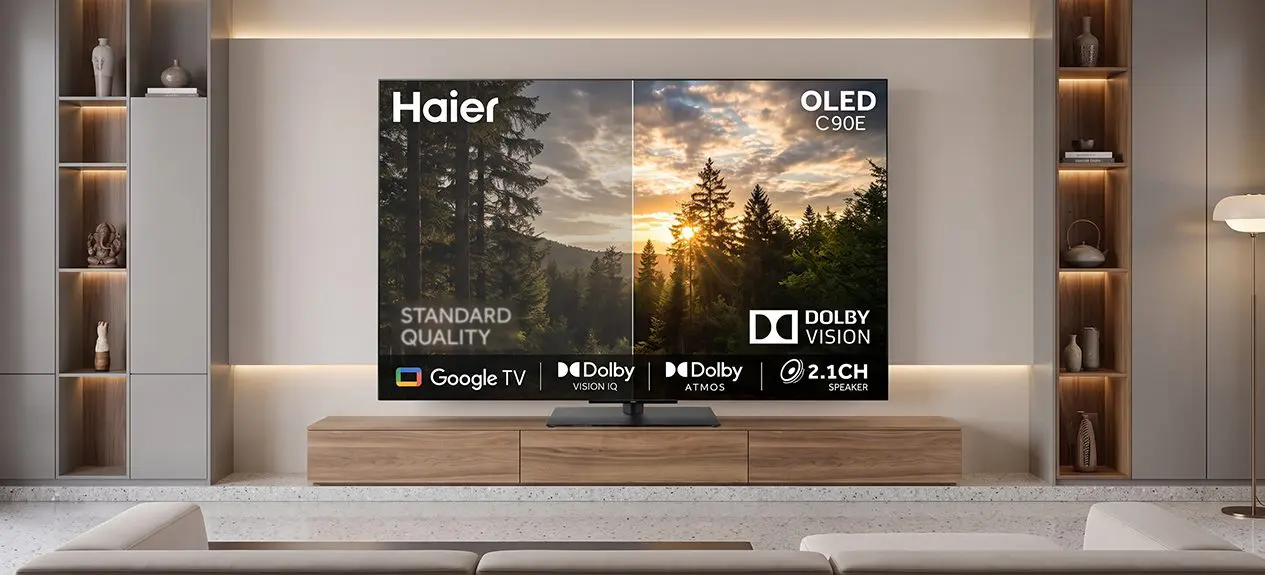

A dark scene that looks murky instead of moody. A bright sky that turns into a flat white blur. Both are signs a TV isn’t handling light and colour the way the content was actually made to look, and that’s precisely the gap Dolby Vision was built to close. This guide explains what Dolby Vision means, how to tell if what you’re watching is even using it, and whether it genuinely makes the picture look better on a Dolby Vision television.
Understanding What Dolby Vision Actually Does
At its core, Dolby Vision tells a TV exactly how bright, dark, and colourful a scene should look, instead of using one fixed setting for an entire movie or show. Most videos without Dolby Vision use a single brightness ceiling for the whole thing, so a sunny outdoor scene and a dim indoor scene both get treated the same way. A Dolby Vision TV adjusts this constantly, scene by scene, sometimes frame by frame, so both scenes look right on their own terms rather than being squeezed into one setting.
Curious what Dolby Vision IQ adds beyond standard Dolby Vision?
Read this blog: Dolby Vision IQ vs Dolby Vision: What’s the Real Difference?
How to Tell If Content Is Dolby Vision Friendly
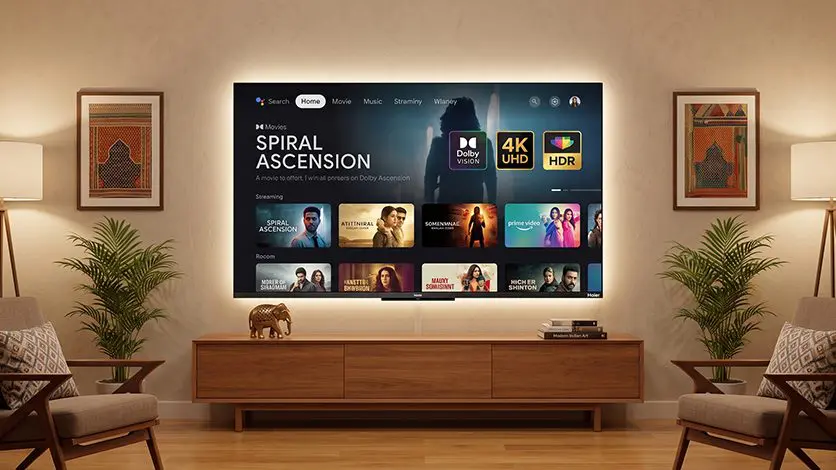
This part often gets missed. Owning a Dolby Vision TV doesn’t mean everything watched on it uses Dolby Vision, the content itself also has to be made in that format. A few ways to check:
- Streaming apps like Netflix and Prime Video usually show a small “Dolby Vision” badge on a title’s info page before playing it
- Once playback starts, a brief on-screen message often confirms Dolby Vision is active
- Older shows, most live sports, and a lot of regional content are still made in standard formats, so Dolby Vision simply won’t apply to them, no matter how good the TV is
If a title isn’t made in Dolby Vision, the TV just plays it normally. There’s no downside to owning a Dolby Vision television even when watching content that doesn’t use it.
Where the Picture Quality Difference Actually Shows Up
The real test is content with mixed lighting. Picture a cricket stadium shot at dusk, floodlights glaring on one side of the frame while the far end of the pitch sits in shadow. Dolby Vision keeps both extremes intact at once, the glare doesn’t wash out and the shadowed end doesn’t turn into a flat block of grey. Without it, the TV has to pick one setting that compromises on both.
The improvement is genuinely visible on the right content. A candle-lit dinner scene holds its warmth and detail instead of looking murky, snow under bright sunlight keeps its texture instead of turning into plain white, and costume colours in a period drama look closer to how they were actually designed. On content that isn’t mastered in Dolby Vision, none of this applies, so the picture looks the same either way.
Dolby Vision vs HDR10
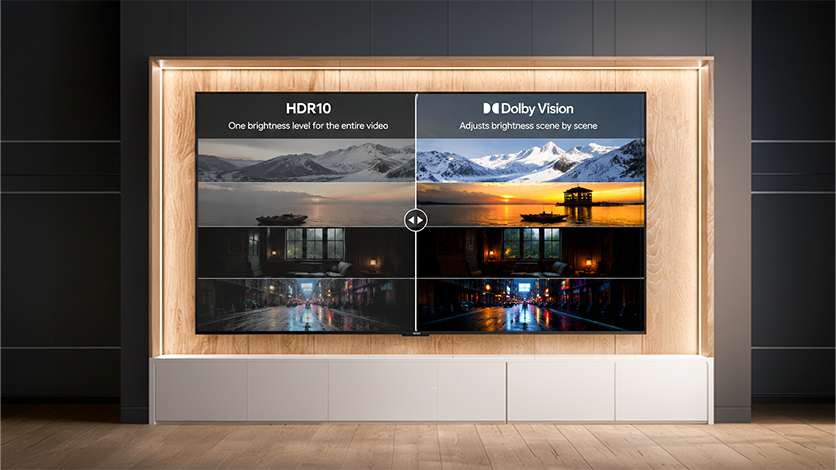
| Feature | HDR10 | Dolby Vision |
| Brightness setting | One fixed level for the whole video | Adjusts scene by scene |
| Consistency across scenes | Can look flat in high-contrast moments | Stays accurate throughout |
| Metadata type | Static | Dynamic |
In short: HDR10 sets one brightness level for the entire piece of content, while Dolby Vision keeps adjusting throughout. That’s why Dolby Vision holds up better in movies with a lot of contrast between scenes.
For the full breakdown between the two formats:
Read this blog: HDR10 vs Dolby Vision: What’s the Difference?
Backed by an Actual Dolby License
At Haier, we hold a genuine Dolby license, something very few television manufacturers can claim. That means Dolby Vision runs natively on our supported models, built into the engineering from day one, not stitched on as an afterthought. It’s the difference between a TV that merely displays the Dolby Vision logo and one that actually earns it. When we say a Haier TV supports Dolby Vision, it does, fully and properly.
Explore Dolby Vision TVs Online
Finding the best quality TV with Dolby Vision doesn’t need a showroom visit anymore. Our full range of TV online can be browsed with clear filtering by screen size, display type, and features like Dolby Vision support. The Haier C90 OLED 140cm(55″) Google TV | Dolby Vision IQ and the Haier New P7 Pro Series HQLED 109 cm (43”) AI Smart Google TV Gemini| HDR10 | Dolby Vision.Atmos|MEMC are two solid starting points, both built around Dolby Vision IQ, which adjusts the picture based on how bright the room actually is, not just the content itself.
Conclusion
Dolby Vision genuinely changes what’s on screen, but only when the content itself is made for it. Checking for that little badge on a streaming title matters just as much as owning a TV that supports it. When both line up, the difference in shadow detail, brightness, and colour is real and easy to notice. When they don’t, the TV simply plays things the normal way, no harm done either way.
FAQs
What does Dolby Vision mean on a TV?
It means the TV can adjust brightness, contrast, and colour scene by scene, instead of using one fixed setting for the whole thing.
Dolby Vision vs HDR10, what’s the difference?
HDR10 uses one setting for the entire video. Dolby Vision adjusts continuously, scene by scene, for more accurate results throughout.
Do I need special content to watch Dolby Vision?
Yes, the content has to be mastered in Dolby Vision. A Dolby Vision TV alone doesn’t add the effect to regular content.
Does Dolby Vision really improve picture quality?
Yes, on content made for it. Shadows hold more detail, bright areas don’t overexpose, and colours look more natural throughout.