
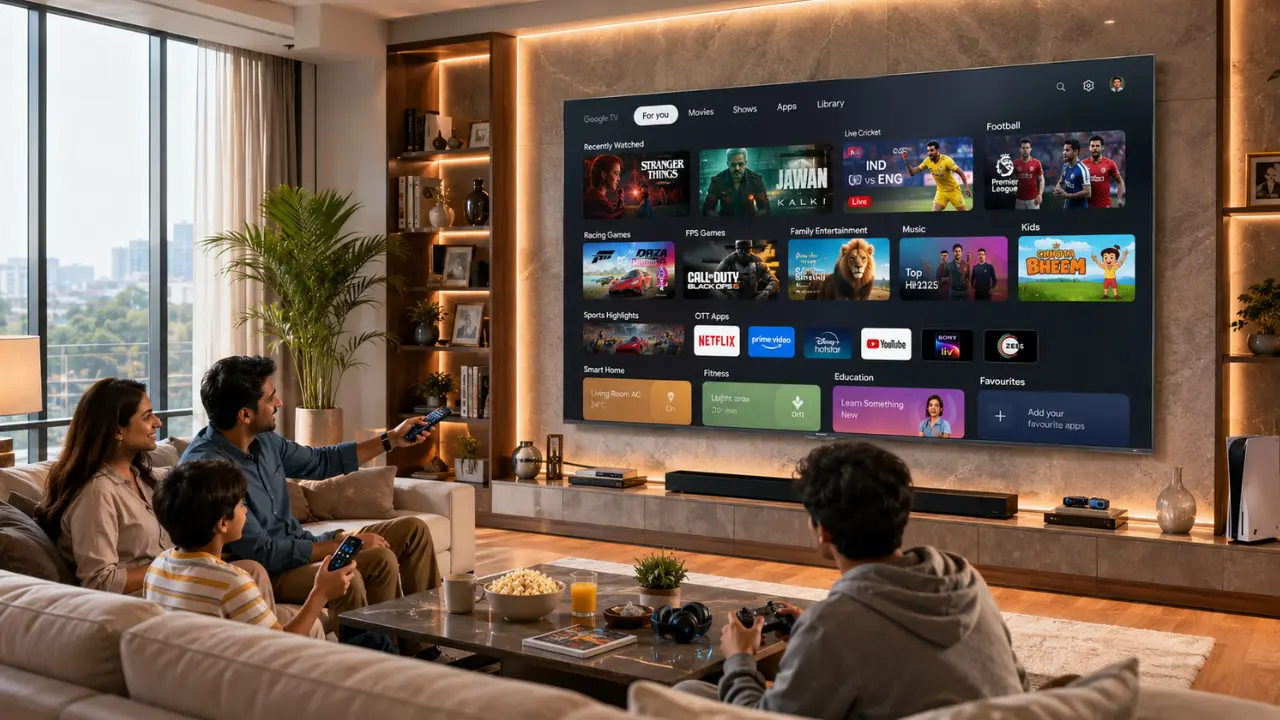

You know that moment when you’re ready to watch something and then spend the next five minutes hunting for the app?
Netflix is somewhere on the second row. YouTube has mysteriously shifted again. Your favourite sports app is hiding behind three others you barely use. Suddenly, the movie night isn’t as relaxing as a fret after looking for a lost TV remote.
Oddly enough, many people take time to select the right Smart TV, but very few take the time to set it up after it’s installed. That’s a lost opportunity.
A well organised Smart TV is not only cleaner, it’s better. It will allow you to see what you want without having to scroll through an overwhelming amount of content, and it will make viewing easier, particularly when each family member uses a different streaming service each day.
Let’s take a few useful tips to help you configure your Smart TV apps and enjoy everyday entertainment.
Why App Organisation Matters More Than You Think
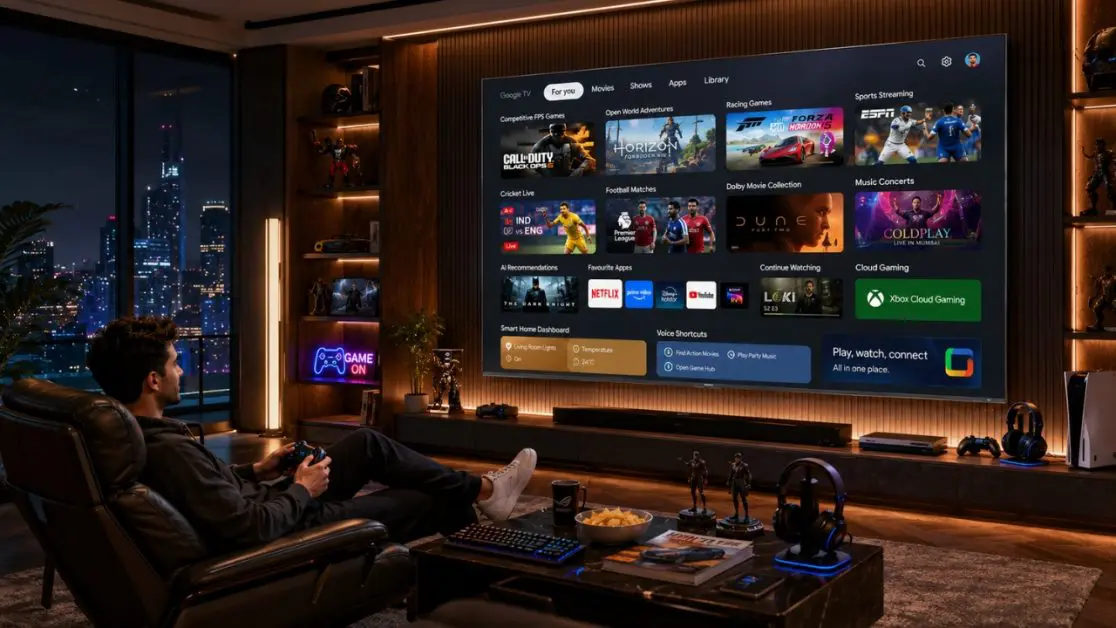
Modern Smart TVs are no longer limited to watching TV channels. Today, one screen can become your cinema, gaming console, fitness coach, music system and even your smart home dashboard.
That also means dozens of applications can quickly pile up.
An organised interface helps you:
- Reach frequently used apps in seconds
- Reduce clutter on the home screen
- Make navigation easier for every family member
- Spend more time watching content instead of searching for it
- Improve the overall Smart TV experience
Think of it like arranging your kitchen. When everything has its place, daily tasks become noticeably easier.
Start With the Apps You Use Every Day
Instead of keeping every installed application on the first screen, prioritise the ones you actually open regularly.
A simple approach works best.
| Category | Apps to Keep Easily Accessible |
| Daily Entertainment | OTT streaming apps, YouTube |
| Family Viewing | Kids’ content, educational apps |
| Music | Audio streaming platforms |
| Gaming | Cloud gaming or console companion apps |
| Utility | Screen casting, browser, settings shortcuts |
Once the essentials are placed first, the rest naturally become easier to manage.
Group Similar Apps Together
Here’s something people rarely do but probably should.
Instead of arranging apps randomly, organise them according to how you use them.
For example:
Entertainment Zone
- OTT platforms
- Movie streaming apps
- TV channel applications
Gaming Zone
- Cloud gaming
- Game launchers
- Console companion apps
Lifestyle
- Music apps
- Fitness platforms
- Meditation apps
Smart Home
- Device control
- Camera monitoring
- Home automation
It feels surprisingly satisfying once everything follows a logical order.
Remove Apps You No Longer Use
Let’s be honest.
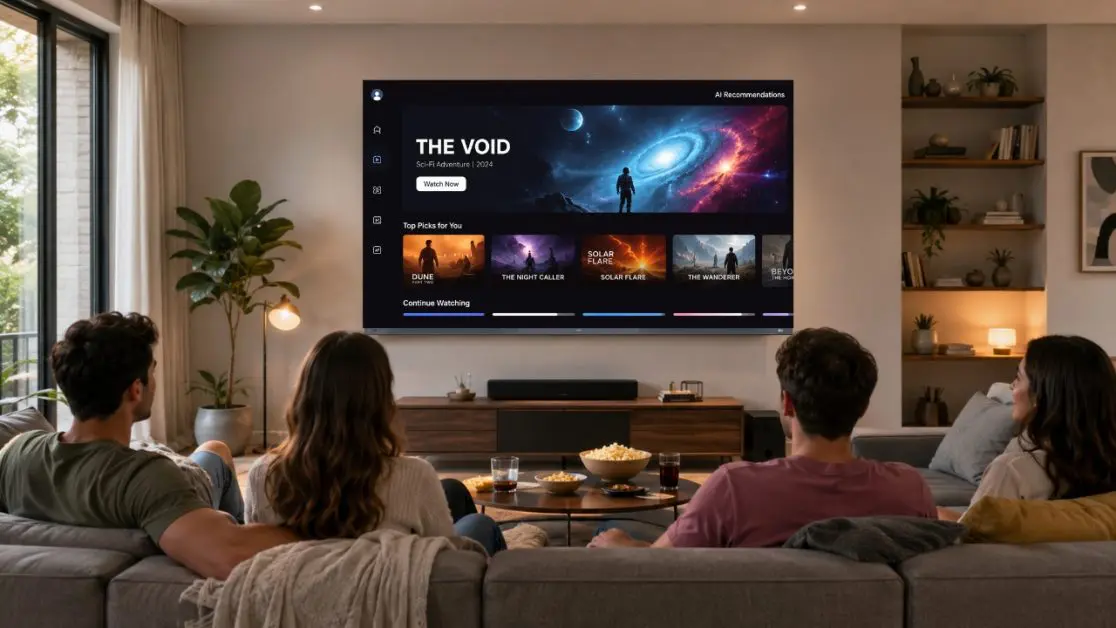
Most Smart TVs eventually collect apps that were opened once and forgotten forever.
Unused applications can:
- Create unnecessary clutter
- Make navigation confusing
- Occupy storage space
- Distract from frequently used content
Take five minutes every few months to review installed apps.
If you haven’t opened one in months, chances are you won’t miss it.
Keep Your Home Screen Personal
No two households watch television the same way.
A family with young children will naturally prioritise educational and cartoon platforms. Someone who watches live cricket may want sports apps front and centre. Gamers usually prefer instant access to gaming dashboards.
Your Smart TV should reflect your lifestyle not a default factory layout.
Personalisation makes daily use significantly more enjoyable.
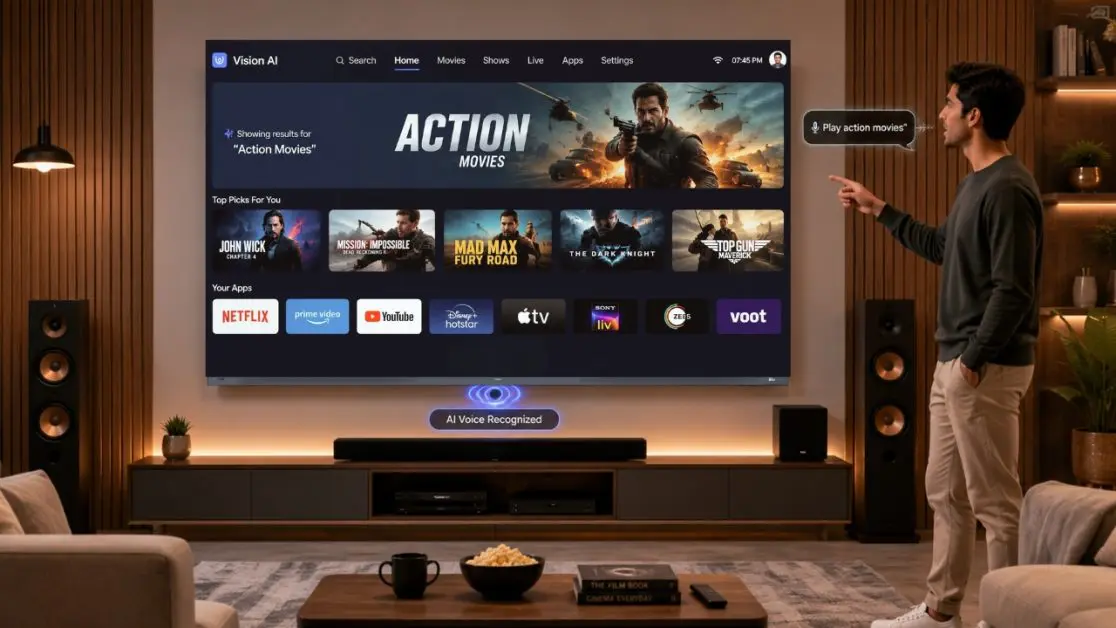
Use Voice Search Instead of Endless Scrolling
Even with a perfectly organised home screen, there are days when typing feels unnecessary.
That’s where voice-enabled Smart TVs become genuinely useful.
Instead of searching manually, simply ask for:
- A movie
- A TV show
- A particular app
- Music playlists
- Weather updates
Many modern Smart TVs now support intelligent voice assistance that reduces the number of button presses needed for everyday tasks.
Keep Software and Apps Updated
An organised Smart TV isn’t only about appearance.
Performance matters too.
Regular updates often improve:
- App stability
- Faster loading
- Better compatibility
- Security improvements
- User interface enhancements
Ignoring updates can sometimes make apps slower or less responsive.
A few minutes spent updating can noticeably improve the overall experience.
Reduce Visual Clutter
Not every shortcut deserves space on the home screen.
Try limiting visible apps to those you genuinely use every week.
The result?
- Cleaner interface
- Faster decision-making
- Less scrolling
- Better focus on content
Sometimes, less really is more.
Create Different Profiles When Available
Many streaming platforms now support multiple user profiles.
This offers several advantages:
- Personal recommendations stay relevant.
- Watch history remains separate.
- Children only see age-appropriate content.
- Family members don’t interrupt each other’s viewing preferences.
It keeps the entertainment experience far more personalised.
Think Beyond Apps
Today’s Smart TVs offer much more than streaming.
Depending on the model, users may also access:
- Smart home controls
- Wireless casting
- Gaming features
- AI recommendations
- Voice assistants
- Personalised content suggestions
Organising these features alongside your favourite apps creates a far more efficient entertainment hub.
A Smarter TV Experience Starts With Smarter Organisation
Technology to make things easier, not more difficult.
This is where a well thought-out software design can help.
The Haier New M96 Series 254 cm (100) QD-Mini LED AI Smart Google TV (H100M96FUX) is not just a TV, but an AI-driven entertainment system. It’s powered by Google TV and they’ve combined movies, shows and applications all into one customisable interface; AI Center MAX is intelligent enough to weave together picture, sound, gaming and entertainment in a more seamless experience. It also comes with the AI Ultra Sense Processor to improve scene recognition and optimises picture quality in real time.
The experience becomes even more convenient with:
- Google TV personalised recommendations
- Hands-Free Voice Control
- Google Assistant integration
- Google Chromecast Built-in
- Android 14 operating system
- HaiSmart smart ecosystem support
- 144Hz refresh rate for smooth gaming and sports
- Dolby Vision IQ for adaptive picture quality
- Sound by KEF with Dolby Atmos for immersive audio
When the software itself is designed to reduce friction, organising your favourite apps becomes even easier.
Small Changes That Make Everyday Viewing Better
It’s not hard to create a better experience with a Smart TV.
Some simple tweaks, such as moving your most-used apps to the forefront, uninstalling apps you don’t need, arranging similar apps into groups and utilizing voice commands, can transform your daily relationship with the television.
To ensure you have the best experience in terms of picture quality, sound and convenience, the Haier New M96 Series 254 cm (100) QD-Mini LED AI Smart Google TV (H100M96FUX) is an intelligent Smart TV that features all the aspects mentioned above. It’s not just about showing content, it’s about finding, organizing and enjoying it with far less effort, each and every time you watch.
Frequently Asked Questions
1. How do I organise apps on my Smart TV?
Most Smart TVs allow you to move, pin or rearrange applications on the home screen. Place frequently used apps first and group similar apps together for easier navigation.
2. Does organising apps improve Smart TV performance?
While organisation itself doesn’t increase processing speed, it makes navigation quicker and reduces the time spent searching for content.
3. Should I uninstall apps I don’t use?
Yes. Removing unused applications helps keep the interface cleaner and may free up available storage for future updates or new apps.
4. Can I use voice commands to open apps?
Yes. Smart TVs with built-in voice assistants support opening compatible apps, searching for content and performing various functions using voice commands.
5. What makes Google TV easier to use?
Google TV brings together content from multiple streaming services, offers personalised recommendations and provides a unified interface, making entertainment easier to discover and access.
6. Which Haier Smart TV is suitable for an AI-powered entertainment experience?
The Haier New M96 Series 254 cm (100) QD-Mini LED AI Smart Google TV (H100M96FUX) combines Google TV, AI Center MAX, AI Ultra Sense Processor, Hands-Free Voice Control, Dolby Vision IQ, Dolby Atmos, Sound by KEF and advanced gaming features to deliver a premium Smart TV experience.