
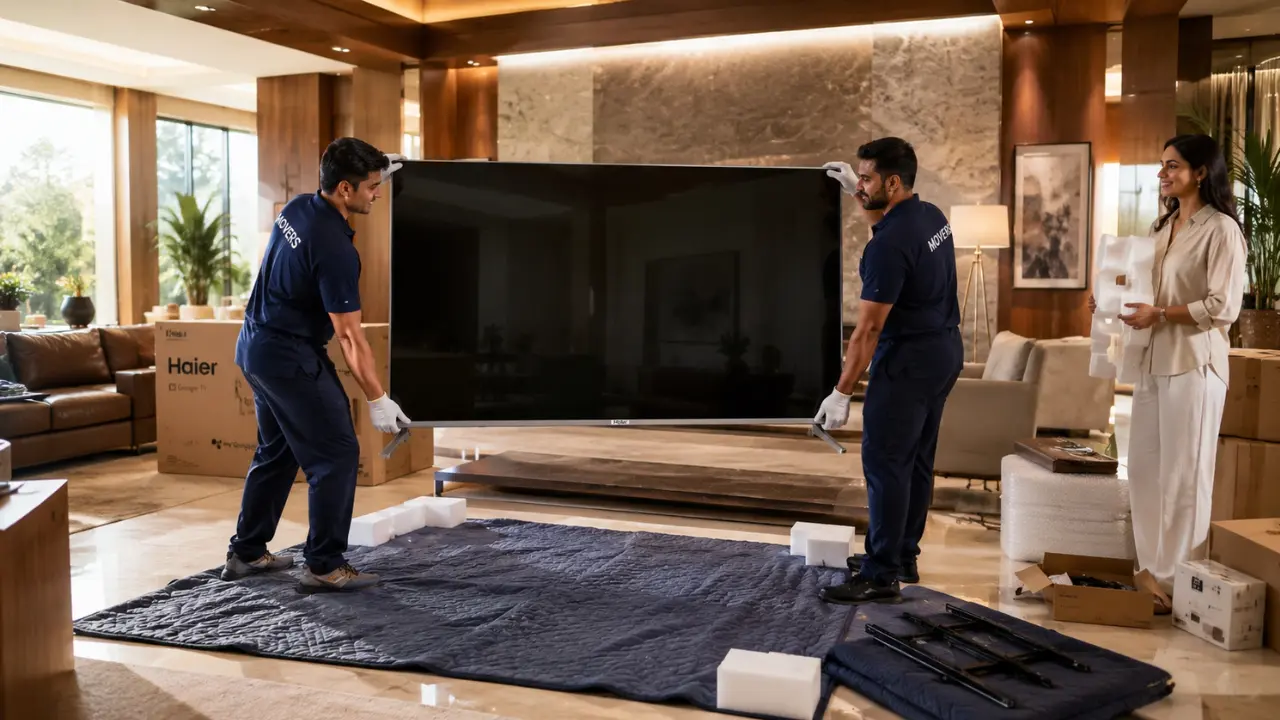

You don’t really think about how heavy a large Smart TV is until the day you have to move one.
Perhaps you’ve just moved to a new town. Perhaps you’ve finally made the changes to the living room! Or maybe it is you just want to move furniture around; come on, admit it, that corner in your imagination did not look the same when you actually saw it.
Next the challenge.
The premium smart TVs are so thin that they are a lot different from older televisions. It is really great if they’re mounted on a wall. Not so exciting when they have to be dragged down a narrow hallway, loaded into a car or hoisted up stairs. One misplaced grip or one accidental bump against a door frame can ruin the screen, bezel or any internal parts.
The good news? A majority of these risks can be prevented.
When you know how to prepare, lift, carry and reinstall your TV safely, your high quality entertainment system can be installed in a new location.
Why Large Smart TVs Need Extra Care During Relocation
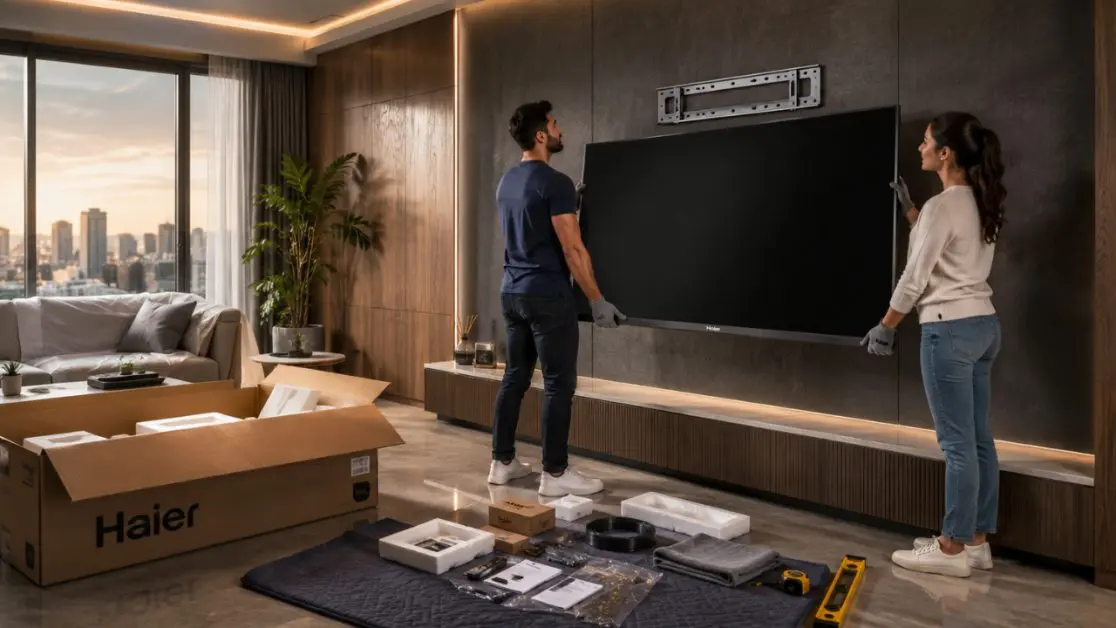
Modern televisions are engineered for picture quality, not rough handling.
Premium displays use advanced display technologies, ultra-thin panels, precision electronics and sophisticated audio systems. While these make the viewing experience exceptional, they also mean the TV deserves a little more attention during transportation.
Here are a few reasons why moving a large Smart TV requires careful planning.
- Extremely slim display panels can flex if lifted incorrectly.
- Large screen sizes make weight distribution uneven.
- Pressure on the display can permanently damage pixels.
- Internal components may shift if exposed to strong impacts.
- Wall-mounted TVs require careful removal before packing.
The larger the screen, the more important proper handling becomes.
Before You Touch the TV: A Quick Preparation Checklist
Many people rush straight to lifting the television.
That’s usually where mistakes begin.
Spend ten minutes preparing first. It’ll probably save hours of frustration later.
Switch Everything Off
Before disconnecting anything:
- Turn the TV off completely.
- Unplug the power cable.
- Disconnect HDMI devices.
- Remove USB drives.
- Disconnect LAN cables if used.
Allow the television to cool down for several minutes before handling it.
Take Photos of Cable Connections
This sounds surprisingly simple.
It also saves enormous amounts of time during installation.
A few quick photos of:
- HDMI ports
- Soundbar connections
- Gaming consoles
- Set-top box wiring
- Internet connections
can eliminate unnecessary guesswork later.
Remove Loose Accessories
Don’t transport these while attached to the television.
Remove:
- External webcams
- Streaming devices
- Decorative bezels
- Wall-mount adapters (if required)
- External speakers
Store them separately in labelled pouches.
The Original Box Is Still the Best Protection
People often wonder whether they should keep appliance packaging.
For large Smart TVs?
Absolutely yes.
The original carton is designed specifically around your television’s dimensions, weight and pressure points.
If you’ve still got:
- Foam inserts
- Edge protectors
- Protective sleeves
- Display covering
- Stand packaging
use them.
Nothing generally offers a better fit.
If the original packaging isn’t available, choose:
- Double-layer corrugated cartons
- Thick foam sheets
- Bubble wrap
- Corner guards
- Stretch wrap for stability
Avoid wrapping bubble wrap directly against the display surface. Place a soft microfibre cloth or protective foam sheet over the screen first.
The Right Way to Lift a Large Smart TV
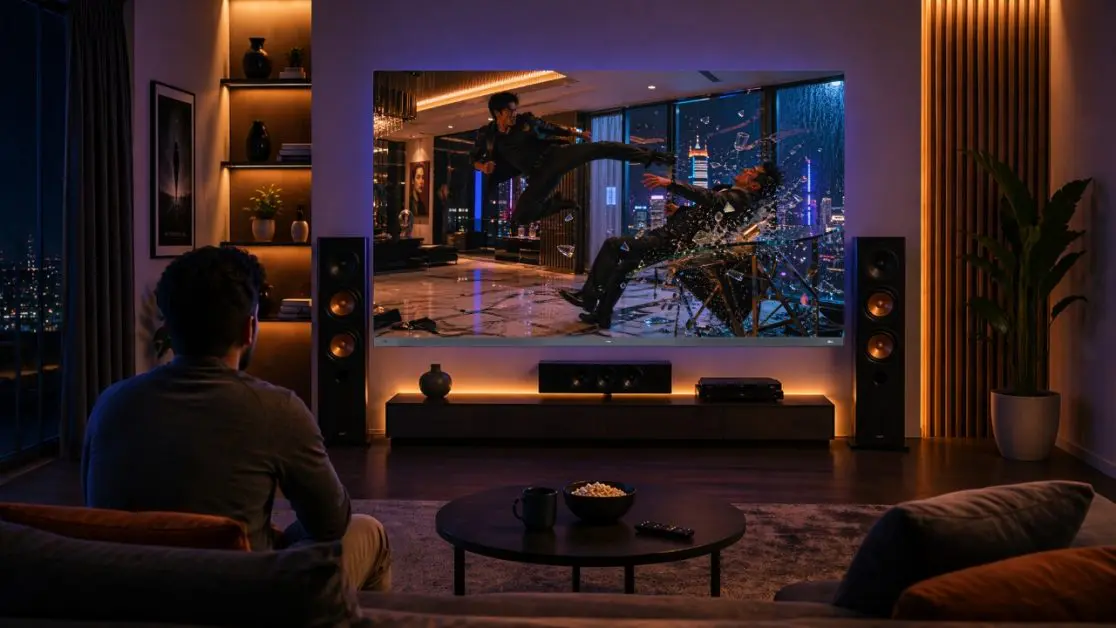
Here’s something many people don’t realise.
The screen isn’t a handle.
Never grab the television by:
- The top edge
- Display corners
- Screen surface
Instead:
Lift from the Frame
Support the TV from both lower sides using the frame.
Two people should always carry larger televisions.
For very large premium displays, three people may be safer.
Keep It Upright
Transport the television in a vertical position whenever possible.
Laying it completely flat increases stress across the panel and may expose it to unnecessary pressure during transportation.
Think of it like carrying a large mirror.
Same principle.
Don’t Twist While Carrying
This happens more often than people realise.
One person turns before the other.
The television twists.
Even slight torsion across a large panel isn’t ideal.
Move slowly.
Communicate each turn.
Take breaks if needed.
Common Mistakes That Cause TV Damage
Most moving accidents aren’t dramatic.
They’re surprisingly ordinary.
Here’s what to avoid.
| Mistake | Why It Can Be Risky |
| Holding the screen directly | Pressure may affect the display panel |
| Carrying alone | Uneven weight increases accident risk |
| Placing the TV flat under luggage | Excess weight may stress the panel |
| Skipping protective padding | Corners and bezels become vulnerable |
| Pulling cables instead of disconnecting | Ports may become damaged |
| Rushing through doorways | Higher chance of accidental impact |
Sometimes slowing down by just a few minutes makes all the difference.
Transporting the TV Safely in a Vehicle
Now comes the part many homeowners worry about.
The drive.
Whether you’re moving across the city or relocating to another state, the goal remains the same keep the television stable.
Position It Carefully
If possible:
- Place the TV upright.
- Secure it against movement.
- Avoid stacking heavy boxes nearby.
- Use straps or cushions to minimise vibration.
Don’t allow the television to slide around while driving.
Protect Against Sudden Impact
Indian roads aren’t always predictable.
Speed breakers.
Potholes.
Unexpected braking.
All of these create movement inside the vehicle.
Using:
- Foam blocks
- Soft blankets
- Packing cushions
around the carton helps absorb minor shocks during transit.
After Reaching Your New Home, Don’t Rush the Installation
It can be tempting.
You’ve finally arrived.
The furniture’s still being arranged.
Someone says,
“Let’s just switch the TV on quickly.”
Better not.
Instead:
- Let the TV settle if it has experienced major movement.
- Inspect the carton before opening.
- Check corners for visible damage.
- Remove packaging carefully without using sharp blades near the screen.
- Reinstall the stand or wall mount according to the manufacturer’s guidance.
A careful installation is just as important as careful transportation.
When You’re Investing in Premium Entertainment, Protection Matters Too
A television isn’t simply another appliance anymore.
It is the main attraction in many Indian households for family movie nights, live sports, playing games, festive occasions, and binge-watching on the weekends.
That’s why it’s wise to invest in a high-quality TV with advanced engineering techniques and handle it in the same manner when moving.
Haier India’s New M92 Series QD-Mini LED AI Smart Google TVs come in 164 cm (65) and 189 cm (75) screen sizes to provide immersive entertainment with features such as AI Ultra Sense Processor, 144Hz refresh rate, Dolby Vision IQ, HDR10+, Google TV, Sound by KEF, Dolby Atmos, AMD FreeSync Premium Pro and hands-free voice control to watch with greater intelligence.
The Haier New M96 Series 254 cm (100) QD-Mini LED AI Smart Google TV takes the home theatre experience to the next level with its advanced AI-powered picture processing, QD-Mini LED technology, immersive KEF-powered audio, Dolby Atmos, high-refresh-rate gaming support and massive cinematic screen, which is perfect for creating an extraordinary home theatre.
Would You Relocate the TV by Yourself, or Call a Professional?
There is no one right answer.
At times, the television can be moved easily by the individual. In the other instances, it will be better to call the professional movers.
Be sure to take into account the following factors when making your decision.
DIY May Work If:
- You’re moving within the same building.
- The television is being transported a short distance.
- You have at least two people available to help.
- The original packaging is still intact.
- No stairs or tight spaces are involved.
Professional Assistance Is Worth Considering If:
- The TV is exceptionally large.
- The move involves multiple floors.
- Long-distance transportation is planned.
- Special wall mounting needs to be removed and reinstalled.
- You simply don’t feel confident handling a premium display.
Sometimes the safest decision isn’t lifting the TV yourself—it’s knowing when not to.
A Few Extra Tips People Often Forget
Some of the best precautions aren’t complicated at all.
They’re simply overlooked.
Keep these in mind:
Label Every Cable
Instead of wondering which HDMI cable connects where, label each one before disconnecting.
A small piece of masking tape can save plenty of time later.
Remove the Stand Separately
If your TV uses table stands:
- Remove them before transportation.
- Wrap them individually.
- Store mounting screws in a labelled zip pouch.
Searching for missing screws after unpacking? Not exactly how anyone wants to spend moving day.
Keep Moisture Away
Avoid storing the television:
- Near water containers
- Under leaking roofs
- In damp storage areas
Electronics and moisture have never been good companions.
Don’t Stack Items Against the Screen
Even lightweight cartons can apply uneven pressure during transportation.
Leave enough space around the television carton so nothing presses directly against the display.
A Quick Moving Checklist Before You Leave
Sometimes, having everything in one place makes life easier.
Before Moving
- Turn off and unplug the television
- Disconnect all accessories
- Photograph cable connections
- Remove the stand or wall mount safely
- Wrap the screen with a soft protective layer
- Use original packaging whenever possible
- Secure accessories separately
During Transportation
- Keep the TV upright
- Avoid sudden impacts
- Prevent movement inside the vehicle
- Carry using the frame—not the screen
- Use two or more people for lifting
After Installation
- Inspect for external damage
- Reconnect cables carefully
- Verify wall mounting or stand stability
- Power on only after everything is securely installed
- Check picture, sound and connected devices before settling in
Why Choosing a Premium TV Also Means Thinking Long-Term
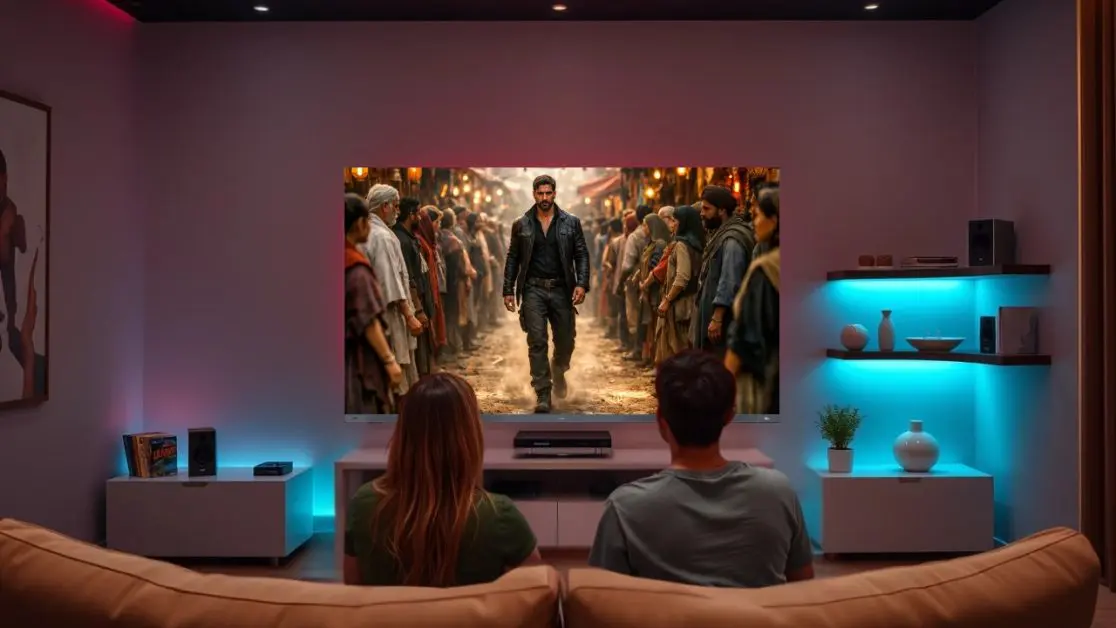
This is just the beginning of the process of purchasing a television.
It is only when lived with year after year that real value is added.
People don’t change their Smart TV annually. It becomes a part of life. Morning news before going to work. Friends’ IPL on the weekend. Family movie marathons. Late-night gaming sessions. Large screen video calls.
Of course, it’s important to safeguard that investment while moving home.
It’s also a good idea to use a TV with technology that will provide high-quality entertainment week after week.
Haier India’s new high-end TV line-up is a perfect example of that.
The Haier New M92 Series QD-Mini LED AI Smart Google TV comes in 164 cm (65) and 189 cm (75) sizes and offers an AI-driven picture optimisation with AI Ultra Sense Processor, 144Hz refresh rate, Dolby Vision IQ, HDR10+, Sound by KEF, Dolby Atmos, Google TV, AMD FreeSync Premium Pro, Wi-Fi 6, Bluetooth 5.2 and hands-free voice control to ensure a premium entertainment set up for modern Indian homes.
The Haier New M96 Series 254 cm (100) QD-Mini LED AI Smart Google TV is even more impressive in terms of the size of the screen, the advanced AI picture processing, its immersive KEF-powered sound output, Dolby Atmos, high-refresh-rate gaming support, Google TV integration and premium design which is created for large entertainment spaces.
From television upgrades to the living room today to the home of tomorrow, a TV that offers smart technology and top-tier picture and sound performance can make everything worthwhile – and every movie night.
Walk lightly today and enjoy for a lifetime.
Moving a big TV with the Smart TV system shouldn’t be a stressful experience. There are ways to minimise accidental damage if a little planning, appropriate lifting methods and proper packaging are used.
Most importantly, doing so will help you to maintain the viewing experience you’ve invested in. After all, a top-notch TV is supposed to provide top-notch entertainment for many years and not just until the next home sale.
If you’re exploring a television that pairs cutting-edge AI capabilities with immersive visuals, refined audio and thoughtful smart features, Haier India’s New M92 Series and New M96 Series QD-Mini LED AI Smart Google TVs are designed to complement modern lifestyles while delivering an exceptional viewing experience every time you switch them on.
Frequently Asked Questions
What’s the first thing I should do before moving my Smart TV?
Turn off the TV, unplug it, disconnect all cables and accessories, and let it cool down before handling it.
Should I take photos of my TV connections before unplugging everything?
Yes. Photos of HDMI ports, soundbar connections, gaming consoles, and network cables make reinstallation much easier.
Do I need to remove accessories before moving my TV?
Yes. Remove streaming devices, webcams, external speakers, wall-mount adapters, and other accessories, then pack them separately in labeled bags.
How can I prepare my TV for a smooth move?
Disconnect all cables, label them, remove the stand if applicable, photograph the setup, and gather protective packing materials before lifting the TV.
Is the original TV box really the best option?
Yes. The original packaging is designed specifically to protect your TV’s screen, corners, and weight distribution during transport.
What if I no longer have the original TV box?
Use a double-layer corrugated box, thick foam sheets, bubble wrap, corner protectors, and a microfiber cloth to protect the display.