
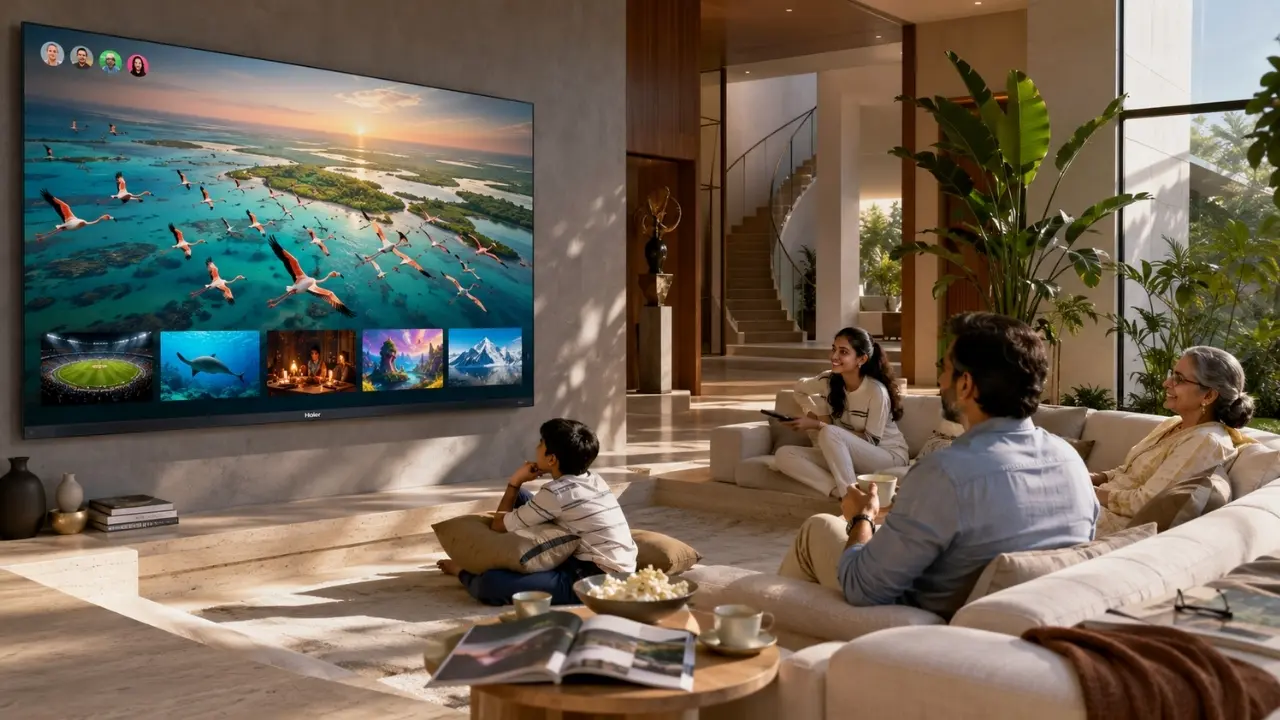
How to Create Personalized Home Screens on Your TV

Your television home screen can become crowded surprisingly quickly. A few streaming apps here, recommendations there, half-watched programmes somewhere else and suddenly finding something to watch takes almost as long as watching it.
There is a better way to use a smart TV.
A personalized TV home screen can make everyday viewing feel considerably more organised by bringing relevant entertainment closer to you. Instead of treating the television as one shared wall of apps, you can use recommendations, watchlists, search and voice features to create a viewing experience that feels more aligned with what you actually enjoy.
For Indian households, where one television often serves everyone from children and parents to sports fans and movie buffs, that difference matters.
What Does a Personalized TV Home Screen Actually Mean?
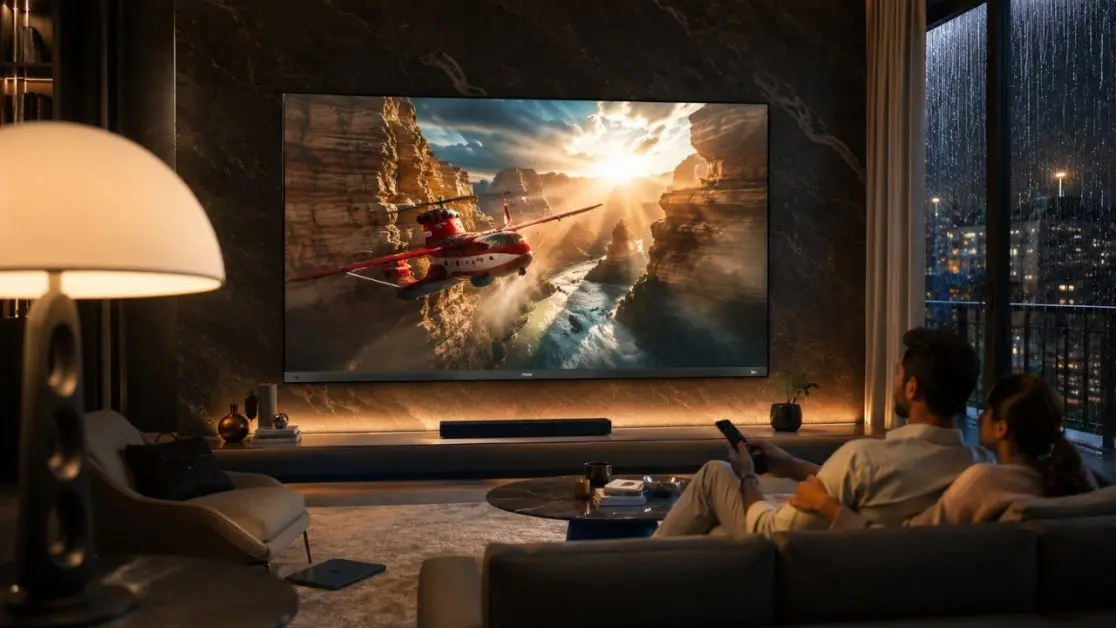
Personalisation is not simply about changing a wallpaper or rearranging icons.
On a modern smart television, it is more about content discovery. The home experience can help bring together shows, movies and other entertainment based on the way the platform is designed to organise and recommend content.
Google TV, for instance, offers curated content recommendations and personalized suggestions. It also brings streaming, live TV, music and other content into a more unified viewing environment.
That changes the basic question from:
“Which app should I open?”
to:
“What do I feel like watching?”
Small difference in wording. A big difference when you are sitting on the sofa after a long day.
Start With the Content You Actually Watch
There is little value in having dozens of entertainment choices visible if you regularly use only a handful.
Start with your real viewing habits.
Maybe weekdays mean news and a quick episode after dinner. Friday night is movie time. Sunday afternoon? Cricket, perhaps. Children in the house may have an entirely different set of favourites.
A useful home-screen experience should make those recurring choices easier to reach.
Think about four simple things:
- Which streaming services do you use most often?
- What genres do you repeatedly watch?
- Which programmes or films do you intend to watch later?
- Do different people in the household have noticeably different viewing preferences?
Once the television experience begins reflecting those habits, the home screen stops feeling like a generic catalogue.
Use Google TV Recommendations to Reduce Endless Browsing
We have all done it. Open one app. Browse for five minutes. Nothing. Open another. Browse again.
Twenty minutes disappear.
Google TV is designed to reduce some of that jumping between apps by offering curated recommendations and personalized suggestions. Rather than requiring viewers to remember where every programme lives, it can bring favourite content together within the Google TV experience.
For families, this can make everyday discovery less cumbersome. You may find a programme worth considering without manually searching through every streaming service installed on the television.
Personalisation also gets more useful when you treat recommendations as discovery tools rather than instructions. You remain in control of what you watch; the interface simply helps narrow an enormous field of options.
Build a Watchlist Instead of Relying on Memory
Someone mentions a brilliant series during lunch. You see a trailer on your phone. A friend recommends a film. By Saturday evening, the title had vanished from memory.
A watchlist solves a very ordinary problem.
Google TV lets viewers add movies and shows to a watchlist, helping create a more deliberate collection of things they genuinely want to see.
That is particularly useful if you tend to discover content at random moments rather than while sitting in front of the TV.
A practical watchlist might contain:
- a film reserved for family movie night;
- a series you want to start over the weekend;
- documentaries you have been meaning to explore;
- entertainment recommended by friends; or
- titles you simply do not want to forget.
The aim isn’t to build the longest watchlist possible. That just creates another form of clutter. Keep it useful.
Search Naturally With Google Assistant
Typing a long movie title with an on-screen keyboard can test anyone’s patience.
Voice search changes the interaction completely.
The Haier M92 Series supports Google Assistant and hands-free voice control, allowing viewers to use voice commands for operating the TV and accessing content.
Instead of moving through menu after menu, voice interaction can make searching feel more conversational.
Want entertainment rather than one specific title? Search around an actor, genre or type of programme. Know exactly what you want? Ask for it directly.
For a household in which different generations use the same television, simpler interaction can be particularly valuable. Not everybody wants to learn a maze of menus just to reach tonight’s entertainment.
Make the Big Screen Work With Your Phone
Personalisation doesn’t have to begin and end with the remote.
The M92 Series also supports Google Chromecast Built-In, while Haier’s Haicast feature is designed for high-resolution casting and multimedia sharing between a mobile device and TV.
That opens up another familiar Indian-home scenario: something interesting is already sitting on someone’s phone.
A family video. A piece of entertainment. Content you would rather see on a large screen than pass around on a six-inch display.
Casting lets the television become part of that moment rather than a completely separate device.
A Personal Home Screen Deserves a Better Viewing Experience Too
Finding content quickly is useful. But once you press play, picture and sound take over.
This is where the Haier New M92 Series QD-Mini LED Smart AI Google TVs move beyond home-screen convenience.
The series is available in the New M92 Series 164 cm (65) QD-Mini LED AI Smart Google TV (H65M92FUX) and New M92 Series 189 cm (75) QD-Mini LED Smart AI Google TV (H75M92FUX).
Both bring together Google TV with Haier’s AI-focused entertainment technologies.
AI Ultra Sense Processor
The AI Ultra Sense Processor supports fast scene recognition and intelligent picture tuning. Its AI picture technologies are designed to work across areas including motion, colour, contrast and depth.
That matters because personalisation shouldn’t stop at what appears on the screen. The quality of the experience after choosing that content counts just as much.
QD-Mini LED Display
The M92 combines QD-Mini LED display technology with 4K resolution. The 65-inch model features 448 local dimming zones, while the 189 cm (75) model features 576 local dimming zones.
The result is a television designed around stronger contrast, deeper blacks and a more detailed big-screen presentation.
Your Content Changes. The TV Should Be Ready for It.
One evening might be a film. The next, an IPL match. Later, someone connects a gaming console.
The M92 Series supports a 144Hz refresh rate for smoother motion, alongside gaming technologies including VRR, ALLM and AMD FreeSync Premium Pro. Game Mode also provides gaming-oriented controls and optimisation options.
Movie viewing gets its own attention through Dolby Vision IQ and HDR10+, while AI Ambient Sense is designed to adjust brightness and colour temperature according to bright or dark viewing environments.
Then there is sound.
The M92 features Sound by KEF, a 2.1-channel speaker system with a subwoofer, Dolby Atmos and Total Sonics. So whether the home screen leads you towards a film, concert, sporting event or game, the television is equipped for a more immersive audio-visual experience.
A Few Habits Keep Personalisation Useful
A smart home screen works best when you occasionally tidy up the way you use it.
Try these simple habits:
- Keep your watchlist focused on titles you genuinely intend to watch.
- Use recommendations for discovery instead of repeatedly opening every app.
- Use voice search when you know what you want.
- Cast from your mobile when content is already available there.
- Revisit your viewing choices as interests change.
- Explore appropriate picture modes for different types of content.
Nothing complicated. That is rather the point.
Technology feels smartest when it removes unnecessary steps.
Make Your TV Feel Less Generic
A television sits at the centre of plenty of Indian-home moments: a tense final over, a late-night movie, children’s entertainment, gaming with friends, music during a get-together, or simply half an hour of quiet viewing after work.
The home screen should help you get to those moments faster.
With Google TV bringing personalized recommendations, watchlist functionality and convenient content discovery together, the Haier M92 Series turns the home screen into more than an app launcher. Add hands-free voice control, casting capabilities and Haier’s AI-powered picture, sound and entertainment technologies, and the experience becomes far more connected.
Choose the Haier New M92 Series 164 cm (65) QD-Mini LED AI Smart Google TV (H65M92FUX) or step up to the larger Haier New M92 Series 189 cm (75) QD-Mini LED Smart AI Google TV (H75M92FUX) depending on the screen experience you want for your space.
Because a smart TV shouldn’t make you work harder to find entertainment.
It should know how to bring the experience closer to you.
Frequently Asked Questions
1. Can I personalise what I see on a Google TV home screen?
Google TV provides curated recommendations and personalised content suggestions, helping create a viewing experience that is more relevant to the user.
2. What is the advantage of creating a watchlist?
A watchlist gives you one convenient place to keep track of movies and shows you want to watch later, instead of trying to remember every title you discover.
3. Does the Haier M92 Series support Google TV?
Yes. Both the Haier M92 H65M92FUX and 75-inch H75M92FUX models feature the Google TV operating system.
4. Can I use voice commands on the Haier M92 TV?
Yes. The M92 Series supports Google Assistant and hands-free voice control for accessing content and operating supported TV functions through voice commands.
5. Can I cast content from my phone to the Haier M92 Series?
Yes. The models support Google Chromecast Built-In. Haier also provides Haicast for multimedia sharing and casting between mobile devices and the TV.
6. What makes the Haier M92 suitable for different kinds of entertainment?
Beyond Google TV personalisation, the M92 Series combines QD-Mini LED display technology, an AI Ultra Sense Processor, 144Hz refresh rate, Dolby Vision IQ, HDR10+, Sound by KEF, a 2.1-channel speaker system, Dolby Atmos and gaming-focused technologies such as VRR, ALLM and AMD FreeSync Premium Pro.