
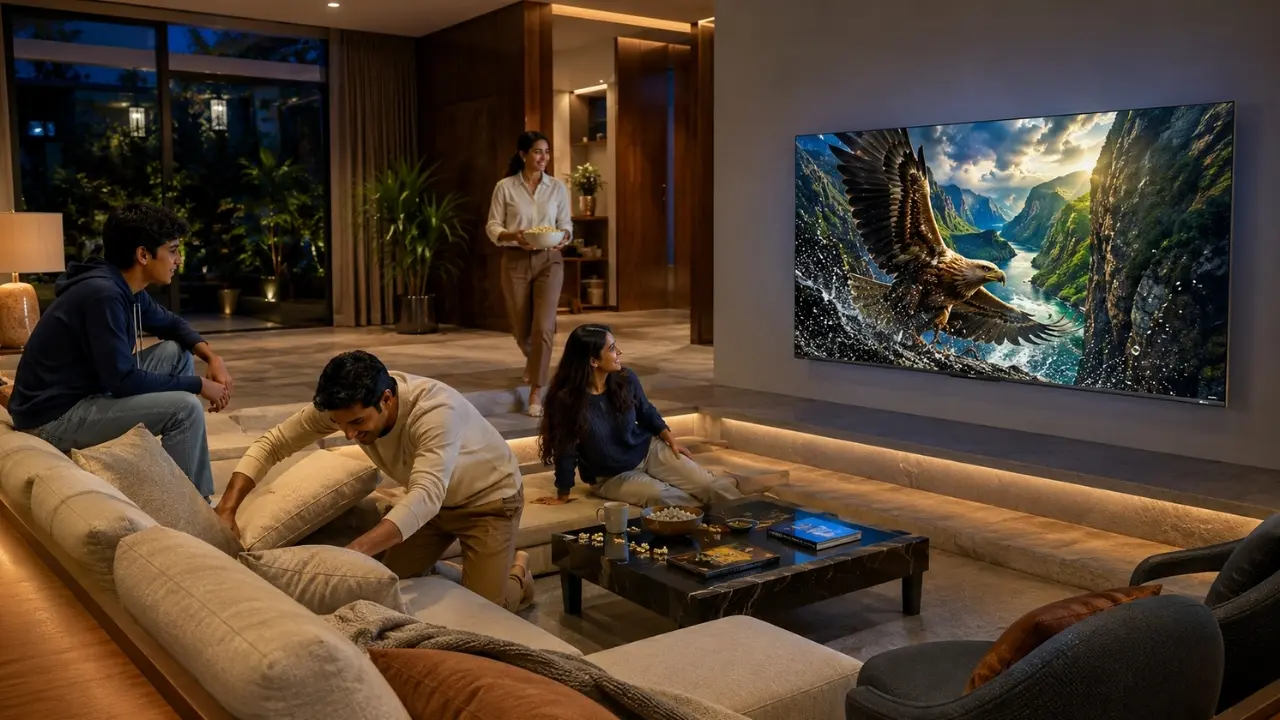

The match has already started. Someone wants the highlights, someone else is hunting for a film, and the remote has quite predictably disappeared between the sofa cushions.
This is exactly where a smart TV should earn the word smart.
A modern television is no longer useful simply because it can run streaming apps. The more meaningful question is how quickly it can take you from “I want to watch this” to actually watching it. The right smart TV shortcuts remove small, repetitive steps: searching, typing, switching between screens, finding content and even reaching for the remote.
Haier’s New M92 Series has been designed around this more immediate style of interaction. Available as the Haier New M92 Series 164cm (65) QD-Mini LED AI Smart Google TV (H65M92FUX) and Haier New M92 Series 189cm (75) QD-Mini LED Smart AI Google TV (H75M92FUX), the range combines Google TV, hands-free voice control, Haicast and HaiSmart connectivity with Haier’s AI-driven entertainment features.
So, which shortcuts are actually worth using every day?
1. Stop Typing. Ask the TV Instead
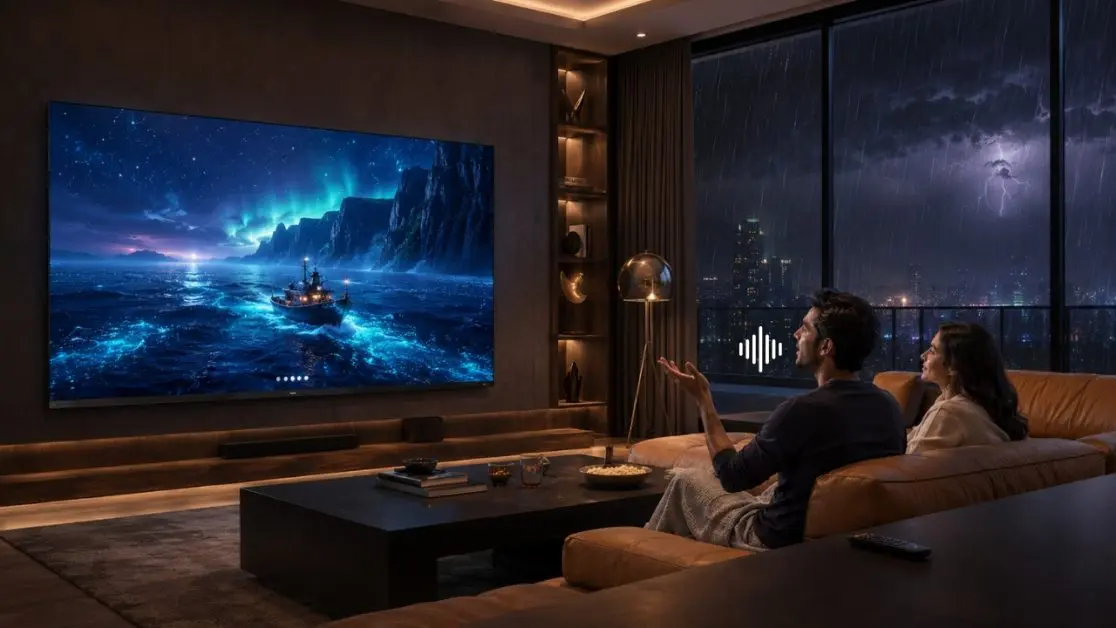
Typing a long movie title using an on-screen keyboard is nobody’s idea of convenience.
Voice control is therefore one of the simplest time-saving habits a smart TV owner can develop. The Haier M92 Series supports hands-free voice control, allowing users to operate the TV, access content and control compatible smart-home devices through voice commands.
That changes everyday interactions considerably.
Instead of navigating through multiple menus, you can use voice commands when you want to:
- search for a programme or movie;
- access entertainment;
- operate supported TV functions;
- find content without slowly entering titles character by character;
- interact with compatible connected smart-home devices.
It sounds like a small shortcut. After a few weeks of everyday viewing, it is anything but small.
2. Make Google TV Do Some of the Searching
There is a peculiar modern problem: plenty to watch, yet twenty minutes can disappear deciding what to watch.
Google TV helps reduce that friction by bringing content together and providing personalised recommendations. On the M92 Series, users can get curated recommendations, search across apps with Google Assistant and build a watchlist.
The practical shortcut here is simple: use the home screen as a discovery point rather than opening one app after another.
That can make evening viewing considerably less cumbersome, particularly in Indian households where the same television may be shared by parents, children and younger adults with completely different entertainment preferences.
A better everyday viewing routine
Rather than:
Open app → search → exit → open another app → search again
make a habit of using:
Google TV → recommendation/search → choose content
Fewer detours. More watching.
3. Build a Watchlist Before You Sit Down to Watch
We have all seen a trailer during lunch, remembered a recommendation from a colleague, and then completely forgotten the title by Saturday night.
A watchlist solves that rather ordinary problem.
Google TV on the M92 Series allows users to add movies and shows to a watchlist. So when something catches your attention, save it rather than trusting your memory.
This shortcut works particularly well for weekend viewing. Your television time starts with a shortlist instead of a search expedition.
4. Move Phone Content to the Big Screen with Haicast
Sometimes the content you want is already sitting on your phone.
A family video. Photos from a holiday. A clip everyone needs to see. Or simply something that deserves more than a six-inch screen.
The M92 Series features Haicast, designed to enable high-resolution casting and multimedia sharing between mobile devices and the television. Haier highlights instant content projection, wireless multimedia sharing and a seamless big-screen experience among its uses.
That makes casting one of those smart TV shortcuts worth remembering because it avoids unnecessary content transfers and extra cables.
Phone to television. Done.
5. Let the TV Respond to the Room
Not every useful shortcut requires you to press something.
That is where automation becomes more interesting.
The M92 Series includes AI Ambient Sense, which automatically adjusts brightness and colour temperature according to the viewing environment, raising them in brighter surroundings and lowering them in darker settings. The televisions also support Dolby Vision IQ, which adapts visuals according to ambient lighting.
Think about an ordinary Sunday.
A cricket match begins in a brightly lit living room during the afternoon. Later, the family switches to a film after sunset. Instead of repeatedly fiddling with picture settings as the room changes, intelligent optimization can handle part of that adjustment.
The shortcut, in this case, is doing less.
6. Use the Right Picture Mode Rather Than Re-Tuning Everything
A sports broadcast, film and console game do not place identical demands on a display.
The M92 Series offers picture modes including Standard, Vivid, Sport, Movie, Game, Energy Saving, User and Dolby Vision.
Rather than manually changing several individual picture parameters whenever the content changes, choosing an appropriate mode gives users a much quicker starting point.
For example:
- Sport for fast-moving sports content;
- Movie when settling down for cinema;
- Game when a gaming console takes over the evening;
- Energy Saving when that viewing preference suits the situation.
Simple? Yes. Useful? Very.
7. Gamers Should Learn the Game Menu
Gaming is where a few extra menu steps can become especially irritating.
The M92 Series supports a dedicated Game Mode/Game Menu, alongside gaming technologies including VRR, ALLM and AMD FreeSync Premium Pro. Haier also lists Game Menu controls for adjusting display size, enhancing shadows, accessing a crosshair and optimising game picture and settings.
The broader point is not to keep reconfiguring the television every time a console comes on.
Learn where your preferred gaming controls live, set up the experience that suits you, and make the Game Menu your shortcut rather than wandering through unrelated settings.
The M92 Series also features a native 144Hz refresh rate, while its gaming mode supports refresh rates up to 240Hz as specified by Haier, helping cater to fast-paced gameplay.
8. Think Beyond Entertainment with HaiSmart
The television is increasingly becoming part of the connected home rather than an isolated screen.
On the 65-inch M92, Haier positions HaiSmart as a smart-home companion capable of connecting and controlling compatible devices across the home.
That is an important shift in how we think about TV shortcuts.
The ultimate shortcut isn’t always getting to Netflix faster. Sometimes it is reducing the number of separate interactions needed across connected devices.
And when hands-free voice control enters that picture, the television becomes a more natural control point within the home.
Why the Haier M92 Makes These Shortcuts More Meaningful
Convenience alone would make for a quicker television, but not necessarily a better one. The experience after reaching the content still matters.
This is where the broader M92 specification becomes relevant.
Both the Haier New M92 Series 164cm (65) QD-Mini LED AI Smart Google TV (H65M92FUX) and Haier New M92 Series 189cm (75) QD-Mini LED Smart AI Google TV (H75M92FUX) combine QD-Mini LED display technology with the AI Ultra Sense Processor. The processor supports scene recognition and intelligent tuning across areas such as motion, colour, contrast and depth.
Then there is the audio side: Sound by KEF, a 2.1-channel speaker configuration with subwoofer, Dolby Atmos and Total Sonics. Connectivity includes Wi-Fi 6 and Bluetooth 5.2.
In other words, the shortcuts get you to entertainment quickly; the picture and sound technologies take over once you arrive.
The Best Shortcut Is the One You Actually Use
A smart TV can have dozens of settings, but nobody needs to memorise all of them.
Start with four habits:
- use hands-free voice control instead of typing;
- build your Google TV watchlist as recommendations appear;
- cast mobile content through Haicast when the big screen makes more sense;
- use dedicated picture and gaming modes instead of repeatedly rebuilding settings.
Once those become routine, the television starts feeling less like a collection of menus and more like an entertainment system that understands how people actually use it.
For households considering a premium big-screen upgrade, Haier’s M92 Series brings that philosophy together particularly well. The 164cm (65) H65M92FUX suits buyers looking for a substantial QD-Mini LED viewing experience, while the 189cm (75) H75M92FUX takes the same smart, AI-focused entertainment approach to an even larger canvas.
Because saving ten seconds once doesn’t matter much.
Saving those ten seconds every evening? That’s when a shortcut starts earning its place.
Frequently Asked Questions
1. What are the most useful smart TV shortcuts for everyday viewing?
Voice search, personalised content recommendations, watchlists, casting and dedicated picture or gaming modes are among the most practical shortcuts. They reduce repeated navigation and make it quicker to reach the content or settings you use regularly.
2. Does the Haier M92 Series support hands-free voice control?
Yes. The Haier M92 Series supports hands-free voice control, allowing users to operate the TV, access content and interact with compatible smart-home devices using voice commands.
3. Can I cast content from my phone to the Haier M92 TV?
Yes. The M92 Series features Haicast, which supports high-resolution casting and wireless multimedia sharing between a mobile device and the television.
4. How does Google TV make finding content quicker?
Google TV brings personalised recommendations and content discovery together, while also supporting Google Assistant search and watchlists. This can reduce the need to repeatedly move between different apps while deciding what to watch.
5. Does the Haier M92 automatically adjust the picture according to the room?
The M92 Series features AI Ambient Sense, which adjusts brightness and colour temperature according to bright or dark viewing environments. It also supports Dolby Vision IQ for adapting visuals based on ambient lighting.
6. Which Haier M92 screen sizes are available?
The provided Haier India product information includes the Haier New M92 Series 164cm (65) QD-Mini LED AI Smart Google TV (H65M92FUX) and the larger Haier New M92 Series 189cm (75) QD-Mini LED Smart AI Google TV (H75M92FUX).