
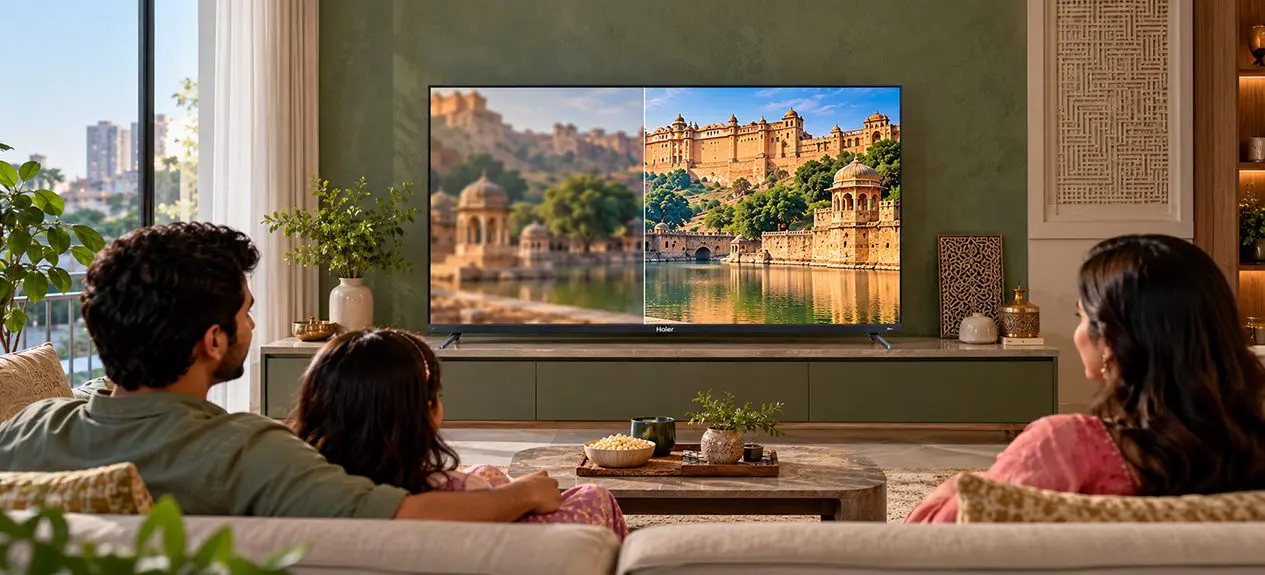

You’ve settled in to watch your favourite film on the new 4K TV, expecting every scene to look crisp. Then an older movie comes on, or you flip to your regular TV channel, and the picture isn’t as sharp as you thought it would be. Most of the time, the reason is the quality of the original content and how your TV handles it.
That’s where AI picture processing and 4K upscaling come in. Your TV analyses lower-resolution content, refines the edges, and improves textures, so HD videos look clearer on a 4K screen. Haier pairs intelligent picture processing with advanced display technology in its QD-Mini LED range, so you get more out of what you already watch.
What is AI Picture Processing?
AI picture processing is a technology that analyses the video playing on your TV and adjusts the picture to improve its appearance. It works through a TV picture processor, a chip that manages different aspects of the image, including sharpness, colour, contrast, and motion.
A basic processor treats the whole frame the same way. An AI-powered processor can identify elements separately. It might handle a person’s face differently from a blue sky or a fast-moving cricket ball, and adjust the picture to match what’s on screen.
For example, a scene showing a blue sky and green trees needs different colour adjustments from a dimly lit film scene. Intelligent processing can help retain detail while making the picture look more balanced.
When you’re comparing models, you might ask, “Which is the best AI TV to buy?” Don’t stop at the AI label. Check whether the TV actually improves clarity and colour without making faces look artificial, edges too sharp, or colours overly bright.
How Upscaling Works
A Full HD image contains approximately 2.1 million pixels, while a 4K UHD screen displays around 8.3 million pixels. When you watch Full HD content on a 4K TV, the image must be scaled to fit the larger resolution.
Traditional 4K upscaling uses mathematical methods to estimate the extra pixel values. AI-based methods go a step further. They look at patterns, edges, and textures to work out how details should appear.
That’s the idea behind an AI upscaling TV. It doesn’t just enlarge the picture; it analyses the image to refine edges, reduce visible noise, and improve perceived detail.
The result can look cleaner and sharper, but upscaling does not turn the original video into native 4K. It improves how the available image information is displayed.
How Haier Combines Processing With Display Technology
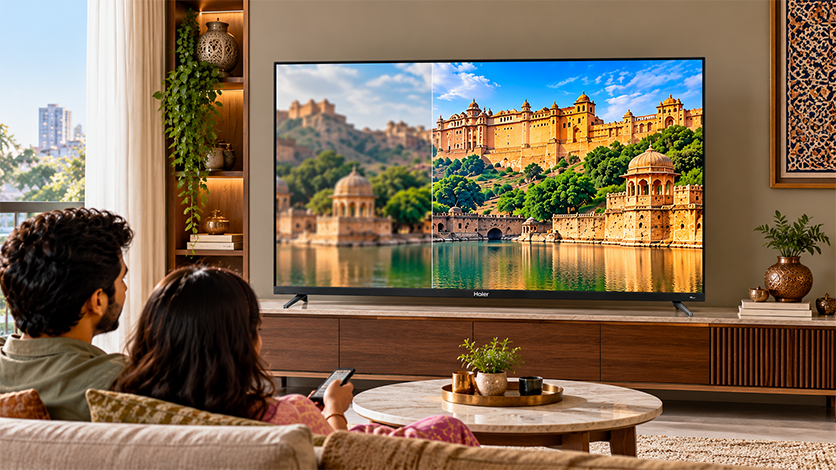
The processor and screen need to work together for these improvements to be visible. Haier’s M92 Series QD-Mini LED TVs combine the AI Ultra Sense Processor with colour technology and Mini-LED backlighting. The processor helps optimise the picture, while the display technology supports colour reproduction and more precise brightness control.
You can also explore our M92 Series 65-inch and 75-inch TVs to compare available configurations.
Turning HD and SD Into Near-4K
So how does a TV turn HD content into near-4K? The processor goes through each frame, looking at edges, textures and colours, and estimates the extra pixel information needed to make the image look sharper on a 4K screen.
You’ll see it in cleaner text, fewer jagged edges around objects, and better-looking detail in landscapes. The TV may also use information from the frames before and after to process moving images.
The results still depend on the original footage. A well-recorded HD video gives the TV picture processor more to work with than a heavily compressed clip full of blurred detail.
What Does the AI Picture Processor in a TV Do?
Beyond scaling, the processor can apply several picture enhancements:
- Noise reduction: Helps minimise visual noise and compression artefacts in supported content.
- Sharpness enhancement: Refines edges and textures without relying solely on basic enlargement.
- Colour optimisation: Adjusts colour reproduction and gradients to help scenes look more natural.
- Contrast and brightness control: Helps balance highlights and darker areas, depending on the TV’s display capabilities.
- Motion processing: Analyses movement to improve clarity in fast-moving scenes, depending on the model and settings.
Together, these keep your viewing more consistent when you jump between streaming services, live channels, and older videos.
Why the Processor Matters as Much as the Panel
A 4K screen alone doesn’t guarantee that every video looks sharp. If the source is poor, a bigger display makes its limitations easier to spot. The processing engine decides how well the TV handles them.
This matters even more on very large screens. Our M96 Series 100-inch QD-Mini LED TV combines a 4K panel with the AI Ultra Sense Processor, QD-Mini LED technology, and local dimming capabilities.
On a screen this large, image processing and backlight control do different jobs, and they complement each other. Processing refines the incoming picture. Local dimming controls brightness across different areas of the screen. Together, they can support clearer detail and better contrast with compatible content.
Does AI Upscaling Really Improve Picture Quality?
Upscaling through AI can enable you to enjoy HD contents in more refined form when viewing them on a 4K TV because of sharp edges, reduced noise, and texture improvement. You might feel the difference while watching older movies, live stream contents, and ordinary TV contents through a bigger TV. The outcome ultimately depends on the video quality and capabilities of the TV itself.
Its Limits (Garbage In, Garbage Out)
AI upscaling has its limits. If a video is heavily compressed, blurry or recorded at a very low resolution, the processor cannot restore details that were never captured clearly. It can improve the overall appearance, but the result may still fall short of native 4K content.
Then there’s also the risk of overprocessing. Over-processing of an image will lead to overly harsh edges, and noise reduction might make everything look too smooth. It’s important to improve clarity while keeping the picture look natural, but not to make everything artificially clear.
What to Look for in an AI TV
If you’re considering an AI picture processing TV, check the features that add up to overall picture quality:
- Processing technology: Clearly specified AI picture-enhancement features.
- Resolution: A 4K UHD panel gives you the pixel count native 4K content needs.
- Display technology: QLED and Mini-LED features affect colour, brightness, and contrast.
- HDR support: Formats such as Dolby Vision or HDR10, depending on your content.
- Picture settings: Options to adjust sharpness, noise reduction and motion processing.
Our M92 and M96 Series combine AI Ultra Sense processing with advanced display and HDR features, though specifications vary by model.
Conclusion
AI processing narrows the gap between the resolution of everyday content and what a 4K screen can show. It can improve perceived sharpness, reduce some visual distractions, and optimise picture settings. The source quality still matters, though.
Explore our AI picture processing TV range to compare models and find the mix of resolution, processing, and display technology that suits your home.
FAQs
What does the AI picture processor in a TV do?
It analyses video frames and optimises sharpness, colour, contrast and motion to improve picture quality based on the content.
How does a TV upscale HD content to near-4K?
It analyses existing pixels, edges, and textures to estimate additional pixel information, making HD content look sharper on a 4K screen.
Does upscaling make HD look like true 4K?
No, upscaling can improve perceived clarity, but it cannot fully recreate the detail captured in native 4K content.
Does the processor matter more than the panel?
Both matter: the processor enhances the incoming image, while the panel determines how colour, brightness, contrast and detail are displayed.