
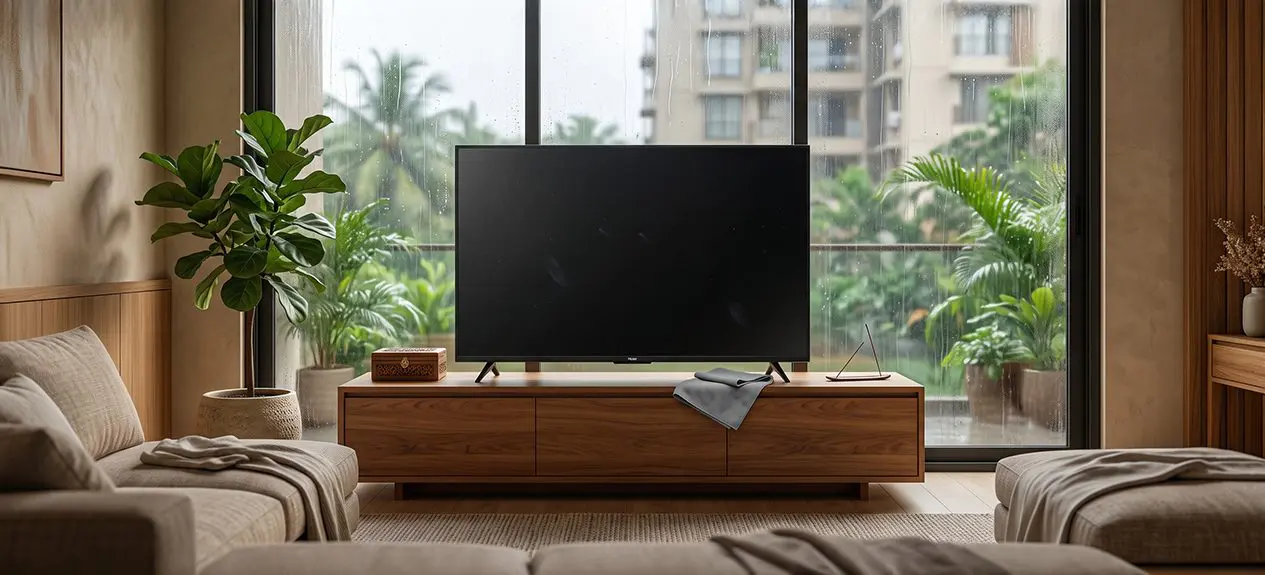

Monsoon weather changes more than the view outside your window. Higher humidity, damp walls, and fine dust can also affect the electronics around your home. Your TV screen tends to show it first: fingerprints, dust, water spots, or condensation all get more noticeable once the rains set in.
The good news is that TV screen care in the monsoon doesn’t need any complicated products or constant deep cleaning. A soft cloth, the right technique, and a little attention to where your TV is placed will take care of most of it.
Here’s what helps to keep your television clear and running reliably through the season.
Why Does Your TV Need Extra Care During Monsoon?
Rainy weather creates two common problems for televisions: dust and moisture.
When humidity rises, dust sticks to the screen and everything around it a little more easily. At the same time, warm, moist air meeting a cooler TV surface can create condensation. You might notice it as a light haze, a few tiny droplets, or a bit of fog on the TV screen.
The risk goes up if the TV is near an open window, balcony, damp wall, or kitchen. And moisture around the back panel, vents, or ports is a bigger concern than a little condensation on the outer surface.
That is why TV maintenance in the rainy season is less about constantly cleaning the screen and more about keeping the entire television dry, dust-free, and properly ventilated.
How to Clean an LED TV Screen Safely
Knowing how to clean an LED TV screen properly matters because the display is more delicate than a glass surface.
- Switch the TV off and unplug it. Give the screen a few minutes to cool before you start. With the display off, dust and fingerprints are easier to see.
- Use a clean, soft microfibre cloth and wipe gently. Don’t press hard, even if a mark or fingerprint is stubborn.
- For anything that won’t budge, check the cleaning instructions that came with your TV. If the manufacturer allows a slightly damp cloth or a specific screen cleaner, use a small amount.
- Most importantly, never spray liquid directly onto the display. It can run down toward the edges of the panel and potentially reach the components inside.
These simple steps form the basis of safe cleaning for smart TV display panels, whether you own a basic LED television or a larger premium model.
What Should You Use to Remove Dust from Your TV?
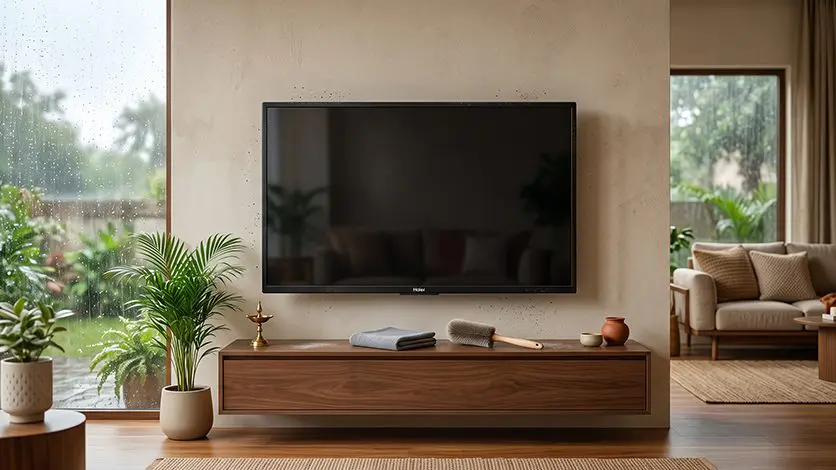
When it comes to how to remove dust from a TV screen, simpler is usually better.
A clean microfibre cloth is enough for regular screen cleaning. Skip paper towels, rough fabrics, or anything abrasive that could leave scratches or marks.
Dust also collects in spots you don’t notice right away: the TV frame, speakers, vents, HDMI ports, and the back panel all pick up particles over time.
A few LED TV dust cleaning tips worth keeping in mind:
- Dust the screen gently with a dry microfibre cloth.
- Clean the frame separately from the display itself.
- Use a soft brush for narrow gaps and corners.
- Dust around the vents without pushing particles further in.
- Keep the area around the TV clean regularly.
- Skip household glass cleaners unless your TV’s manufacturer specifically approves one.
If your home gets particularly dusty during construction or heavy traffic periods, you may need to clean more frequently. Otherwise, a gentle weekly wipe is usually sufficient.
How to Protect Your TV from Humidity
Cleaning deals with what is already on the television. Good placement helps prevent the problem from developing in the first place.
- To protect your smart TV from humidity, start by keeping it away from direct exposure to rain. An open window may not seem like a problem on a dry day, but wind-driven rain and damp air can reach the television during a storm.
- Avoid mounting or placing the TV against a wall that shows signs of dampness. Leave enough space behind the television for air to move, especially if it’s wall-mounted.
- It’s also worth keeping water sources away from the TV altogether. No humidifiers, vases, or anything holding water right beside or underneath it.
These are small changes, but they go a long way that can help prevent moisture damage to TV components, and they keep the area around the TV cleaner too.
What to Do If You Notice Condensation or Water Droplets
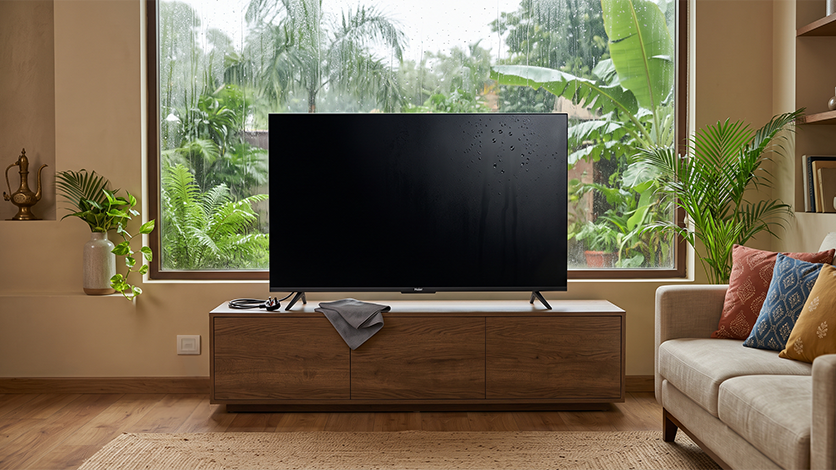
Sometimes, despite taking precautions, you may notice moisture on the screen.
- If you spot condensation, water droplets, or a hazy look on the screen, switch the TV off and unplug it if there is any chance that moisture has reached the connections.
- Let it dry out naturally in a well-ventilated room. Skip the hairdryer, heater, or direct sunlight to speed things along. Excessive heat can damage the display or other parts.
- Also avoid repeatedly switching the TV on to check whether it is working. If moisture appears to have entered the display or rear panel, or if the television later shows flickering, unusual lines, colour changes, or other problems, professional inspection is the safer option.
This is one of the most important parts of electronics care during the monsoon. With electronic equipment, rushing to restore power is worth the risk.
What Not to Do While Cleaning Your TV
A few common cleaning habits are better avoided.
- Don’t spray cleaner directly on the screen: Apply an approved solution to the cloth only if the manufacturer recommends using one.
- Don’t scrub the display: Excessive pressure can affect the panel.
- Don’t clean a powered-on TV: Switch it off and unplug it before starting.
- Don’t use harsh household cleaners: Glass cleaner, abrasive products, and unsuitable chemicals can damage the screen’s surface.
- Don’t cover a damp television: Covering it can trap moisture rather than helping it disappear.
- Don’t open the TV yourself: If moisture has entered the internal components, arrange for authorised service instead.
A Simple Monsoon TV Care Routine
You do not need to spend much time maintaining your television. A simple routine is enough for most homes.
- Every week: Use a dry microfibre cloth to clean the display and frame.
- After heavy rain: Check around the TV, wall, and cables for any visible moisture or condensation.
- Every few weeks: Dust the vents, ports, and the space behind the TV.
- Throughout the monsoon: Keep the TV away from open windows, damp walls, and any direct water source.
Treat TV screen care in the monsoon as part of normal upkeep, not something you only think about once a problem’s already there.
Haier TVs: Keep the Display Ready for Everyday Viewing
Haier’s TV range covers LED, QLED, Mini LED and OLED models across different screen sizes and needs.
Whatever display technology you go with, the everyday basics still matter: keeping the screen clean, giving the TV room to breathe, and keeping it away from direct moisture; all help maintain a clearer picture as the weather shifts.
Keep Your TV Clean and Dry This Monsoon
A television does not need complicated maintenance to get through the rainy season. The essentials are simple: use a soft cloth, avoid harsh cleaning products, keep moisture away, and give the TV enough room to breathe.
Good LED TV dust cleaning tips can keep the display looking clear, while sensible placement and ventilation help prevent moisture damage to TV components.
For more detailed guidance on everyday television care,
Read more: How to Clean and Maintain Your Smart LED TV.
FAQs
Why does monsoon weather pose a special threat to TV screens?
High humidity can encourage moisture buildup around electronic components, while dust and dampness can settle on the screen and vents, increasing the risk of damage.
Can I use standard household glass cleaners or alcohol wipes on my TV screen?
It is better to avoid them, as harsh chemicals can damage the screen’s protective coating. Use a soft, dry microfibre cloth and follow the TV manufacturer’s cleaning instructions.
How are Haier Smart TVs engineered to withstand dust and moisture challenges in Indian homes?
Haier Smart TVs are designed with ventilation and protective engineering suited to everyday home use, but keeping the TV dry, clean and properly ventilated remains important during humid weather.
Why is proper ventilation around the TV setup critical during the monsoon season?
Good airflow helps heat escape and prevents moisture from lingering around the TV, reducing the chances of condensation and heat buildup during prolonged use.