
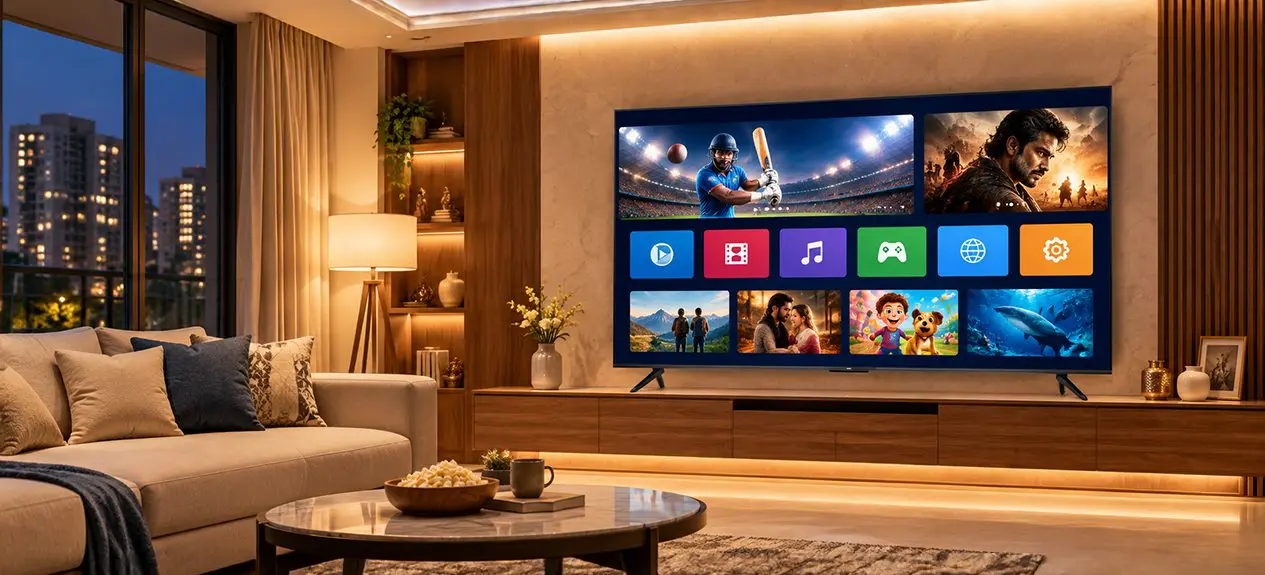

In many Indian homes, everyone ends up in front of the TV after dinner. Someone wants to catch up on cricket, the kids are asking for YouTube, and someone else is waiting to start the latest web series. With a smart TV, you can switch between all of it without plugging in a separate streaming device for each.
A smart TV brings internet connectivity and built-in software to your television, so you get more ways to watch and interact with content. Haier offers smart TVs in different screen sizes and display technologies to suit different homes and budgets.
If you’re thinking what is a smart TV, this guide explains how it works, which smart TV features matter, and the benefits worth considering before you buy.
What is a Smart TV?
A smart TV is a television with a built-in operating system and internet connectivity. You can open supported apps and online content straight from the TV, often without needing an external streaming device.
What can a smart TV do? You can stream films, watch online videos, listen to music, browse available apps and, on supported models, use voice search or cast content from your phone. Think of it like a smartphone: it does more than perform its basic function by bringing different services together in one place.
Haier’s smart TV range includes models with Google TV and other smart platforms, depending on the series, so you can compare options according to your viewing needs.
How a Smart TV Works
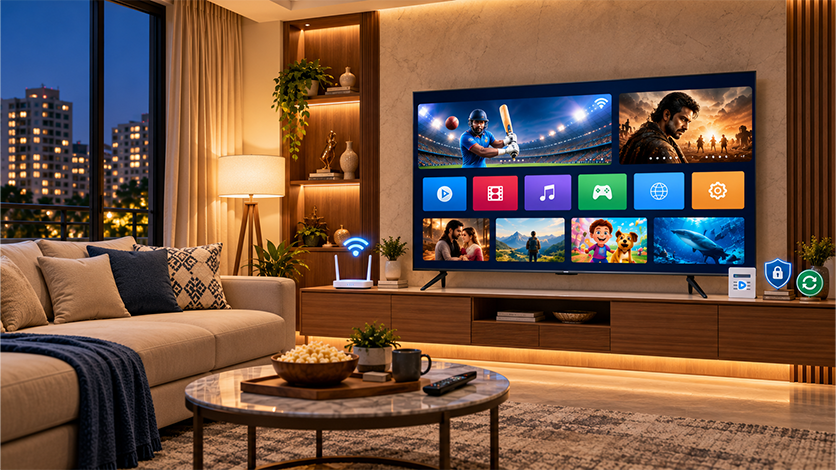
A regular television displays content received through sources such as an antenna, cable connection, or set-top box. A smart TV can do the same while also receiving video and other data over your home internet connection.
Once the user opens the streaming application on their device, the TV connects to the app and downloads and plays the video. Its operating system manages the interface and apps, while the screen displays the picture.
Operating System and Apps
The operating system is the software that powers the television and enables you to interact with all the features. Depending on the model of television, you’ll get Google TV, Android TV, or another smart platform.
Common smart TV features include:
- Streaming applications: Availability of streaming channels that are supported by your smart TV.
- App store: More compatible apps to download, where available.
- Recommendations: Suggestions based on what you watch.
On Haier Google TVs, supported apps and recommendations come together on the home screen, so finding something to watch takes less scrolling. App availability varies by model and region.
Internet Connectivity
Do smart TVs use Wi-Fi? Yes, most modern smart TVs connect to the internet through Wi-Fi. Some models also have an Ethernet port, which lets you connect the TV to your router with a cable.
Setting up Wi-Fi is much like connecting your phone. Choose your home network in the TV settings, enter the password, and you’re ready to use online apps. If videos keep buffering, your broadband speed, router placement, or Wi-Fi signal could be the problem.
Some TVs also support Bluetooth, so you can pair compatible headphones or speakers. Just remember that Bluetooth is for connecting devices, not for getting the TV online.
Key Smart TV Features
A smart TV makes everyday viewing less of a hassle. You can find things faster and control it all from one remote. What you get depends on the TV’s operating system and specifications.
Streaming Apps, Voice Control, and Screen Mirroring
Here’s what to look for:
- Streaming apps: Watch films, series, and videos whenever you like. You’re no longer tied to scheduled broadcasts.
- Voice control: Search for a show, open an app, or change a setting by speaking, on compatible models.
- Screen mirroring and casting: Put photos, videos, and other content from a compatible phone or laptop on the big screen.
- HDR10: Gives supported content a wider range of brightness and colour, depending on the TV’s display capabilities.
- Dolby Audio: Better sound on compatible models.
Whether it’s the next series on your list or the holiday photos your family keeps asking to see, these features make the TV far more useful.
Smart TV vs LED / Normal TV
This one confuses people because smart TV vs LED isn’t a direct comparison. LED describes the backlighting in many LCD televisions, while smart TV is about internet connectivity and software. A television can be both an LED TV and a smart TV.
| Feature | Regular LED TV without smart features | LED Smart TV |
| Internet apps | Requires an external streaming device | Supported apps run on the TV |
| Connectivity | Typically antenna, USB and HDMI | Wi-Fi, HDMI and sometimes Ethernet or Bluetooth |
| Content access | Depends on connected devices | Streaming apps plus traditional TV sources |
| Convenience | May need extra devices and remotes | Combines more functions in one device |
| Cost | May cost less upfront | Price varies by screen and features |
Is a Smart TV better than an LED TV? An LED smart TV will be better for those who want to watch shows without having multiple streaming devices. For someone who owns a streaming device, an ordinary LED television will work well.
Smart TV Benefits and a Few Downsides
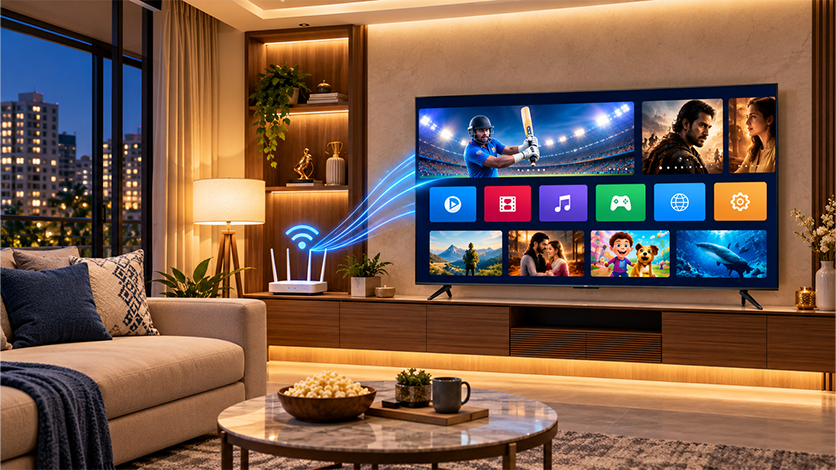
The main smart TV benefits come from having more entertainment options and connectivity in one place.
Advantages
- More choices: Streaming applications, music stations, and online videos that are supported.
- Less equipment: With built-in applications, there’s less need for additional streaming hardware and extra remotes on the table.
- Convenient control: Search, suggestions, and voice control reduce the need for unnecessary scrolling.
- Easy connectivity: Wi-Fi, HDMI, and other supported Bluetooth capabilities help connect your other devices.
Things to consider
- Cost of subscriptions: Some of the streaming services come with a monthly or yearly fee.
- Privacy settings: The connected TVs and the applications may collect some usage data for privacy.
- Performance over time: The older devices can get slow due to the changes in the app requirements.
Review privacy settings, install available updates, and compare the TV’s specifications before buying.
What You Need to Use a Smart TV
Before setting up your TV, check that you have the essentials:
- Internet connection: Reliable Wi-Fi or a suitable Ethernet connection.
- Streaming subscriptions: A subscription for all the services you wish to stream, while some applications offer free content.
- Proper connectivity: HDMI connections for your box and console, and proper audio connections if you wish to install a soundbar.
- Proper resolution: HD, Full HD or 4K UHD? It all depends on your budget, your screen size, and your type of content.
Conclusion
A smart TV gives you regular TV and internet entertainment in one. It’s easy to switch between live channels, apps, and other devices. The best one for your home depends on the features you’ll actually use.
Time for an upgrade? Discover our collection of smart televisions to compare screen size, Google TV capabilities, picture quality, and ports. Choose a model that will fit within your room and your family’s viewing habits and make every movie night and cricket match memorable.
FAQs
What does a smart TV do?
A smart TV connects to the internet, letting you stream shows, watch videos, use apps, browse content, and access features like voice control.
What exactly is a smart TV?
A smart TV is a television with a built-in operating system and internet connectivity, allowing you to access streaming apps and online content without an external streaming device.
What is a LED smart TV?
An LED smart TV combines LED display technology with smart features, such as Wi-Fi connectivity, streaming apps, and access to online content.
Do smart TVs use Wi-Fi?
Yes, most smart TVs use Wi-Fi to connect to the internet. Many models also offer an Ethernet port for a wired connection.
Is a smart TV better than an LED TV?
They aren’t direct alternatives: LED refers to display technology, while smart TV describes internet connectivity and software. An LED TV can also be a smart TV.
Do smart TVs need the internet to work?
No, smart TVs can play content from connected devices, USB drives, or set-top boxes without the internet, but streaming apps and online features require a connection.