
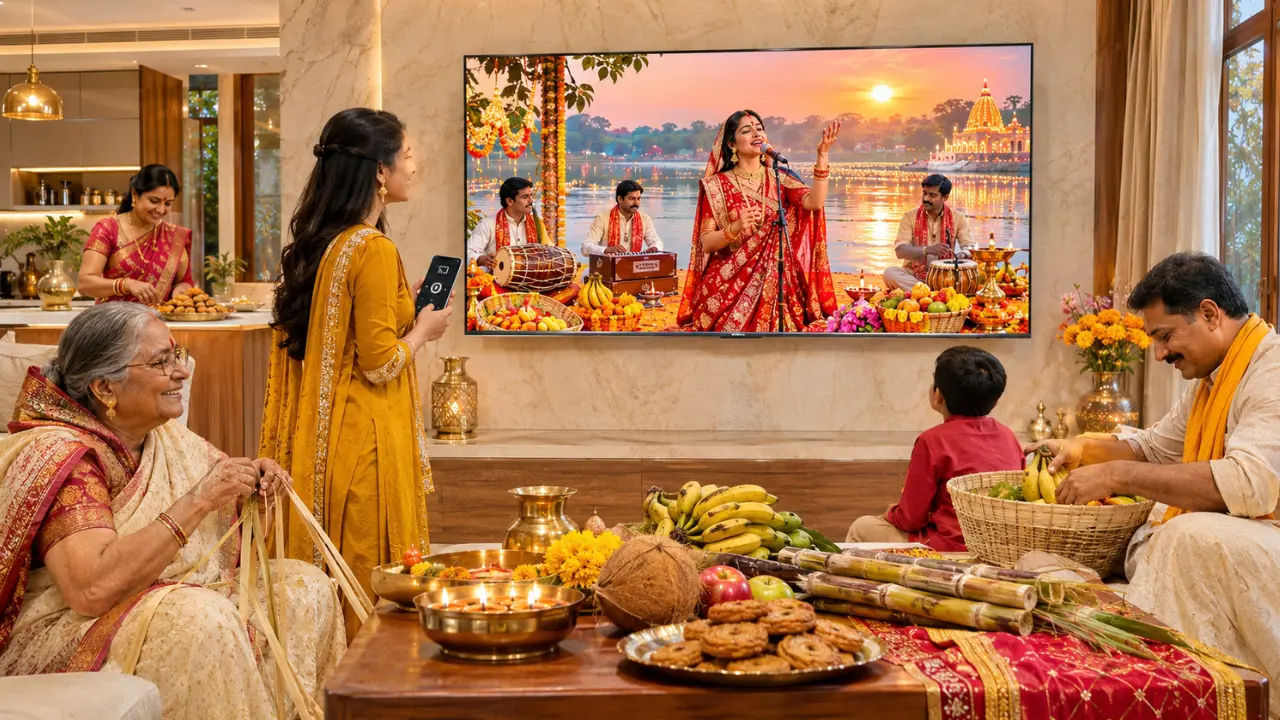

The thekua is ready, preparations are underway for the puja, and someone in the family has already started to play the Chhath Geet composed by Sharda Sinha on their mobile phone. However, there is one slight problem. The music can barely be heard from outside the kitchen.
Devotional Songs are a vital aspect of the festive ambiance during Chhath Puja. The songs like Kanch Hi Bans Ke Bahangiya, songs about Chhathi Maiya etc are all familiar and remind me of celebrations with family.
So why stop the music on a mobile device?
You can now stream Chhath songs from your smartphone to a smart TV via Chromecast, music app or screen mirroring. If you have the right connection, then your TV can be used to play devotional music and videos during the festivities too.
Before you party, here are a few instructions to ensure the party goes smoothly.
The Easiest Way to Play Chhath Songs on Your Smart TV
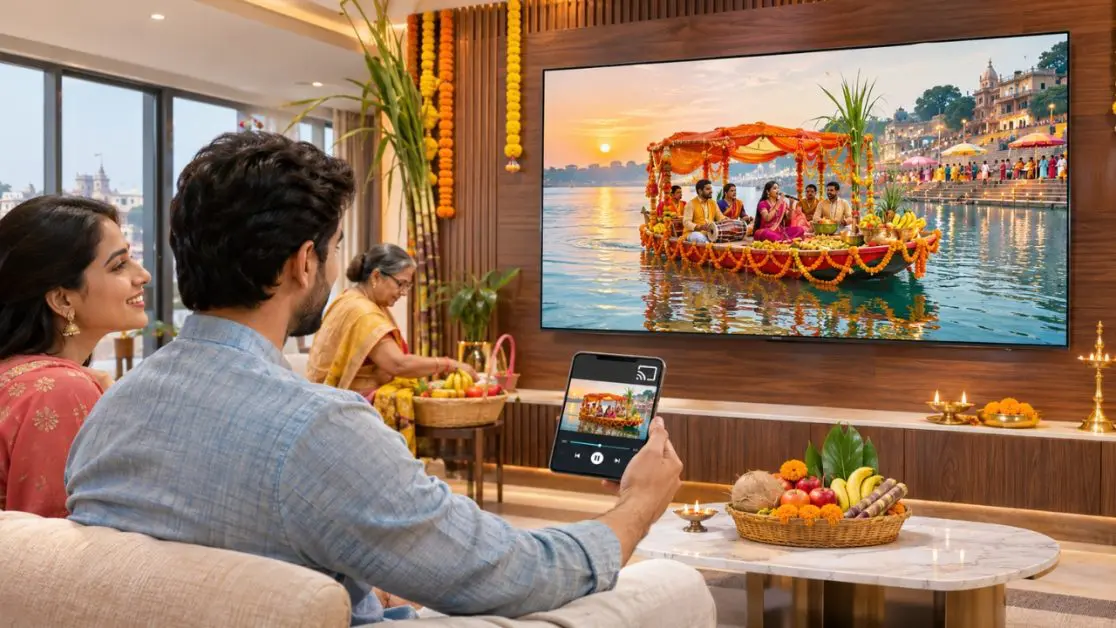
One of the easiest ways to experience songs of Chhath Puja on a larger screen is by casting. If your TV has Chromecast built-in, you can cast from your TV.
Rather than wiring or swapping music files, users can pick up a song from their smartphone and transmit it to the TV directly.
Step-by-Step Guide to Cast Chhath Songs
To connect your smartphone with compatible smart TV, follow these steps:
- Turn on your “smart” TV and make sure it is connected to Wi-Fi.
- Use the same WiFi network with your Android phone or iPhone.
- Open YouTube or other music app that’s compatible with Chromecast.
- Look for your favourite Chhath Puja songs or devotional playlists.
- Click the ‘Cast’ button from the application.
- Choose the smart TV from the available devices.
- Select your tune and start the recording.
After you connect, the content you selected should begin playing on your TV.
Depending on the application, you can change songs, pause playback or adjust the volume with the help of your smartphone.
The best part? You don’t have to use the full screen of your application on TV with supported app-based casting.
This is very convenient for families that can enjoy watching traditional Chhath music videos together.
Does Your Full Phone Screen Have to Be On to Play Chhath Songs?
Yes. Indeed, when it comes to sharing, it is sometimes easier to drop a song or video than to send all of the content in your smartphone.
Visualize that you are playing a Chhath devotional playlist as family members are coming along. Someone comes through your WhatsApp or you need to review the grocery list for the next day’s food.
Supported app based casting allows you to continue to cast from your app without casting the activities to the television.
There are two prevailing strategies.
Method 1: Cast Songs Directly From YouTube
There is a vast library of devotional songs (Chhath geet) played during Chhath and festive songs on YouTube.
To play them:
- Go to the YouTube app on your mobile device.
- Look for Chhath Puja Geet and Chhathi Maiya Songs.
- Choose a video or play list.
- Tap the Cast icon.
- Select the smart TV that is compatible with you.
The video is played on the TV and your smartphone acts as the playback controller.
This is particularly effective when family members are not just interested in listening to music, but also viewing devotional performances.
Method 2: Use Screen Mirroring
Screen mirroring shows your smartphone’s screen on the television.
Depending on your phone, you can look for this feature in Cast, Smart View, Wireless Display or Screen Mirroring.
Open the corresponding setting, choose your compatible television and proceed with the connecting procedure.
Note, however, that incoming notifications and other activities on the phone may be shown if it is in screen mirroring. Mirrored playback might be limited in some applications.
Direct casting is typically the more convenient casting method for family gatherings.
Haier M70 Series Mini LED Google TVs Make Chhath Celebration More Enjoyable
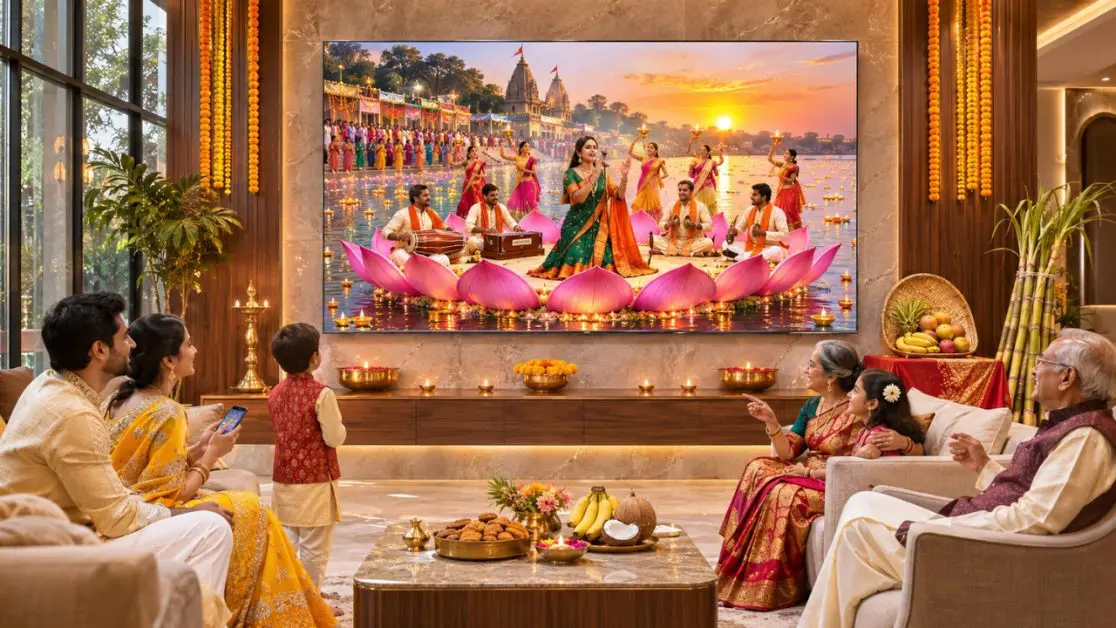
A smart TV is able to do more than show entertainment. It can also facilitate connecting with family members through familiar songs, devotional videos and togetherness during festivals.
The Haier New M70 Series Mini LED AI Smart Google TV is engineered for connected home entertainment, offering features that are ideal for daily viewing and special events.
The series comes in several screen sizes and features Chromecast built-in, Google TV, a 50W 2.1-channel audio system with a built-in subwoofer and hands-free voice control.
Convenient Music Casting With Chromecast Built-In
Haier M70 Series has built-in Chromecast, which enables users to cast music, watch videos and play apps from their smartphone.
For Chhath Puja, it means that you can find a devotional playlist on your phone, and play it on your TV without the need to hook up any extra casting gear.
Whether you’re singing Bhojpuri Chhath songs the old fashion way or watching Bhojpuri devotional songs, the feature is simple to share with family.
2.1-Channel Sound With a Built-in Subwoofer (50W Output)
Music plays a very important role in the ambiance of Chhath Puja.
The Haier M70 Series is equipped with a 50W 2.1 channel sound system integrated with a built-in subwoofer, which provides rich sound and enhanced bass.
This will make a significant difference when listening to music plays, particularly when using a small smartphone speaker.
The series also offers Dolby Atmos support for compatible content, further enriching its entertainment capabilities.
The actual sound performance will vary depending on the recording quality, room acoustics and playback settings.
If It’s a Devotional Video, Use the Mini LED Display
Chhath Puja songs are always accompanied with gorgeous pictures of sunrise offerings, decorated ghats and customary festivities.
The Haier M70 Series features a Mini LED technology with Micro Dimming to optimize light output in various screen areas.
It features AI Picture Quality, which automatically adjusts brightness, contrast, colour and clarity based on the content.
Combined with 4K resolution, these features can enhance the viewing experience when watching good-quality devotional videos.
The resolution and the quality of the original video will still affect the quality of its display on the screen, however.
What Haier M70 Smart TV Size Should You Opt For?
There are four models of the Haier New M70 series, offering households the option of their screen size based on their room size and viewing preference.
| Haier M70 Series Model | Screen Size | Suggested Home Setting |
| Haier New M70 Series Mini LED AI Smart Google TV with Gemini (55M70UHMINI LED) | 139 cm (55) | Bedrooms or small living rooms |
| Haier New M70 Series Mini LED AI Smart Google TV with Gemini (65M70UHMINI LED) | 164 cm (65) | Medium sized family living rooms |
| Haier New M70 Series Mini LED AI Smart Google TV (75M70UHMINI LED) | 189 cm (75) | Spacious living areas |
| Haier New M70 Series Mini LED AI Smart Google TV with Gemini (85M70UHMINI LED) | 215 cm (85) | Large entertainment spaces |
The four models all come with Chromecast, Google TV and a built-in 50W 2.1-channel audio system, which includes a built-in subwoofer.
If the family will be watching devotional programmes, films or sporting events regularly, choosing to watch on an appropriate size screen can make it easier for everyone to enjoy watching together.
Take into account the wall space, seating distance and room set up before making a selection.
Before the Chhath Festival, How to Make a Playlist for Chhath Puja?
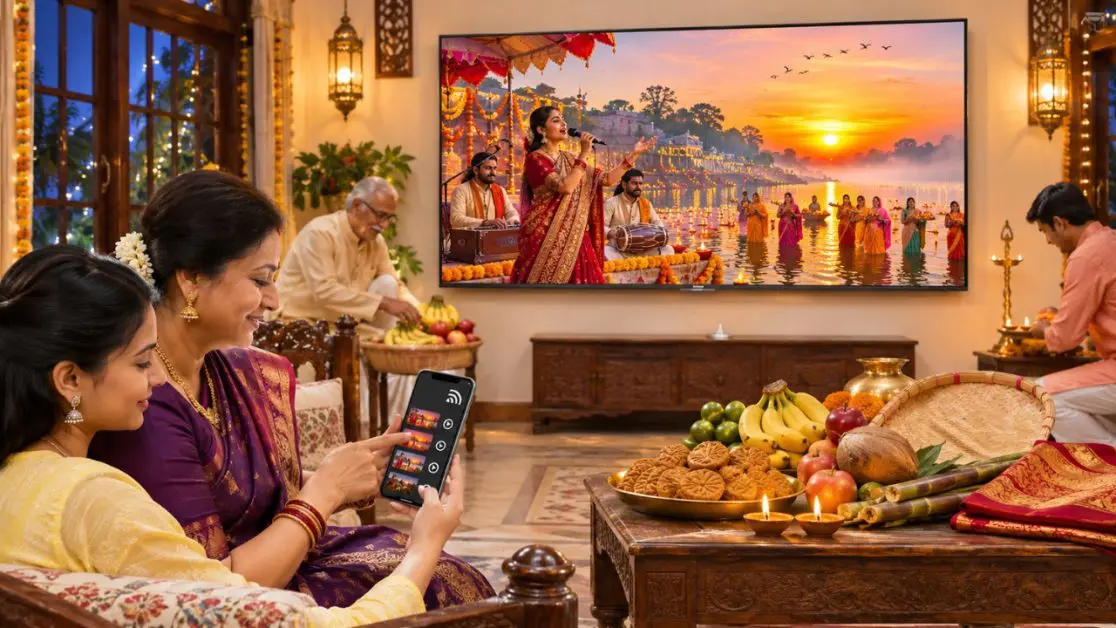
No one wants to be searching for the next song for the whole night.
Making a music list beforehand helps keep the music going as people focus on the celebrations.
Chhath songs can be arranged based on various occasions of the festival.
| Occasion | Suggested Music |
| Nahay Khay preparations | Chhath devotional songs are of traditional nature. |
| Kharna evening | Peaceful chhathi maiya Bhajans |
| Sandhya Arghya preparations | Traditional Bhojpuri Chhath geet |
| Usha Arghya morning | Devotional songs and Surya worship bhajans of the sunrise. |
| Family gathering | Hindi Chhath songs are popular and the people perform them in traditional ways. |
Some common music can make the playlist more personal.
A few traditional Chhath geet such as Kanch Hi Bans Ke Bahangiya, Uga Ho Suruj Dev etc. that you like in your family may be included.
Ensure the playlist is available in YouTube or other supported apps so you can start casting when you need it.
A practical tip: review the list of songs before the session begins When preparing for prayer, some online videos may contain advertisements or lengthy introductions that can break the spirit.
What If Your Smart TV Can’t Find Your Phone?
Sometimes, the Cast icon appears, but the television doesn’t show up in the available device list.
Typically, this does not indicate that there is a problem with the TV.
These are some checks to make before trying to reconnect:
- Test Wi-Fi signal: Make sure that your phone and smart TV are on the same Wi-Fi network.
- Restart the App: Close and restart YouTube or casting App.
- Review network permissions: On the iPhone, if necessary, add Local Network to the casting app’s permissions.
- Restart the devices: If there are temporary connection problems, restart the smartphone and television.
- Update software: See if there are any software updates for your TV and casting app.
- Turn off network isolation: Certain guest Wi-Fi networks will not allow connected devices to see each other.
With compatible Haier M70 Series Google TV, Chromecast built-in eliminates the need for an additional Chromecast setup.
Even with the network connection and application compatibility though, successful casting is still subject to the outcome.
Small Things That Make a Difference During Chhath Puja
Celebrations should be simpler, not be an additional chore for the family.
There are a couple of things that you should think about before beginning your Chhath playlist.
Make Sure the Volume Is Not Too Loud
Devotional songs set the tone, but if very loud, it makes conversation difficult and neighbours will complain.
Select a comfortable level of sound, especially in the morning when getting ready.
Keep Your Phone Charged
While you can use the app-based casting to play content on the TV, the smartphone can still be used to manage playback.
Make sure it’s charged to play the right playlist when it is needed.
Engage Voice Control When It’s Appropriate
The Haier M70 Series is equipped with hands-free voice control and Google TV (Gemini).
Use compatible TV functions with supported voice commands to find entertainment.
For example, if you don’t have your phone handy, you can easily look up Chhath devotional music on TV. Availability of results and commands is subject to change.
Make Chhath a Fun Time Through Music That Unites Us All
Sometimes the best aspects of Chhath Puja occur at home, before the family arrives at the ghat.
It’s the music of a familiar devotional song from another room. Preparing in the kitchen area. The elders reminisced about how the event was held back in the day.
With the smart TV playing Chhath songs, it becomes easier for everyone to enjoy those moments.
With Chromecast built-in, Google TV, Mini LED picture technology and a 50W 2.1-channel sound system, the Haier New M70 Series Mini LED AI Smart Google TV with Gemini brings convenient connectivity and entertainment features into the home.
Check out the Haier M70 series at Haier India’s website and decide which screen size is best for your family.
Sometimes, it’s enough to have the familiar Chhath geet playing in the background to make a house feel festive.
Frequently Asked Questions
How can I play Chhath songs from my phone on a smart TV?
Connect your phone and Chromecast-compatible smart TV to the same Wi-Fi network. Open YouTube, select a Chhath song, tap the Cast icon and choose your television.
Can I play Chhath Puja songs on a Haier Google TV?
Yes. The Haier New M70 Series Mini LED AI Smart Google TVs support Chromecast built-in, allowing compatible songs and videos to be cast from a smartphone.
Can I play Chhath songs on my smart TV without Wi-Fi?
You may be able to play compatible music files through a USB drive or another supported wired connection. However, Chromecast casting generally requires both devices to be connected to the same local network.
Can I use my phone while Chhath songs are playing on the TV?
Yes. When using supported app-based casting, you can continue using your smartphone for other activities without sharing its entire screen.
Why is there no sound when I cast Chhath songs to my smart TV?
Check the television volume, mute settings and selected audio output. If Bluetooth headphones or external speakers are connected, the sound may be routed to those devices instead.