
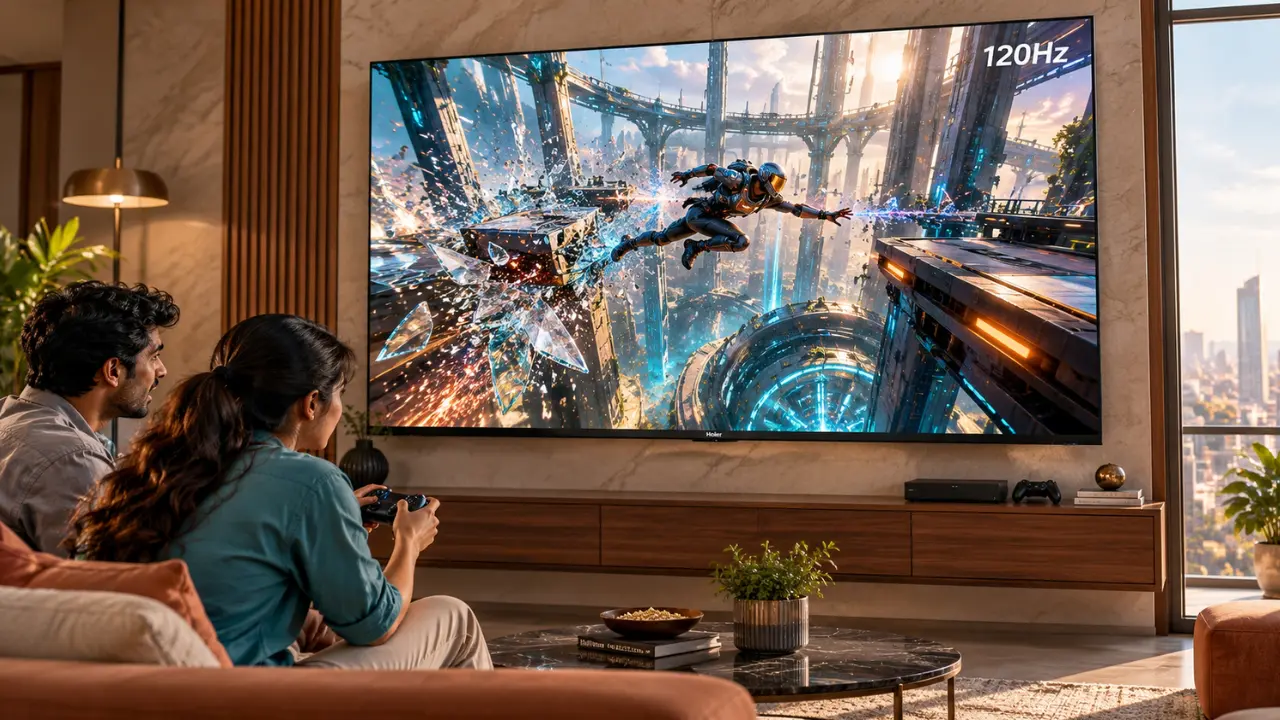

You’re playing a racing game. Here we are at the final lap, one car is closing in, and there’s a tight corner just ahead. You move the joystick to steer the car, but it doesn’t react exactly when you want it to.
That’s enough. You’ve hit the barrier.
With that said, before you start blaming your controller or your abilities as a gamer, consider something else. Your television may be taking longer than expected to display your commands.
While today’s televisions can produce excellent images, there’s more to gaming than beautiful visuals. The screen needs to be responsive to whatever you’re doing.
This is where ALLM comes into the picture.
By using the ALLM (Auto Low Latency Mode) gaming feature, compatible televisions can automatically switch to a low-latency display mode when a supported gaming device is detected.
Whether you’re a casual player looking to enjoy a few games on the weekend or a competitive console player, knowing all about ALLM can help you make an informed choice when buying a TV.
What Is ALLM on a TV?
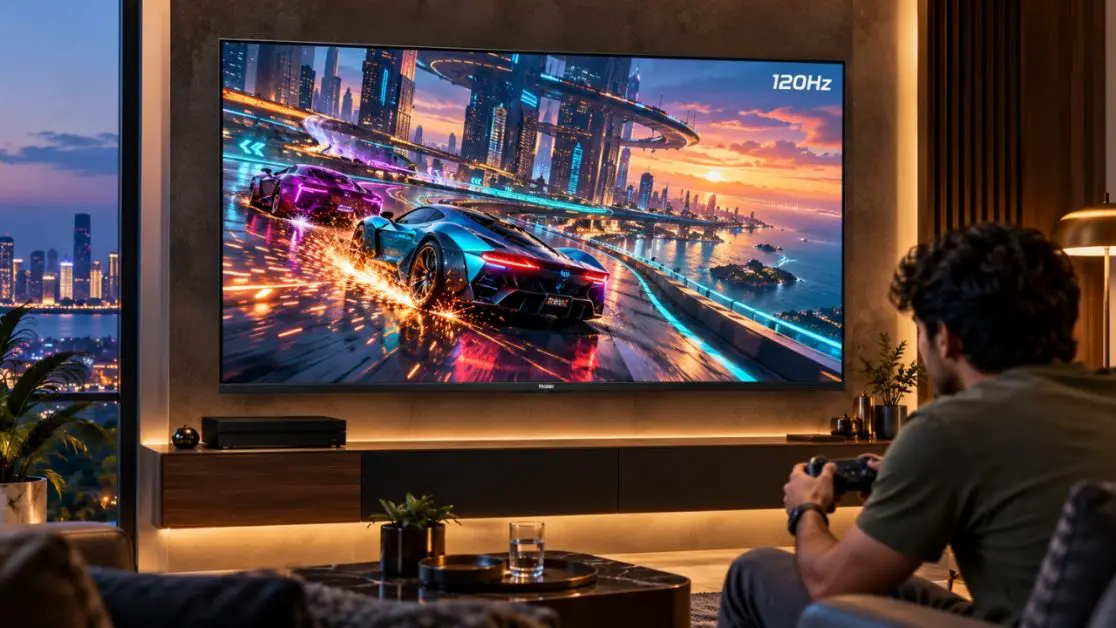
ALLM stands for Auto Low Latency Mode. It is an HDMI feature that enables televisions to automatically switch to a display mode designed to minimise input lag during gaming.
Input lag is the delay between pressing a button on your controller and seeing the corresponding reaction on your TV screen.
For instance, when you press the jump button, your gaming console interprets the instruction and sends the resulting image to your TV. The television then processes and displays the picture.
All these stages require a certain amount of time.
ALLM helps minimise unnecessary delays caused by television picture processing by automatically selecting an appropriate low-latency mode.
How Does ALLM Actually Work?
The process doesn’t require too many steps.
- An ALLM-compatible gaming console is connected to an ALLM-compatible TV.
- The console uses HDMI to communicate its need for low latency.
- The television automatically switches to its designated low-latency display mode.
- To minimise input lag, the TV reduces or bypasses certain picture-processing operations.
- The television may switch back to another picture mode when the gaming device no longer requires low-latency operation.
The benefit is convenience.
You don’t have to repeatedly open the picture settings whenever you switch between watching a film and playing a game.
However, both the television and the connected device need to support the required functionality for automatic switching to take place.
Why Is ALLM Important for Gaming?
Not all games require lightning-fast reflexes. A casual puzzle game is completely different from a competitive shooting game.
Nevertheless, lower input lag can enhance control responsiveness across various types of games.
1. Your Actions Feel More Immediate
Think about playing a football match on your console!
The defender is closing in, and you’re approaching the penalty box. You press the pass button, expecting your player to release the ball immediately.
If there’s significant input lag introduced by the television, the action could appear delayed.
ALLM assists with this by enabling the television to choose a mode designed for a quicker response.
This can be especially handy in games where timing matters.
2. Racing Games Become More Responsive
Racing games require continuous steering corrections, braking and acceleration.
Even the slightest time lag can lead to less precise driving.
A low-latency display mode helps reduce the time between your controller input and what is displayed on the screen.
Whether you’re navigating a narrow mountain road or competing on a professional racing circuit, responsive controls can make the experience feel more natural.
3. Fast-Paced Action Seems More Under Control
Action games often require players to react quickly to moving objects, changing environments and unexpected attacks.
Consider these situations:
- Moving away from an incoming attack.
- Changing your aim during a shooting game.
- Making a jump between two moving platforms.
- Defending against an opponent’s attack at the appropriate time.
- Turning when an enemy approaches from the opposite side.
ALLM does not increase the player’s speed.
It’s great for ensuring that the television isn’t adding unnecessary processing time to those actions.
And occasionally, that difference is evident.
What Is the Difference Between ALLM, VRR and 120Hz?

ALLM, VRR and high refresh rates are often advertised together on gaming TVs.
While they complement each other, these technologies address different needs.
ALLM: Decreases Unnecessary Input Delay
When a compatible gaming device requests a low-latency display mode, ALLM automatically switches the television to it.
Its primary purpose is to make the TV screen more responsive without requiring repeated manual adjustments.
VRR: Helps Prevent Screen Tearing
VRR stands for Variable Refresh Rate.
It enables a compatible TV to adjust its refresh timing to synchronise with the varying frame rate of a gaming device within a supported range.
This can help minimise screen tearing and certain types of stuttering.
For instance, if a game’s frame rate drops during an action scene, VRR can help make the action appear smoother.
120Hz: Allows for More Frequent Screen Updates
The refresh rate of a television refers to the number of times it refreshes an image.
A native 120Hz display can refresh up to 120 times per second.
This, in combination with compatible gaming content and hardware, can result in smoother movement than a 60Hz display.
However, a TV with a 120Hz gaming mode doesn’t necessarily feature a native 120Hz panel. When shopping for a television, it’s important to verify the manufacturer’s listed refresh rate and compatible gaming signals.
Can ALLM and VRR Work Together?
Yes. ALLM and VRR can work together on compatible televisions and gaming devices.
VRR addresses differences between the game’s frame output and the television’s refresh timing, while ALLM handles the selection of a low-latency mode.
These features do not guarantee any specific frame rate and don’t completely eliminate all delays that can occur during gaming.
Enjoy a Responsive Gaming Experience with Haier’s P7 Pro Series
Haier India presents the New P7 Pro Series HQLED AI Smart Google TV for entertainment lovers who want to upgrade their entertainment setup with 65-inch and 75-inch screen options.
The series combines gaming-oriented features with everyday home entertainment capabilities.
Both models have Game Mode, ALLM and VRR as gaming features.
This makes the P7 Pro Series worth considering for Indian households that use their TVs for console gaming, streaming and family movie nights.
Haier New P7 Pro Series 65-Inch HQLED AI Smart Google TV
The Haier New P7 Pro Series HQLED 164 cm (65) AI Smart Google TV with Gemini (65P7 Pro) combines a large 4K display with gaming capabilities.
It has the following key specifications:
- ALLM for automatic low-latency mode selection.
- VRR support for compatible gaming content.
- Gaming 120Hz mode.
- Dedicated Game Mode.
- HQLED display technology.
- 4K resolution of 3840 × 2160 pixels.
- Dolby Vision and HDR10+ support.
- 50W 2.1-channel audio with a built-in subwoofer.
- Gemini and hands-free voice control on Google TV.
The TV also comes equipped with AI Picture Quality technology to fine-tune the picture being displayed.
The 65-inch screen size offers an immersive experience for gamers while still being ideal for watching movies, sports and regular television.
One important specification to keep in mind is that the model has a 60Hz panel refresh rate alongside its Gaming 120Hz feature. These should NOT be considered the same specification.
Haier New P7 Pro Series 75-Inch HQLED AI Smart Google TV
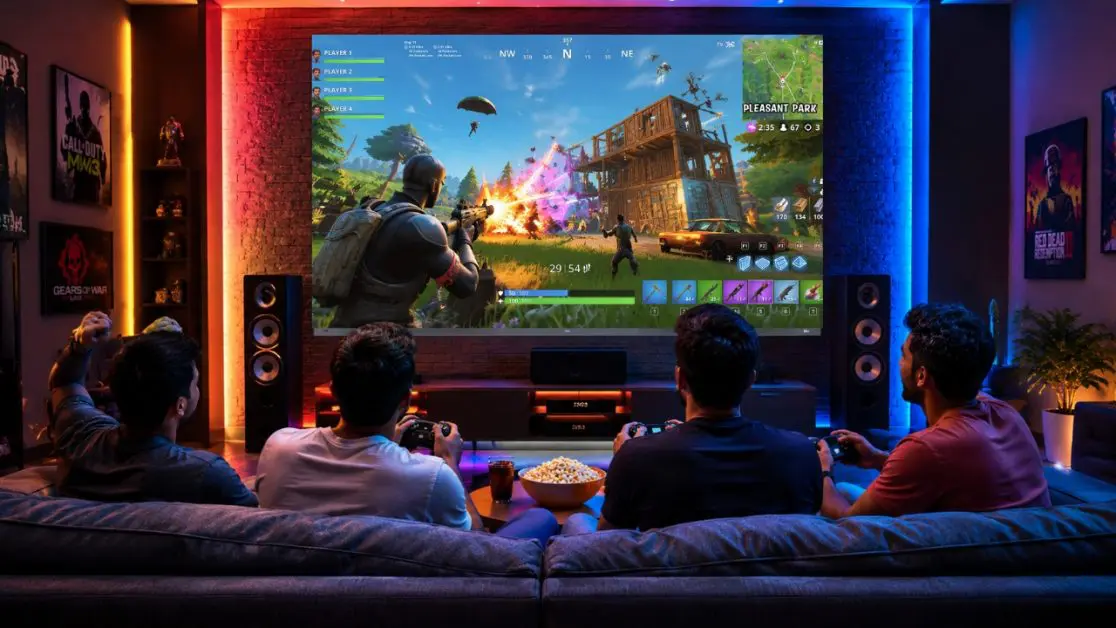
If you need a bigger screen, the Haier New P7 Pro Series HQLED 189 cm (75) AI Smart Google TV with Gemini (75P7 Pro) also provides the same gaming capabilities.
It comes with gaming features such as ALLM, VRR, Game Mode and Gaming 120Hz.
Open worlds, racing tracks and adventure games can feel more expansive on the larger display.
The television offers more than just gaming, including Dolby Vision, HDR10+, AI Picture Quality and a 50W 2.1-channel sound system with a built-in subwoofer.
The panel refresh rate of the 75-inch variant is the same as that of the 65-inch model, at 60Hz.
The P7 Pro Series offers a combination of gaming controls and smart TV capabilities, making it suitable for families who enjoy playing games together or switching between gaming and other entertainment formats.
How to Enable ALLM on Your Smart TV (Android TV)
The ease and convenience of ALLM comes from the fact that it works automatically.
The configuration, however, will depend on the television and the connection between the gaming device and HDMI.
Here are a few things to look for.
Step 1: Connect Your Gaming Console
Firstly, connect your compatible gaming console to the TV using an appropriate HDMI cable.
Be sure to use an HDMI input capable of supporting the desired gaming features.
Step 2: Check Your Console Settings
Access the console’s video or display controls.
Look for an option labelled Auto Low Latency Mode, ALLM or automatic game mode switching.
Enable the option if your device provides manual control.
Step 3: Check Your TV’s Gaming Settings
ALLM can be activated automatically by the television or managed through the HDMI or gaming menu.
Refer to the user’s manual that came with the television for model-specific instructions.
Step 4: Launch a Game
Play a game and observe whether the TV enters low-latency mode.
A number of television sets display an alert when Game Mode is turned on.
Others make the change without displaying an on-screen message.
Step 5: Test the Response
Go through a game menu or play a game that you know requires good timing.
If the controls are still delayed, inspect the console settings, HDMI input and picture mode of the TV.
Keep in mind that internet latency, controller connectivity and game performance may also impact the overall experience.
Does ALLM Improve Picture Quality?
Not directly.
ALLM is not intended to boost display resolution, brightness or colour quality. Its purpose is to decrease delays in display processing.
Indeed, some picture-processing functions that would add delay might be turned off in low-latency modes.
This compromise may be worthwhile for playing games.
For movies, however, you may prefer a different picture mode that emphasises cinematic presentation.
The advantage of ALLM is that it can handle this transition automatically when using compatible equipment.
Is ALLM Really Needed by Casual Players?
Strictly speaking, no.
It is possible to play games on a TV without ALLM, especially if the television has a manually selectable low-latency Game Mode.
However, when it comes to switching from gaming to other entertainment, ALLM makes things easier.
It’s particularly helpful for:
- Gamers who enjoy a variety of games and streaming applications.
- Households with a single TV used for different purposes.
- Racing, shooting and competitive sports game players.
- Anyone who prefers automatic picture-mode adjustments.
- People shopping for a TV with dedicated gaming features.
When buying a new television for gaming, ALLM should be taken into account alongside measured input lag, refresh rate, VRR compatibility and HDMI support.
Enhance Every Gaming Session with a More Responsive Feel
The size of the screen is not the only measure of a good gaming experience.
How the TV reacts to your controller also matters, especially when navigating tight corners, playing against friends or dealing with high-speed action.
This is where ALLM comes in to make things easier. If you’re using compatible equipment, ALLM will automatically choose a low-latency display mode.
The Haier New P7 Pro Series HQLED AI Smart Google TV combines ALLM, VRR, Game Mode and immersive viewing features to offer Indian households a practical combination for those who want to enjoy gaming and entertainment on their TV.
The series comes in two sizes: 65 inches and 75 inches, providing flexibility for different room sizes and entertainment needs.
Visit Haier India’s official online store and find the perfect television that combines gaming and entertainment.
Frequently Asked Questions
1. Does ALLM Reduce Input Lag?
ALLM allows a compatible television to automatically activate its low-latency mode. This mode generally reduces input lag by limiting certain picture-processing operations.
2. Is ALLM the Same as Game Mode?
No. Game Mode is a television picture setting designed to reduce processing delays. ALLM is the feature that allows compatible devices to trigger low-latency mode automatically.
3. Does ALLM Work With PlayStation 5 and Xbox Series X?
Both PlayStation 5 and Xbox Series X support ALLM. Automatic switching requires a compatible television and appropriate settings.
4. Do You Need HDMI 2.1 for ALLM?
ALLM is associated with HDMI 2.1 functionality, but its availability does not automatically establish that a television supports every HDMI 2.1 feature. Always check the individual model’s specifications.
5. Does ALLM Increase FPS?
No. ALLM does not increase the number of frames generated by your console or gaming PC. Its purpose is to reduce unnecessary display latency.
6. Is ALLM Useful for Online Gaming?
Yes, because reducing display input lag can make controls feel more responsive. However, ALLM cannot reduce network ping or resolve delays caused by an unstable internet connection.