
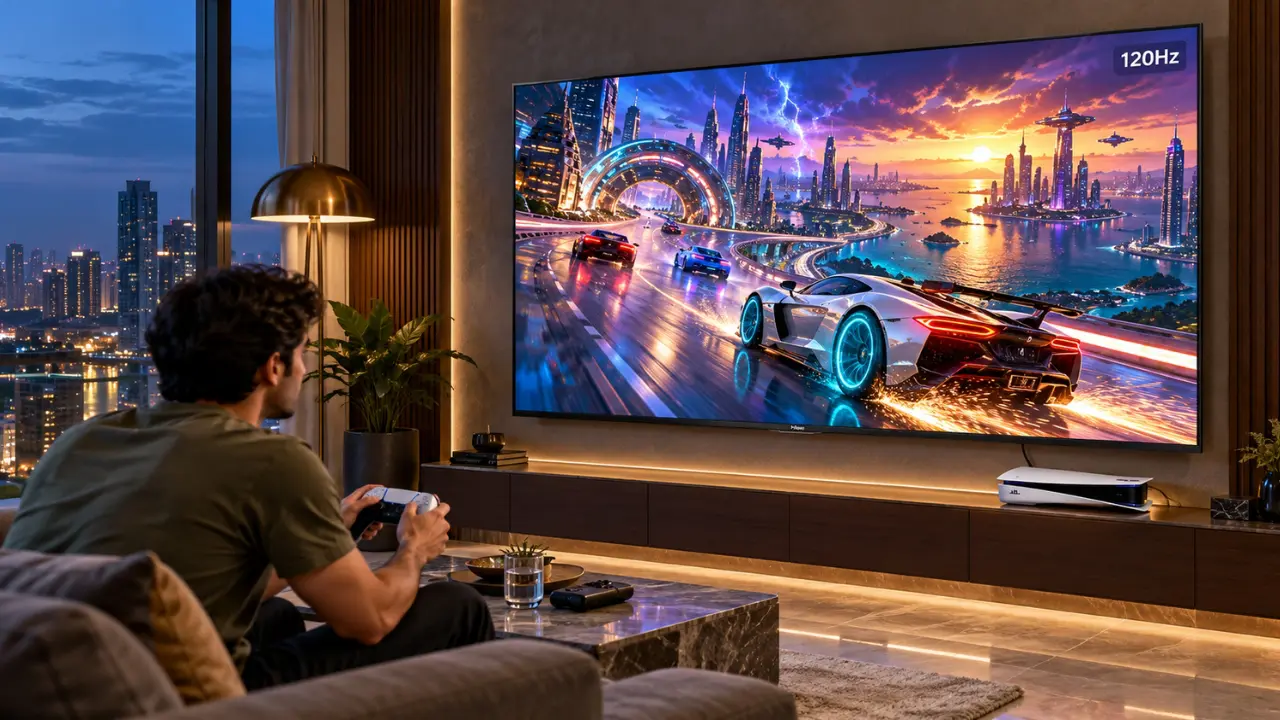

You’ve just purchased your very own PS5. Your controller is charged and your game of choice has been downloaded all you need to do is enjoy the 4K gaming experience. There’s something amiss, though.
Your TV is cool and the gameplay is good, but not as seamless as the famed 120fps videos you’ve seen on the internet.
Next, there’s the question of whether or not your TV even supports HDMI 2.1.
It can make a significant difference with a game of intense racing, competitive shooting or action-packed adventure, especially one that’s played at a brisk pace.
The good news? The technical details of HDMI 2.1 may seem daunting, but they’re not that difficult to understand.
Let’s learn how to pick a TV that will fit with your PS5 and the 4K 120Hz you’ll be getting.
Is HDMI 2.1 for PS5 gaming really necessary?
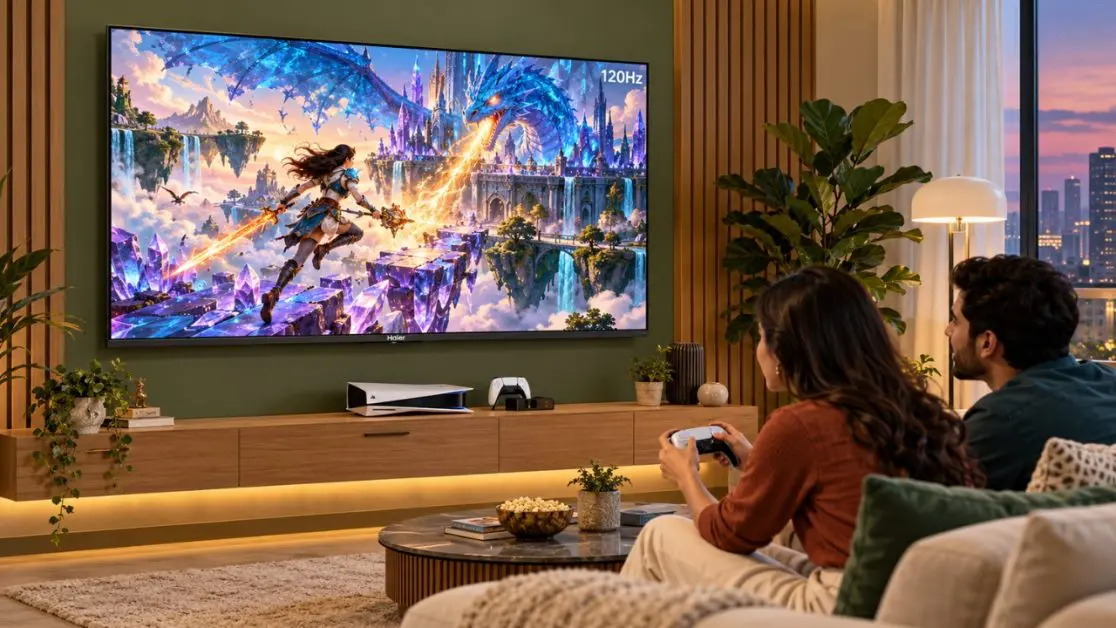
Yes, for a standard TV connection, 4K at 120Hz is generally a requirement for PS5’s to be able to achieve that resolution.
That doesn’t mean that your PS5 will not function without it, though.
The console can be operated in varying resolutions and refresh rates depending upon the capabilities of your television.
The experience is different like this:
| Gaming Configuration | What You Can Expect |
| 4K at 60Hz | Up to 60fps of sharp visuals! |
| 4K at 120Hz | Faster refreshes for better game smoothness in supported games |
| 1080p at 120Hz | Playing games at a lower resolution with a higher refresh rate. |
| HDMI 2.0 Connection | Typically supports 4K and 60Hz, and some 120Hz resolutions at lower resolutions. |
| HDMI 2.1 Connection | Can support 4K at 120Hz if the TV and connection have the necessary bandwidth |
Wearies some attention: HDMI 2.1 is not alone enough for 4K 120Hz gaming.
The game must also be able to run at 120fps and the TV must be able to use the video signal as well.
The Difference between 4K 120Hz Games?
Suppose you are running a race and are close to a sharp corner at high speed.
With a 60Hz refresh rate, your TV can update its display 60 times a second. This doubles to 120Hz at 120Hz.
This is more apparent when objects are moving rapidly across the screen.
1. Smoother Movement During Fast Action
The higher the refresh rate, the more frames the display will be able to show when the console sends them.
This can make:
- Sequences of high-speed action look smoother.
- Camera movements are smoother.
- The faster the opponents the easier it is to follow.
- Quick cuts in direction make for a more natural look.
This is especially useful in games where time sensitivity and seeing through are key factors.
2. More Responsive during Gameplay
If it’s 120fps, then a new frame can be created every ~8.3ms, whereas at 60fps it is ~16.7ms.
This can help to minimize the lag time between an action and its visual representation.
Obviously, the responsiveness will also rely on the game’s processing, controller input and television delay.
However, when it comes to competitively playing games, any little improvement matters.
3. Better Visual Tracking in a more comfortable way
Consider a football game where you’re following a quick counterattack.
Players are in motion, the camera is shifting and the ball is whizzing across the field.
If the game supports these movements and can keep up with them at higher frame rates, this can facilitate their understanding.
After playing at 120 fps, dropping back to lower frame rates can be quite jarring.
HDMI 2.0 vs. HDMI 2.1: What’s the Difference?
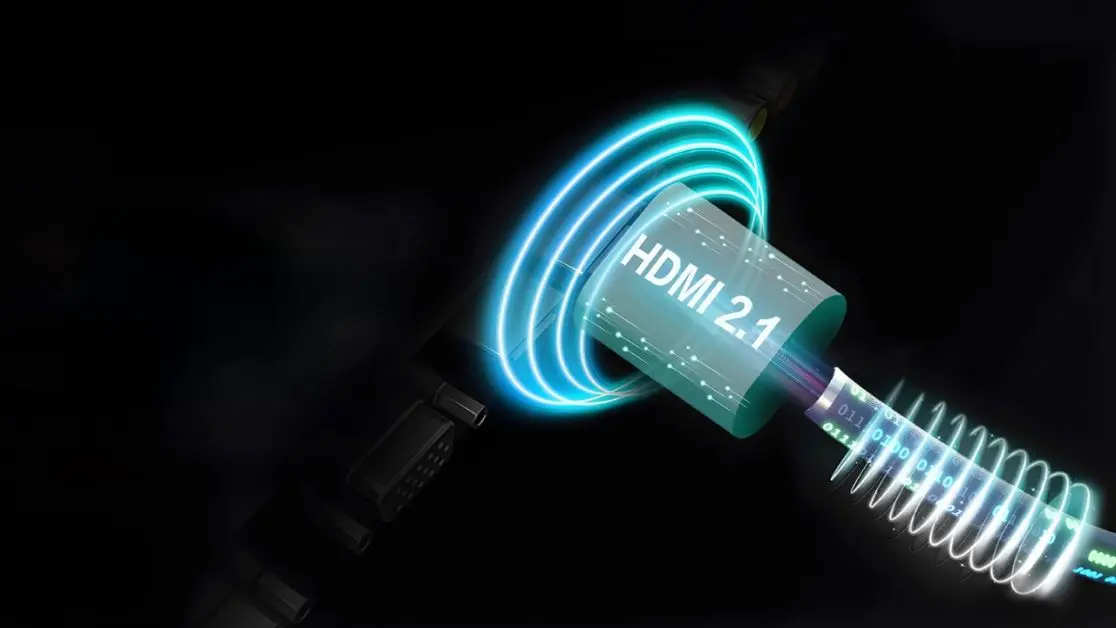
Both HDMI 2.0 and HDMI 2.1 are digital connection standards for video and audio transmission.
The most significant difference is the bandwidth they support, as well as the features and options that they offer.
HDMI 2.0: Still Useful for Everyday Gaming
HDMI 2.0 can deliver up to 18Gbps.
This is enough for 4K gaming at 60Hz for most traditional TV configurations.
It is still OK to use for:
- Story-driven adventure games.
- Casual gaming sessions.
- Games centered on 30FPS or 60FPS.
- Viewing 4K movies and streaming.
So, if you’re predominantly a movie-goer, then you might already be getting some comfort from HDMI 2.0.
HDMI 2.1: Designed for Higher-Bandwidth Gaming
The full-bandwidth version of HDMI 2.1 can carry up to 48Gbps of bandwidth.
This allows for higher resolution and higher refresh rates to be sent in video signals.
Depending on the connected devices, HDMI 2.1 can also support gaming-related technologies such as Variable Refresh Rate (VRR) and Auto Low Latency Mode (ALLM).
But manufacturers have the option to include different features for HDMI 2.1.
So it makes more sense to look at the supported input resolution and refresh rate than simply the HDMI version number.
So, what should you take into account before purchasing a PS5 gaming TV?
The refresh rate of television is just one component of the story.
When selecting a gaming TV, take these specs into consideration.
Native Refresh Rate
The panel has a maximum ability of 120 frames per second; this is called a native 120Hz panel.
Enhanced motion rate or gaming mode on some TVs can be confused with a 120Hz panel operation.
Please verify the panel specification.
Variable Refresh Rate (VRR)
VRR enables a TV with compatible refresh rates to sync up with the variable console frame output.
This may help eliminate visible screen tearing, and help create consistent support of games.
It can be especially helpful in games with a changing frame rate in difficult moments.
Auto Low Latency Mode (ALLM)
ALLM enables the automatic switching of the TV into a low latency viewing mode for compatible devices.
The television may automatically select an appropriate picture mode when it is powered on for gaming.The television can detect an appropriate picture mode upon power-on when the device is used for gaming.
HDMI Input Capabilities
Not all HDMI ports will support the same features.
A 4K TV could have multiple HDMI inputs, but only a certain number of them may be able to take the 4K 120Hz signal.
Review the product specification & attach your PS5 to the correct input.
Experience the Haier New P7 Pro Series HQLED AI Smart Google TV
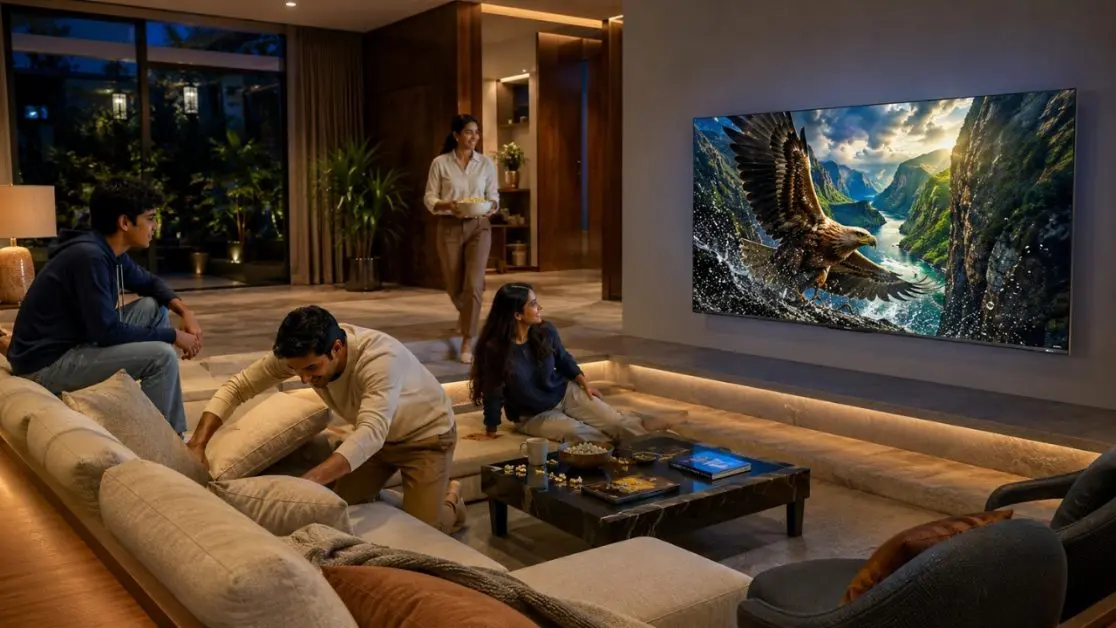
The Haier New P7 Pro Series HQLED AI Smart Google TV is a console gaming enthusiast’s dream that makes television viewing more immersive for Indian households seeking to merge the two experiences.
The series comes in 65-inch and 75-inch sizes, adding a large-screen experience to today’s living rooms.
There are 2 models:
- Haier New P7 Pro Series HQLED 164 cm (65) AI Smart Google TV with Gemini (65P7 Pro)
- Haier New P7 Pro Series HQLED 189 cm (75) AI Smart Google TV with Gemini (75P7 Pro)
Both models feature ALLM, VRR, Game Mode and Gaming 120Hz.
But there is a technical difference which is important to understand.
In addition to the Gaming 120Hz feature, the specs also mention a 60Hz panel refresh rate. Therefore, the advertised gaming mode should not be seen as an indication of native 4K 120 fps display support.
If you are an owner of a PS5 and want to use 4K output at 120Hz, you should check the HDMI input signal that is supported before buying the PS5.
That’s important as the right gaming television is more about compatibility rather than just the highest quantity stamped on the packaging.
What Makes the Haier P7 Pro Series Appealing?
Video games are more than just frame rates.
Graphics, size and audio play a crucial role in the overall enjoyment of a game.
Enhanced colour using HQLED Technology
The Haier P7 Pro Series is equipped with HQLED display technology, which is aimed at producing rich colours and improving the picture quality.
It has a large colour gamut, the colour coverage is specified as 93% DCI-P3.
Imagine a dreamlike scenario with radiant scenery, colorful sunset and detailed backgrounds.
These scenes will be interesting if they are shown on a TV with a larger colour range.
The series also includes AI Picture Quality optimisation, which automatically enhances the image using parameters like brightness, contrast and colour based on the content.
A Bigger Screen for Immersive Gaming
The 65″ or 75″ TV set can alter the way you enjoy console gaming.
From playing an open world game to watching a movie, a bigger screen enhances the feeling of a larger experience and world.
The 65-inch size is perfect for many modern Indian living rooms, and the 75-inch size provides an even bigger screen for larger entertainment setups.
The end result will be determined by viewing distance, room size, and taste.
The powerful audio gives you a built-in subwoofer.
It’s great to hear a racing engine start up or to hear the cheers following a late goal in the stadium.
Haier P7 Pro Series has a 50W, 2.1-channel audio system with built-in subwoofer.
It also features Dolby Atmos playback for select audio material.
All these aspects make the television seem enticing for families that value video games over together with films, sporting activities and streaming amusement.
How to Enable 120Hz Output on Your PS5
Have a TV set that is compatible with this?
If you think something is wrong with your setup, you should first check these settings.
Step 1: Connect Your PS5 Correctly
Use the HDMI cable that comes with your PS5 console or any compatible certified Ultra High Speed HDMI cable.
Plug the console straight into the television’s HDMI port that is compatible with the console.
If the control is an AV receiver or HDMI switch, it too will need to support the signal.
Step 2: Check the PS5 Video Settings
On your PlayStation 5:
- Open Settings.
- Click on the Screen and Video option.
- Click on Video Output.
- Set Resolution to Automatic or 2160p, as appropriate.
- Set the Output frequency to 120 Hz (Auto).
- Check the Video Output Information screen.
The video capabilities your PS5 finds in your connected display will be displayed.
Step 3: Enable the Game’s 120fps Mode
This is a thing about which many forget.
Not all PS5 games are 120FPS compatible.
Although you have a compatible television and a HDMI cable, the game must be able to support you in a high frame-rate mode.
There are also some games that require you to choose Performance Mode or that have a specific 120fps option.
Step 4: Check the Television’s Gaming Settings
Change the HDMI input to the wanted one and use the television’s gaming mode if applicable.
ALLM might do this automatically if compatible displays are used.
Keep in mind that setting up 120Hz out doesn’t require it to be used in every game.
Create the Ultimate Gaming Experience.
For a PlayStation 5, it’s important to have a TV that matches the way you enjoy playing.
If native 4K 120Hz support is important to you, check the panel refresh rate, HDMI bandwidth, and input formats of the television before buying.
But, gaming is also about the larger experience.
Detailed environments of exploration, a full stadium atmosphere and the joy of seeing your favourite games on a massive screen all help to create the memorable entertainment.
Featuring VRR, ALLM, 50W 2.1-channel sound system, Gaming 120Hz, the Haier New P7 Pro Series is an attractive large screen entertainment device for Indian homes.
Frequently Asked Questions
Can PS5 Run 4K 120Hz Without HDMI 2.1?
For standard television connections, HDMI 2.1 bandwidth is generally needed for 4K 120Hz output. HDMI 2.0 televisions typically support 4K at 60Hz, although lower-resolution 120Hz gaming may be possible.
Does HDMI 2.1 Improve Graphics Quality?
HDMI 2.1 doesn’t directly improve a game’s textures or graphics. Its higher bandwidth allows compatible devices to transmit demanding video formats, including 4K at 120Hz.
Do All PS5 Games Support 120fps?
No. Only selected PS5 games offer 120fps modes. Many games target 30fps or 60fps, depending on their graphical settings and performance requirements.
Is a 120Hz TV Worth Buying for PS5?
A native 120Hz television can be worthwhile if you regularly play games supporting high frame rates. For casual gaming and cinematic titles, a good-quality 4K 60Hz television may still be sufficient.
Does the Haier P7 Pro Series Support Gaming Features?
Yes. The Haier New P7 Pro Series HQLED AI Smart Google TV lists Gaming 120Hz, Game Mode, VRR and ALLM among its features. Its published panel specification is 60Hz, so native 4K 120Hz capability should not be assumed.