
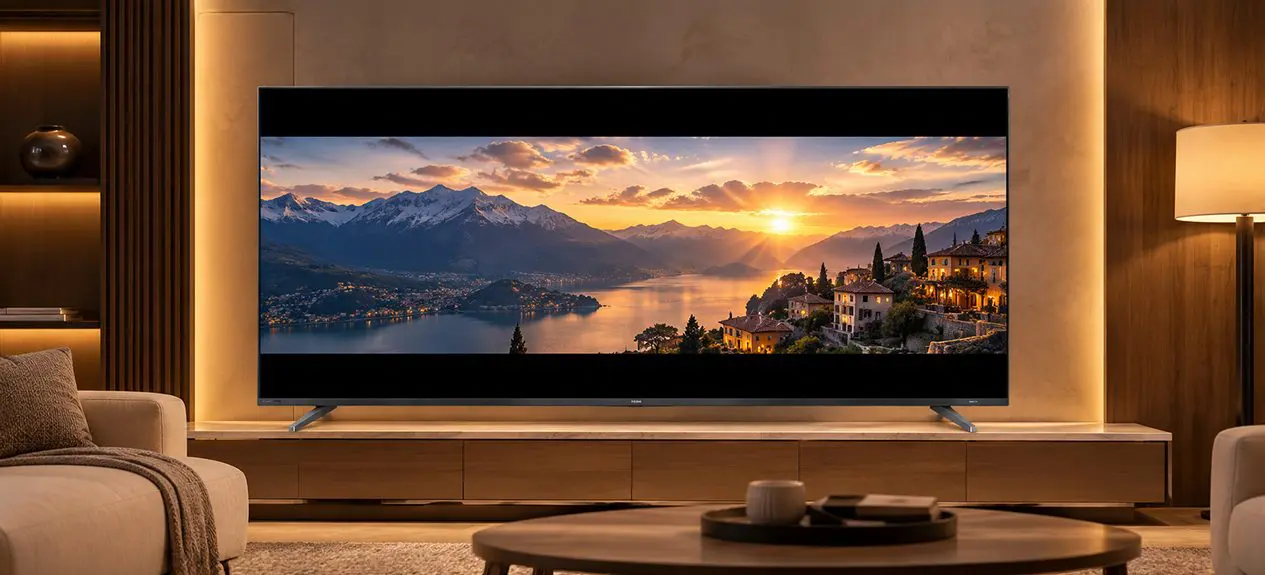

Ever noticed black bars at the top and bottom when you’re watching a movie on your TV? Or wondered why some YouTube videos fill the whole screen but older content leaves big strips on the sides?
That’s aspect ratio in action. It sounds like a technical spec, but it actually affects how your TV displays almost everything you watch from Netflix originals to cricket matches to older films.
This guide covers TV aspect ratio explained in plain terms, the main ratios you’ll come across, where each one fits, and how to deal with the black bars once and for all.
What Is Aspect Ratio on a TV?
Aspect ratio is the shape of the screen the relationship between its width and height. It’s written as two numbers separated by a colon: 16:9, 21:9, 4:3.
The first number is the width; the second is the height. 16:9 means the screen is 16 units wide for every 9 units tall. So what is aspect ratio on a TV? It’s simply the shape of the display.
The aspect ratio of the content you’re watching may or may not match the shape of your TV, and that mismatch is what causes those black bars.
Common TV Aspect Ratios Explained
Three main ratios shape the TV world.
16:9 (Standard Widescreen)
By far the most common TV ratio today. Virtually every HD, Full HD, 4K, and 8K TV sold uses a 16:9 panel. It was designed to be a compromise between the old 4:3 TV ratio and the wider 2.35:1 cinema ratio, so it works reasonably well for a wide range of content.
Most of what you watch on a modern TV is also mastered in 16:9: streaming content, cable broadcasts, YouTube, gaming consoles, and sports.
21:9 (Ultrawide / Cinemascope)
21:9 is a much wider format, closer to the aspect ratio used in cinema films (specifically 2.37:1, often called Cinemascope). You’ll find 21:9 primarily on ultrawide computer monitors, with very few TV manufacturers offering it as a full TV format.
16:9 vs 21:9: Which Is Better?
The 16:9 vs 21:9 debate really depends on what you watch most.
For TV Shows and Streaming
16:9 wins clearly. Every streaming platform, every modern TV series, and every YouTube video is produced in 16:9. On a 21:9 screen, you’ll have black bars on the sides for all of this content.
For Movies
21:9 shines here, but only for films shot in Cinemascope (which is a lot of modern blockbusters). The movie fills the entire screen with no letterboxing. On a 16:9 TV, those same films play with black bars above and below. A 21:9 TV for movies is genuinely appealing to film lovers, but it compromises everything else.
For Gaming and PC Use
21:9 ultrawide monitors are popular for PC gaming for more peripheral vision and better immersion. For console gaming (PS5, Xbox), games are usually built for 16:9, so 21:9 adds black bars.
21:9 fills the entire screen when watching ultrawide films without any letterbox bars, which is why movie enthusiasts sometimes seek it out. But everything else (16:9 TV shows, streaming, gaming) will have black bars on the left and right instead.
4:3 (Older TVs)
The original TV aspect ratio, used from the invention of television through the early 2000s. 4:3 is almost square compared to modern TVs. You won’t buy a new 4:3 TV today, but older shows filmed in 4:3 (like 1990s sitcoms) still carry this ratio, which is why they appear with black bars on the sides when played on a 16:9 TV.
Why You See Black Bars (and How to Handle Them)
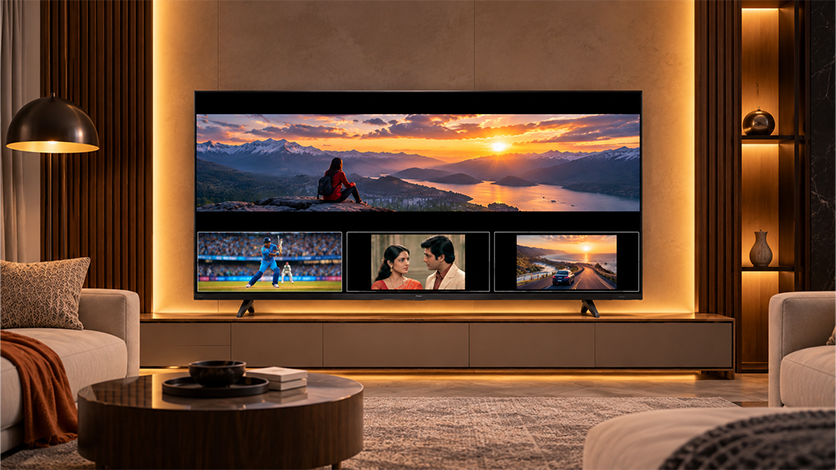
Those black bars (called “letterboxing” when on top/bottom, or “pillarboxing” when on the sides) appear whenever the aspect ratio of the content doesn’t match the aspect ratio of your screen.
- 16:9 content on a 16:9 TV: fills the screen perfectly, no bars
- 21:9 Cinemascope film on a 16:9 TV: black bars top and bottom
- Older 4:3 show on a 16:9 TV: black bars on left and right
- 16:9 content on a 21:9 TV: black bars on left and right
The black bars aren’t a defect; they’re there to preserve the original content’s framing. Stretching the picture to fill the screen is possible, but it distorts the image and crops out the sides or edges.
How to Change the Aspect Ratio on Your TV
Most modern TVs let you adjust how content is displayed:
- Press the Menu or Settings button on your remote
- Navigate to Picture or Display settings
- Look for Aspect Ratio, Screen Size, or Picture Size
- Choose from options like: Original, 16:9, Zoom, Stretch, or Full
Most TVs recommend using “Original” or “Auto” to preserve the correct ratio and avoid distortion. Stretching or zooming can fill the screen but may cut off edges or distort faces. For hands-free voice control to switch settings quickly, check the Haier Google TV lineup, which supports Google Assistant across most models.
Which Aspect Ratio Should You Choose?
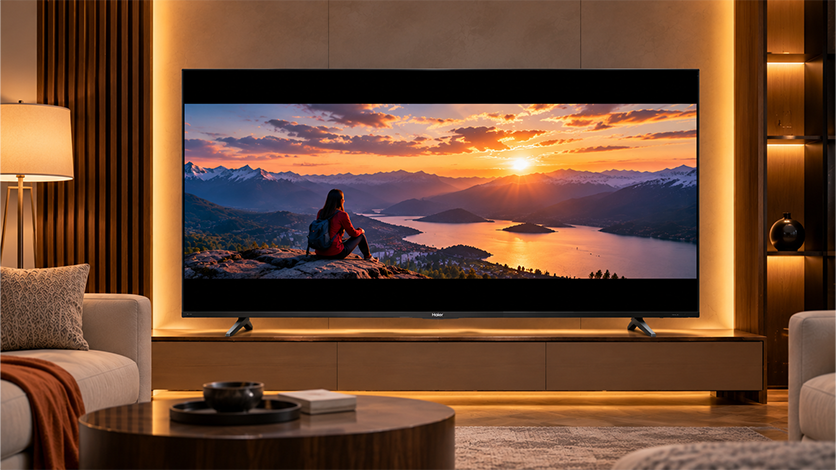
For nearly every household in India, 16:9 is the best aspect ratio for a TV. It fits almost all content you’ll watch and is the only ratio widely available on TV sets today. 21:9 is better suited to dedicated computer monitors or ultra-premium cinema setups where films dominate viewing.
If you occasionally see black bars when watching a movie, that’s normal it’s how the TV respects the film’s original cinema framing.
FAQs
What is aspect ratio on a TV?
Aspect ratio is the shape of the TV screen the ratio between its width and height. Common ratios include 16:9 (standard widescreen), 21:9 (ultrawide), and 4:3 (older TVs).
What is the difference between 16:9 and 21:9?
16:9 is the standard widescreen ratio used by nearly all modern TVs and content. 21:9 is a much wider ratio used primarily for Cinemascope films and ultrawide monitors.
Why are there black bars on my TV screen?
Black bars appear when the content’s aspect ratio doesn’t match the TV’s. For example, a 21:9 Cinemascope film on a 16:9 TV displays with black bars above and below to preserve the original framing.
What aspect ratio is best for a TV?
16:9 is the best ratio for most TV buyers. Nearly all streaming content, cable broadcasts, gaming consoles, and YouTube videos are made in 16:9.
What does 16:9 mean?
16:9 means the screen is 16 units wide for every 9 units tall. It’s the standard widescreen shape used by virtually every modern TV.
Is 21:9 good for watching movies?
Yes, for Cinemascope films (most modern blockbusters). The movie fills the entire screen without letterbox bars. But 21:9 shows black bars on the sides for every other type of content.
How do I change the aspect ratio on my TV?
Open Settings → Picture → Aspect Ratio (or Screen Size), and choose from options like Original, 16:9, Zoom, or Full. “Original” or “Auto” is usually the best choice to preserve correct framing.