
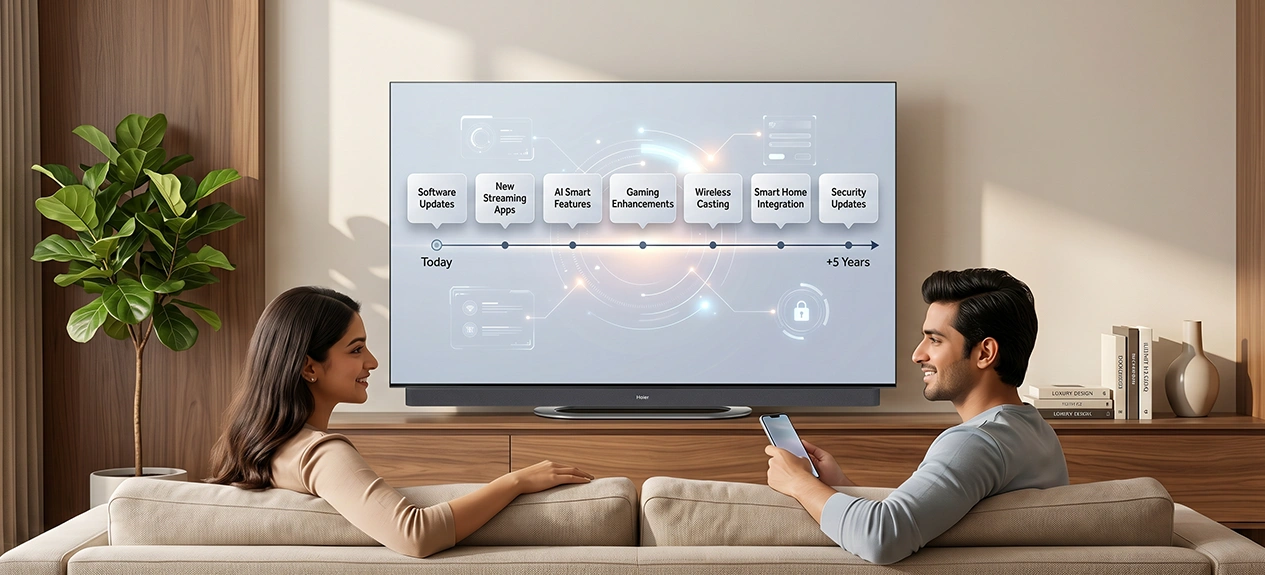

A TV bought today for its 4K resolution and high refresh rate can still feel outdated in three years if the software behind it stops getting updates. What actually determines whether a future-proof TV stays current has less to do with any single specification and more to do with how it ages. This guide covers how to choose a TV that holds up, not just on day one, but through the years it’s actually expected to last, and it’s really a set of TV buying tips worth checking before price or discount enters the picture.
What “Future-Proof” Actually Means
A future-proof TV doesn’t mean one that never needs updating, no TV works that way. It means one that keeps up with what content and connected devices demand for longer. Most TVs don’t stop working, they just fall behind. The software and app support usually give out long before the screen itself does.
The Real Signs a TV Needs to be Replaced
Most TVs don’t die, they quietly stop keeping up. Here are a few honest signs it’s actually time to replace one, not just habit or impulse:
- Streaming apps stop receiving updates, or newer app versions run noticeably slower on older hardware
- A new gaming console needs HDMI 2.1 for full performance, and the TV only has HDMI 2.0
- The manufacturer stops issuing security patches, leaving the smart platform exposed over time
- Picture and sound genuinely stop matching what similarly priced new TVs deliver, not just aesthetic preference
Physical failure, a dead panel or backlight, is actually the least common reason people replace a working TV early. Recognising these signs early is really what separates best TV for long-term use thinking from replacing a TV out of habit.
4K or 8K: What Resolution Actually Needs to Last
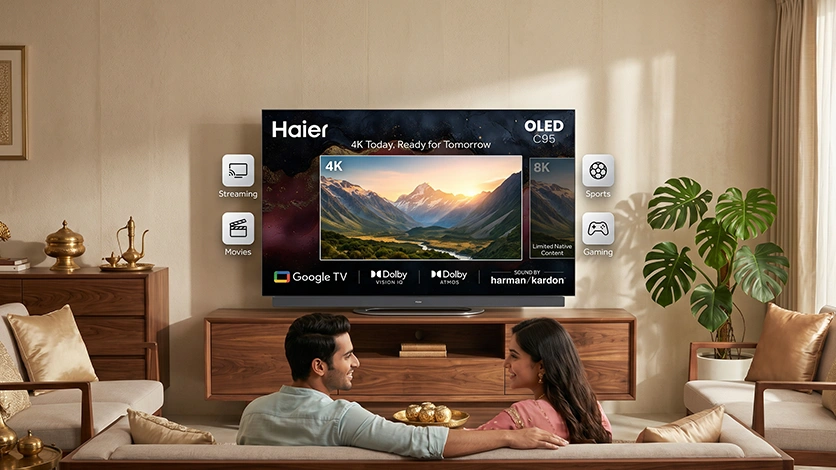
4K UHD remains the right resolution for the next several years, and sticking with it is one of the more practical TV buying tips in this whole guide. Streaming libraries are built extensively around 4K, and most home viewing distances aren’t close enough to notice 8K’s extra detail. 8K exists, but native content is still limited enough that it isn’t worth prioritising as a future-proofing decision today.
Curious exactly when resolution really matters, and when it doesn’t?
Read this blog: 4K vs Full HD TV: Which Resolution Really Matters?
Software Support Is the Part That Ages Fastest
An operating system is often the first thing to feel dated, well before the display does. Platforms with active, ongoing developer support, like Google TV, tend to receive new features and security patches for longer than smaller, proprietary systems tied to a single manufacturer. This is genuinely the least visible spec on a showroom floor, and often the one that decides how long a TV feels current. Most people compare price and display type in the store, but software support is what actually separates the best TV for long-term use thinking from a purchase driven by looks alone.
Display Technology Built to Last the Next Five Years
Not all screen types age the same way, and the differences show up gradually, not on day one. A few years of daily use is where the real gap appears.
OLED panels can develop a faint permanent trace if the same static image, a paused show, a channel logo, sits on screen for long stretches, though modern pixel-refresh features have made this far less common than it used to be. QLED and Mini LED panels rely on inorganic materials for their light source, which hold their brightness and colour accuracy far more consistently over years of daily use, without that same static-image risk.
None of this makes one screen type short-lived, it just means the trade-offs shift depending on how a TV actually gets used, hours per day, what’s on screen, and how bright the room usually is. Weighing this upfront is part of what actually makes the best TV to buy, not just the display type that looks sharpest in the showroom.
For practical steps that help any panel type age better:
Read this blog: Best Practices for LED TV Care and Maintenance
How We Build for the Next Five Years, Not Just Today
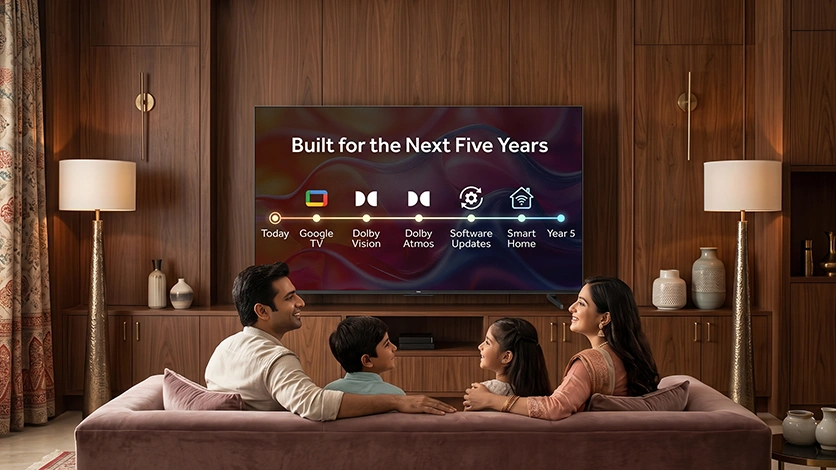
At Haier, we treat longevity as a design decision, not an afterthought. Our TVs run on Google TV, which benefits from Google’s own ongoing platform support rather than being tied solely to our own update schedule. We hold a genuine Dolby license, so Dolby Vision and Dolby Atmos run natively rather than through a workaround that could break with future updates. Across the range, from entry-level through flagship, the same engineering standard applies, not a scaled-down version for lower-priced models. It’s really our own answer to how to choose a TV built to last, not just one that looks good on day one.
Our full TV range reflects this directly, spanning HD through flagship QLED, Mini LED, and OLED, so the same long-term thinking applies whatever the budget.
A TV That Grows With the Rest of the Home
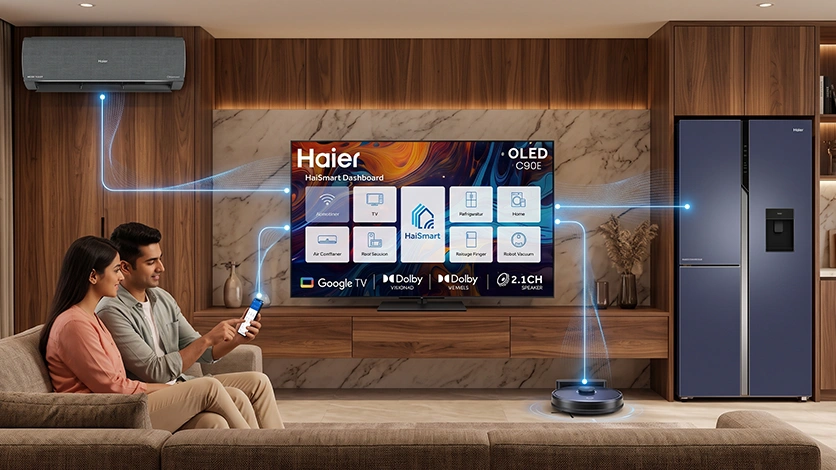
Future-proofing isn’t only about the TV itself, it’s also about whether it stays useful as the rest of a home gets smarter. Haismart extends the TV into a genuine smart home companion, connecting and controlling other Haier appliances, air conditioners, refrigerators, robot vacuums, from the same app over time. As more connected devices enter a household, this is what keeps the TV relevant at the centre of that ecosystem, rather than becoming an isolated screen left behind by everything newer around it.
Download Haismart:
iOS – Search Haismart on the App Store
Android – Search Haismart on Google Play
Conclusion
A TV that still feels modern in five years isn’t the one with the most impressive specification sheet today, it’s the one where resolution, software support, and display technology all age at roughly the same pace. Most of what makes a TV feel outdated is software and connectivity falling behind, not the panel itself failing. Choosing well now means fewer forced upgrades later, and that’s ultimately what makes a best TV to buy, not a guarantee that nothing will ever need replacing.
FAQs
What makes a TV future-proof?
A combination of adequate resolution, a display technology suited to the room, and an operating system that continues receiving updates well after purchase, not any single spec alone.
How do I choose a TV that will last for five years or more?
Prioritise 4K resolution, a platform with strong ongoing software support like Google TV, HDMI 2.1 for newer devices, and a display technology suited to the room’s lighting.
Is a 4K TV still a good choice for the future?
Yes. 4K remains the practical standard for the next several years, with streaming libraries built extensively around it and 8K content still limited.
Which operating system is best for a future-proof TV?
Platforms with active, ongoing developer support, like Google TV, tend to receive updates and security patches for longer than smaller proprietary systems.
What display technologies are likely to remain relevant over the next five years?
QLED, Mini LED, and OLED are all likely to remain relevant, each suited to different room conditions rather than one replacing the others.
How often should I upgrade my TV?
Not on a fixed schedule. Upgrade when software updates stop arriving, connectivity genuinely limits new devices, or picture and sound noticeably fall behind newer models, not just because a certain number of years have passed.