
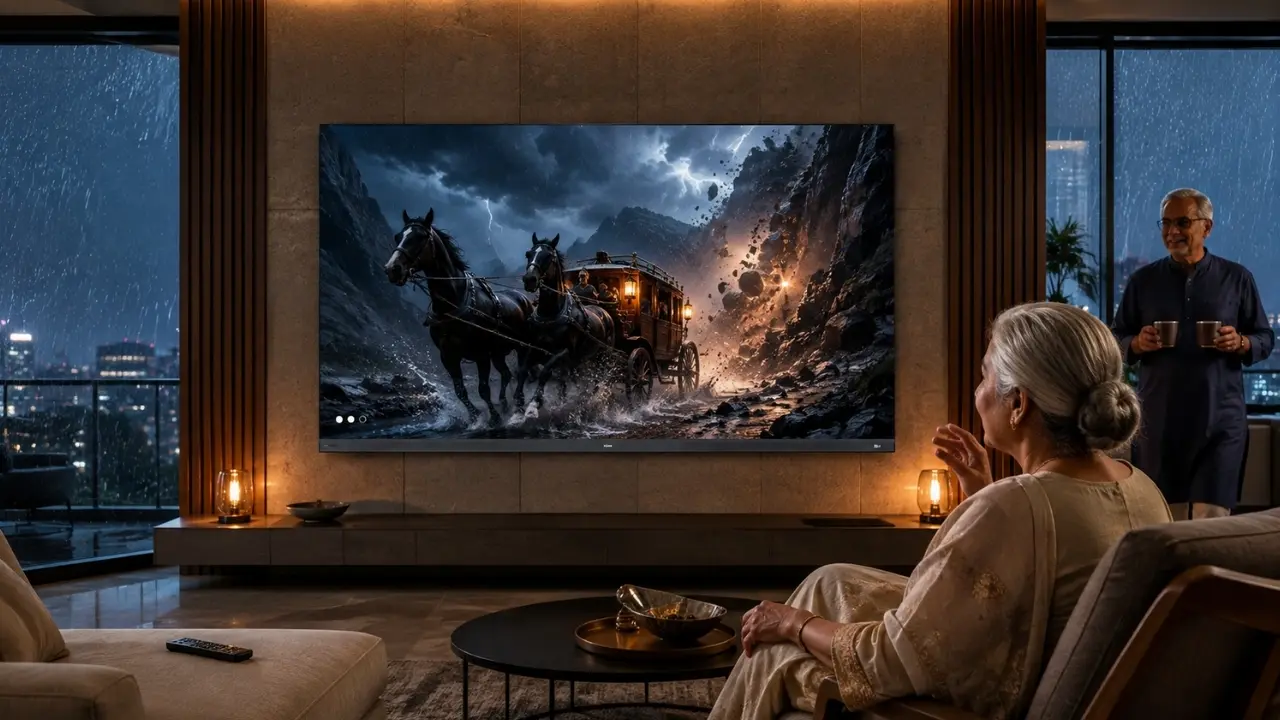

The remote is on the sofa. The television is switched on. Yet someone still calls out from the next room: “Can you put on my programme?”
That little scene is familiar in plenty of Indian homes.
Smart TVs have become more capable, but capability and convenience are not the same thing. For older family members, the better television is rarely the one with the longest specification sheet. It is the one that reduces small everyday hurdles: finding content, understanding dialogue, seeing the picture comfortably and operating the TV without remembering a maze of steps.
This is where thoughtfully chosen smart TV features for older family members can make a noticeable difference. And interestingly, several features designed as premium conveniences can also make television considerably easier to live with.
Start With the Feature That Removes the Most Friction: Voice Control
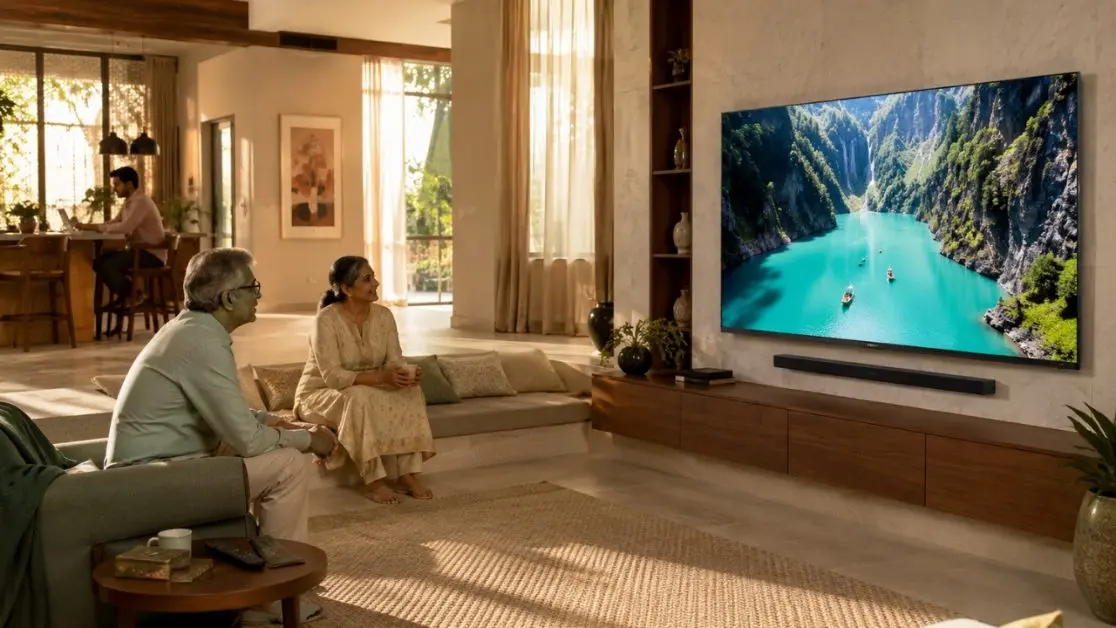
Typing a film title using an on-screen keyboard isn’t particularly enjoyable for anyone. For an older viewer who isn’t accustomed to navigating smart interfaces, it can become the point where they simply give up.
Voice control changes that interaction.
The Haier New M70 Series MiniLED AI Smart Google TV with Gemini supports hands-free voice control, allowing users to interact with the television using spoken commands. Instead of moving through several menus, viewers can use their voice to find entertainment and control supported TV functions.
For a multigenerational Indian household, that can be genuinely useful. Think of the everyday situations:
- Searching for a favourite film or programme
- Finding entertainment without laborious typing
- Controlling the TV when the remote isn’t immediately at hand
- Making smart-TV navigation less dependent on button combinations
There is a broader lesson here. When choosing a television for parents or grandparents, fewer required actions are usually better than more available actions.
Picture Quality Isn’t Just About Making Movies Look Impressive
A premium picture is often sold through spectacular landscapes, action films and colourful demos. Fair enough. But for an older viewer, picture processing has a much more practical job to do: make what’s happening on screen easy to follow.
The M70 Series brings together Mini LED technology, AI Picture Quality, HDR10+ and a Wide Colour Gamut. Its AI Picture Quality is designed to optimise brightness, contrast, colour and clarity according to the content being displayed.
That means the television itself handles more of the picture optimisation instead of expecting the viewer to repeatedly adjust settings.
Why controlled contrast matters
Scenes with a mixture of bright and dark areas can lose useful visual information when a display cannot manage light precisely.
Mini LED intelligent dimming on the 189 cm (75) M70 controls light to produce deeper blacks, brighter highlights and stronger contrast. HDR10+ further adjusts contrast and detail on a scene-by-scene basis.
For viewers, the benefit is straightforward: a picture with better separation between different elements of the scene can simply be more pleasant to watch.
And no, the family shouldn’t have to become picture-calibration experts first.
Then There Is Motion – Something People Often Forget
News tickers, cricket, action films and rapidly moving television scenes all present another challenge: motion.
The M70 Series includes MEMC (Motion Estimation and Motion Compensation), which is designed to reduce blur and judder during fast-moving scenes.
Imagine watching a cricket match with the entire family. The ball moves quickly, the camera pans across the field, players are running and graphics are changing. Smooth motion reproduction helps the viewing experience remain coherent rather than visually messy.
This feature isn’t exclusively “for seniors”, of course. That’s actually the point. Good accessibility in a shared household often comes from technologies that improve the experience for everybody.
Sound Deserves as Much Attention as the Screen
Families sometimes choose a television almost entirely by picture quality and screen size. That’s an incomplete way of buying one, particularly when older parents or grandparents will use it regularly.
Dialogue matters.
The Haier New M70 Series MiniLED models featured here provide 50W audio output, a 2.1-channel configuration with an inbuilt subwoofer, and Dolby Atmos. The combination is designed to provide greater clarity, depth and audio impact.
This matters across very ordinary viewing:
A family drama depends on conversations. A news programme depends on speech. A devotional programme may combine vocals and music. A cricket broadcast mixes commentary with stadium ambience.
So, when comparing TVs for an older family member, don’t judge audio by sheer loudness. Look at the overall sound system and the clarity and balance it is designed to provide.
A Larger Screen Can Make Shared Viewing More Comfortable
Screen size isn’t automatically better. Room dimensions and viewing distance still matter.
But in an appropriately sized living room, a larger television can make text, faces and visual details easier to follow from the sofa.
Haier’s M70 Series is available in large-screen configurations including:
- Haier New M70 Series MiniLED 189 cm (75) AI Smart Google TV with Gemini
- Haier New M70 Series MiniLED 215 cm (85) AI Smart Google TV with Gemini
The 189 cm (75) model also specifies a 178°/178° viewing angle. That becomes relevant in Indian family living rooms, where everyone rarely sits perfectly centred in front of the screen.
Grandparents may have their favourite chair. Someone else takes the corner of the sofa. Children somehow end up on the floor. A wide viewing arrangement is simply realistic.
Google TV Helps Solve the “Where Is That Programme?” Problem
Streaming has given viewers an extraordinary amount of choice. It has also scattered entertainment across apps.
For somebody accustomed to switching between a handful of television channels, modern streaming navigation can initially feel like a lot.
The M70 Series runs Google TV and supports Google Play Store access and built-in Chromecast. Its entertainment interface brings content into a smart-TV environment rather than treating the television merely as a display.
Chromecast built-in adds another useful family shortcut. Content from a compatible smartphone can be cast onto the television. So, if an older family member receives a video or the family wants to show photographs on the large screen, compatible content can move from a small personal display to the TV.
Sometimes the easiest interface, frankly, is the one somebody already knows.
Don’t Set Up the TV and Walk Away
Even the right smart TV becomes harder to use when the initial setup is unnecessarily complicated.
When installing a television for older parents or grandparents, spend a few minutes simplifying their everyday experience.
A sensible family setup can include:
- Keeping frequently used entertainment services easy to reach
- Demonstrating voice control with two or three real examples
- Selecting a comfortable picture mode rather than excessive brightness
- Setting an appropriate everyday volume
- Showing them one simple route back to the main screen
- Explaining casting only if they are likely to use it
Avoid teaching every feature on day one.
Nobody needs a 40-minute lecture on TV settings before watching the evening news. Introduce the functions that solve actual problems first; everything else can come later.
The Best “Senior-Friendly” TV May Actually Be a Family-Friendly TV
There is a tendency to think technology for older users must be stripped down. Not necessarily.
A better approach is technology that remains sophisticated underneath but asks less of the person using it.
That is where the Haier New M70 Series MiniLED AI Smart Google TV with Gemini fits naturally into a multigenerational household. Hands-free voice control can simplify interaction. AI Picture Quality manages visual optimization. Mini LED and HDR10+ strengthen the viewing experience, while MEMC handles fast motion. Google TV brings smart entertainment into one connected environment, and the 2.1-channel audio system with an inbuilt subwoofer adds substance to everyday listening.
Meanwhile, younger members of the household aren’t left with deliberately basic television. Features such as Gaming 120Hz. Game Mode, Chromecast built-in, Dolby Vision and Dolby Atmos give the same TV relevance for films, streaming, gaming and shared weekend entertainment.
That’s an important distinction.
A television bought with older family members in mind shouldn’t isolate them with a “special” device. It should help everyone use the same screen more comfortably.
Make the Living-Room Screen Work for Everyone
When buying a smart TV for a family home, look beyond the question, “How advanced is it?”
Ask something more useful: How easily can every person in the house enjoy it?
For older family members, hands-free voice control can reduce navigation effort. Strong picture processing can make everyday content more enjoyable. Capable audio supports an immersive listening experience, while a large screen can make shared viewing more engaging. A familiar smart entertainment platform can remove another layer of unnecessary complexity.
The Haier M70 Series brings those elements together without turning ease of use into a compromise on premium entertainment.
Because the most meaningful smart feature isn’t necessarily the one that does the most.
Sometimes, it’s the one that means nobody has to call someone else into the room just to find their favourite programme.
Frequently Asked Questions
1. What smart TV features are most useful for older family members?
Hands-free voice control, clear picture processing, strong audio, a large display and simple content navigation are particularly useful. These features reduce dependence on complicated menus and make everyday viewing more comfortable.
2. How can voice control make a smart TV easier for senior citizens?
Voice control reduces the need to type or navigate repeatedly with a remote. The Haier New M70 Series MiniLED AI Smart Google TV with Gemini supports hands-free voice control, allowing viewers to use spoken commands for supported TV functions.
3. Is a bigger TV screen better for older viewers?
A larger screen can make faces, text and visual details easier to follow when matched with the right room size and viewing distance. Haier’s M70 Series includes 189 cm (75) and 215 cm (85) models for large-screen family entertainment.
4. Why is picture quality important for older family members?
Clear contrast, colour and detail can make content easier and more enjoyable to follow. The Haier M70 Series combines Mini LED technology with AI Picture Quality and HDR10+ to optimize important picture characteristics.
5. What audio features should families consider when choosing a TV for seniors?
Rather than focusing only on volume, consider clarity, depth and overall sound performance. The Haier M70 Series offers 50W audio output, a 2.1-channel system with an inbuilt subwoofer and Dolby Atmos.