
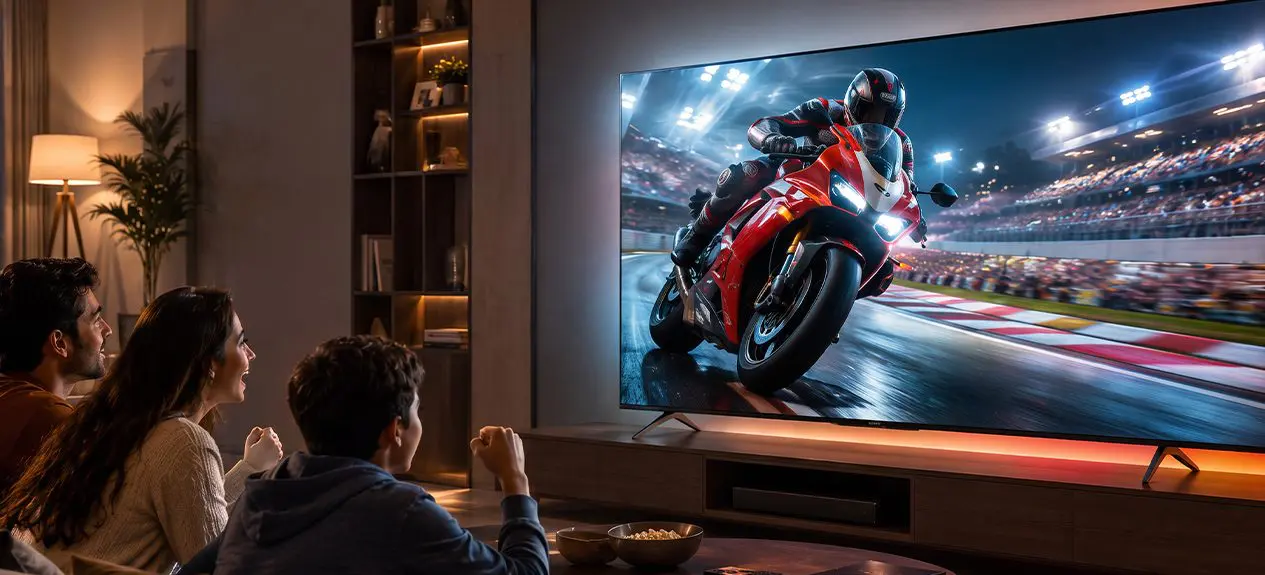

Most people pick a TV by brand first and specifications second. Two TVs can carry different logos and still use the exact same panel underneath, while two TVs from the same brand can look completely different depending on what is actually inside them. The real differences come down to three things: refresh rate in TV models, TV resolution, and the display technology behind the screen. This guide breaks down what each one actually means, in simple terms, so the specification sheet makes sense before the price tag does.
What Is Refresh Rate in a TV?
Refresh rate is simply how many times a TV updates the picture on screen every second, measured in Hertz (Hz). Think of it like a flipbook. Flip the pages slowly and the motion looks jerky. Flip them faster and the movement looks smooth. A 60Hz TV redraws the picture 60 times a second, a 120Hz TV does it 120 times a second, and a 144Hz TV pushes that even further for the smoothest motion available. The higher the number, the smoother fast motion looks, whether that is a cricket ball crossing the screen or a car chase in a film. This is really the whole answer to what is refresh rate in TV: more updates per second means smoother motion on screen.
Different TV Resolution Types – HD to 4K and Beyond
TV resolution is a different thing entirely. It refers to how many tiny dots, called pixels, make up the picture. More pixels means more detail and a sharper image, especially on larger screens.
| Resolution | What It Means | Best Suited For |
| HD | A basic level of detail | Small screens, secondary rooms |
| Full HD | Noticeably sharper than HD | Bedrooms, mid-size screens |
| 4K UHD | Four times the detail of Full HD | Living rooms, most modern content |
| 8K | The highest detail level available today | Very large screens, still a niche choice |
For most Indian households today, 4K TV resolution is the practical sweet spot. It looks noticeably sharper than Full HD, and most streaming platforms are built around it. If a compact 4K screen for a bedroom or study is what you need, the Haier A9UG 4K Ultra HD 108cm(43″) Google TV | MEMC covers that well. For a bigger living room, the Haier K85 4K Ultra HD 164cm(65″) Google TV | Google Assistant steps up in size while staying in the same resolution tier.
Refresh Rate vs Resolution: Are They the Same Thing?
No, and mixing these two up is one of the most common buying mistakes. Resolution decides how sharp the picture looks when nothing is moving. Refresh rate decides how smooth the picture looks when things do move. A TV can have stunning 4K detail and still look choppy during a fast scene if the refresh rate is low. The two specifications work together, not in place of each other.
| Specification | Refresh Rate | Resolution |
| What it measures | How often the picture updates per second | How many pixels make up the picture |
| Measured in | Hertz (Hz) | Pixel count (e.g., 3840 x 2160) |
| Affects | Motion smoothness | Image sharpness and detail |
| Matters most for | Sports, gaming, action scenes | Movies, static scenes, large screens |
| Common values | 60Hz, 120Hz, 144Hz | HD, Full HD, 4K UHD, 8K |
Is a 120Hz Refresh Rate Worth It?
For most everyday viewing, a 60Hz TV works just fine. It handles regular shows, news, and casual streaming without any issue. Where refresh rate starts to matter is fast motion, sports, action movies, and gaming.
| Refresh Rate | What You Notice |
| 60Hz | Fine for everyday shows and movies |
| 90Hz to 120Hz | Noticeably smoother sports and action scenes |
| 144Hz | Best for gaming and fast-paced content |
If cricket, football, or gaming are part of regular viewing, a 120 hz refresh rate TV is genuinely worth the upgrade. A higher refresh rate in TV also tends to come paired with a newer connection standard called HDMI 2.1, which simply means the TV can handle a lot more information passing through the cable at once. In practical terms, that is what allows smooth 4K at higher frame rates, and it is one reason gaming consoles pair so well with these TVs. The Haier M80F Mini LED 189cm(75″) Google TV | Sound By KEF sits in the 120Hz tier, while the Haier S90 QLED 254cm(100″) Google TV pushes up to 144Hz for those who want the smoothest motion available.
Curious what a dedicated high refresh rate TV brings to the table beyond just the number on the specification sheet?
Read this blog: Top Features of Haier High Refresh Rate TVs
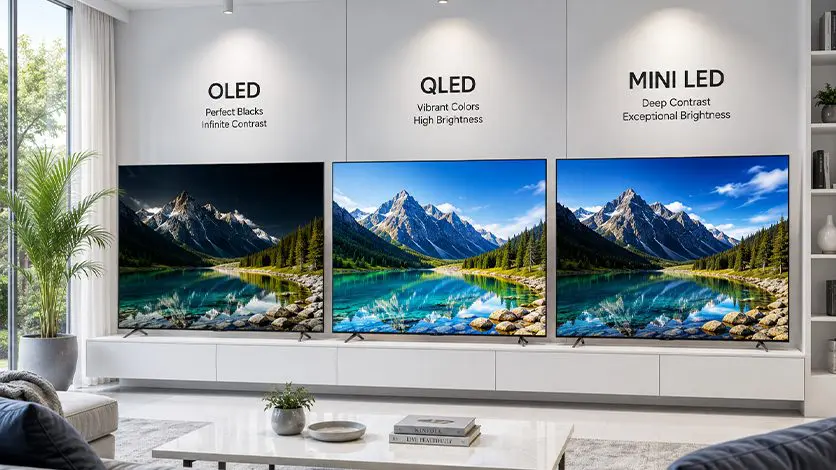
OLED vs QLED vs Mini LED: The Real Difference
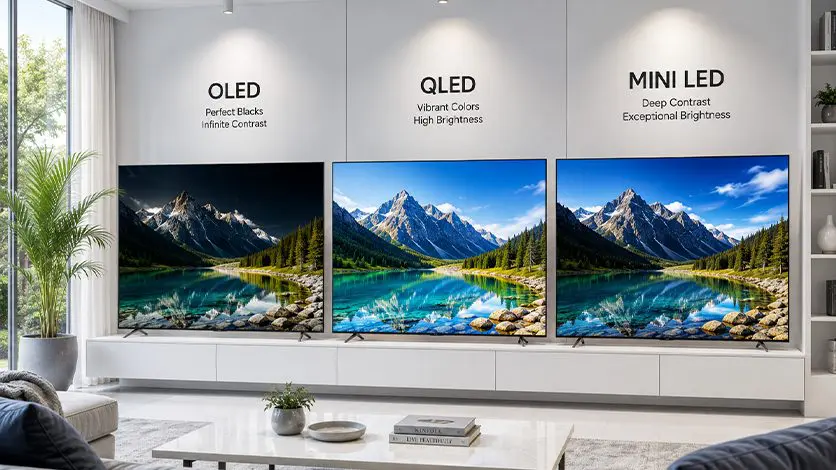
Here is where the picture actually changes the most, even between two TVs with the same resolution and refresh rate. The type of panel behind the screen decides contrast, brightness, and how rich the colours look.
- OLED: Each pixel lights up on its own, so black areas are truly black instead of a dim grey. Explore Haier‘s OLED range, including the C90 and C95 series.
- Mini LED: Uses many small LED zones behind the screen for sharper contrast and higher brightness. Explore Haier‘s Mini LED range, including the M70, M92, M80F, and flagship M96 series.
- QLED: Adds a colour layer in front of the backlight for richer, more vibrant colours at a more accessible price point. The Haier New P7 Pro Series HQLED is a solid example of this tier.
None of these is universally “better.” A movie-heavy household might prefer OLED’s deep blacks, while a bright living room might get more out of Mini LED’s brightness, and QLED offers a solid middle ground for most everyday use.
Which Matters More When Buying a TV: Refresh Rate or Resolution?
Neither wins outright, it depends on what gets watched most. A household that mostly watches movies and dramas will benefit more from resolution and display technology, since detail and colour matter more than motion smoothness. A household that watches a lot of live sports or plays games will feel the difference from a higher refresh rate far more than from extra pixels. The honest answer is that both matter, just for different reasons, and getting a good 4k TV resolution is only half the picture without the right refresh rate to match.
| Viewing Habit | What Matters More | Why |
| Movies and dramas | Resolution and display technology | Detail and colour accuracy matter more than motion |
| Live sports | Refresh rate | Fast motion needs a higher Hz to stay sharp, not blurry |
| Gaming | Refresh rate | Smooth, responsive motion improves the experience directly |
| Mixed everyday use | Both, in balance | A 4K panel at 90Hz to 120Hz covers most households well |
What Actually Affects Picture Quality: Brand or Panel?
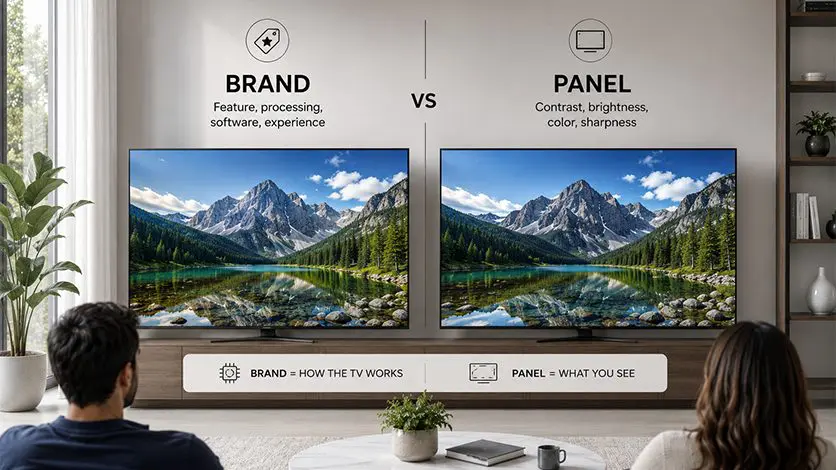
The name on the bezel matters less than what a brand actually builds into the TV. What genuinely affects picture quality is the panel technology used, how well the processor handles motion and colour in real time, and whether the TV is properly licensed for formats like Dolby Vision. At Haier, this is where the actual engineering shows. Our TVs run on a dedicated AI processor that adjusts scene detection, motion smoothing, and colour tuning in real time, and we hold a Dolby license that lets our screens support Dolby Vision natively rather than working around it. That is the part of “brand” that actually shows up on screen. Every model referenced in this guide, and the rest of the range, can be browsed directly through our official TV collection.
Want to see how this shows up across our full TV range?
Read this blog: Why Haier Leads in Smart TV Innovation
Conclusion
A better TV comes down to understanding what each specification actually does. Refresh rate decides how smooth motion looks, resolution decides how sharp the picture is, and display technology decides how rich the contrast and colour feel. None of these three show up in a brand name alone, they show up in what is actually built inside the TV.
At Haier, we’re one of the few television manufacturers that engineers all three together, from panel technology to AI processing to Dolby licensing, rather than treating them as separate checkboxes. Whether the priority is sports, movies, gaming, or everyday viewing, matching these three specifications to how the TV will actually be used matters far more than which logo sits on the bezel.
FAQs
What is the best refresh rate for a TV?
For everyday viewing, 60Hz is enough. For sports, action, or gaming, 120Hz or higher makes a noticeable difference in how smooth fast motion looks.
What are the different TV resolution types?
The main types are HD, Full HD, 4K UHD, and 8K, with each step up offering a sharper, more detailed picture, especially on larger screens.
Does refresh rate or resolution matter more when buying a TV?
It depends on viewing habits. Resolution matters more for movies and detail-heavy content, while refresh rate matters more for sports, action, and gaming.
Is a 120Hz refresh rate worth it for regular TV and movies?
For regular TV shows, 60Hz is usually enough. For movies with a lot of action, or mixed use with sports and gaming, a 120 hz refresh rate TV adds a real, noticeable improvement.
What affects picture quality more, the brand or the panel?
The panel technology and processing behind the screen affect picture quality far more than the brand name itself. What a brand actually builds into the TV, like panel type, AI processing, and format licensing, is what truly shows up on screen.