
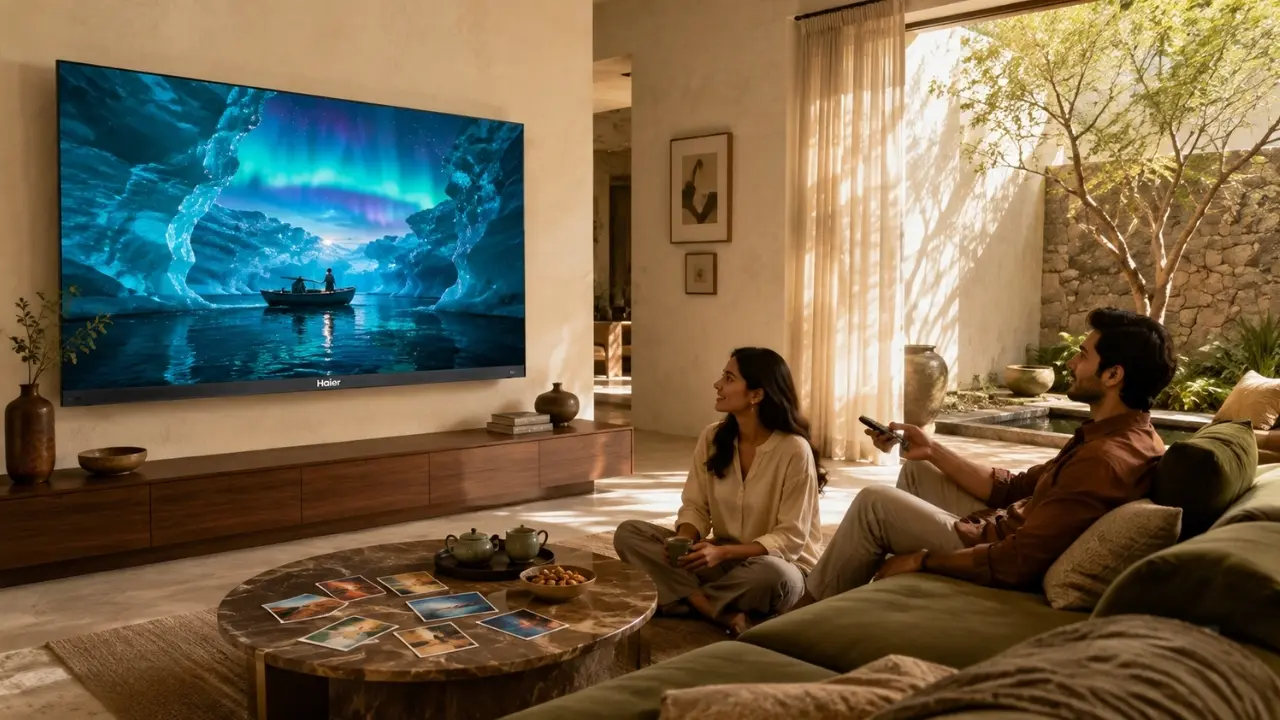

There is a strangely familiar moment in modern entertainment: everyone is finally on the sofa, dinner is done, the television is on and nobody knows what to watch.
One person wants a thriller. Someone else remembers a comedy they bookmarked three weeks ago. There is a half-finished series sitting somewhere on another app. Ten minutes disappear into scrolling. Then another five.
The problem, increasingly, is not that we have too little entertainment. It is that we have too much choice spread across too many places.
That is why building an OTT watchlist deserves a little more thought than simply pressing “Add to List”. A genuinely useful watchlist should reduce browsing, remember what matters and make the actual viewing experience better once you finally press play.
And yes, the television itself has quite a lot to do with that.
Think of Your Watchlist as a Personal Entertainment Library
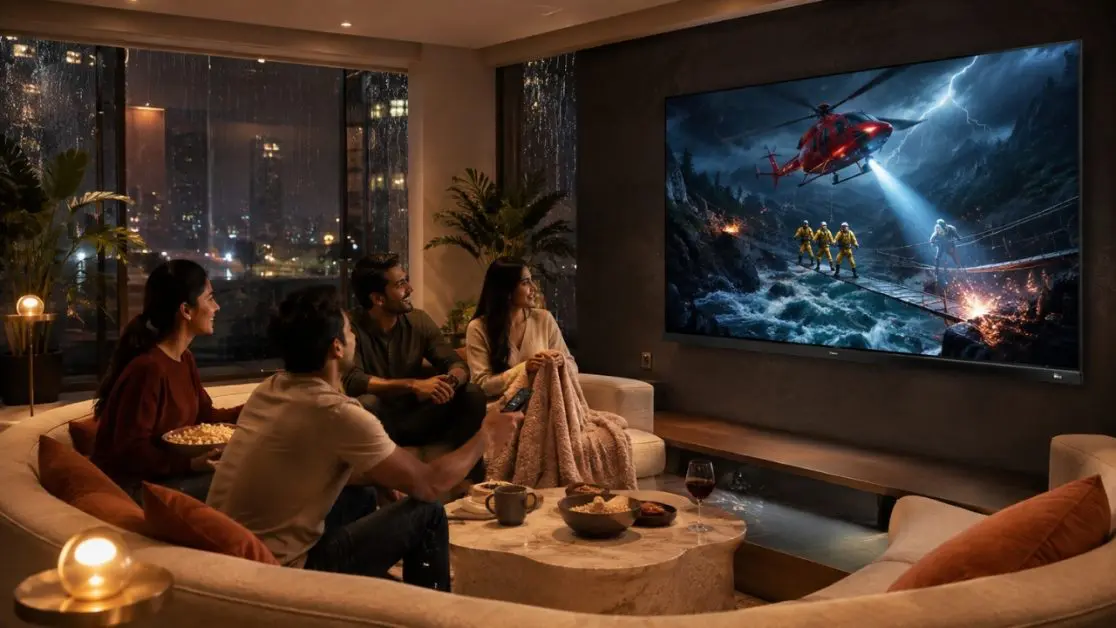
Most people build watchlists reactively. The trailer looks interesting, so it gets saved. A friend recommends something, save that too. Soon there are 70 titles sitting there and the watchlist has become another catalogue to scroll through.
A better approach is to treat it like a small personal library.
Start by separating what you might watch from what you genuinely intend to watch. Your active list can stay deliberately short, perhaps the next few films, series or documentaries that actually interest you.
A simple system could look like this:
- Watch next: titles you expect to start soon
- Weekend viewing: longer films, specials or binge-worthy series
- Family picks: content suitable for shared viewing
- Quick watches: shorter episodes or lighter entertainment
- Later: interesting titles without any urgency
- Continue watching: shows already started
Not every OTT service will offer these exact categories, of course. The point is the habit. Instead of collecting titles endlessly, periodically remove the ones you are no longer interested in.
A watchlist should save decisions, not create more of them.
Build Around Moods, Not Just Genres
Genre labels are useful, but they are surprisingly poor at describing what people actually feel like watching.
“Drama” could mean an intense three-hour film or something warm and easy-going. “Action” could be a superhero spectacle, a crime thriller or a fast-paced series.
Mood is often the better filter.
For an Indian household, for instance, the practical categories might be:
- something the whole family can watch after dinner;
- a visually rich film reserved for Saturday night;
- a series for weekday evenings;
- sports or fast-moving entertainment;
- regional-language content;
- documentaries for slower Sunday afternoons.
This matters because OTT viewing is rarely one-dimensional anymore. The same television may move from a Hindi film to a Malayalam series, an international documentary, children’s entertainment and a cricket stream within the same week.
Your watchlist should reflect how the household actually watches.
The Best Watchlist Is the One You Can Reach Quickly
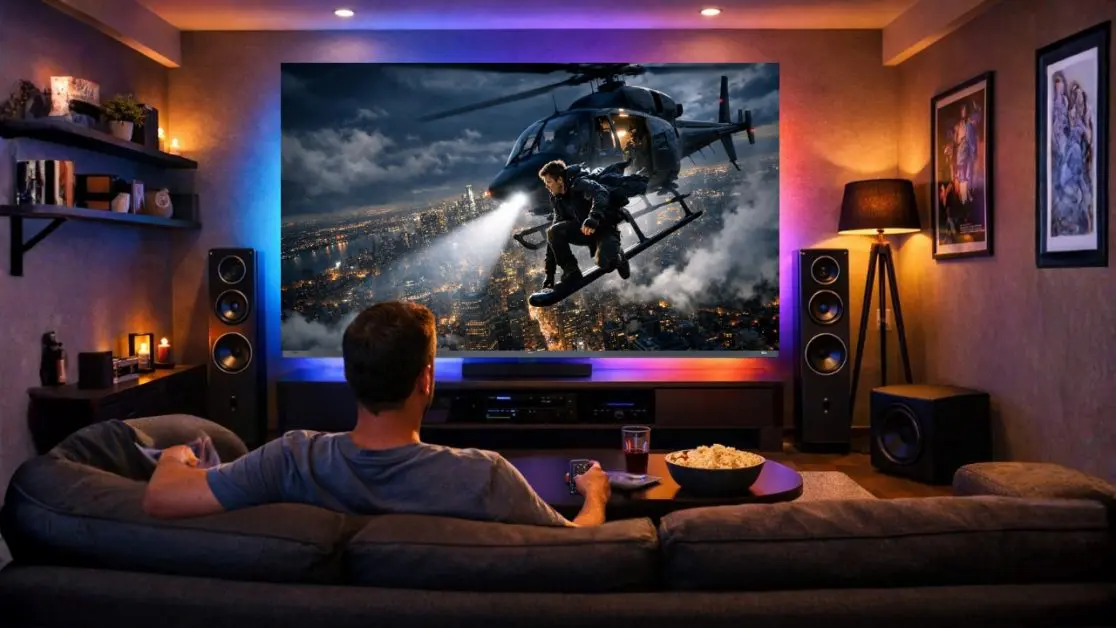
There is little point organising content beautifully if finding it still requires jumping between applications and typing titles repeatedly.
This is where the smart-TV experience becomes important.
The Haier P7 Pro Series HQLED AI Smart Google TV runs on Google TV and supports Google Play Store access, Google Chromecast Built-In and voice functionality. The product is offered in 139 cm (55), 164 cm (65) and 189 cm (75) screen sizes, allowing households to choose according to their room and viewing preference.
The television also provides 2GB RAM and 32GB storage, giving users room for apps and entertainment while supporting everyday smart-TV multitasking.
Search With Your Voice When Typing Becomes a Chore
Typing a long film or series title using an on-screen keyboard is nobody’s favourite television activity.
The P7 Pro Series includes Hands-Free Voice Control, designed to let users find entertainment and control the TV through voice commands without depending entirely on the remote.
That becomes particularly useful when the watchlist itself has grown complicated.
Instead of manually navigating through rows of content, voice-based discovery can make finding entertainment feel more immediate. Search, choose, watch. Much closer to how an OTT television ought to behave.
Do Not Ignore Picture Quality While Building Your OTT Setup
Organisation solves only half the problem.
Once you have found the film you have been saving for Saturday night, the display has to do justice to it.
Streaming content can vary considerably in cinematography, colour treatment, motion and HDR presentation. Dark thrillers demand convincing contrast. Animation benefits from rich colour. Fast action exposes weak motion handling very quickly.
The Haier P7 Pro Series approaches this with HQLED technology, along with HDR10+ and Dolby Vision support.
Its Wide Colour Gamut covers 93% of the DCI-P3 colour space, while AI Picture Quality is designed to optimise brightness, contrast, colour and clarity according to the content being displayed.
There is more happening behind the picture as well:
- AI-HDR Enhancer works with tone mapping and local contrast.
- AI-Colour-Boost dynamically adjusts colour saturation.
- AI-NR addresses background noise while retaining detail.
- AI-Motion works with movement to improve fast-paced content.
- MEMC helps reduce blur and judder during motion-heavy scenes.
That combination matters when your OTT watchlist contains everything from atmospheric cinema to sports and fast-moving action.
Your Ears Are Part of the Watchlist Experience Too
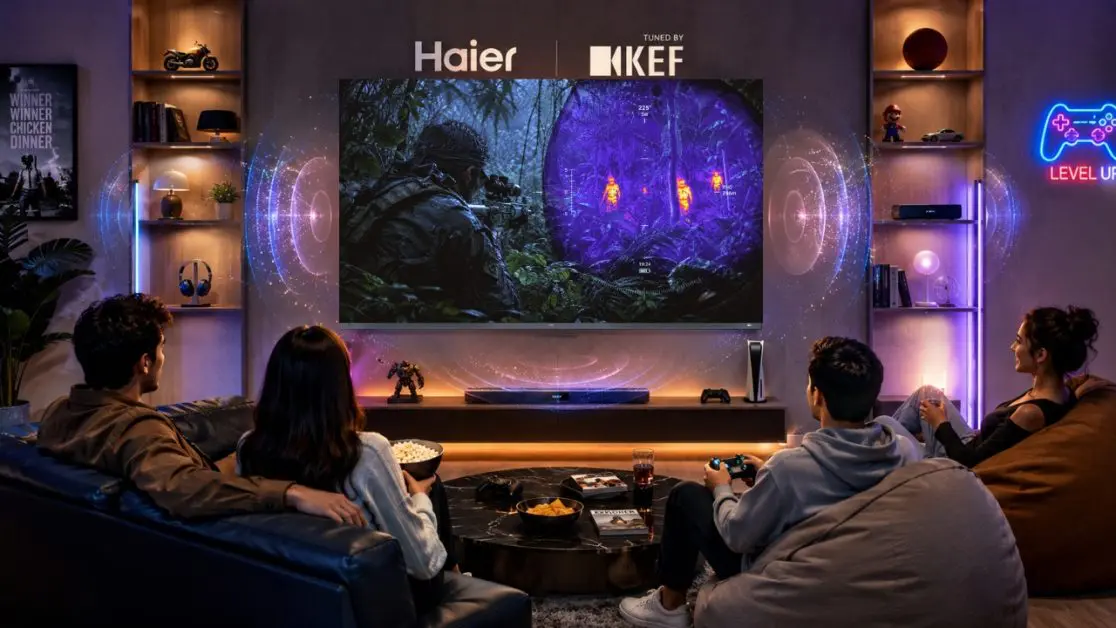
People tend to obsess over screen specifications and then treat sound as an afterthought.
That is a mistake.
A dialogue-heavy drama depends on vocal clarity. A concert needs scale. Action entertainment needs impact, while quieter films depend on small ambient details to establish atmosphere.
The Haier P7 Pro Series comes with a 50W audio output and a 2.1-channel system with an inbuilt subwoofer, designed to provide greater depth and bass without making an external audio setup a prerequisite.
There is also Dolby Atmos, alongside Total Sonics sound enhancement.
So when that carefully saved film finally moves from “watch later” to “watch tonight”, the experience is not relying on the picture alone.
Use Your Phone as Part of the Big-Screen Routine
Sometimes the content you want is already sitting on your phone.
Perhaps someone has found a video worth showing everyone. Maybe you were browsing content individually and now want it on the larger screen.
The P7 Pro Series supports Chromecast Built-In, allowing compatible content to be cast from a smartphone to the television.
This creates a useful bridge between personal discovery and shared viewing. Find something while using your phone, then move the experience to the television when it deserves the bigger screen.
Simple, but genuinely useful.
Give Different Kinds of Content Their Own Viewing Moment
One small change can make a watchlist much more effective: stop treating every saved title as equally urgent.
Consider creating a weekly rhythm.
Monday to Thursday
Keep weekday viewing manageable. Choose shorter episodes or familiar programmes rather than endlessly searching for something new.
Friday Night
Pick one title in advance. No browsing marathon after dinner.
Saturday
This is where visually ambitious films, longer series sessions or shared family entertainment can earn their place.
Sunday
Clear unfinished titles, remove things you no longer want to watch and add recommendations collected during the week.
It sounds almost too organised for something meant to be relaxing. But that is exactly the point the organisation happens before entertainment time.
A Quick OTT Watchlist Framework
| Viewing Situation | What to Keep Ready | What Matters on the TV |
| Family evening | Shared films and shows | Large-screen viewing and easy discovery |
| Movie night | Premium films and HDR content | HQLED, HDR10+ and Dolby Vision |
| Fast action | Sports and action entertainment | MEMC and AI-Motion |
| Music or cinematic viewing | Concerts, musicals and films | 50W 2.1-channel audio and Dolby Atmos |
| Quick discovery | New recommendations | Google TV and voice control |
| Phone-to-TV viewing | Saved mobile content | Chromecast Built-In |
Technology should not become the main event. It should quietly remove friction between wanting to watch something and actually enjoying it.
When the TV Becomes the Centre of the Watchlist
This is where the Haier P7 Pro Series HQLED AI Smart Google TV fits naturally into an OTT-heavy Indian household.
Rather than being merely a display at the end of the streaming chain, its combination of Google TV, hands-free voice control, Chromecast Built-In, AI Picture Quality, HQLED display technology and integrated audio brings discovery and viewing closer together.
There is also flexibility in size. The series is available as the 55P7 Pro (139 cm), 65P7 Pro (164 cm) and 75P7 Pro (189 cm), so the same entertainment proposition can work across different living-room requirements.
And for households where the television does more than OTT streaming, the P7 Pro Series also includes Gaming 120Hz, Game Mode, ALLM and VRR.
That versatility matters. Modern television is rarely used for one thing anymore.
Spend Less Time Choosing. Make the Choice Worth Watching.
The ultimate OTT watchlist is not the longest one.
It is the one that knows what belongs on Friday night, what can wait until Sunday, what everyone at home can enjoy together and what deserves to be removed because, frankly, you are never going to watch it.
Keep it selective. Organise around real viewing habits. Use voice and smart discovery where they reduce unnecessary searching. And when you finally choose something, make sure the television can deliver the colour, motion, sound and scale that made you save that title in the first place.
That is where the Haier P7 Pro Series HQLED AI Smart Google TV makes a compelling case for OTT-focused homes: it brings smart content discovery and big-screen entertainment into the same experience, rather than making viewers work their way through technology before the entertainment even begins.
Because the best watchlist ultimately has one job.
To get you watching.
Frequently Asked Questions
1. What is the best way to organise an OTT watchlist?
Keep the watchlist selective rather than saving everything that looks interesting. Group content mentally or within supported app features by priorities such as Watch Next, Family Viewing, Weekend Movies, Quick Watches and Continue Watching. Regularly removing titles you no longer intend to watch also keeps discovery manageable.
2. How can a smart TV make OTT content easier to find?
A smart TV can reduce the need to move repeatedly between different devices while searching for entertainment. The Haier P7 Pro Series HQLED AI Smart Google TV features Google TV along with Hands-Free Voice Control, Google Play Store access and Chromecast Built-In, supporting a more convenient entertainment and content-discovery experience.
3. Why does picture quality matter when watching OTT content?
Streaming libraries contain everything from dark cinematic dramas to colourful animation and fast-moving action. The P7 Pro Series combines HQLED technology, HDR10+, Dolby Vision, Wide Colour Gamut and AI Picture Quality to enhance elements such as colour, contrast, brightness and clarity across different types of content.
4. Can I cast content from my smartphone to the Haier P7 Pro Series?
Yes. The P7 Pro Series supports Chromecast Built-In, allowing compatible movies, music, photos and apps to be cast from a smartphone to the television. This can be particularly convenient when you discover something on your phone and want to continue on a larger screen.
5. Which screen sizes are available in the Haier P7 Pro Series?
The Haier P7 Pro Series covered here is available in 139 cm (55), 164 cm (65) and 189 cm (75) variants. This gives buyers the flexibility to select a screen size according to their room and preferred viewing experience.
6. Does the Haier P7 Pro Series have built-in audio features for movies and shows?
Yes. The series features 50W audio output, a 2.1-channel system with an inbuilt subwoofer and Dolby Atmos. These features are designed to add greater depth and impact to films, series and other home entertainment content.