

Walk into a beautifully designed living room and there’s one thing that can ruin the entire look in seconds, a tangled bunch of TV cables hanging below the screen. Strange, isn’t it? You invest in premium furniture, choose the perfect wall colour, spend time deciding where the television should go and then a messy collection of HDMI, power, gaming console and sound system wires quietly steals the attention.
It happens more often than people realise.
Whether you’ve just bought a new smart TV or you’re planning a complete entertainment setup, cable management deserves a little planning. It isn’t only about aesthetics. Neatly organised cables improve safety, simplify maintenance and make it much easier whenever you add a new device or troubleshoot a connection.
Let’s look at practical ways to organise TV cables without making the process complicated.
Why Cable Management Matters More Than You Think
People often treat cable organisation as the last step.
Actually, it should be one of the first.
A well-managed setup offers several everyday benefits:
| Benefit | Why It Matters |
| Cleaner appearance | Makes your entertainment area look organised and premium. |
| Better safety | Reduces tripping hazards, especially in homes with children or pets. |
| Easier maintenance | Identifying or replacing cables becomes much simpler. |
| Improved airflow | Prevents cables from blocking ventilation around devices. |
| Less dust accumulation | Bundled cables are easier to clean than tangled wires. |
Think of cable management as organising your wardrobe. Everything still exists you simply know exactly where everything belongs.
Start Before Connecting Anything
Here’s a mistake many homeowners make.
They connect every device first.
Then they realise the cables have become impossible to separate.
Instead, pause for five minutes.
Look at every device that will become part of your entertainment corner.
Make a quick list
- Smart TV
- Soundbar or speaker system
- Gaming console
- Streaming device
- Set-top box
- Wi-Fi router (if placed nearby)
- External storage device
- Power extension board
Now estimate where each one will sit.
That single planning step usually saves an hour later.
Separate Cables by Purpose
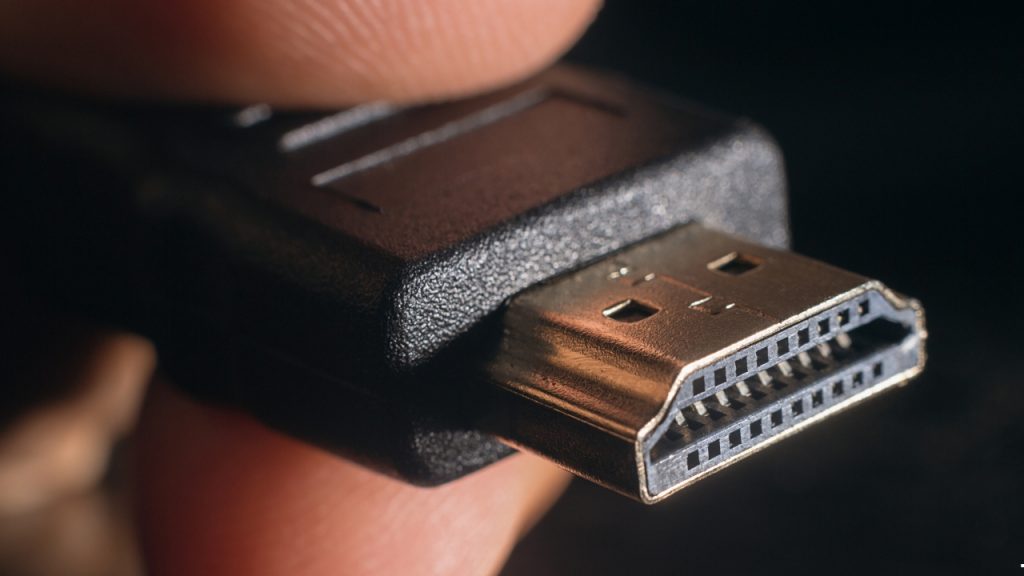
Not all wires should be bundled together.
Grouping cables according to their function makes future upgrades surprisingly easy.
Power cables
These include:
- TV power cord
- Soundbar power cable
- Console power adapter
Keep them together on one side.
Data and video cables
These include:
- HDMI cables
- Ethernet cable
- USB cables
- Optical audio cable
Keeping these separate makes replacing a single cable far less frustrating.
Accessories
Some devices introduce additional wiring:
- Camera cables
- Smart lighting controllers
- Gaming accessories
- Streaming sticks with extension cables
Keeping accessories in their own group prevents unnecessary clutter.
Use Cable Sleeves Instead of Individual Ties
Cable ties certainly work.
But if you’ve ever had to remove one just to replace an HDMI cable, you already know the downside.
Cable sleeves offer much greater flexibility.
Advantages include:
- Cleaner appearance
- Easier upgrades
- Better protection from dust
- Reduced cable twisting
For entertainment units with multiple devices, sleeves usually provide a much neater finish than individual zip ties.
Label Cables While You Can
This sounds excessive.
Until something stops working.
Imagine unplugging six identical black cables.
Which one belongs to the gaming console?
Which powers the soundbar?
Which connects the streaming device?
Nobody remembers after six months.
Simple paper labels, reusable tags or colour markers save plenty of guesswork later.
Small effort.
Huge payoff.
Keep the Power Board Hidden but Accessible
One common mistake is pushing the extension board deep inside a cabinet.
It certainly hides the clutter.
Unfortunately, it also makes switching devices or checking connections unnecessarily difficult.
Instead:
- Place it behind the entertainment unit.
- Leave enough space for ventilation.
- Avoid stacking adapters on top of each other.
- Keep the main switch accessible.
Safety should always come before appearance.
Don’t Let Cables Hang Freely
Dangling cables naturally attract attention.
They also collect dust faster.
Depending on your room layout, you can use:
- Adhesive cable clips
- Cable raceways
- Wall-mounted cable covers
- Entertainment console cable channels
Even inexpensive organisers can dramatically improve the appearance of your TV wall.
Wall-Mounted TV? Plan Cable Routing Early
Wall-mounted televisions create a premium look.
But poor cable planning quickly spoils the effect.
Before installation, decide:
Hidden inside the wall
Suitable during home construction or renovation.
Advantages:
- Completely clean appearance
- No visible wires
- Professional finish
Surface-mounted cable raceways
Ideal for existing homes.
Benefits include:
- Easy installation
- No structural changes
- Easy future access
- Paintable to match the wall
For most Indian households, this option strikes an excellent balance between appearance and practicality.
Organise Your Entertainment Devices Too
Cable management isn’t only about wires.
Device placement matters just as much.
A practical layout could look like this:
| Device | Recommended Position |
| Smart TV | Eye-level wall mount or TV unit |
| Soundbar | Directly below the TV |
| Gaming console | Open shelf with ventilation |
| Set-top box | Adjacent shelf for remote accessibility |
| Wi-Fi router | Away from enclosed cabinets where possible |
| External devices | Easily reachable but neatly arranged |
Keeping devices organised naturally reduces cable overlap.
A Premium TV Deserves a Premium Setup
A thoughtfully organised entertainment space becomes even more rewarding when paired with a television designed for modern living.
From a variety of screen sizes, the Haier New M70 Series MiniLED AI Smart Google TV with Gemini delivers high-performance visuals and enables a connected and clean home entertainment experience. The series features Mini LED or QLED display technology, AI Picture Quality, HDR10+, Wide Colour Gamut, Dolby Vision & Dolby Atmos, Gaming 120Hz, Hands-Free Voice Control, Chromecast Built-in and a 2.1-channel speaker system with inbuilt subwoofer for an immersive audio experience, depending on the variant. The TVs also have several HDMI inputs, USB and Bluetooth 5.1 support allowing for easy connection with gaming consoles, sound systems and streaming devices, and for setting up an organised cable management.
The features are more easily appreciated when devices are strategically placed and cables are organized, allowing for greater focus on the screen without distractions.
Smart Accessories That Help Keep TV Cables Under Control
Sometimes, the simplest accessories make the biggest difference. You don’t need an expensive home makeover to achieve a cleaner entertainment setup. A handful of affordable cable management products can transform the space.
Consider adding:
- Cable management boxes for power strips
- Velcro cable straps instead of single-use zip ties
- Under-desk or TV-unit cable trays
- Reusable cable clips
- Braided cable sleeves
- Adhesive cable holders for charging or accessory wires
These accessories are especially useful if your entertainment unit includes multiple devices like a gaming console, streaming box, soundbar and external storage.
Keep Your Setup Easy to Upgrade
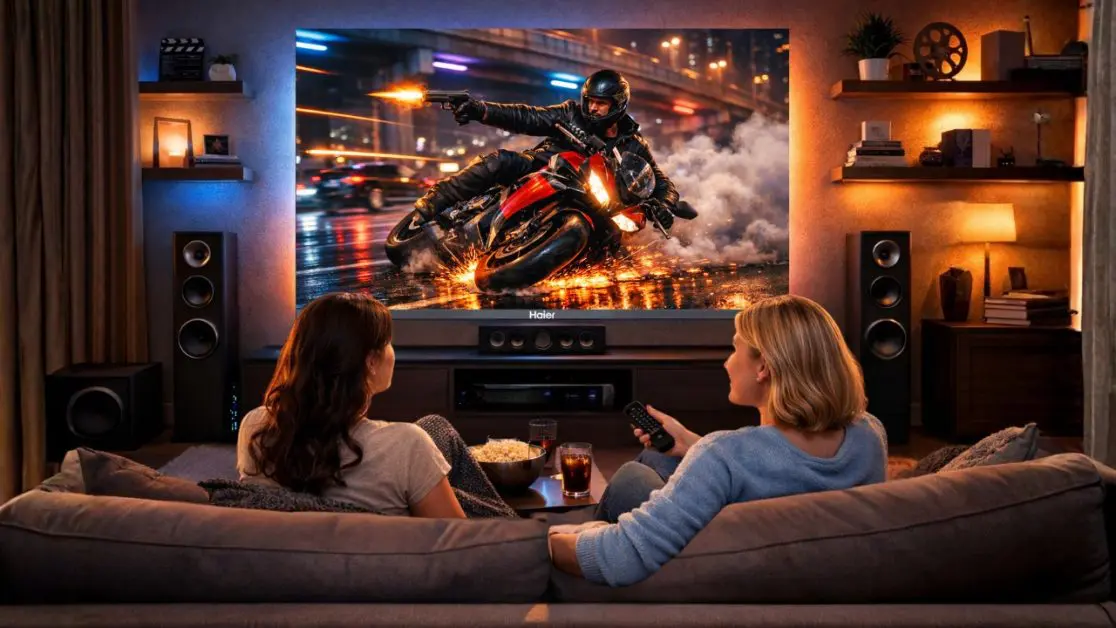
Technology changes.
Maybe today you have:
- One gaming console
Six months later you may add:
- A soundbar
- Another console
- A streaming device
- Smart lighting
- External speakers
If your cables are already organised with future expansion in mind, adding new devices becomes straightforward instead of frustrating.
That’s something many homeowners overlook until it’s too late.
Pair Smart Cable Management with a Smarter Television
If you’re looking for a welcoming and entertaining area, you need a television that fits your decor and is a good fit for the occasion.
The Haier M70 Series MiniLED AI Smart Google TV has been crafted for families with higher demands than they would have on a simply big screen. AI Picture Quality intelligently adjusts brightness, contrast, color and clarity in real time for every scene, resulting in an enhanced and lifelike viewing experience. HDR10+ brings 93% of the DCI-P3 colour gamut, and Dolby Vision adds to the depth of visuals, while Dolby Atmos and the built-in subwoofer with 2.1 channel speaker system enrich the sound with depth and fullness. They are found throughout the M70 Series, including Google TV, Hands-Free Voice Control, Chromecast Built-In and Gaming 120Hz.
The M70 Series also offers flexibility in terms of additional features, with multiple HDMI inputs, USB ports, and Bluetooth 5.1 connectivity, allowing for seamless integration of gaming consoles, streaming devices, and external audio systems while maintaining organization. Combined with proper cable organization, that provides a tidy, efficient and convenient entertainment system for everyday use.
No matter if you select 139cm (55), 164cm (65), 189cm (75) or 215cm (85), a well organised cable system will maximise the impact of the television rather than the cables.
Small Changes, Big Difference
Having a neat TV setup isn’t a perfectionist goal. It’s about creating an entertainment space that’s easier to use, easier to clean and more fun to enjoy, all day long.
Taking the time to plan these routes early, organise them by type of connection, use simple organisers and allow for easy space for future devices makes your space look refined and professional, but not having to maintain constantly.
With the Haier New M70 Series Mini LED AI Smart Google TV with Gemini at its core, your living room doesn’t just look tidier, it feels more like a cinema, sports stadium, game room or a regular streaming venue. Smartly optimised for the modern Indian home, the M70 Series is intelligently optimised, features cinematic audio and smart connectivity options.
Frequently Asked Questions
Should I plan my TV cable layout before connecting everything?
Yes. Planning where your TV, soundbar, gaming console, streaming device, router, and power board will sit before plugging everything in prevents cable tangles and makes future upgrades much easier.
Why does my TV area always end up looking messy?
Most clutter comes from connecting devices first and organizing cables afterward. Planning cable routes in advance creates a cleaner setup.
Do I really need cable management if I only have a TV and one set-top box?
Even a simple setup benefits from cable clips or sleeves. It improves appearance, reduces dust buildup, and makes maintenance easier.
Is cable management worth the effort?
Yes. Organized cables improve safety, simplify troubleshooting, reduce clutter, and make your entertainment area look more premium.
What’s the best way to organize TV cables?
Separate cables by function, keep power cables together, bundle HDMI and data cables separately, use cable sleeves, and label every connection.