
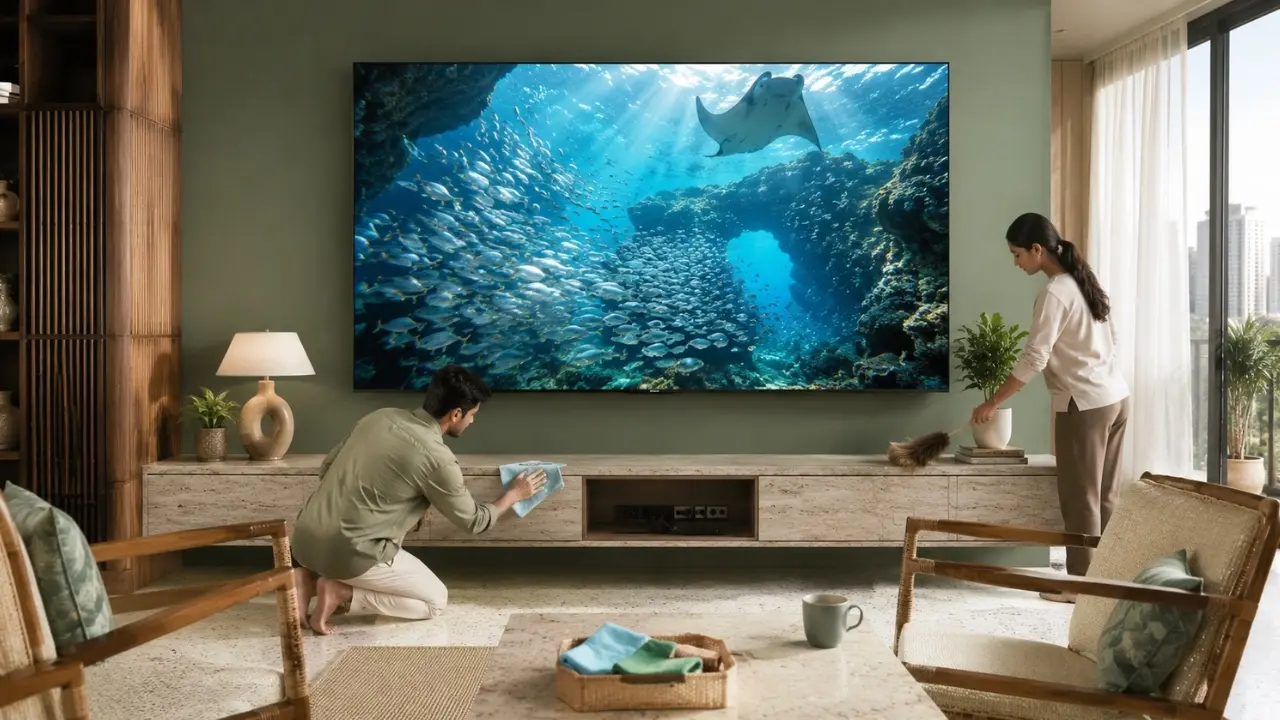

A television can look perfectly clean from the sofa and still be gathering dust where you cannot easily see it.
That is the slightly annoying thing about dust. It does not need to form a visible grey layer across the screen before it becomes something worth thinking about. Fine particles settle around the TV cabinet, behind the panel, near ports, around cables and across openings exposed to everyday indoor air.
In Indian homes, that matters. Open windows, ceiling fans, construction activity outside, dry summer air, pets, fabric furnishings and even routine sweeping can keep fine particles moving through a room.
Does a little dust mean your television is about to stop working? No.
But allowing it to build up for years is not particularly sensible either, especially when today’s televisions combine sophisticated displays, processors, connectivity hardware, speakers and smart-TV electronics inside increasingly streamlined designs.
So, what exactly happens?
Can Dust Affect a TV?
Yes. Excessive dust accumulation can affect a television over time, particularly when it gathers around ventilation areas, connections, speakers and exposed surfaces.
Dust is unlikely to suddenly destroy a television simply because you missed a weekend of cleaning. The concern is gradual accumulation.
A cleaner TV environment can help you:
- Keep the screen free from distracting particles and smudges
- Prevent unnecessary build-up around ventilation areas
- Keep HDMI, USB and other accessible connections cleaner
- Maintain a tidier speaker and cabinet area
- Notice genuine hardware problems instead of mistaking dirt for picture issues
- Preserve the overall appearance of a premium television
The point is maintenance, not panic.
Dust Does More Than Make the Screen Look Dirty
Most people notice dust on a TV only when sunlight hits the panel at exactly the wrong angle.
Suddenly, the beautiful black screen is covered in tiny specks. Once the TV comes on, however, they become less obvious, so cleaning gets postponed.
But the visible screen is only one part of the story.
Screen Dust Can Reduce Perceived Picture Clarity
A dusty screen does not change the digital signal being processed by the television, but it can certainly interfere with the way you perceive the picture.
Imagine watching a dark cinematic sequence or a richly coloured nature documentary. Fine particles, fingerprints and streaks sitting on the panel can become distracting, particularly under strong ambient lighting.
That matters even more when a television is engineered to reproduce richer colours, contrast and fine detail.
The Haier New P7 Pro Series HQLED TV, for instance, uses QLED technology alongside HDR10+, Dolby Vision, AI Picture Quality and a wide colour gamut. The series also covers 93% of the DCI-P3 colour space.
When you have that level of display capability at home, keeping the viewing surface clean is hardly an extravagant maintenance ritual. It is basic housekeeping.
The Bigger Concern Is What Happens Behind the Screen

Here is where television cleaning becomes less cosmetic.
Modern TVs contain electronic components that generate heat during operation. Proper thermal management therefore matters.
Dust that continuously settles around openings or exposed areas may restrict natural airflow if accumulation becomes substantial enough. It can also coat surrounding surfaces and make the rear of the television considerably harder to maintain later.
This does not mean owners should open their televisions and clean internal components themselves.
Quite the opposite.
Do Not Open a TV to Remove Dust
A TV is not a desktop computer cabinet that should be casually opened with a screwdriver every few months.
Opening the television without proper technical knowledge can:
- Expose delicate electronic components
- Create electrical and physical safety risks
- Damage connectors or internal parts
- Cause unnecessary service complications
Routine user maintenance should stay on the outside of the television unless an authorised technician advises otherwise.
Sometimes the sensible answer really is that simple.
Dust Around Ports Can Become a Nuisance Too
Look behind the average family television today and there is quite a bit going on.
Set-top box. Gaming console. Sound system. Streaming device. Perhaps a USB drive. Ethernet cable. HDMI connections. Power cables. Maybe something was disconnected six months ago and nobody remembers what it belonged to.
Dust loves this territory.
When ports remain unused for long periods, fine debris can settle around them. Frequently plugging devices in and out while the surrounding area is dirty can also push some of that material closer to the connector.
A sensible habit is to keep the accessible rear area clean rather than waiting until it resembles the top of an old cupboard.
The P7 Pro Series gives users a broad connectivity setup, including four HDMI inputs and two USB 2.0 ports, alongside Wi-Fi, Bluetooth and Ethernet connectivity. If you regularly connect consoles, external devices or storage, keeping that area reasonably dust-free simply makes practical sense.
Sound Deserves Some Attention as Well
Pictures get nearly all the attention when people clean televisions.
Audio? Usually forgotten.
Yet television speakers are part of the same living-room environment. Dust settles across surrounding surfaces and accessible speaker areas just as readily as it settles elsewhere.
The Haier P7 Pro Series is designed around a 50W audio output with a 2.1-channel system and inbuilt subwoofer, supported by Dolby Atmos and Total Sonics.
That makes audio a meaningful part of the entertainment experience rather than an afterthought.
No, you should not push cloth, brushes or random objects inside speaker openings. But keeping the television cabinet and surrounding area clean helps prevent excessive surface accumulation in the first place.
Where Indian Homes Make Dust Management Tricky
There is no universal cleaning timetable because homes are different.
A television in a closed, air-conditioned apartment may remain relatively clean for weeks. Another television placed near a balcony in a busy urban neighbourhood may gather visible dust surprisingly quickly.
Certain conditions usually deserve more attention:
- Homes near busy roads: Traffic-related dust enters whenever windows and doors are open.
- Renovation or construction nearby: Fine building dust can travel further than people expect.
- Rooms using ceiling fans frequently: Settled particles are easily recirculated.
- Homes with pets: Hair and airborne particles can collect around electronics.
- Dry weather: Dust tends to remain loose and mobile.
- Open-plan living areas: Kitchens, dining areas and living spaces may share the same circulating air.
Rather than following a rigid calendar, inspect the TV occasionally. The room itself usually tells you how often cleaning is necessary.
A Better Way to Clean Your Television
Cleaning a modern TV should be boring.
That is actually good news.
No aggressive scrubbing. No mystery cleaning liquid from underneath the kitchen sink. No spraying fluid directly at the television because somebody on social media did it.
For Routine External Cleaning
Start by switching the television off and allowing it to cool.
Then:
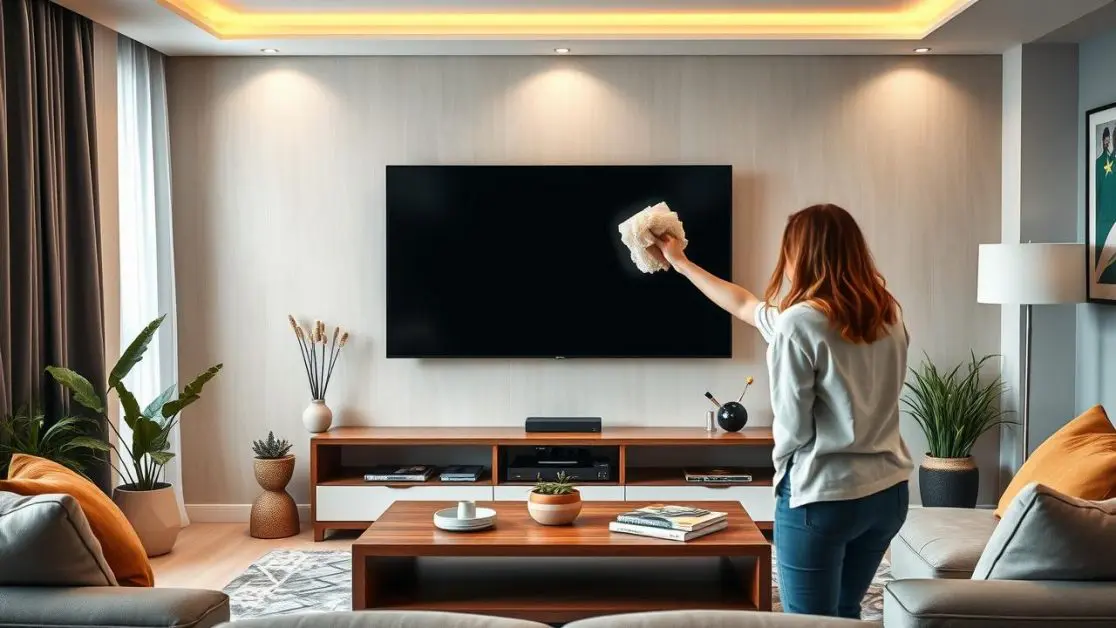
- Use a clean, soft microfibre cloth on the screen
- Wipe gently rather than applying pressure
- Remove dust from the bezel and stand
- Clean the cabinet around the television
- Carefully dust accessible rear surfaces
- Keep ports and cable areas free from obvious debris
- Follow the cleaning and safety guidance supplied with your particular television
Avoid allowing moisture to enter openings.
And if the television appears to require cleaning beyond accessible external surfaces, professional service is the safer route.
Good Placement Can Reduce the Problem Before It Starts
Maintenance is easier when installation works in your favour.
A television squeezed tightly into a dusty entertainment cabinet will naturally be harder to clean than one installed with sensible access around it.
When deciding where the TV belongs, consider more than just whether the sofa faces it nicely.
Think about:
- Nearby windows and balconies
- Direct exposure to kitchen fumes
- Construction-heavy surroundings
- Cable accessibility
- Ease of cleaning behind the television
- Adequate installation clearance according to product guidance
A clean setup is usually easier to maintain than a complicated one.
The slim and clean-back design of the Haier P7 Pro Series also gives the television a streamlined appearance suited to contemporary living spaces. Available in 139 cm (55), 164 cm (65) and 189 cm (75) screen sizes, the range gives Indian households room to choose according to viewing distance, available wall space and entertainment preferences.
Why Premium Picture Technology Makes Care More Worthwhile
There is another way of looking at TV maintenance.
You paid for the picture.
So protect the experience.
The P7 Pro Series brings together technologies aimed at improving different parts of viewing. AI Picture Quality adjusts parameters such as brightness, contrast, colour and clarity according to content. HDR10+ enhances scene-level contrast and detail, while Dolby Vision supports a more cinematic visual presentation.
For fast movement, MEMC is designed to reduce blur and judder. The series also supports Gaming 120Hz along with Game Mode, ALLM and VRR for compatible gaming scenarios.
Then there is the smart side: Google TV, built-in Chromecast, hands-free voice control, 2GB RAM and 32GB storage.
That is a lot more technology than the television many Indian households owned a decade ago.
Which is precisely why maintenance habits should evolve too.
You would not deliberately let dust collect across the lens of a camera and then complain that photographs look dull. A premium television deserves roughly the same common-sense approach.
Warning Signs Should Not Automatically Be Blamed on Dust
One final distinction matters.
Not every TV problem is caused by dirt.
If you notice recurring shutdowns, unusual noises, persistent picture abnormalities, connection failures or other performance problems, wiping the cabinet is not a technical diagnosis.
Check basic external factors first. Make sure cables are correctly seated, power is stable and connected devices are behaving normally.
If a genuine hardware concern remains, contact authorised support rather than attempting internal repairs.
This is particularly important with sophisticated smart televisions, where picture processing, operating software, connectivity hardware, audio components and display electronics all work together.
Small Habit, Long-Term Difference
Dust is ordinary. That is precisely why people underestimate it.
You do not need to obsess over a television or polish it every evening. Just avoid allowing months or years of build-up to become normal.
Keep the panel clean. Give the back of the television some attention. Manage cables instead of creating a permanent dust nest. Avoid spraying cleaners directly onto electronics. And when something appears technically wrong, do not turn a cleaning session into a DIY repair project.
For viewers upgrading their home entertainment setup, the Haier New P7 Pro Series HQLED AI Smart Google TV combines premium picture, powerful integrated audio, gaming-focused features and smart entertainment across 139 cm (55), 164 cm (65) and 189 cm (75) options.
A television capable of producing richer colours, smoother movement and immersive sound should be enjoyed as intended.
Sometimes that starts with something remarkably low-tech: a clean screen and a little regular care.
Frequently Asked Questions
Can dust damage a TV over time?
Heavy or prolonged dust accumulation around a television can become undesirable, particularly around ventilation areas, accessible connections and electronic surfaces. Regular external cleaning helps prevent excessive build-up.
How often should I clean dust from my TV?
There is no fixed schedule for every household. Homes near roads, construction zones, open balconies or dusty surroundings may require more frequent cleaning. Clean the television whenever visible accumulation begins to appear.
Can I use a wet cloth on my TV screen?
Avoid using a dripping or heavily wet cloth. Follow the manufacturer’s cleaning instructions and use a soft cloth suitable for the display. Never spray liquid directly onto the television.
Should I clean the inside of my television?
Consumers should not open a television for routine cleaning. Internal servicing should be handled by qualified or authorised technicians when required.
Does screen dust affect picture quality?
Dust and smudges on the display can affect perceived clarity and become particularly noticeable during dark scenes or when light reflects from the screen.
Which sizes are available in the Haier P7 Pro Series?
The Haier New P7 Pro Series HQLED AI Smart Google TV is available in 139 cm (55), 164 cm (65) and 189 cm (75) screen sizes, allowing households to choose a display appropriate for their room and viewing preferences.