
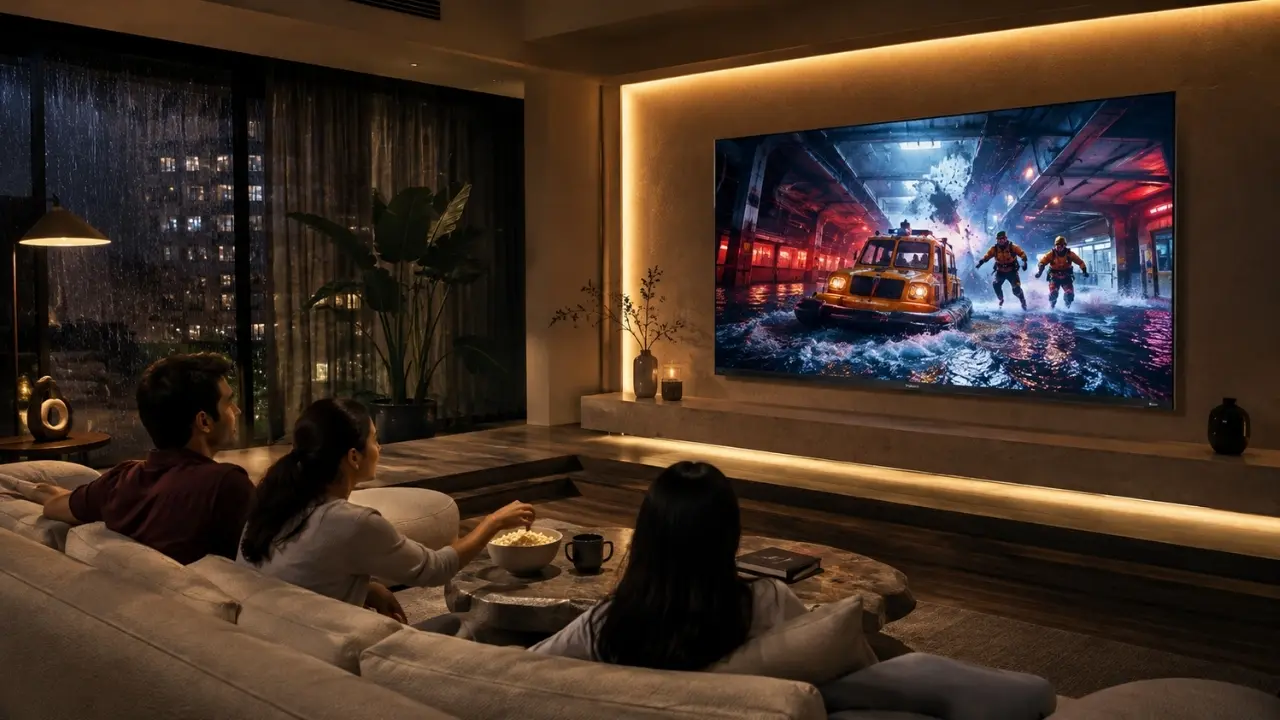

Even a gorgeous TV setup won’t look at all comfortable if the lighting in the room is incorrect.
Picture the usual evening scene in an Indian home. Curtains are pulled and the overhead tube light is turned off, everyone is sitting for a film, and all that glistens is the television in a dark room. The initial few minutes are definitely movie-like. However, it may be more punitive than necessary after some time when the light from the screen clashes with a black wall.
On the other hand, it’s not much better if you turn on all the ceiling lights. Reflections can be distracting and a well selected, high quality TV can now have to fend off the room itself.
The trick is actually quite simple: light up the area around the television, not the television itself.
The following are some practical lighting solutions that can help you make the most out of your TV corner and ensure that the TV is the focal point of your lighting.
First, Think About What the Light Is Actually Doing
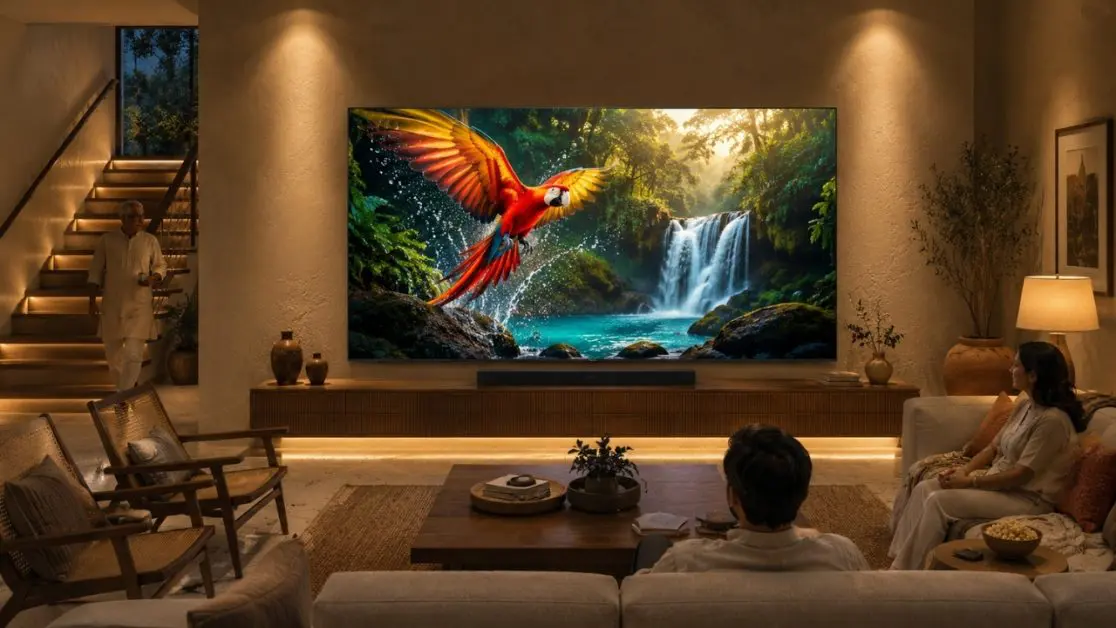
Lighting around a television usually has two jobs.
One is functional. You need enough illumination to move around the room comfortably, find the remote, reach for snacks or continue a conversation without suddenly stepping into darkness.
The other is visual. Good lighting gives depth to the TV wall, highlights furniture and creates the right mood without producing distracting reflections.
Before buying decorative lamps or LED strips, therefore, ask a simpler question: where will the light fall?
If the answer is “straight onto the screen”, reconsider the position.
1. Try Soft Backlighting Behind the Television
One of the cleanest approaches is to introduce a subtle light source behind the TV. Often called bias or backlighting, it creates a gentle pool of illumination on the wall rather than directing light towards the viewer.
This works especially well in contemporary living rooms where the TV is mounted against a plain wall or panel.
A restrained backlight can:
- soften the visual difference between the screen and a dark room;
- give the TV wall more depth;
- create a neat floating-screen effect;
- keep the immediate viewing area softly illuminated; and
- avoid taking attention away from what you are watching.
The key word is soft. Extremely bright or rapidly changing decorative lighting may look impressive in a photograph, but during a two-hour film it can easily become another visual distraction.
2. Let the Picture Adapt to the Room Too
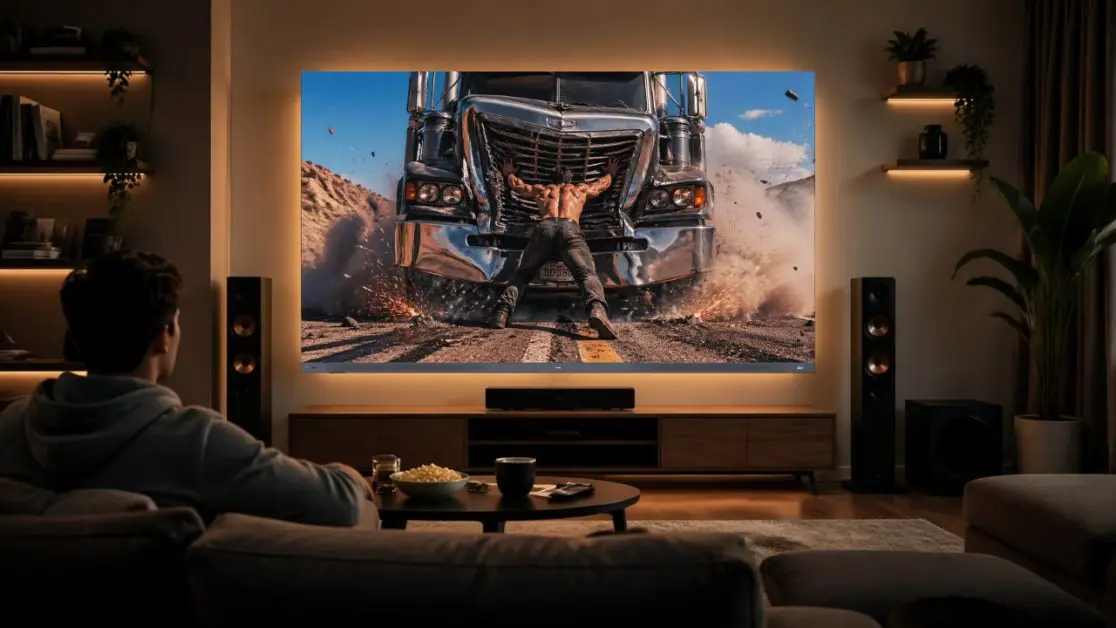
Room lighting and TV picture performance should not be treated as completely separate subjects.
The Haier C90 OLED range offers Dolby Vision IQ, which is designed to optimize visuals based on ambient light. The range also supports HDR10+, while its OLED display delivers vibrant colours, deep blacks and wide viewing angles.
That combination is particularly relevant in Indian homes because a living room rarely has one permanent lighting condition. Afternoon viewing may happen with daylight entering through curtains; dinner-time television may involve warm room lighting; late-night viewing could happen in a much darker setting.
Instead of thinking only about making the wall look attractive, consider the entire relationship between ambient light + display + viewing position.
3. Use Lamps Away From the Screen
A floor lamp can do more for a TV room than another bright ceiling fixture.
Position it beside or slightly behind the seating area rather than immediately next to the screen. The room remains comfortably illuminated, but the light is less likely to become a bright reflection in the television.
Table lamps work similarly.
For Indian living rooms where the television shares space with a sofa set, side tables, display cabinets and perhaps a dining area, separate pools of light can also make a large room feel more intimate in the evening.
A quick test
Sit where you normally watch television.
Can you see the glowing bulb, tube or lamp reflected clearly on the screen?
If yes, move the light source, change its angle or reduce its intensity. Sometimes shifting a lamp by half a metre solves more than changing multiple picture settings.
4. Don’t Ignore Daylight
Some of the worst television “lighting” problems happen at 3 pm, not 9 pm.
A window directly opposite the screen can introduce glare and reflections. A large window beside the television can create another issue: one side of the room becomes extremely bright while the rest remains comparatively dim.
Curtains, blinds and thoughtful TV placement become part of the lighting plan here.
Rather than darkening the entire living room during daytime viewing, control the strongest incoming light first. Sheer curtains can soften daylight, while heavier curtains or blinds offer greater control when required.
This is also where viewing angles matter. Haier’s C90 OLED is specified with wide viewing angles, which can be useful in family spaces where people are not always sitting directly in front of the screen.
5. Build the Lighting Around How the Room Is Used
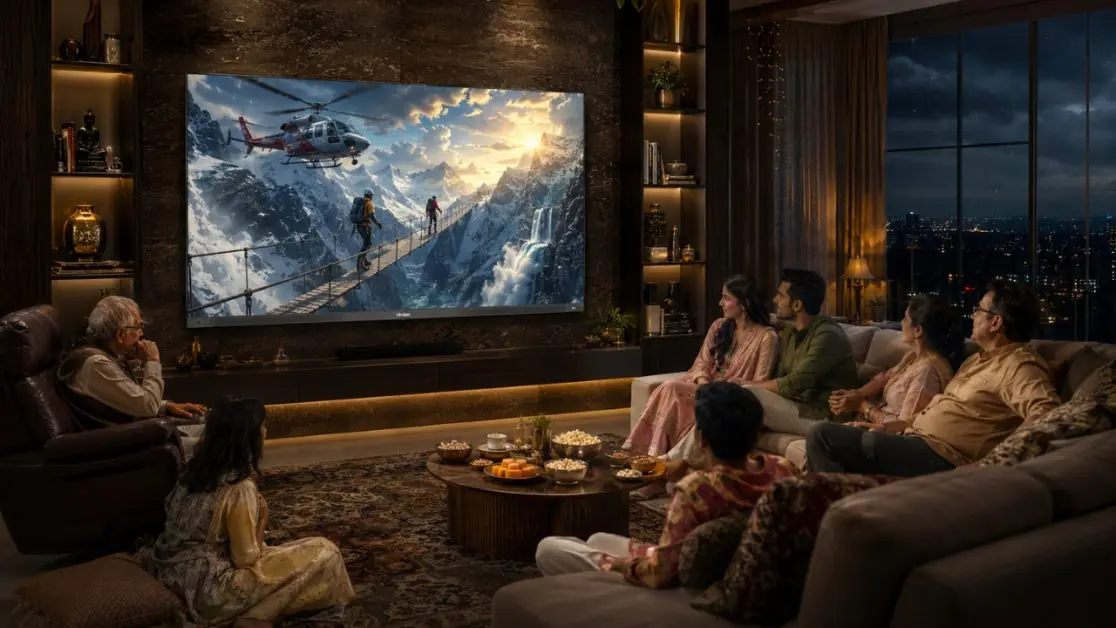
Not every TV room needs the same arrangement.
For everyday family television
Keep some comfortable ambient illumination in the room. A floor lamp, wall light or indirect ceiling light can work better than complete darkness.
For films and OTT nights
Reduce stronger overhead lighting and rely more on subtle illumination behind or around the viewing area.
For gaming
Avoid colourful lights that are bright enough to compete with the display. The C90 OLED supports a 120Hz refresh rate, MEMC 120Hz and AMD FreeSync Premium, with FreeSync designed to support smoother, tear-free gameplay. The display should remain the centre of attention rather than getting lost inside an overly bright gaming setup.
For sports with friends and family
You probably don’t want a completely dark room anyway. Keep enough indirect ambient lighting for conversation and movement while ensuring that strong lights aren’t reflected in the panel.
6. Use the TV Wall as Part of the Interior
Lighting doesn’t always have to come from behind the screen.
Wall sconces positioned sufficiently away from the television can frame the area. Lighting inside shelving can add depth. A subtle light underneath a floating console can make the entire installation appear lighter and cleaner.
There is one useful rule here: the television should remain the brightest point when you are actually watching it.
If a decorative shelf is glowing more aggressively than the movie, the lighting design has started working against the room.
And keep colour temperature consistent where possible. Mixing a very cool white ceiling light with extremely warm lamps and saturated RGB lighting can make the room look visually disjointed.
A Premium Screen Deserves a Thoughtful Setting
Once lighting has been sorted, the television itself becomes the natural centrepiece.
The Haier C90 OLED Google TV range is available in 140 cm (55), 165 cm (65) and 194 cm (77) screen sizes, allowing the viewing setup to be planned around different room dimensions. Across the range, Haier combines OLED picture technology with 4K resolution, Dolby Vision IQ, HDR10+, Dolby Atmos, 50W 2.1-channel sound and Google TV.
Google TV brings personalised content recommendations into the experience, while hands-free voice control provides another way to operate the TV and access content. For homes where entertainment moves between films, streaming, sport, music and gaming, that makes the C90 OLED more than a display sitting against a beautifully lit wall.
It becomes the entertainment hub the room has been arranged around.
Before You Switch Off the Main Light
A better TV room doesn’t necessarily require more lighting fixtures. Usually, it requires better control over the ones already there.
Keep direct light away from the panel. Manage strong daylight. Introduce gentle illumination behind or around the viewing area. Use floor and table lamps to create comfortable layers rather than flooding the entire room with one harsh source.
Most importantly, design the lighting to support the picture rather than compete with it.
Pair that thoughtful environment with the Haier C90 OLED Google TV, and the result can feel noticeably more refined whether it is a quiet late-night episode, an IPL match with the family or a weekend movie that somehow turns into three.
The screen gets the attention it deserves. The room still feels like home.
Frequently Asked Questions
1. What is the best lighting to use around a TV?
Soft, indirect lighting generally works best. Backlighting behind the TV, floor lamps positioned away from the screen and subtle wall lighting can illuminate the room without creating distracting reflections.
2. Should you watch TV in complete darkness?
A completely dark room is not always necessary. Gentle ambient lighting behind or around the television can create a more comfortable viewing environment while keeping attention on the screen.
3. Where should lights be placed to avoid TV glare?
Avoid placing bright lamps or ceiling lights where their reflection is visible on the screen. Lights positioned beside or behind the seating area, or indirect lighting behind the TV, can be more suitable.
4. Does room lighting affect TV picture quality?
Room lighting can influence how brightness, contrast and colours appear to the viewer. The Haier C90 OLED Google TV features Dolby Vision IQ, which is designed to optimize visuals based on ambient light conditions.
5. Is the Haier C90 OLED suitable for different living room sizes?
The C90 OLED range is available in 140 cm (55), 165 cm (65) and 194 cm (77) screen sizes, giving households different options depending on their room and viewing setup.
6. What features does the Haier C90 OLED offer for home entertainment?
The range combines an OLED display with 4K resolution, Dolby Vision IQ, HDR10+, Dolby Atmos, 50W 2.1-channel sound, Google TV and a 120Hz refresh rate. It also supports AMD FreeSync Premium for smoother gaming.