
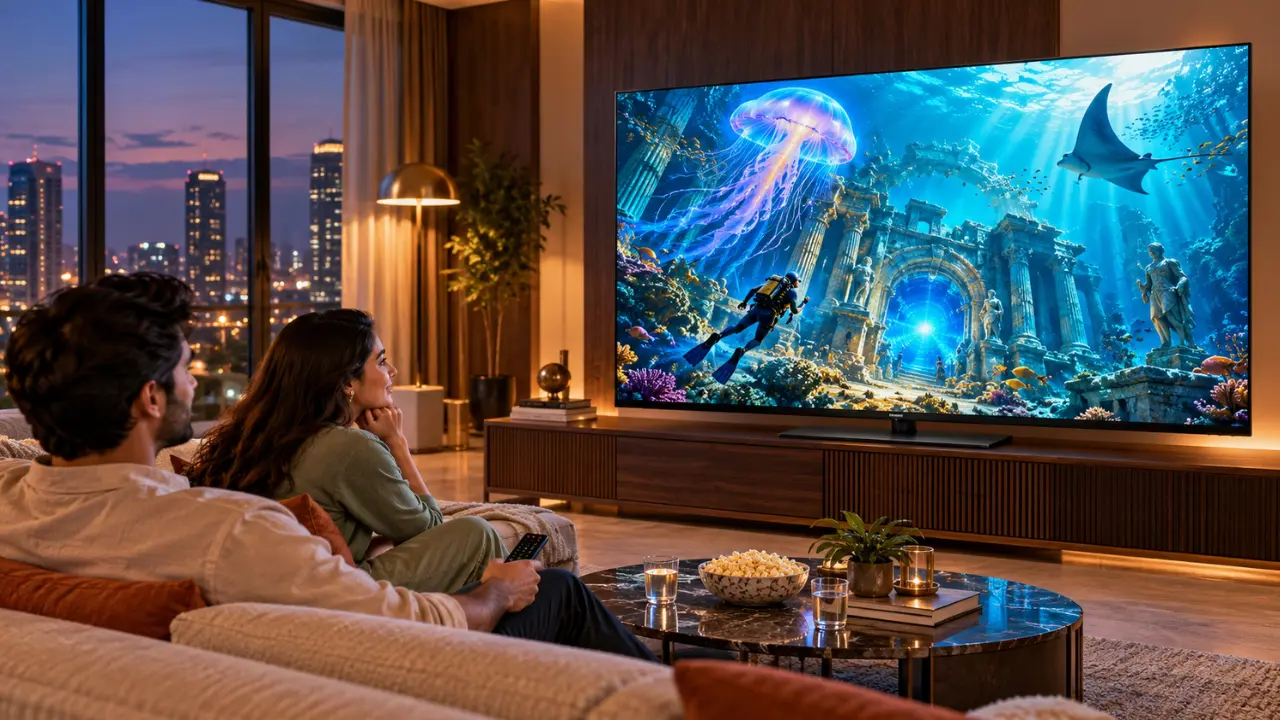

It’s been a long day, so you settle down in front of the television to find something interesting to watch. However, choosing a film or programme can sometimes take longer than expected.
A smart TV’s software plays an important role in making this experience easier. It affects how you discover content, open apps and use connected features.
Most Indian households compare screen size, resolution, sound quality and price before purchasing a new TV. However, the operating system deserves attention too. It determines how you find content, install apps, switch between entertainment options and use voice control.
A good smart TV experience should make everyday entertainment simple and convenient. Understanding the available features can help you choose a television that suits your needs.
What Is an Operating System for a Smart TV?
Imagine that a smart TV operating system is the control centre of your television.
The screen displays the picture, the speakers produce sound, and the operating system controls how you use applications and connected features.
Even a television with excellent picture quality can feel inconvenient without user-friendly software.
A smart TV operating system typically manages:
- Content discovery: Finding films, programmes and recommendations from supported streaming services.
- Access to applications: Installing and managing compatible entertainment apps.
- Voice assistance: Searching for content and adjusting supported settings using voice commands.
- Device connectivity: Connecting compatible smartphones and other devices.
- Personalisation: Organising recommendations and viewing suggestions.
- Software updates: Receiving supported improvements, fixes and security updates.
Two televisions with the same 4K resolution can provide different everyday experiences because of their software, processing hardware and available memory.
Why Smart Features Matter for Everyday Viewing
Imagine a Sunday afternoon. One family member wants to watch sports highlights, another prefers a Hindi thriller, and the children want cartoons.
A smart TV with convenient content discovery and personalised recommendations can make it easier for everyone to find something to watch.
Content Discovery Without Constant Searching
A content-focused interface helps users discover films and programmes across supported services.
Useful features may include:
- Recommendations from supported streaming platforms.
- Access to compatible applications.
- Personalised viewing suggestions.
- A watchlist for saving films and programmes.
- Voice search on compatible televisions.
These features can make entertainment selection more convenient. However, recommendations depend on available services, subscriptions and viewing activity.
Voice Assistance Makes Searching Easier
Typing a film title using directional buttons can take time.
On compatible televisions with voice assistance, users can search for programmes and perform certain TV actions using supported voice commands.
For example, searching for a comedy film or a particular actor may be easier with voice input than using the on-screen keyboard.
Language support, internet connectivity, television specifications and remote-control features can affect the experience.
Sharing Content from a Smartphone
Televisions with built-in casting support can display compatible content from supported mobile devices and applications.
This can be useful when watching content on a larger screen without connecting additional cables.
Before purchasing, check the specifications of the particular television to confirm which casting features are supported.
Haier Google TVs for Different Viewing Needs

Haier offers television options for different room sizes, display preferences and entertainment requirements.
Whether you need a compact television for a bedroom or a larger screen for family entertainment, consider your available space, viewing distance and preferred features before making a decision.
Haier K85 32-Inch Google TV: A Smart Entertainment Solution for Small Spaces
The Haier K85 32-inch Google TV is designed for compact spaces, including bedrooms and smaller rooms. It features a 32-inch HD Ready display with a resolution of 1366 × 768.
Notable features include:
- Google TV operating system.
- Voice functionality with Google Assistant.
- Built-in Chromecast.
- HDR10 and HLG support.
- Dolby Audio.
- 20W audio output.
If you do not need a large television, the K85 offers smart entertainment features in a compact format. It can be an option for everyday viewing in a bedroom or smaller living space.
Haier P7GT 43-Inch 4K Google TV: A Step Towards Detailed Viewing
The Haier P7GT 43-inch 4K Ultra HD Google TV features a resolution of 3840 × 2160, delivering greater detail when viewing suitable 4K content.
Its listed features include:
- Google TV with personalised recommendations.
- Hands-free voice control.
- Dolby Vision and Dolby Atmos.
- Built-in Chromecast.
- MEMC motion processing.
- Game Mode with VRR and ALLM support.
- 60Hz refresh rate.
The P7GT may suit viewers looking for a 43-inch 4K television with entertainment and selected gaming features.
Its hands-free voice-control functionality can also make searching for content more convenient. Feature availability should be confirmed for the exact model and region.
Haier S80 43-Inch QLED Google TV: For Vivid Colours
The Haier S80 43-inch Google TV combines a 4K QLED display with the Google TV operating system.
QLED technology uses quantum dots to enhance colour reproduction. However, overall picture quality also depends on the display panel, settings and content being viewed.
The S80 offers:
- 4K UHD QLED resolution.
- Google TV and Google Assistant.
- Built-in Chromecast.
- HDR10 and HLG support.
- Dolby Audio and DBX-TV sound enhancement.
- VRR and Auto Low Latency Mode support.
- 2GB RAM and 32GB storage.
This model may appeal to viewers who prefer a 4K screen with vivid colours and smart entertainment features.
The right choice depends on your preferred screen size, viewing habits and the features that matter most to you.
How to Choose the Right Smart TV for Your Home

Before purchasing a television, consider the following factors.
App support: Check whether your favourite streaming applications are available on the specific model in your region.
Interface responsiveness: If possible, try opening applications and navigating menus before purchasing.
Voice control: Check whether voice functions require a remote or support hands-free operation.
Display quality: Compare resolution, contrast, brightness and colour performance.
Connectivity: Review HDMI ports, Wi-Fi, Bluetooth and casting support.
Sound quality: Consider audio output and supported sound features based on your room size.
Software support: Review the manufacturer’s available software-update information.
Processing hardware: Available memory and processing capability can affect how smoothly the interface operates.
Remember that features can vary between television models, software versions and regions. Always check the specifications of the exact product before purchasing.
Selecting a TV That Fits Your Daily Lifestyle
A smart TV operating system should make watching television easier, not more complicated.
When choosing a Haier Google TV, consider your room size, preferred resolution, favourite content and the smart features you expect to use regularly.
Haier’s options for Indian homes include the compact K85 and the 4K P7GT and S80 models. Each offers different screen and entertainment features to suit different preferences.
Explore the Haier Google TV range and compare the screen size, display technology, sound features and connectivity of each model.
The best television is one that fits your space, supports the content you enjoy and makes everyday viewing simple and enjoyable.
Frequently Asked Questions
1. What should I consider when choosing a smart TV?
Consider screen size, resolution, picture quality, sound, application availability, connectivity, voice features and software support. Your room size and viewing habits should guide your decision.
2. Can I install applications on a Haier Google TV?
Yes. Compatible television applications can be installed through the supported app platform. Availability depends on the application, television model and region.
3. Does a Haier Google TV require an internet connection?
An internet connection is required for streaming, downloading applications, online recommendations and many voice functions. Certain connected devices and television functions may still work without internet access.
4. Which Haier Google TV is suitable for a bedroom?
The Haier K85 32-inch Google TV may suit a compact bedroom. For a larger 4K display, the 43-inch P7GT or S80 may be worth considering, depending on viewing distance and available space.
5. Do Haier Google TVs support screen casting?
The Haier K85, P7GT and S80 specifications include built-in Chromecast functionality. Check the specifications for your region and confirm that your device, application and content are compatible.
6. Is a higher screen resolution always better?
Not necessarily. Resolution is important, but screen size, viewing distance, brightness, contrast, colour reproduction and sound quality also affect the overall viewing experience.