
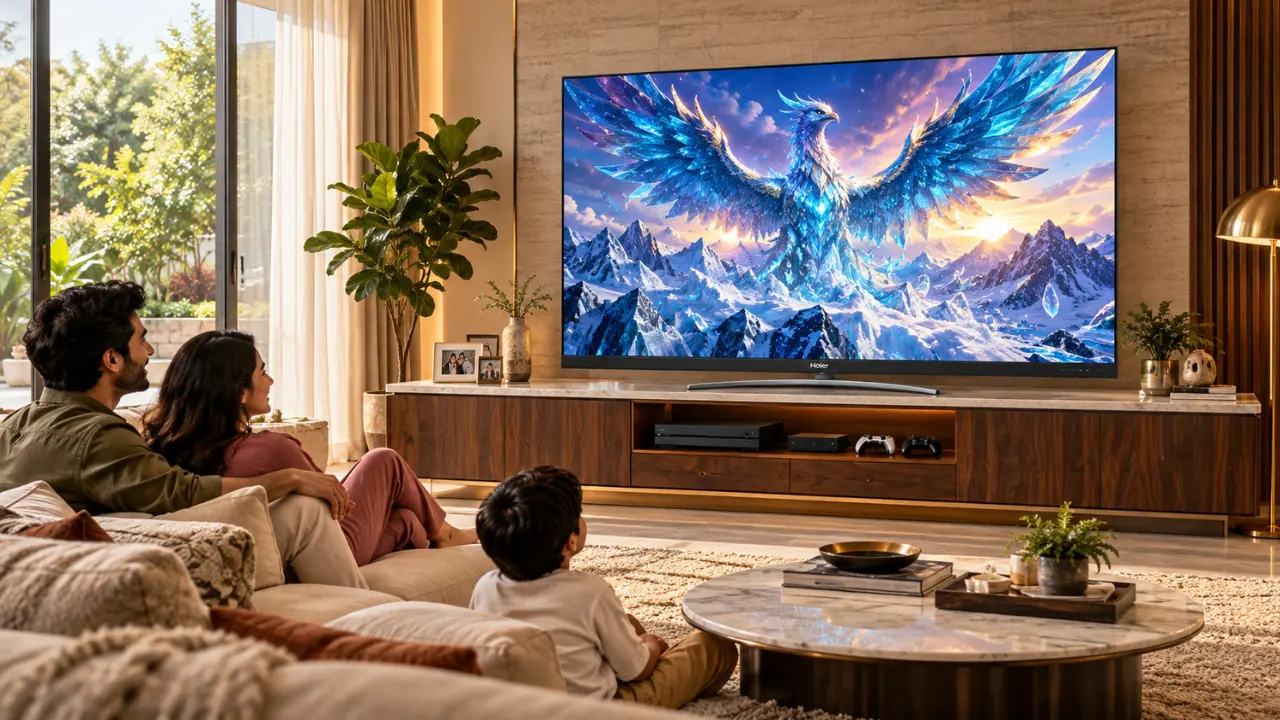

You’ve done it, you’ve finally selected your TV. It is just as large as it could be, the image quality is impressive, and you’ve already thought of watching the next cricket match on it. Next is a question that is sometimes overlooked.
What should be done with the TV?
Comparing a TV stand to a TV wall mount to a TV floor stand may not seem like much of an interior design decision. However, the placement of your TV can alter comfort, space, safety and even connectivity.
It is possible to have a wall-mounted TV that will look splendid in a tiny apartment in Mumbai. A traditional TV stand could work better in a spacious family living room. And a floor stand? When flexibility is important, that’s something to consider.
Before selecting, let’s have a look at all three setups and see how Haier India’s QLED televisions fit into different scenarios.
What’s the Difference Between a TV Stand, Wall Mount or Floor Mount?
The three setups are mainly intended to keep your television steady and at an optimal viewing position. The differences are more apparent in practice, though.
| Setup | Best Suited For | Main Advantage | Main Consideration |
| TV Stand | Living rooms and entertainment units | Convenient access to devices and connections | Requires furniture space |
| Wall Mount | Compact spaces and contemporary interiors | Frees up floor space | Requires suitable wall support and compatible mounting hardware |
| Floor Stand | Flexible layouts and rental homes | Offers flexibility in positioning | Requires a stable base and suitable mounting compatibility |
The answer is: TV stands are ideal for convenience, wall mounts for saving floor space, and floor stands for flexibility when you don’t want to mount the TV directly on a wall.
But there’s more to it than that.
When Does a TV Stand Make Sense?
Imagine a typical Indian living room. There is a sofa in front of the TV, a set-top box is placed under it, maybe a game console is there, and some family photos are on the entertainment unit.
A TV stand will easily fit into this setup.
Tabletop mounting is different from wall mounting because the TV is placed on a table or cabinet using its supporting base.
How would you go about making a TV stand functional?
- Easy access to connections: HDMI ports, external equipment and USB devices are generally easier to reach.
- No wall drilling: Useful for rented flats and rooms where wall drilling is not allowed.
- Flexible furniture placement: The entertainment unit can be moved without disturbing wall-mounted brackets.
- Built-in storage: You can store your set-top box, gaming console and accessories in an entertainment cabinet.
Most people don’t think of this, but there is another benefit. A TV on a well-sized cabinet can look more harmonious with the rest of the furniture.
A Haier TV Worth Considering for Tabletop Placement
If you’re looking for a television to place on a table, consider a Haier QLED model that comes with a tabletop stand.
For families looking for a larger screen, the Haier S80G QLED 165cm (55) Google TV (H55S80GUX) is worth considering.
It features:
- A 4K UHD QLED display with a resolution of 3840 × 2160.
- HDR10 support for enhanced picture detail and contrast.
- Dolby Audio for a more immersive listening experience.
- Google TV for personalised content recommendations.
- Google Assistant voice control for convenient operation.
- Built-in Chromecast for streaming content from compatible devices.
- A tabletop stand specified in its product details.
The TV measures approximately 1227 mm wide, 745 mm high and 240 mm deep with the stand.
If you already have an entertainment cabinet and want to see if there is enough space, these measurements will help you determine that.
A warning: the cabinet should carry the weight of the television and allow sufficient room for the base, ventilation and cables. The TV must also be secured against tipping where necessary.
Why Are So Many Homes Choosing Wall-Mounted TVs?
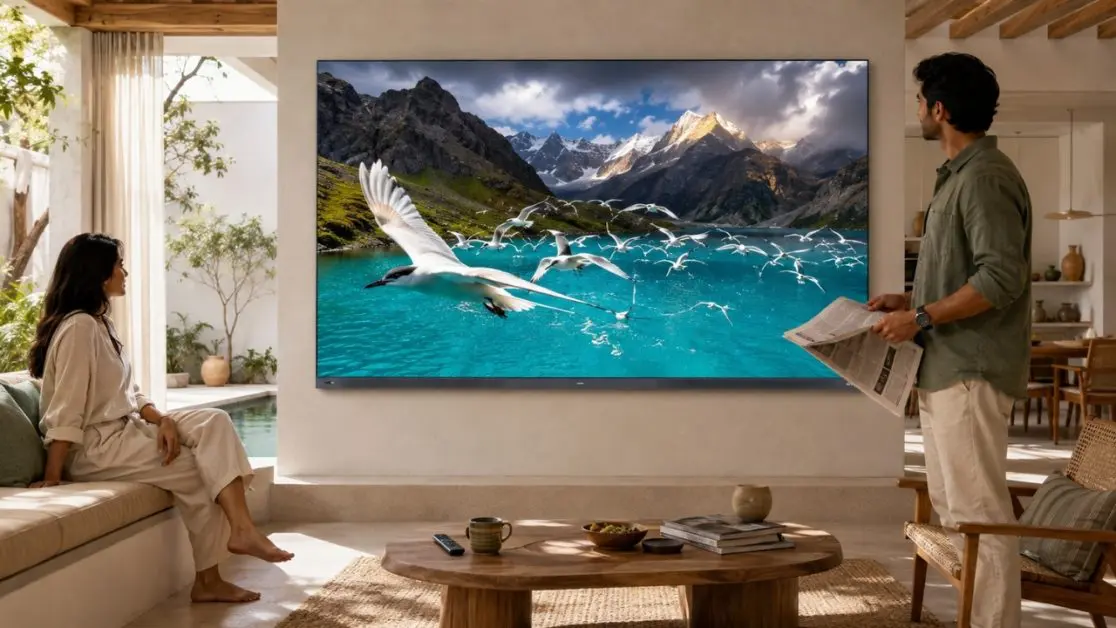
The moment you enter a newly furnished apartment, you are likely to see the television placed on a feature wall, possibly with a floating cabinet underneath.
This is why it’s easy to understand the appeal.
When the television is mounted on the wall, the area below the TV is not crowded with furniture, and the room can look more spacious. It can be a good idea in bedrooms and smaller living rooms.
When Is Wall Mounting the Best Choice?
Consider mounting your TV on the wall if:
- There is space for a bed and only a little room left on the floor.
- You want an entertainment wall all on its own.
- The viewing position is unlikely to change frequently.
- You prefer a clean appearance with fewer visible devices around the screen.
- You have an appropriate wall for the installation.
However, there’s a catch.
Wall mounting isn’t just about attaching a bracket and screwing in a couple of screws. The quality of wall construction, mounting compatibility, weight of the TV and bracket quality all matter.
One TV bracket can’t necessarily fit every 165cm (55) TV.
Where Should You Put a TV on the Wall?
The general rule is that the screen should be positioned so its centre is approximately at eye level when you are seated.
For instance, if your sofa and seating arrangement place your eyes around 105 cm from the ground, this can be a starting point for positioning the centre of the screen.
The final position will need to be adjusted according to your furniture, room layout and viewing requirements.
Don’t install the screen too high. It’s not comfortable to look upwards throughout an entire movie.
In addition, some TVs have speakers that face downwards or towards the rear. Keep the manufacturer’s recommended clearance to ensure furniture or decorative panels don’t block the sound.
Is the Haier S800G QLED Suitable for Wall Mounting?
The Haier S80G QLED 165cm (55) Google TV (H55S80GUX) offers a 4K QLED display, Google TV and Dolby Audio, making it an option for a dedicated home entertainment wall.
Its specifications list four HDMI inputs, two USB 2.0 ports and HDMI 2.1 eARC, which can be useful when connecting compatible external devices and audio equipment.
The TV measures approximately 1228 mm wide, 718 mm high and 83 mm deep without the stand.
Before installing it on a wall, confirm the compatible mounting pattern, bracket requirements and TV weight with the manufacturer or an authorised installer. The product specifications do not establish a specific VESA mounting pattern, so it should not be assumed.
Does a Floor Stand Make a Better TV Stand for Flexibility?
A floor stand sits somewhere between tabletop placement and wall mounting in terms of flexibility.
It stands independently rather than relying on an entertainment cabinet or a wall bracket to support the TV.
Some designs have wheels, while others are designed with a fixed base.
Where Can a Floor Stand Be Useful?
Imagine a home with two different rooms allocated for various activities during the week.
It could be a place of work during the day. On weekends, the family meets there to watch films or play sports.
If the floor stand is compatible with the television, it can provide more flexibility in positioning the screen.
Potential advantages include:
- No permanent wall attachment: Useful when you don’t want to drill into walls.
- Adjustable height: Selected stand models allow the screen height to be adjusted.
- Convenient repositioning: Suitable mobile designs can make moving the TV easier.
- Less dependence on furniture: You may not need a large entertainment cabinet.
But a floor stand does not automatically mean that the TV is safer or more convenient.
Stability depends on the stand’s base, the television’s weight, mounting compatibility and the floor surface. Properly functioning wheel locks are essential for mobile models.
An independent TV setup must be carefully evaluated in homes with young children or pets.
Before buying a floor stand for a Haier TV, check its supported screen size, weight capacity, mounting compatibility and installation requirements.
What Impact Does the TV Have on the Correct Setup?
The size and weight of a television can make a considerable difference to the installation requirements.
A 165cm (55) TV, for example, may fit comfortably on a living room cabinet, but it requires sufficient width, depth and load-bearing capacity.
When installing an entertainment system, you should take two Haier QLED models into account.
165cm (55) Haier S80G QLED: For Everyday Entertainment and Gaming
The Haier S80G QLED 165 cm (55) Google TV (H55S80GUX) combines 4K resolution with smart entertainment and gaming-related features.
Its notable features include:
- 4K UHD QLED display with HDR10 support.
- Dolby Audio for improved sound clarity.
- Google TV with personalised content recommendations.
- Google Assistant voice control.
- DLG 120Hz technology for smoother motion in supported scenarios.
- Variable Refresh Rate (VRR) for synchronising the display’s refresh rate with compatible content.
- 2GB RAM and 32GB storage.
- Four HDMI inputs and two USB 2.0 ports.
The TV measures approximately 1227 mm wide, 745 mm high and 240 mm deep with its stand.
Its tabletop stand makes it suitable for a compatible entertainment cabinet, provided the furniture offers enough room for the base, cables and ventilation.
The specifications list a native refresh rate of 60Hz. DLG 120Hz should therefore not be confused with a native 120Hz 4K panel.
If you plan to mount the TV on a wall or use a third-party floor stand, verify the approved mounting requirements before installation.
165cm (55) Haier New P7 Pro HQLED: For a More Immersive Home Entertainment Setup
If you’re looking for a television that combines QLED technology with upgraded audio features, the Haier New P7 Pro Series HQLED 139 cm (165cm (55) Google TV (55P7 Pro) is another model to consider.
Its features include:
- HQLED technology for richer colours and enhanced brightness.
- 4K Ultra HD resolution of 3840 × 2160.
- AI Picture Quality for optimising brightness, contrast, colour and clarity.
- Dolby Vision and HDR10+ for enhanced picture detail.
- A 50W 2.1-channel sound system with a built-in subwoofer.
- Google TV with Gemini and hands-free voice control.
- 93% DCI-P3 colour gamut for a broad range of colours.
- MEMC for smoother motion in fast-moving scenes.
- 2GB RAM and 32GB storage.
- Gaming features including Game Mode, ALLM and VRR.
The model also includes Chromecast built-in, making it convenient to cast compatible content from a smartphone to the TV.
According to its product specifications, the television measures approximately 1227 mm wide, 745 mm high and 240 mm deep with the stand.
The metal stand design can complement a modern entertainment unit, while the built-in subwoofer provides an additional audio advantage for movies, sports and gaming.
If you prefer wall mounting, check the compatible bracket specifications and installation requirements before proceeding. The TV’s dimensions and weight should be considered when selecting a suitable mounting solution.
Which 165cm (55) Haier TV Should You Choose?
Both models offer 4K QLED viewing and Google TV, but they have different feature combinations.
| Feature | Haier S80G QLED (H55S80GUX) | Haier New P7 Pro HQLED (55P7 Pro) |
| Display | 4K UHD QLED | 4K UHD HQLED |
| HDR support | HDR10 | Dolby Vision and HDR10+ |
| Audio | Dolby Audio, 30W | Dolby Vision and Atmos support, 50W 2.1-channel sound with built-in subwoofer |
| Smart platform | Google TV | Google TV with Gemini |
| Gaming features | DLG 120Hz and VRR | Gaming 120Hz, Game Mode, ALLM and VRR |
| RAM and storage | 2GB RAM + 32GB storage | 2GB RAM + 32GB storage |
| Best suited for | Everyday viewing, streaming and gaming features | Enhanced home entertainment with a more powerful built-in audio system |
Both televisions can be considered for tabletop placement. For wall mounting or a floor stand, verify the mounting compatibility and weight capacity of the chosen support.
Before Installing Any TV, What Should You Check?
The first step in a good installation is not to guess; it is to measure.
1. Check Your Viewing Distance
When sofa size and placement are the critical factors, a larger screen does not necessarily mean more improvement.
A good starting point for viewing distance on 4K televisions is:
| Screen Size | Suggested Starting Distance |
| 43 inches | Around 1.3 to 1.8 metres |
| 55 inches | Around 1.7 to 2.3 metres |
| 65 inches | Around 2.0 to 2.7 metres |
These are basic comfort guidelines rather than requirements. The distance may depend on your preference, vision and viewing content.
For the two 165cm (55) Haier models discussed here, start by checking whether your seating arrangement provides a comfortable viewing distance.
2. Think About Sunlight and Reflections
Reflections from a TV positioned opposite a large window could be distracting during daytime viewing.
Consider placing it away from direct sunlight and strong light sources.
Also consider how the position of your TV affects viewing from different seats in the room.
3. Plan Your Cable Connections
Look at the location of your external devices, electrical socket and internet connection.
Consider cable routing before wall mounting. Keep cables accessible for maintenance, and do not conceal unsuitable power cords inside walls.
Both the Haier S80G and P7 Pro include four HDMI inputs and two USB 2.0 ports according to their product specifications, making it useful to plan where external devices will be positioned.
4. Confirm Mounting Requirements
When purchasing a bracket or third-party stand, check:
- The VESA mounting pattern for the television, if applicable.
- The weight and dimensions of the TV.
- The mounting hardware requirements.
- The load rating of the wall or floor stand.
- The manufacturer’s instructions for installation.
Don’t assume that a universal bracket will fit all TVs. If the mounting information is not listed in the product documentation, confirm it with Haier or an authorised installer.
How Can Haier TVs Complement Different Living Room Designs?
The installation you select should complement the television and not detract from it.
Haier India’s QLED television range offers different combinations of display technology, audio features, smart functions and gaming capabilities.
The 165cm (55) Haier S80G QLED is an option for households seeking 4K picture quality, Google TV, Dolby Audio and gaming-related features such as VRR.
The 165cm (55) Haier New P7 Pro HQLED is suited to viewers who want 4K picture quality, Dolby Vision, HDR10+, Google TV with Gemini and a more powerful 50W 2.1-channel audio system with a built-in subwoofer.
Both models can work with a tabletop entertainment unit when the furniture is appropriately sized. Wall mounting or using a floor stand requires checking the relevant mounting and support specifications.
The decision is yours, and it depends on how you will use your space.
Whether you’re following a web series, watching a family movie or enjoying a cricket match, a well-positioned TV can make everyday entertainment more comfortable.
Browse the Haier India television range and compare screen sizes, display technologies, audio systems and features to choose the model and installation that best fit your home.
Frequently Asked Questions
1. Is it better to wall mount a TV or put it on a stand?
A wall mount is generally better for saving floor space and creating a fixed viewing arrangement. A TV stand is convenient when you want accessible connections, storage furniture and easier repositioning. Both can be suitable when installed correctly.
2. Can a 65-inch TV be placed on a stand?
Yes, provided the stand or cabinet supports the television’s weight, accommodates its base and meets the manufacturer’s safety requirements. The Haier S800 65-inch QLED model includes a distinctive metal stand design.
3. Are floor TV stands safe for large televisions?
They can be safe when specifically rated for the television’s size and weight, correctly assembled and placed on a stable surface. Additional precautions may be necessary in homes with children or pets.
4. Does wall mounting affect TV picture quality?
Wall mounting does not inherently change the television’s picture quality. However, mounting height, viewing angle, reflections and room lighting can influence how the picture appears from your seating position.
5. Can I wall mount a Haier QLED TV?
Wall mounting depends on the specifications of the particular Haier TV model, the compatible bracket and the installation surface. Check the product manual or consult Haier’s authorised service team before installation.
6. Which TV setup is best for a rented apartment?
A tabletop TV stand is often convenient because it avoids drilling into walls. A suitable freestanding floor stand is another possibility, provided it meets the television’s compatibility and safety requirements.