
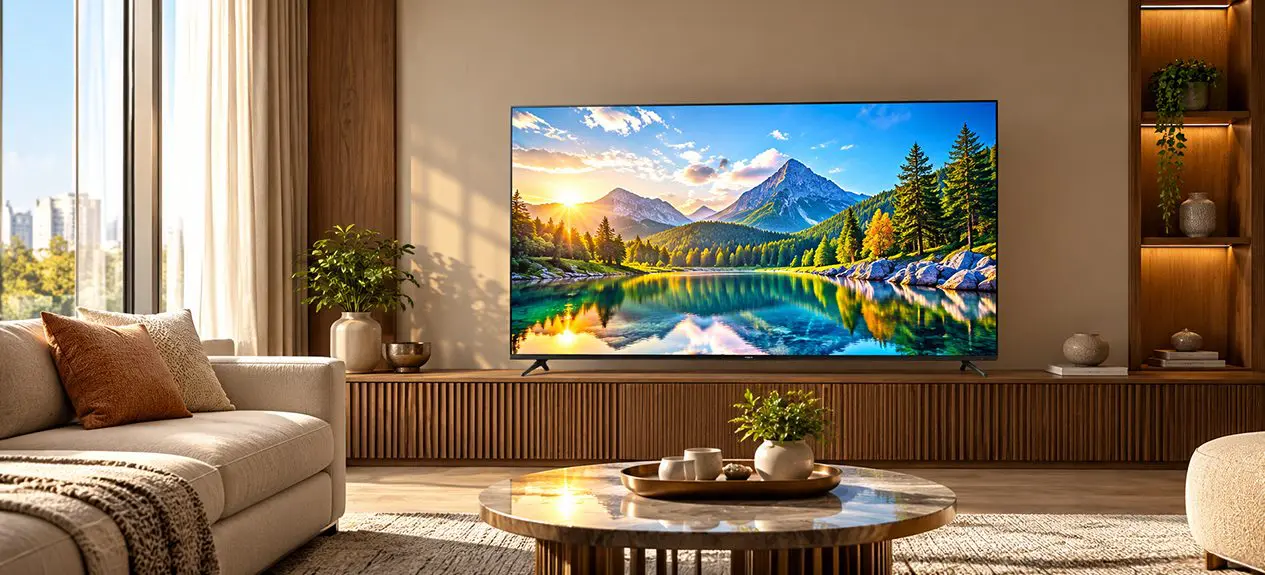

Walk through TV specs long enough and you’ll see one number pop up again and again: nits. 400 nits. 600 nits. 1,000 nits on premium panels. 2,000 nits on flagship Mini LED and OLED.
So what are nits, exactly? And how many do you actually need for your home? Spoiler: the right answer isn’t “as many as possible”. It depends on your room, your content, and whether HDR is part of the picture.
This guide covers TV brightness explained in plain terms, how many nits different types of viewing really need, and how to compare brightness figures sensibly before you buy.
What Are Nits (TV Brightness)?
A nit is a unit of brightness. Technically, it measures how much light a surface emits per square metre (1 nit = 1 candela per square metre). You don’t need the formula just the practical takeaway: higher nits = brighter picture.
So what is nits on a TV? It’s the figure that tells you how bright the screen can get, usually quoted as peak brightness (the maximum the panel can push, usually only in short bursts).
For context:
- A standard interior room is lit at around 100–200 nits of ambient light
- A sunlit room can hit 1,000+ nits of ambient light near a window
- Full daylight outdoors is roughly 10,000 nits
Why Brightness Matters for Picture Quality?
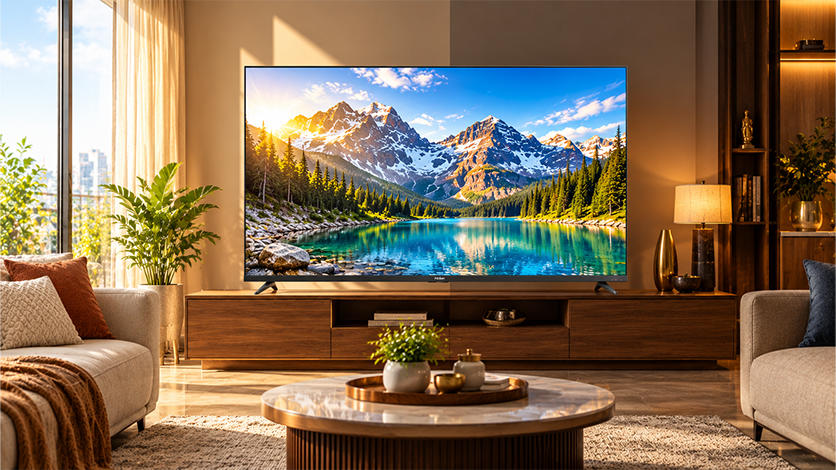
Brightness shapes how your TV handles two things: ambient light in the room, and HDR content.
SDR vs HDR Brightness
Standard dynamic range (SDR) content in most cable TV, older movies, standard streaming is mastered to around 100 nits. Even a modest TV handles that comfortably.
HDR content is different. HDR10, Dolby Vision, and HDR10+ are mastered at 1,000–4,000 nits. The brighter the TV, the more of that HDR range it can actually reproduce. A low-nit TV showing HDR content will technically play it, but the highlights get clipped and the content loses its visual punch.
Bright Rooms vs Dark Rooms
In a dim room, you don’t need extreme brightness; the TV competes only with itself. In a bright living room with windows, higher nits keep the picture visible without washing out. TV brightness nits become one of the most important specs to check when your TV lives in a sunlit space.
How Many Nits Do You Actually Need?
Here’s where it gets practical.
For a Normal Living Room
For general daytime and evening viewing in a mixed-light room, 300–500 nits of peak brightness is typically enough. Most mid-range LED and QLED TVs land in this band.
For HDR Content
For good HDR performance, aim for 600+ nits. Premium HDR formats like Dolby Vision really benefit from 800–1,000 nits, where bright highlights (sunlight, fire, reflections) hit the way they were mastered.
For Very Bright / Sunlit Rooms
In a room with strong daylight windows across the TV wall, no curtains, all-day viewing, 800+ nits is a sensible minimum. 1,000–2,000 nits (on premium QLED and Mini LED) handles the brightest Indian living rooms without any ambient-light struggle.
Typical Nit Levels by TV Type (LED, QLED, OLED)
Rough benchmarks across common panel types in 2026:
- Entry-level LED: 250–350 nits
- Mid-range LED / QLED: 400–600 nits
- High-end QLED and Mini LED: 800–2,000 nits (some flagships push even higher)
- OLED: typically 500–1,000 nits, with newer panels edging past that
A good nits for a TV figure depends on which band you’re shopping in. 400 nits is fine for everyday mid-range use; 800+ is the serious HDR threshold.
Is Higher Always Better?
Short answer: not always. Is higher nits better depends entirely on where the TV lives and what you watch.
- In a bright room: yes, more nits is almost always better
- In a dim room: beyond 600–800 nits, extra brightness mostly goes unused
- For SDR content only: even 400 nits is plenty
- For OLED buyers: chasing nits means missing OLED’s actual strength (contrast and pure blacks)
Very high peak brightness can also feel harsh in a fully dim room, especially if you watch late at night. More isn’t automatically better; it’s about matching the panel to the room.
How to Check a TV’s Brightness Before Buying?
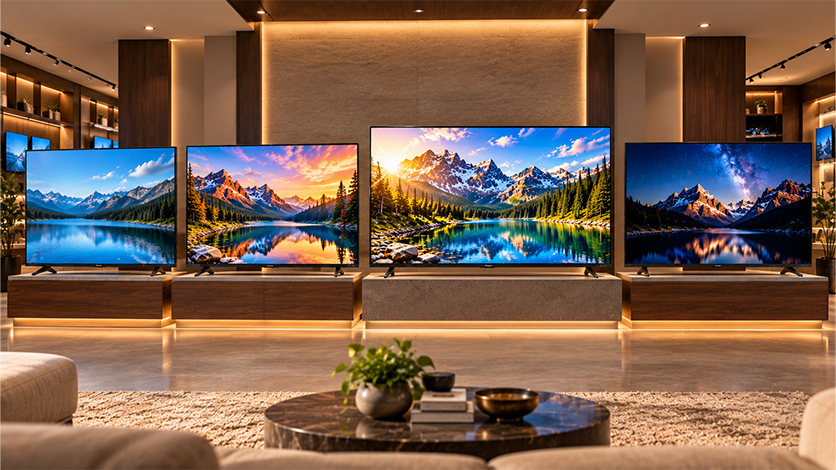
A few things to look for:
- Peak brightness (nits): quoted on product pages for premium TVs; for mid-range models you may need to search reviews or the spec sheet
- HDR format support: HDR10, HDR10+, Dolby Vision these indicate the TV is at least designed to handle wide brightness ranges
- Panel type: QLED and Mini LED usually push higher brightness than standard LED
- Local dimming: full-array dimming or Mini LED zones improve how brightness is distributed, not just the peak figure
You can compare brightness, HDR, and panel specs across sizes on the Haier Google TV lineup, which covers LED, QLED, Mini LED, and OLED with different brightness bands for different rooms.
FAQs
What is nits on a TV?
Nits are a unit of brightness, measuring how much light the screen emits per square metre. Higher nits means a brighter picture, especially useful in rooms with daylight or for HDR content.
How many nits do I need for a TV?
For a standard living room, 300–500 nits is enough. For HDR content, aim for 600–1,000 nits. For bright, sunlit rooms, 800+ nits is a sensible minimum.
Is higher nits better?
Not always. In bright rooms and for HDR content, yes. In dim rooms or for SDR-only viewing, beyond 600–800 nits the extra brightness mostly goes unused.
How many nits is good for HDR?
600 nits is the practical starting point. 800–1,000 nits handles most HDR content well, and premium HDR formats like Dolby Vision benefit from 1,000+ nits.
Is 400 nits enough for a TV?
Yes, for a standard mid-range TV in a mixed-light room. It handles SDR content well and basic HDR adequately. It won’t excel in bright rooms or deliver top-end HDR punch.
What is a good brightness level for a TV?
600–1,000 nits is a strong all-round target for most Indian living rooms. Less is fine for dim rooms; more is useful for bright rooms and heavy HDR viewing.
Do more nits mean a better picture?
Only partly. Brightness is one factor contrast, colour accuracy, local dimming, and panel type all matter too. A bright TV with poor contrast still looks washed out.