
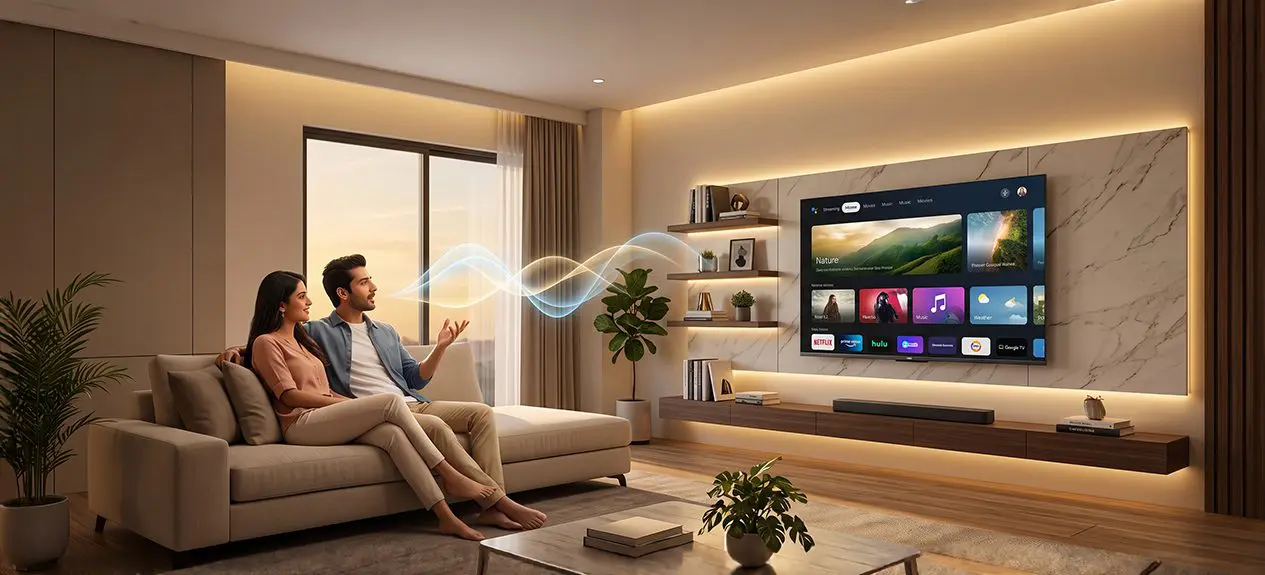

Reaching for a remote to change a channel or search for a show feels almost old-fashioned now. A quick spoken command can do the same thing faster, and on our voice control TV range, that is built in rather than bolted on. This guide covers what voice commands actually do, how to link Alexa and Google Assistant to your TV, and a few practical settings questions that rarely get covered elsewhere.
What Is Voice Command on a Smart TV?
Voice command on a smart TV is a feature that lets the television understand and act on spoken instructions instead of requiring every action to go through a remote. A microphone, either built into the TV or the remote, picks up a spoken request, sends it to a voice assistant like Google Assistant, and the assistant translates that into an action, opening an app, changing the volume, or searching for a specific show. On our Google TV models, this runs natively through Google Assistant, so it responds the same way whether the request comes from the remote’s microphone or a linked phone nearby.
Everyday Ways to Use Voice Commands on a Smart TV
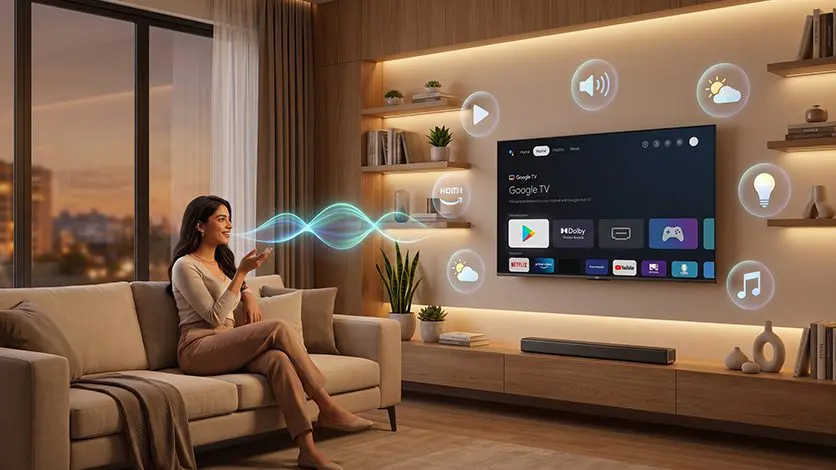
Voice commands cover far more than just “turn on the TV.” What actually changes day to day is how many steps get skipped. Instead of scrolling through five different menus to find a show, saying the title out loud pulls it up directly. Instead of switching inputs manually to connect a console, a single spoken command handles it. Some of the most common everyday uses include:
- Searching for a movie or show by name, actor, or genre without typing on a remote
- Opening a specific streaming app directly by voice
- Adjusting volume, switching inputs, or changing channels hands-free
- Checking the weather or asking general questions using the same assistant built into the TV
- Controlling other connected smart home devices, like lights, through the TV as a central point
Curious about the fuller range of things a voice assistant can actually do on a smart TV?
Read this blog: 8 Unique Ways to Use Your Smart TV’s Voice Assistant
On a model like the Haier C90 OLED 140cm(55″) Google TV | Dolby Vision IQ, our best smart TV with voice control picks, Google Assistant is built directly into the remote, so most of these actions need nothing more than a single button press and a spoken request. We also have a lot more options with this feature, so it is worth checking out the full TV range, comparing specifications, and finding the right fit before purchasing.
How to Connect Alexa to TV
Since our TVs run on Google TV, Google Assistant is the native, built-in voice assistant, so connecting it requires no setup beyond signing into a Google account during the TV’s initial setup.
Alexa is a separate ecosystem, and learning how to connect Alexa to TV generally means going through Alexa’s smart home linking, opening the Alexa app, adding the TV or a connected smart home device as a linked skill, and following the in-app prompts to complete the connection.
Once linked this way, Alexa can typically handle basic controls like power and input switching, while deeper functions like content search and app navigation remain strongest through the TV’s own built-in Google Assistant.
How to Connect TV to Alexa
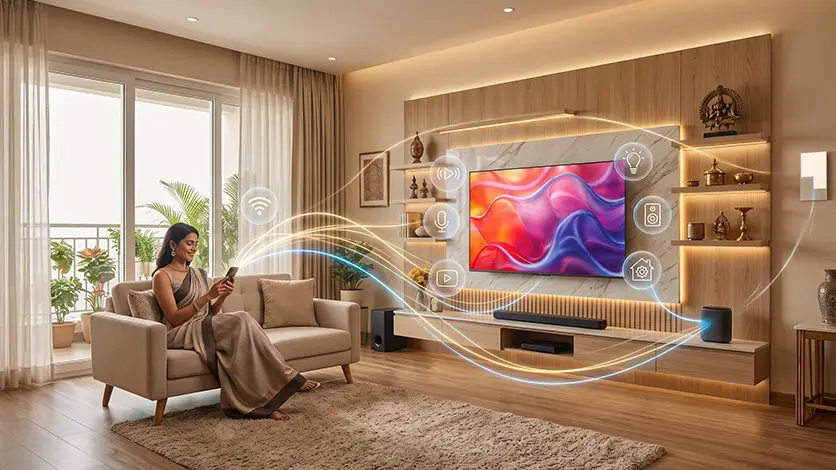
The reverse direction, learning how to connect TV to Alexa by adding the TV as a device inside the Alexa app rather than linking Alexa through the TV’s settings, follows a similar process from Alexa’s side: open the Alexa app, go to the device or skills section, and search for the relevant smart home connection to add the TV.
This is largely handled through Amazon’s app rather than through settings on the television itself, so the steps live primarily on the Alexa side of the connection.
Curious about the full step-by-step setup process for voice assistants on a smart TV, beyond just the Alexa?
Read this blog: How to Set Up Voice Assistant on Your Smart TV Easily
Google Assistant vs Alexa on Our TVs
| Feature | Google Assistant (Built-In) | Alexa (Linked) |
| Extra app required | No | Yes, the Alexa app |
| Works without a second device | Yes, through the TV’s own remote microphone | No, requires the Alexa app or an Echo device |
| Best suited for | Search, app navigation, everyday use | Basic power and smart home commands |
Remote, Phone, or Speaker: What Voice Control Actually Needs
A special remote is not strictly required. Most of our Google TV models include a far-field or built-in microphone remote as standard, which is the most direct way to issue voice commands. Beyond that:
- A phone with the Google Home app can also issue voice commands to a linked TV, without needing the physical remote in hand
- A separate smart speaker, like a Google Nest device, on the same Wi-Fi network can control TV playback and basic functions if the devices are linked through the same Google account
- The remote’s built-in microphone remains the most reliable option, since it does not depend on a second device being nearby or charged
Turning Off Voice Guide and Narration
Voice Guide, sometimes called screen reader or narration, is an accessibility feature that reads menu items and on-screen text aloud. It is separate from voice command and sometimes gets switched on accidentally. To turn it off, go to Settings, then Accessibility, and disable Voice Guide or Screen Reader from that menu.
The exact menu wording can vary slightly by software version, but this accessibility section is where the setting always lives on Google TV.
Voice Control and Wi-Fi: What Works Offline
Voice assistants like Google Assistant and Alexa process spoken requests using cloud-based natural language processing, which means an internet connection is required for the assistant to understand and respond to a command. Without Wi-Fi, voice search, app-opening by voice, and general questions will not work.
Basic remote functions that do not rely on the assistant, like volume and power buttons pressed directly, continue to work without an internet connection, since those are handled locally by the remote and TV rather than through voice processing.
From Voice Commands to a Connected Home
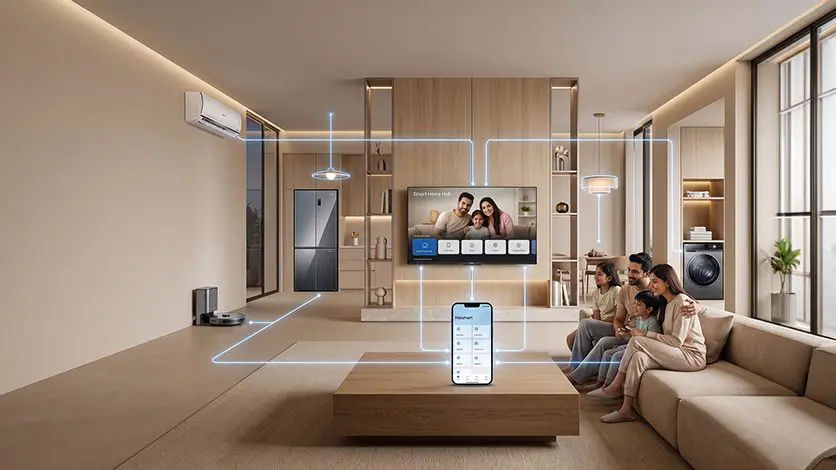
Once a TV responds to a spoken request instead of a remote, the next natural step is extending that same convenience to everything else in the home, and that’s exactly what Haismart application does. Once connected, it turns the TV into a genuine smart home companion, controlling other Haier appliances, air conditioners, refrigerators, robot vacuums, right alongside the voice commands already covered in this guide. For anyone specifically comparing a best smart TV with voice control, this is worth factoring in, since the value isn’t limited to the screen alone, it extends to how much of the home responds to the same voice and the same app.
Download HaiSmart:
Conclusion
What actually makes voice commands worth using is not any single feature, it is that a TV stops requiring deliberate operation and starts responding the way a conversation would. That shift is small in the moment but adds up over weeks of everyday use, less time spent navigating, more time spent actually watching something. On our Google TV range, this comes built in through Google Assistant, with Alexa available as an additional linked option for basic controls. Once set up properly, voice control tv stops feeling like a feature to remember and starts feeling like the default way the TV works.
FAQs
How do I connect Alexa (or Google Assistant) to my TV?
Google Assistant comes built in on our Google TV models and activates during initial setup with a Google account. Alexa connects separately through the Alexa app’s smart home linking process.
What can I actually do with voice commands on a smart TV?
Search for content, open apps, adjust volume or inputs, ask general questions, and control other connected smart home devices, all without using the remote’s buttons directly.
Do I need a special remote for voice control, or can I use my phone/speaker?
A microphone-equipped remote is standard on our Google TV models, but a phone with the Google Home app or a linked smart speaker can also issue voice commands.
How do I turn off the voice guide/narration on a smart TV?
Go to Settings, then Accessibility, and disable Voice Guide or Screen Reader from that menu.
Does voice control work without Wi-Fi?
No, voice assistants require an internet connection to process spoken requests. Basic remote button functions like volume and power continue to work without Wi-Fi.