


You can place two 4K TVs side by side and still notice that one picture simply looks more lifelike than the other. The colours feel richer, bright highlights stand out without looking harsh, and darker scenes reveal details that are easy to miss on another screen. More often than not, the difference comes down to HDR.
If you’ve been trying to understand the HDR meaning, wondering how it relates to 4K HDR, and comparing HDR10 vs HDR10+, you’re looking at one of the most important technologies behind modern picture quality.
This guide explains what HDR actually does, the different HDR formats you’ll come across, and which one makes the biggest difference when choosing your next television.
What Does HDR Mean?
HDR stands for High Dynamic Range. Rather than adding more pixels to the screen, it works on improving what those pixels can show you, by widening the gap between the darkest shadows and the brightest highlights in an image.
Think about watching the sunset. Without HDR, the bright sky may lose detail, while the foreground becomes too dark to see clearly. HDR allows both to appear at the same time, preserving highlights without sacrificing shadow detail.
A good HDR experience brings:
- Brighter highlights
- Deeper blacks
- Better contrast
- Richer, more natural colours
- Improved detail in both bright and dark scenes
This is why HDR has become one of the biggest improvements in modern television picture quality.
4K HDR Explained: Understanding 4K Resolution and HDR Together
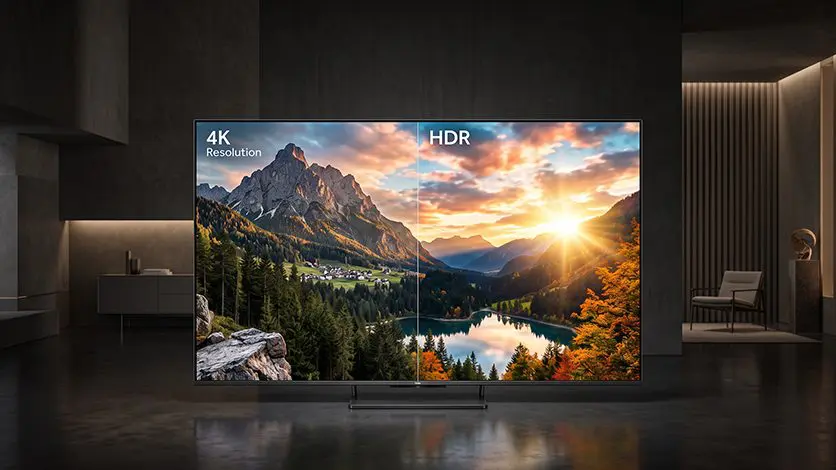
People often confuse resolution with HDR, but they improve different parts of the picture.
And if you’ve ever wondered what is 4K resolution, it’s simply about pixel count. A 4K TV packs in four times as many pixels as Full HD, which is what gives you that sharper, more detailed picture.
HDR doesn’t add more pixels. Instead, it improves what those pixels can display.
Think of it this way:
- 4K makes the picture sharper.
- HDR makes the picture more realistic.
Together, they create a picture that’s both sharper and more lifelike, which is why 4K HDR has become the standard across most modern televisions.
HDR on its own improves picture quality, but you’ve probably also come across terms like Dolby Vision sitting alongside HDR10 and HDR10+. That’s because Dolby Vision happens to be one of the most advanced HDR formats right now.
Want to understand whether 4K resolution is the right upgrade for your viewing needs?
Read this blog: 4K vs Full HD – Which TV Resolution Actually Matters for You?
HDR10, HDR10+ and Dolby Vision: What’s the Difference?
Although all three formats improve picture quality, they don’t process HDR content in the same way.
HDR10 uses one brightness setting for the entire movie or programme. HDR10+ and Dolby Vision can adjust brightness scene by scene, or even frame by frame, allowing the TV to optimise every moment individually.
| Feature | HDR10 | HDR10+ | Dolby Vision |
| Metadata | Static | Dynamic | Dynamic |
| Brightness optimisation | Entire movie | Scene by scene | Scene by scene (frame-by-frame capable) |
| Picture precision | Good | Better | Most advanced |
| Colour accuracy | Very good | Excellent | Excellent |
| Content availability | Widely supported | Growing rapidly | Widely supported across premium streaming services |
| Best suited for | Everyday HDR viewing | Premium streaming and movies | High-end cinema-quality viewing |
The important thing to remember is that these formats build on the same HDR foundation. They’re not completely different technologies. They simply become more advanced in how they manage brightness throughout a film.
The comparison between HDR10+ vs Dolby Vision is much closer. Both use dynamic metadata to optimise brightness throughout a film or show. Dolby Vision has a wider ecosystem behind it and pushes more advanced processing, while HDR10+ gets you a lot of the same benefits without needing Dolby’s licensing.
Picture Quality: Where HDR Makes a Difference
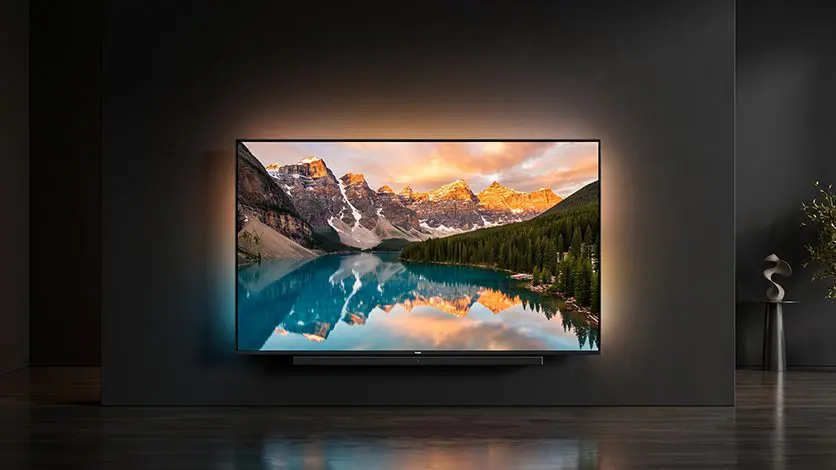
Here’s where the differences between HDR formats become easier to notice. Two TVs might both support 4K, but the one with better HDR can produce a picture that feels noticeably more lifelike.
- HDR10: Delivers brighter highlights and better contrast than standard video, making everyday HDR content look richer.
- HDR10+: Adjusts brightness and contrast scene by scene, helping dark sequences retain detail while keeping bright highlights balanced.
- Dolby Vision: Takes that refinement even further with more precise picture optimisation, allowing colours, contrast and brightness to stay consistent throughout the content.
None of these formats is automatically the “best.” HDR10 already delivers a noticeable step up from standard picture quality, which is why it’s still widely used. HDR10+ and Dolby Vision simply take things further by adapting the picture as scenes change, making movies and premium streaming content look more balanced from start to finish.
These aren’t the kind of differences you’ll always notice during a five-minute demo in a showroom. They become clearer after you’ve spent time with the TV, especially while watching HDR films, visually rich documentaries or long streaming sessions.
Curious to know how modern TVs automatically adjust picture settings to match what you’re watching?
Read this blog: Picture Quality That Adapts in Real Time
Which HDR Technology is Right for Your TV?
If most of your viewing consists of everyday television, sports and casual streaming, HDR10 already offers a noticeable improvement over standard picture quality.
HDR10+ starts to show its strengths when watching HDR films and series that shift lighting a lot, since those scene-by-scene adjustments help keep detail intact throughout every scene.
Dolby Vision becomes especially valuable for movie lovers who want the most refined HDR experience available on supported content.
Choose HDR10 if:
- You mostly watch everyday streaming and television
- You’re looking for broad compatibility
- You want reliable HDR performance across different devices
Choose HDR10+ if:
- You regularly stream HDR movies and shows
- You want better scene-by-scene optimisation
- You’re looking for more refined HDR performance
Choose Dolby Vision if:
- Movies are your priority
- You want premium HDR picture quality
- You’re building a home theatre experience
Ever wondered how some TVs automatically adjust the picture as lighting changes around you?
Read this blog: Picture Quality That Adapts in Real Time
Explore Haier TVs That Bring HDR to Life
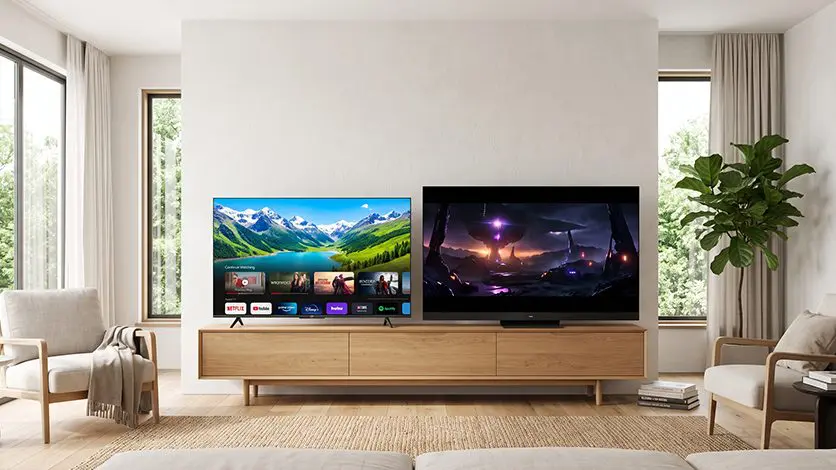
Once you know what HDR brings to the viewing experience, the next step is choosing a television that supports it well. Across Haier’s range, you’ll find models that cover 4K HDR, HDR10, HDR10+, and Dolby Vision, depending on the series.
If you’re looking for an everyday entertainment TV, the Haier K85 4K Ultra HD 127cm (50″) Google TV supports 4K HDR with HDR10, giving you brighter highlights, better contrast, and colours that feel a lot more true to life, whether you’re watching movies, sports, or just streaming something in the background.
For anyone chasing a more cinematic feel, the Haier New M70 Series MiniLED 189 cm (75) AI Smart Google TV with Gemini brings together HDR10+ and Dolby Vision and atmos, letting picture settings adjust on their own from scene to scene, so you get richer contrast and detail that looks more natural.
Whichever you go for, 4K LED, QLED, Mini LED, or OLED, Haier’s TV range pairs advanced HDR formats with smart features, making it that much easier to actually enjoy content the way it was meant to be watched.
Conclusion
HDR changes the way a picture feels, not just how bright it looks. Whether it’s HDR10, HDR10+, or Dolby Vision, each format is designed to reveal more detail, richer colours, and stronger contrast than standard video can deliver.
Once you understand the differences, choosing a TV becomes much simpler. Instead of comparing specifications you don’t recognise, you can focus on the features that match the way you watch. Across Haier’s range, advanced HDR formats work alongside technologies like Mini LED, QLED and OLED to deliver a viewing experience that feels as impressive at home as it does in the showroom.
FAQs
What is the difference between HDR10 and Dolby Vision?
HDR10 uses static metadata, meaning the same brightness settings apply throughout a film or show. Dolby Vision uses dynamic metadata, allowing brightness, contrast, and colour to adjust scene by scene for a more refined picture.
Is Dolby Vision a type of HDR?
Yes, Dolby Vision is an advanced HDR format that builds on standard HDR by optimising picture settings throughout the content for more accurate brightness, contrast, and colour.
Which is better: HDR10 or Dolby Vision?
Dolby Vision generally offers more precise picture optimisation, especially for movies and premium streaming content. HDR10, however, is widely supported and still delivers a significant improvement over standard picture quality.
Does HDR10 content play on a Dolby Vision TV?
Yes, a TV that supports Dolby Vision is also compatible with HDR10, so HDR10 content will play without any issues.
Does Netflix support Dolby Vision?
Yes, many Netflix Originals and selected titles are available in Dolby Vision, provided you have a compatible TV, a supported Netflix plan, and the content is available in that format.
Is Dolby Vision better for gaming?
It can be, particularly on games that support Dolby Vision HDR. It delivers more accurate contrast, brightness, and colour, although HDR10 remains the more commonly supported format across gaming platforms.